Free trial
The homepage invites visitors to start free, but it does not define the limits of the free access or how it differs from paid plans.
Learn moreA Socratic AI tutor that remembers what your student has learned

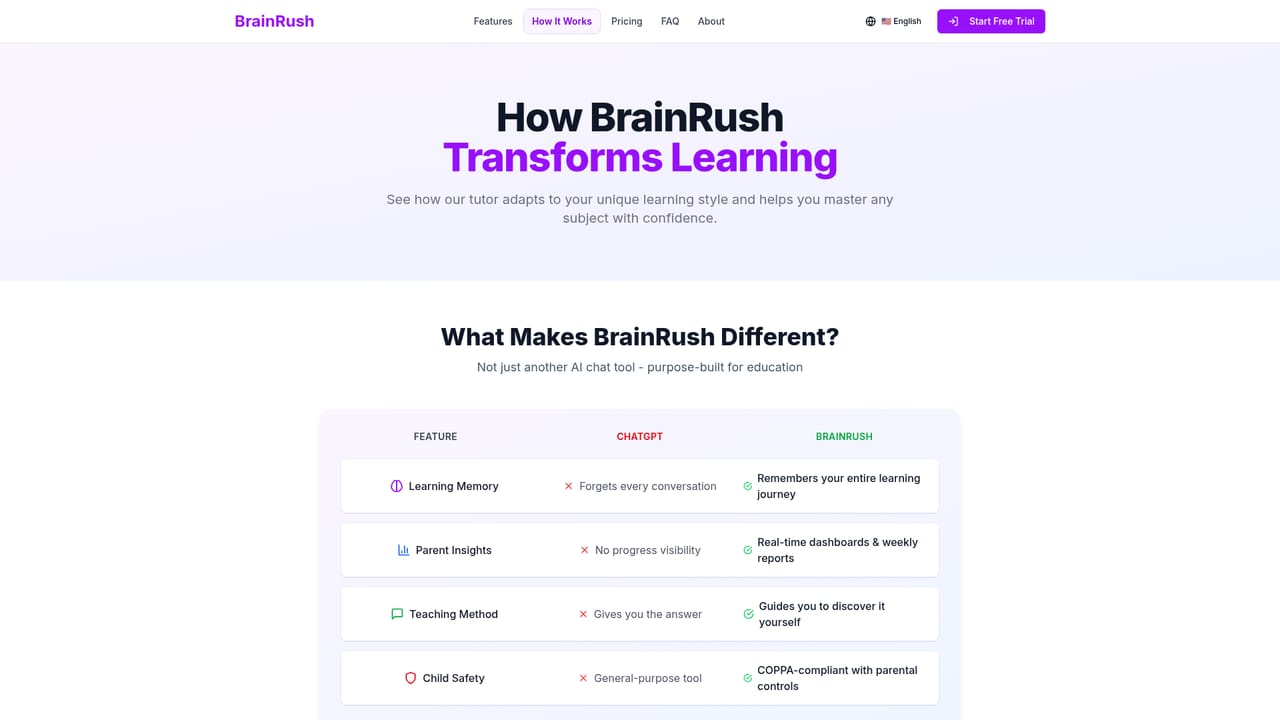
BrainRush AI is an eye contact corrector tool. An AI tutor for students that tracks mastered and weak concepts over time, teaches through Socratic hints instead of direct answers, and gives parents dashboards and weekly progress reports. Sessions run in short 5 to 15 minute blocks with adjustable pacing.
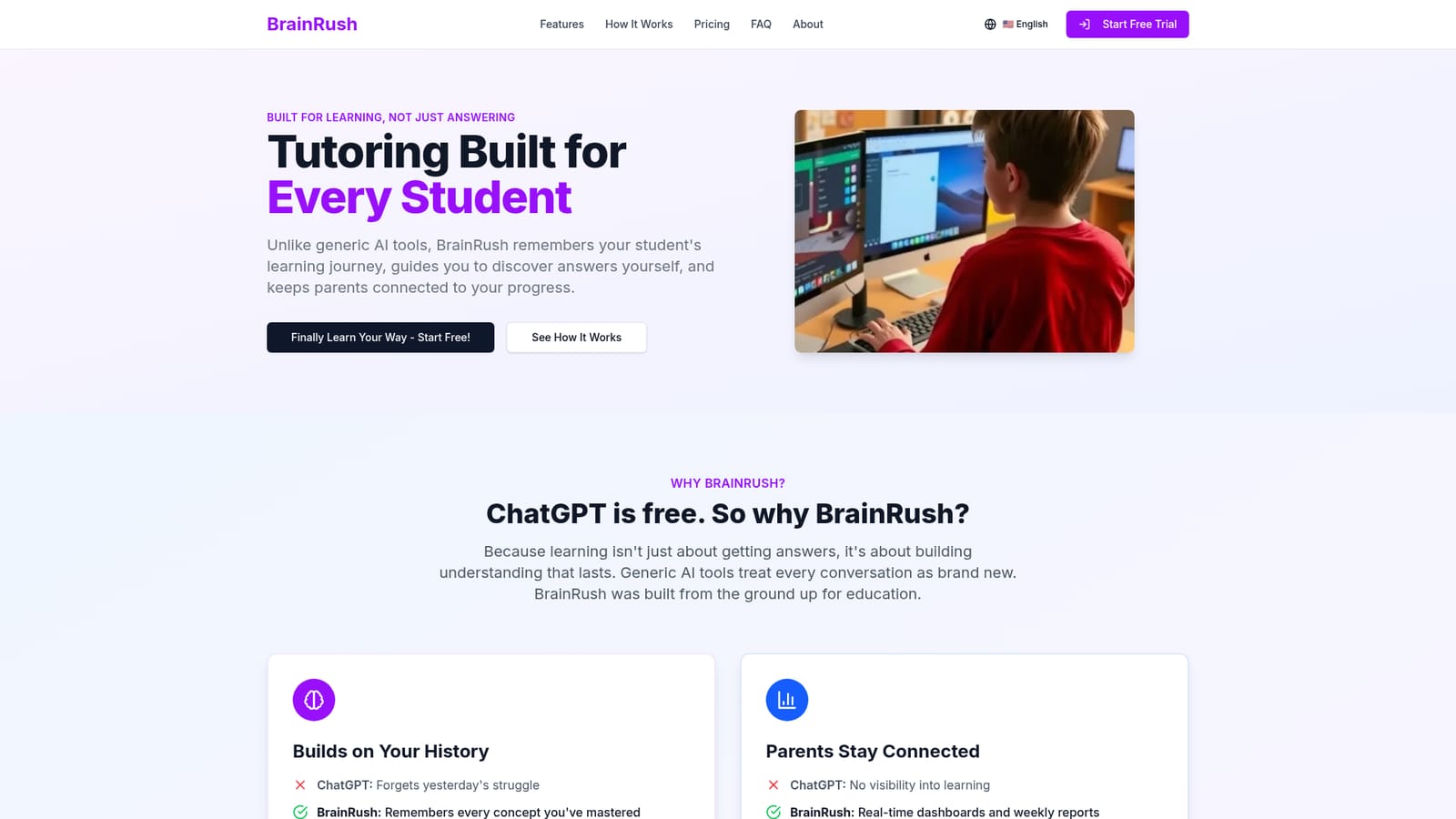
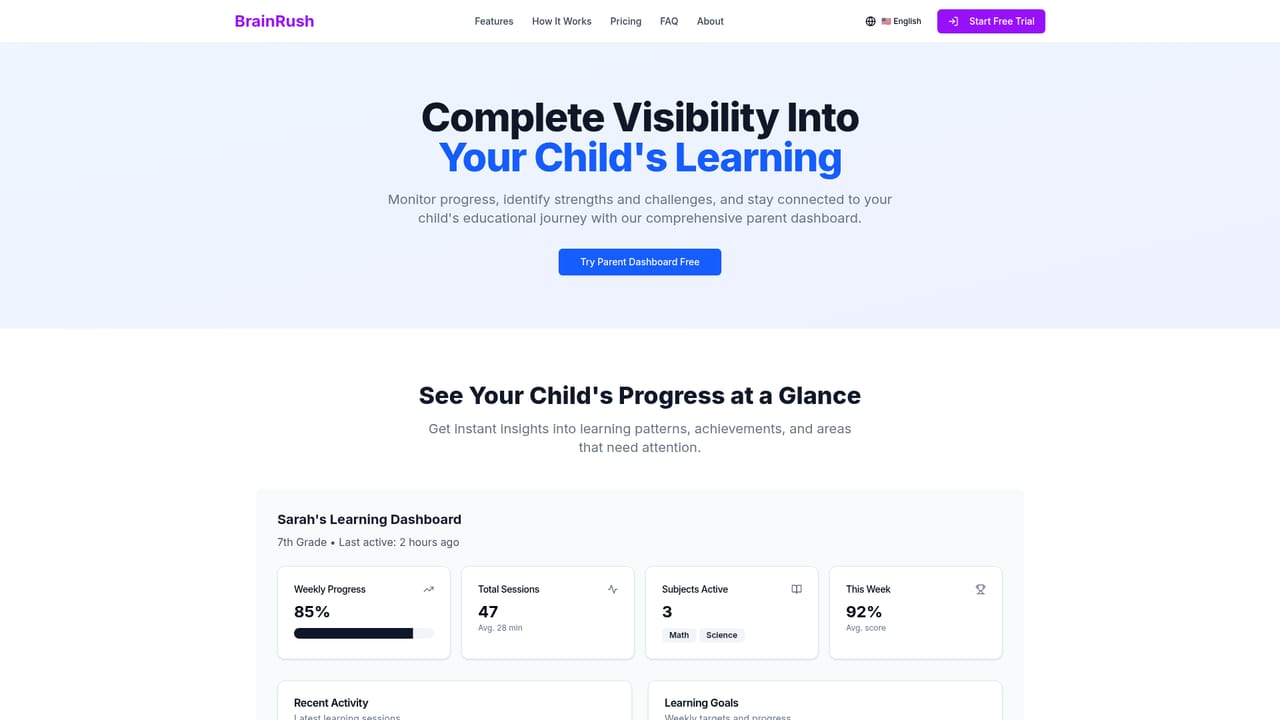
BrainRush AI is an educational tutoring platform built around a persistent learner profile rather than a single chat window. Where a general purpose assistant starts each conversation from zero, BrainRush keeps a record of the concepts a student has mastered and the topics that still cause trouble, then uses that history to shape the next session. The stated goal is understanding rather than answer delivery: the tutor leans on hints and probing questions in the Socratic style so the student works toward the solution instead of copying it. Sessions are structured in short blocks of roughly 5 to 15 minutes, with clear start and end points and immediate feedback along the way. Students can speed up when a topic clicks and slow down when it does not, and the platform mixes visual and hands-on problem solving into the interaction to keep attention on the task. After sign-up, a learner completes a profile covering interests, goals and current knowledge level, which informs how material is presented from that point on. A second audience is parents. BrainRush pairs the student experience with a dashboard showing progress in real time, weekly reports, AI-generated insights and goal setting, so a parent can see where a child excels and where support is needed without hovering over the keyboard. The company describes the product as COPPA-compliant, with age-appropriate content, safety filters and parental controls, positioning it as a purpose-built education tool rather than a general chatbot. Among AI study tools, BrainRush sits closer to a structured tutor than to a homework answer engine. Testimonials on the homepage come from a second-year civil engineering student and a parent of a tenth grader, which suggests it is being used across secondary and university level work. Pricing tiers are not detailed on the homepage, and no third party integrations are advertised there.
The homepage invites visitors to start free, but it does not define the limits of the free access or how it differs from paid plans.
Learn moreCore features cover persistent tracking of mastered and weak concepts, Socratic guidance through hints and questions, short 5 to 15 minute sessions, interactive problem solving with immediate feedback, visual and hands-on material, and adjustable pacing. Parents get real-time dashboards, weekly progress reports, AI-generated insights, goal setting and parental controls in a COPPA-compliant setup.
Learn more AI Angels400+ customizable AI girlfriends for NSFW chat, voice calls, and roleplay
 Candy AIExperience the future of companionship with AI friends who chat, role-play, and connect with you on a human level.
 ourdream.aiA vast AI roleplay platform with millions of characters for chat, images, video and voiceAI Angels400+ customizable AI girlfriends for NSFW chat, voice calls, and roleplayCandy AIExperience the future of companionship with AI friends who chat, role-play, and connect with you on a human level.ourdream.aiA vast AI roleplay platform with millions of characters for chat, images, video and voice


