Free trial
The site invites users to start free from the app, but the free tier's credit limits and duration are not stated on the homepage. A demo can be requested for a tailored walkthrough.
Learn moreBrand-aware AI content workspace for marketing teams and agencies

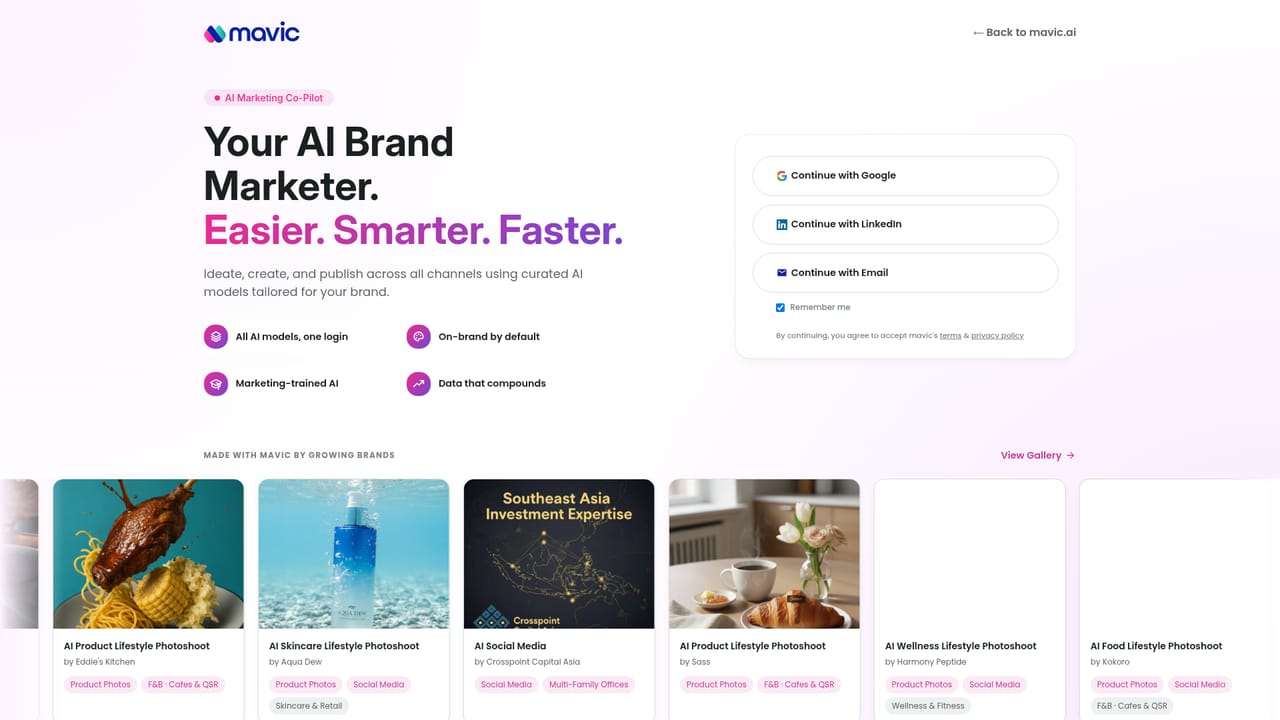
Mavic AI is a content tool. A brand-aware AI marketing workspace. It stores voice, colours, products and banned words in a Brand Book, then applies them to every generated post, image, video or document. Self-serve plans for individuals and agencies, an Enterprise track for multi-market brands, plus a Slack assistant that drafts and schedules posts.
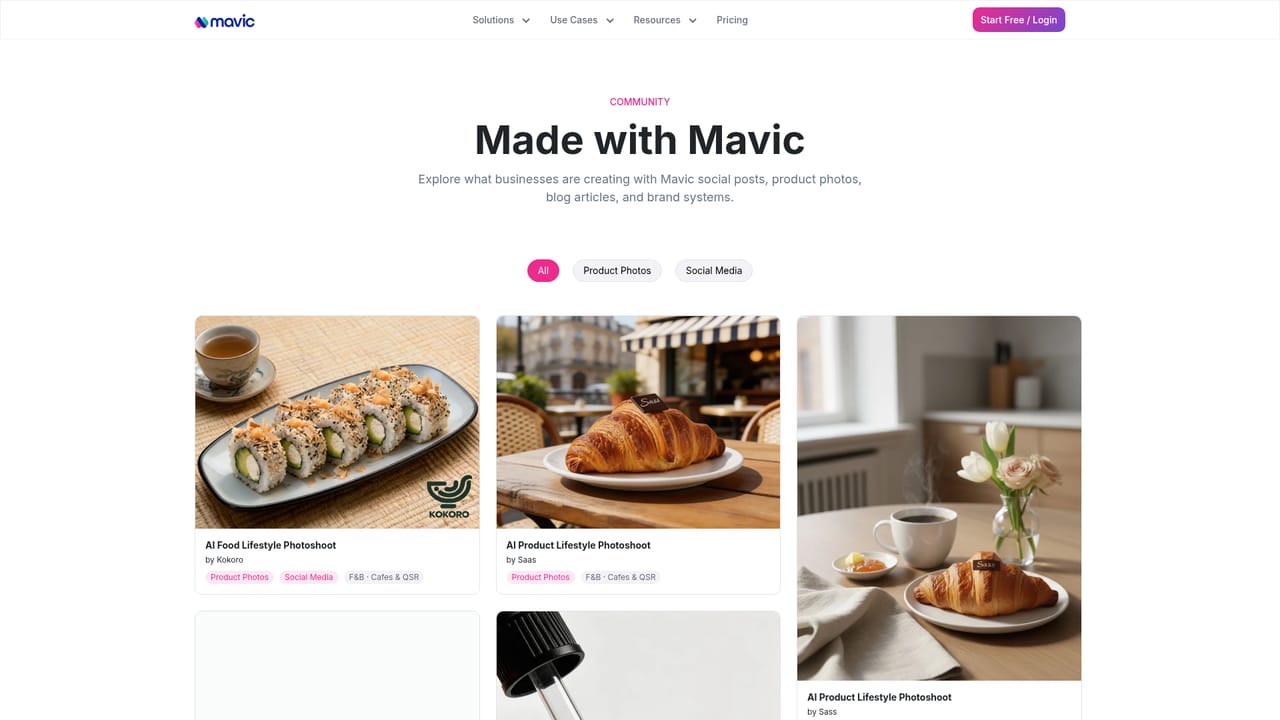
Mavic AI is a marketing workspace built around a persistent Brand Book rather than a blank prompt box. Before any request is processed, the system layers in the brand's tone of voice, colour palette, product details, customer profiles and saved templates. A ban list catches words the brand refuses to use, so outputs arrive already filtered against that rule. The stated promise is one prompt, then a market-ready and on-brand piece that can actually be published, whether that is a social post, an image, a carousel, a video or a document. The workflow is deliberately short. A marketer describes what is needed in plain language, Mavic matches that request against the stored brand, product and template data, generates the asset, and returns a review screen showing an approximate credit cost (a product image and caption are shown as five credits each). From there the user approves or asks for a single change. A Slack integration extends the idea further: Mavic opens conversations in a marketing channel, proposes what to post, drafts posts, carousels and stories, and fills the weekly planner for sign-off. The product splits into two tracks. Self-serve plans target individuals, small teams and agencies, with tiered brand workspaces and monthly credit allowances plus a pay as you go option. The Enterprise track is aimed at distributors and global brands operating many markets: a central team governs the brand standard, while local teams create and localise content without queuing at headquarters, and the centre retains visibility into what each market publishes. The closest alternatives are general AI writing assistants and image generators, which handle the generation step well but know nothing about the brand by default. Mavic's differentiation is the depth of that saved brand context plus governance for multi-market organisations. The trade-off is commitment: the value depends on populating the Brand Book properly, and output quality tracks the brand data you invest in setting up.
The site invites users to start free from the app, but the free tier's credit limits and duration are not stated on the homepage. A demo can be requested for a tailored walkthrough.
Learn moreSolo $49/month (1 brand, 1,500 credits, 1 user), Team $79/month (5 brands, 2,500 credits, 2+ users), Pro $149/month (10 brands, 5,500 credits, 5+ users). Annual billing saves 20%. Pay as you go: $35 for 750 credits. Enterprise pricing is custom.
Learn moreDemo requests are answered within 24 hours according to the site. Enterprise plans mention ISO and SLA standards, but no public help centre or documentation page is listed.
Slack is the featured integration, with a marketing channel assistant that drafts content and schedules posts. Custom API integrations are listed for the Enterprise tier only.
Brand Book storing voice, colours, products, customers, templates and a banned word list; image, video, document and social content generation; review-before-publish approval flow; credit-based metering; social analytics; Slack assistant that drafts posts and fills the content planner; Enterprise brand governance and localisation across markets.
 AI Angels400+ customizable AI girlfriends for NSFW chat, voice calls, and roleplay
 Candy AIExperience the future of companionship with AI friends who chat, role-play, and connect with you on a human level.
 ourdream.aiA vast AI roleplay platform with millions of characters for chat, images, video and voiceAI Angels400+ customizable AI girlfriends for NSFW chat, voice calls, and roleplayCandy AIExperience the future of companionship with AI friends who chat, role-play, and connect with you on a human level.ourdream.aiA vast AI roleplay platform with millions of characters for chat, images, video and voice


