Free trial
The homepage invites users to start free, but the length and credit allowance of the free offer are not specified.
Learn moreNo-code AI web scraping that builds reusable bots from a plain-language description

BrowserAct turns a written description into a reusable, self-healing web scraper. The AI agent maps the site, tests a Bot, and returns structured data as CSV or JSON, with scheduled runs, change alerts, cloud browser sessions and proxy support handled for you.
BrowserAct is a no-code web scraping platform built around a simple loop: describe the data you want, and the AI agent explores the target site, works out which fields matter, and returns a tested Bot you can rerun. The build step is a prompt, not a selector editor, so a user can ask for product names, prices, stock status and ratings from a category page and get a spreadsheet back without writing code or mapping a DOM. Costs are metered in credits. Building a Bot is quoted at 320 credits, while a single run is 20 credits, roughly 6 percent of the build, which makes repeated scheduled collection the cheap part once the extraction logic exists. When the underlying page shifts its layout, the self-healing layer tries to relocate the data rather than forcing a rebuild. Adding a field later is handled conversationally: ask for customer ratings and the new column arrives highlighted in the same table. The platform is aimed at people who need recurring structured data rather than a one-off scrape: ecommerce and sourcing teams tracking competitors, prices and stock, growth and sales teams assembling lead lists, and researchers watching launches, creators, jobs or ad libraries. It is also positioned as infrastructure for AI agents, with documented connection paths for Claude Code, Codex CLI and Cursor so a local agent can drive a real browser session. Under the hood it leans on infrastructure most DIY scrapers struggle with: cloud-hosted Chromium sessions that run 24/7 and concurrently, browser stealth with 30 or more consistent fingerprint attributes, residential proxies, and automatic handling of reCAPTCHA, Turnstile and DataDome. Two session modes cover sites that sit behind a login. Results leave as CSV or JSON and can be pushed onward through APIs, webhooks, Make, n8n, Zapier, Google Sheets, Airtable or MCP. It sits closer to managed extraction services than to browser automation frameworks, trading configuration control for speed of setup.
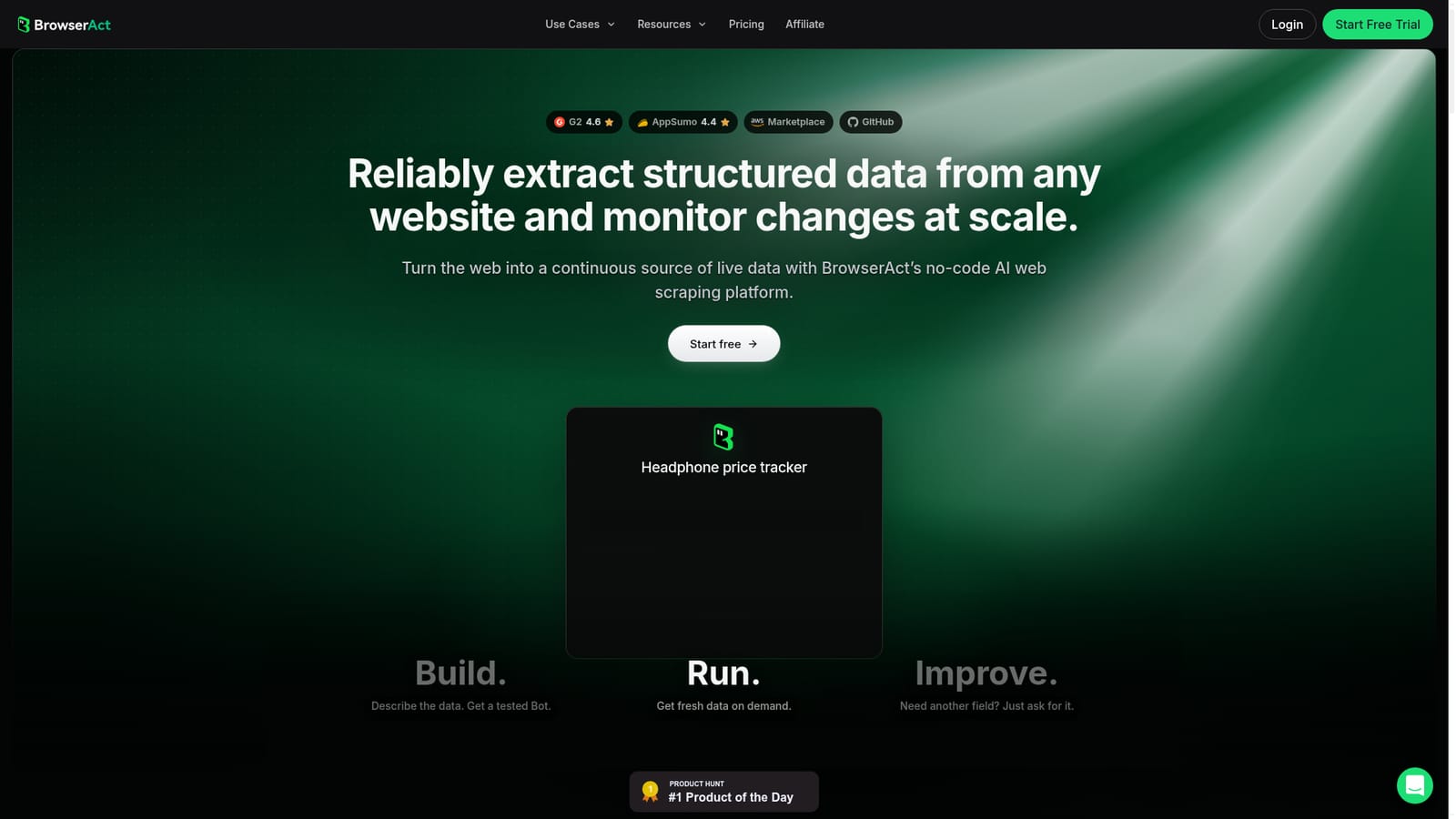
The homepage invites users to start free, but the length and credit allowance of the free offer are not specified.
Learn moreBrowserAct prices work in credits. Building a tested Bot uses 320 credits and a single run costs 20 credits, described as about 6 percent of the build cost. Credit prices and subscription tiers are not listed on the homepage.
Learn moreResults can be delivered through CSV, JSON, API and webhooks, or pushed to Make, n8n, Zapier, Google Sheets, Airtable and MCP. Local agents such as Claude Code, Codex CLI and Cursor can drive a browser session.
AI agent builds tested Bots from a description, with self-healing after layout changes, scheduled runs and change alerts. Cloud Chromium runtime runs concurrently 24/7 with stealth fingerprints, residential proxies and automatic CAPTCHA handling, plus rotating or signed-in session modes. Inputs and outputs span text, images and files to CSV, JSON, images and video.
 AI Angels400+ customizable AI girlfriends for NSFW chat, voice calls, and roleplay
 Candy AIExperience the future of companionship with AI friends who chat, role-play, and connect with you on a human level.
 ourdream.aiA vast AI roleplay platform with millions of characters for chat, images, video and voiceAI Angels400+ customizable AI girlfriends for NSFW chat, voice calls, and roleplayCandy AIExperience the future of companionship with AI friends who chat, role-play, and connect with you on a human level.ourdream.aiA vast AI roleplay platform with millions of characters for chat, images, video and voice


