Free trial
The homepage invites visitors to try Bubbles free in under two minutes, but does not state a trial length or which features are included in the free tier.
Learn moreAI notetaker that turns meetings into summaries and action items
Own Bubbles Notetaker? Verify ownership to get a dofollow link

Bubbles Notetaker is an AI summarizer tool. Bubbles is an AI meeting notetaker and screen recorder. It joins scheduled calls on Meet, Teams and Zoom, produces summaries and action items by email or calendar, and hosts recordings, comments and async video in a shared workspace.
Bubbles is an AI note taker built around a simple promise: join the call, take the notes, hand back a summary, and let the team stop scheduling calls that did not need to happen. Connect a calendar and the tool automatically joins scheduled meetings on Google Meet, Microsoft Teams and Zoom, records and transcribes them, then delivers a summary with action items by email. When a Google Calendar connection is in place, the notes also attach to the matching calendar event, so the record sits where people already look. The product is aimed at teams that live in back to back calls: product, sales, engineering and operations groups that need a written trail without someone typing throughout. Beyond the automated notetaker, Bubbles works as a workspace for recordings. Meetings can be organized, searched and shared with teammates or guests, and colleagues can leave comments or video replies on a recording instead of booking a follow up call. That async layer is the more distinctive half of the pitch: the site argues that quick questions and project check-ins can be handled with screen and camera recordings, full page screenshots and video topics organized in a shared hub. In practice the workflow starts with the calendar. The notetaker joins on a schedule that the user controls, and meeting types can be excluded so personal or sensitive slots are not captured. After the call, the summary and action items arrive, and recordings accumulate in one place for later searching. A Chrome extension records live meetings, screen and voice with a single click when a calendar connection is not practical. Bubbles sits in a crowded field of meeting assistants such as Otter, Fireflies and Fathom, and its differentiator is the pairing of automated notes with asynchronous video. It also exposes a ChatGPT app, an MCP connector for Claude and a public API, which suits teams that want meeting context available inside other AI tools rather than locked in a separate app.
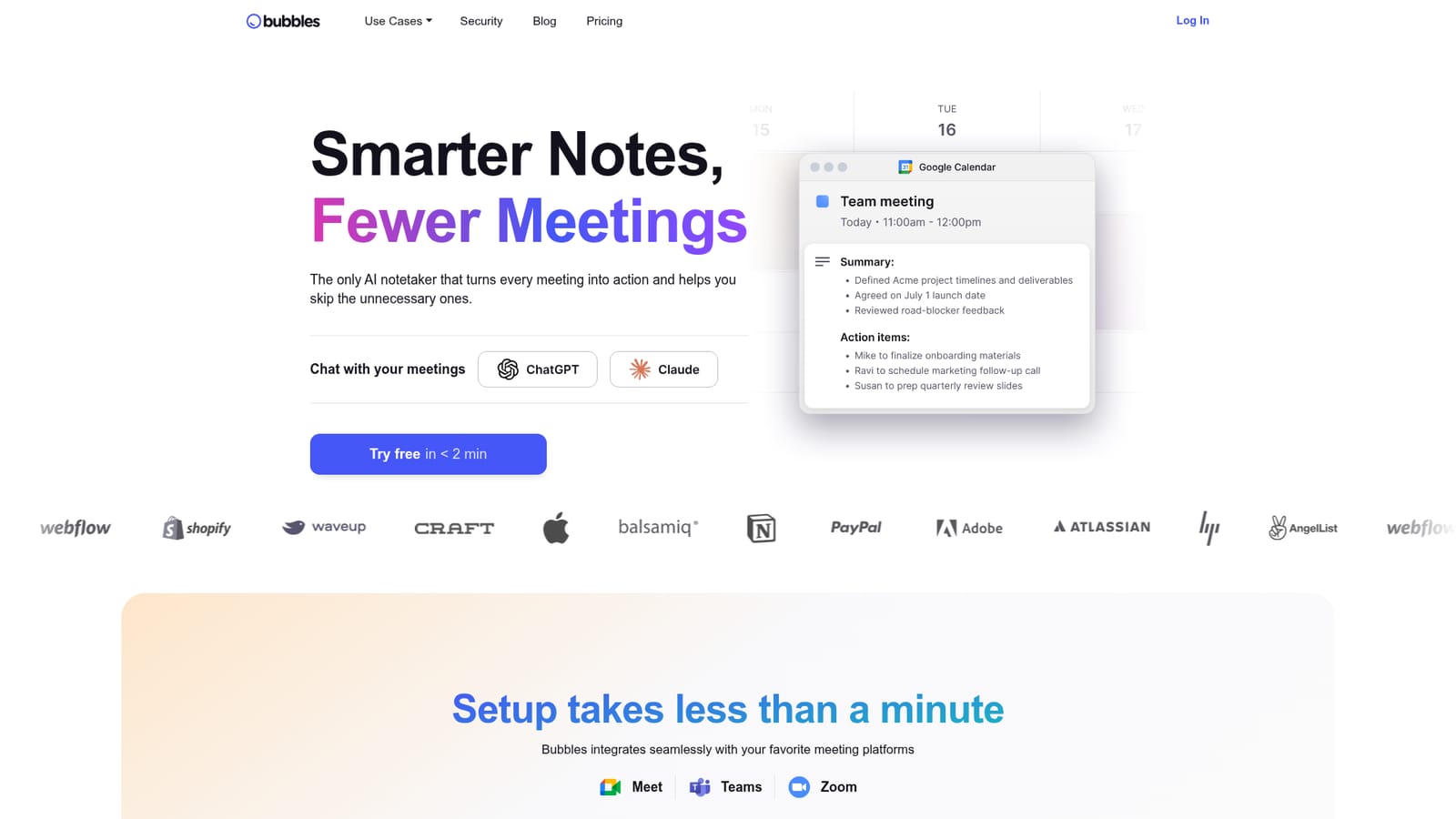
The homepage invites visitors to try Bubbles free in under two minutes, but does not state a trial length or which features are included in the free tier.
Learn moreNamed meeting integrations are Google Meet, Microsoft Teams and Zoom, with Google Calendar and Outlook calendar connections. Notes reach other tools through a public API, a ChatGPT app, an MCP connector for Claude, Zapier and over 200 listed destinations.
Automatic calendar based meeting joining on Google Meet, Microsoft Teams and Zoom, with recording and transcription. Summaries and action items are emailed and can attach to Google Calendar events. A workspace organizes, searches and shares recordings, with comments and video replies. Also includes a Chrome extension for one click screen and voice recording, async video topics, an API, a ChatGPT app and a Claude connector.
 AI Angels400+ customizable AI girlfriends for NSFW chat, voice calls, and roleplay
 Candy AIExperience the future of companionship with AI friends who chat, role-play, and connect with you on a human level.
 ourdream.aiA vast AI roleplay platform with millions of characters for chat, images, video and voiceAI Angels400+ customizable AI girlfriends for NSFW chat, voice calls, and roleplayCandy AIExperience the future of companionship with AI friends who chat, role-play, and connect with you on a human level.ourdream.aiA vast AI roleplay platform with millions of characters for chat, images, video and voice





