What AI transcribers do
A transcriber converts spoken audio into written text. The AI versions replace typing out a recording by hand, paying a human service per minute, or replaying a meeting to find one decision. Most accept an uploaded audio or video file and return a transcript, and many add subtitles, translation, summaries or speaker labels on top.
The tools here serve several different jobs. Podcasters and video editors want transcripts and captions. Students and researchers want a quick text copy of a lecture or interview. Teams want meeting notes with action items. Developers want a transcription API they can run themselves. Some people simply want to talk and have text appear wherever the cursor sits.
How to choose one
Start with the input. A recorded file points to an uploader in the browser, a live call points to a meeting notes tool, and hands-free typing points to a dictation app. Check the platform too: some tools are web apps, others are Windows, Mac or Linux software, a Chrome extension or a Discord bot.
Next, look at cost. Anyone searching for a free transcriber should read the pricing label closely: "Free" means no charge, while "Freemium" usually means a free tier with limits. Pay-per-minute and credit-based tools suit occasional use, and subscriptions suit regular volume. Free transcriber AI options that run in the browser without an account are the fastest way to test quality on a real file.
Then weigh the output. Speaker labels matter for interviews and meetings, language count matters for non-English audio, and word-timed subtitles matter for video. Privacy-minded users should favor on-device or self-hosted tools, since the audio never leaves their machine.
Notable tools
- Audio Transcriber AI offers free browser transcription with speaker labels and 120+ languages.
- TalkToTextly transcribes audio files in 45 languages in the browser, free and without an account.
- Revoldiv transcribes audio and video, then lets the user edit the recording by editing the text.
- ScribeCrate is a self-hosted, OpenAI-compatible Whisper transcription API that runs in Docker on Linux.
- Freeway is free, on-device voice dictation for Mac that types wherever the cursor is.
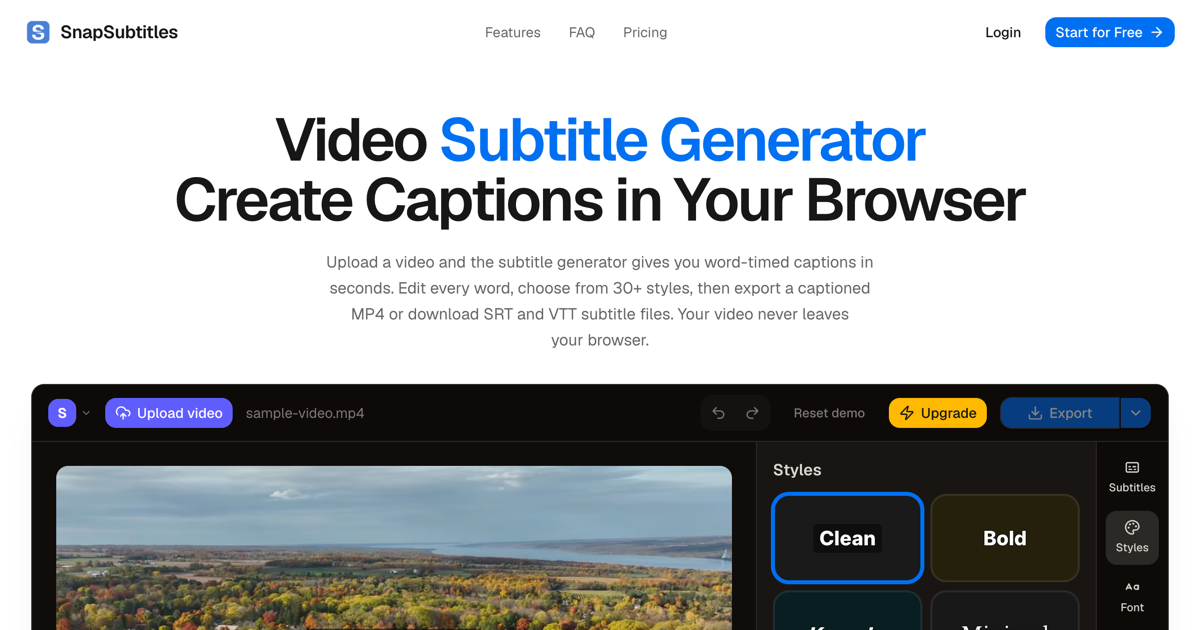
- SubtitleGenerator creates browser-based subtitles, flags uncertain words and offers 33 styles.
Common questions
What is the best free transcriber?
It depends on the file and the language. Audio Transcriber AI, TalkToTextly, SubStudio and VideoTranscription.AI are listed as free, and Freeway and Reline are free for dictation and meetings. Testing two of them on the same short clip shows the difference in accuracy quickly.
Is there a free transcriber AI that needs no account?
Yes. TalkToTextly is described as free browser transcription with no account, and Voice to Text runs Whisper inside Chrome without one. Free tiers often cap file length or monthly minutes, so check the limits before uploading a long recording.
How do I trascribe an audio or video file?
Upload the file to a web-based tool such as BlaBlaScribe or VideoTranscription.AI, wait for the text, then review and export it. Misspelled searches like "trascribe" lead to the same tools. Clear audio with little background noise gives the cleanest result.
When to look elsewhere
Tools that work from a link to one platform belong in narrower categories. For clips from a specific site, try YouTube Transcript Extractor or TikTok Video Transcription. If the main need is telling voices apart in a multi-person recording, Speaker Separation covers that task more closely.