Free trial
The site repeatedly offers a free trial through a Try Buddy Free button that leads to the pricing page. No trial length or feature limits are stated on the homepage.
Learn moreA voice-first AI tutor that teaches young children English through play.

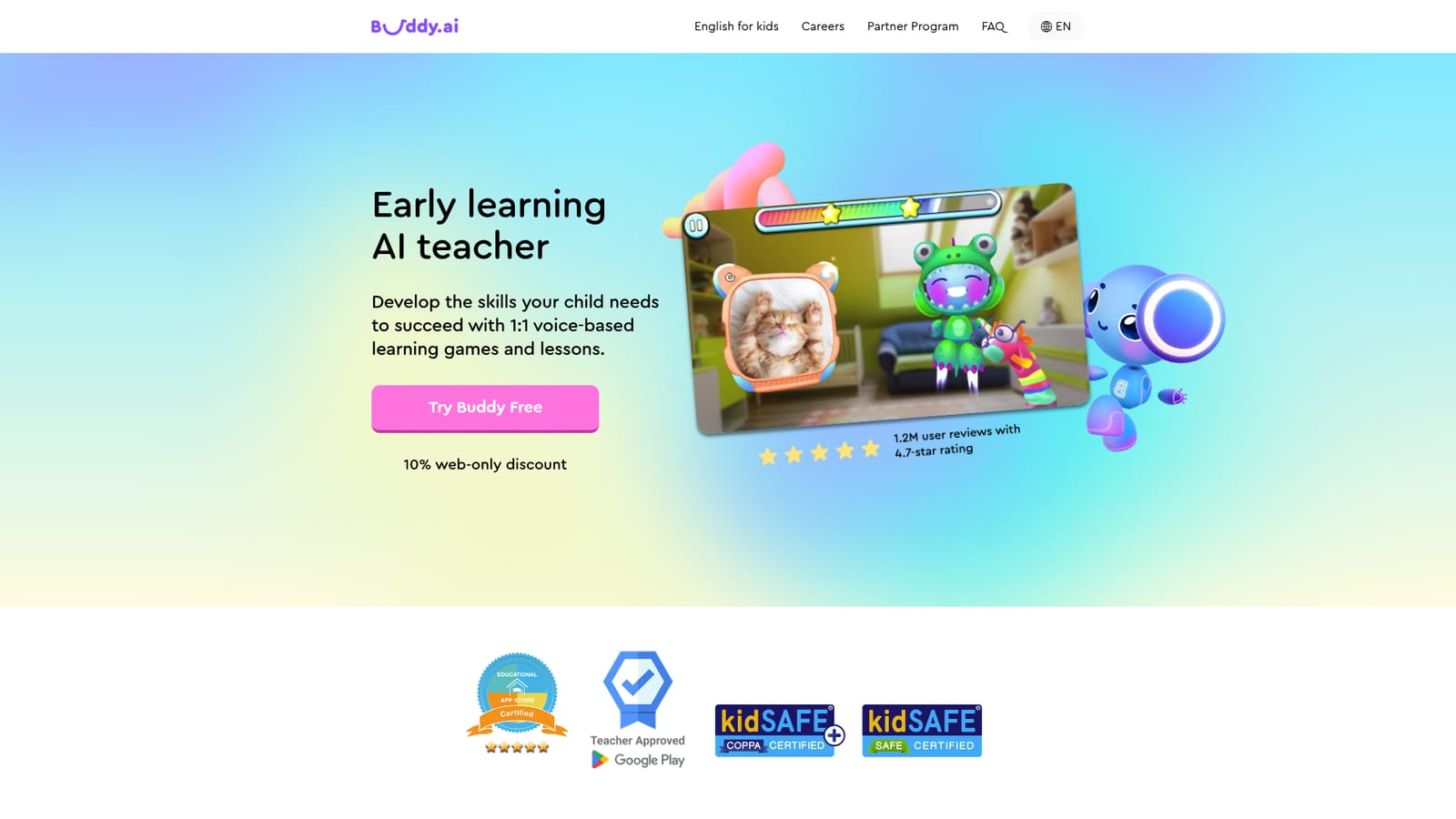
Buddy is a voice-driven AI tutor for young children that teaches English and early school skills through game-based lessons, with a structured warm-up, practice and application cycle and ad-free use.
Buddy is a voice-based AI tutor designed for children roughly ages three to seven, with English lessons as its most visible use case. The app pairs a cartoon character with speech recognition and AI response logic so a child can talk to Buddy and get a spoken reply in return. Lessons are framed as games rather than worksheets, and the homepage credits more than 115 million downloads and 1.2 million user reviews averaging 4.7 stars. The teaching model follows a repeating structure. A session opens with small talk to put the child at ease, moves into new vocabulary or concepts presented with flashcards, 3D objects, animations and sounds, then hands over to interactive practice and conversational questions that test whether the child can use the words in context. Buddy also revisits earlier material through active retrieval and spaced repetition, and the curriculum is built around everyday themes such as animals, colors, the body, numbers and nature. Three programs (Preschool, Kindergarten and First Grade) map to the U.S. education system and blend language and literacy with early math, science and communication skills. The product is aimed at parents who want structured English exposure at home and at teachers who need extra speaking practice for shy or quiet students. The environment is ad-free with no in-app monetization, which matters for families handing a device to a young child. A month of unlimited learning is positioned against the cost of a single live tutoring session, so Buddy sits between free language apps and human tutors: cheaper and more private than a tutor, more interactive than a static flashcard app. Setup follows three steps: download the app, personalize the child's learning plan, and complete the first lesson together. Buddy is also described as an AI-based speech therapy tutor, though the homepage does not detail how that track differs from the standard curriculum.
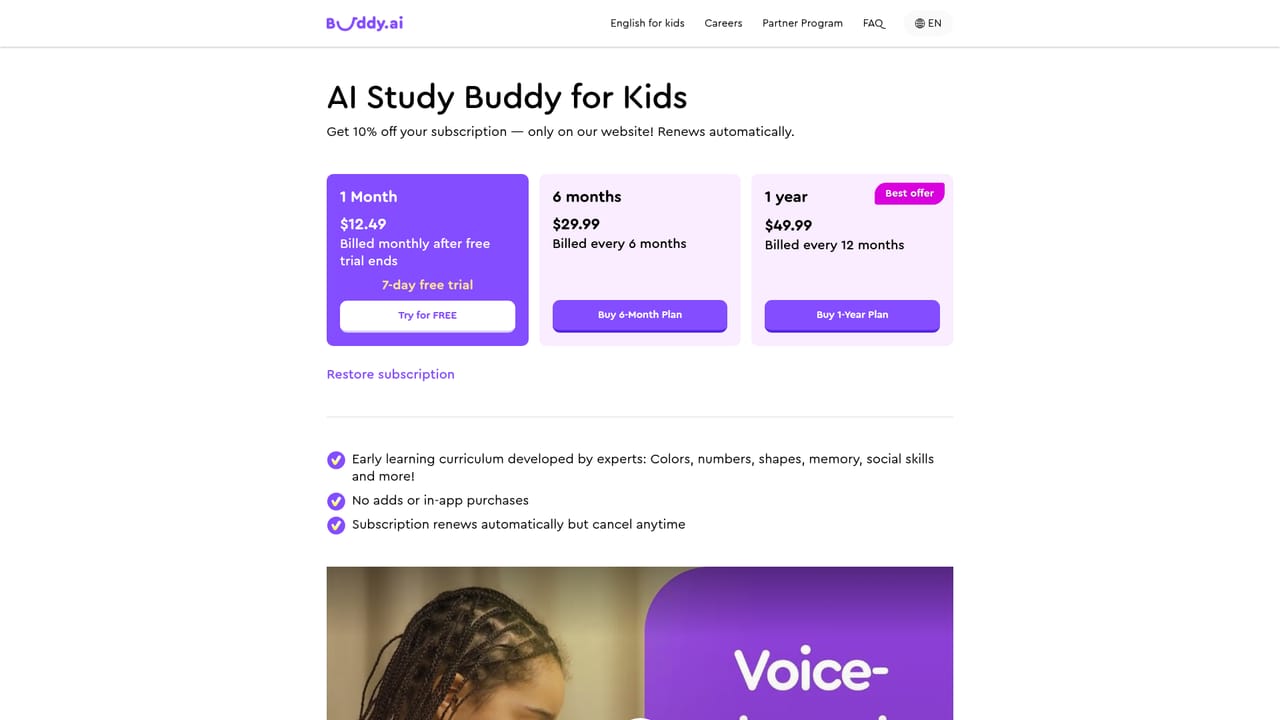
The site repeatedly offers a free trial through a Try Buddy Free button that leads to the pricing page. No trial length or feature limits are stated on the homepage.
Learn moreThe homepage does not list prices. It positions a month of unlimited learning against the cost of one live tutoring session and advertises a 10% discount for web sign-ups. Exact plans and rates sit on the pricing page.
Learn moreVoice-based interaction with speech recognition and AI responses, an ad-free environment, game mechanics for visual, auditory and kinaesthetic learners, three age-banded programs, a four-stage lesson flow (warm-up, introduction, practice, application), active retrieval and spaced repetition, and theme-based content such as animals, colors, numbers and nature.
 AI Angels400+ customizable AI girlfriends for NSFW chat, voice calls, and roleplay
 Candy AIExperience the future of companionship with AI friends who chat, role-play, and connect with you on a human level.
 ourdream.aiA vast AI roleplay platform with millions of characters for chat, images, video and voiceAI Angels400+ customizable AI girlfriends for NSFW chat, voice calls, and roleplayCandy AIExperience the future of companionship with AI friends who chat, role-play, and connect with you on a human level.ourdream.aiA vast AI roleplay platform with millions of characters for chat, images, video and voice


