Free trial
No trial is described; the general version is simply free to use, so a separate trial is not needed to evaluate it.
Learn moreAn AI co-working partner that stays on call and keeps your task list honest

Focus Buddy is an accountability buddy tool. An AI co-working coach that stays on call during focus sessions, keeps your to-do list current, checks in to break procrastination, and reports weekly on distraction and burnout patterns. Free for general use, with a personalized paid edition offered to a limited group.
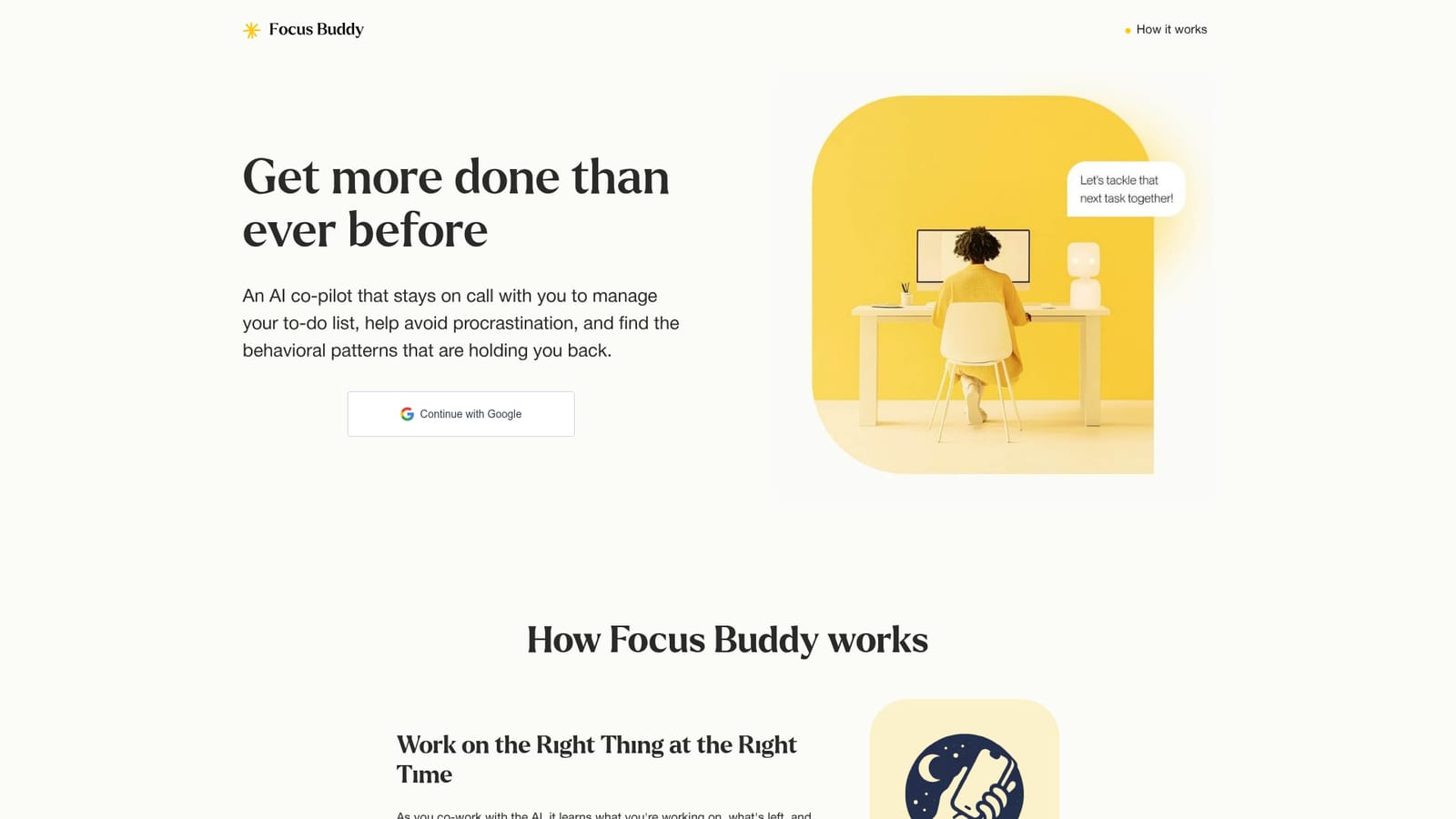
Focus Buddy is a web based productivity assistant built around a simple idea: instead of handing you a task manager and walking away, it sits with you while you work. You sign in with Google, then co-work alongside an AI coach that stays on call for as long as you need. As the session runs, the assistant tracks what you are working on, what remains, and what is finished, and it updates your to-do list automatically so high priority items do not slip through. The product leans heavily on accountability rather than scheduling. The coach checks in mid-session, prompting you to talk through the worry, perfectionism, or unclear first step that is keeping you from starting. That conversational nudge is the core mechanic: several of the published testimonials describe putting off a phone call or a small task for weeks and finally completing it once the AI walked them through opening the relevant portal and beginning. Because the assistant is present throughout the work, it also accumulates a picture of your habits: when you burn out, what distracts you, how badly you misjudge task duration, and the hours when you are sharpest. Those observations arrive as a weekly insight summary; the site states that real time coaching on this data is planned rather than shipped. The tool is positioned for people who struggle with initiation and follow through, including users who self identify as having ADHD, along with knowledge workers who want a low friction body double during solo work. Sessions are framed as anonymous, and the site says the general version is free, with a personalized tier offered to a select few. Compared with passive to-do apps or calendar blockers, Focus Buddy competes on the live conversational layer; compared with human coaching, it competes on availability, since it can be summoned at any hour with no scheduling.
No trial is described; the general version is simply free to use, so a separate trial is not needed to evaluate it.
Learn moreThe homepage states that Focus Buddy is free for general use, with a personalized version that is paid and available to a select few. No prices, tiers, or billing details are published.
Learn moreNo help centre, docs, or contact channel is listed on the homepage; only the privacy policy and terms pages are linked.
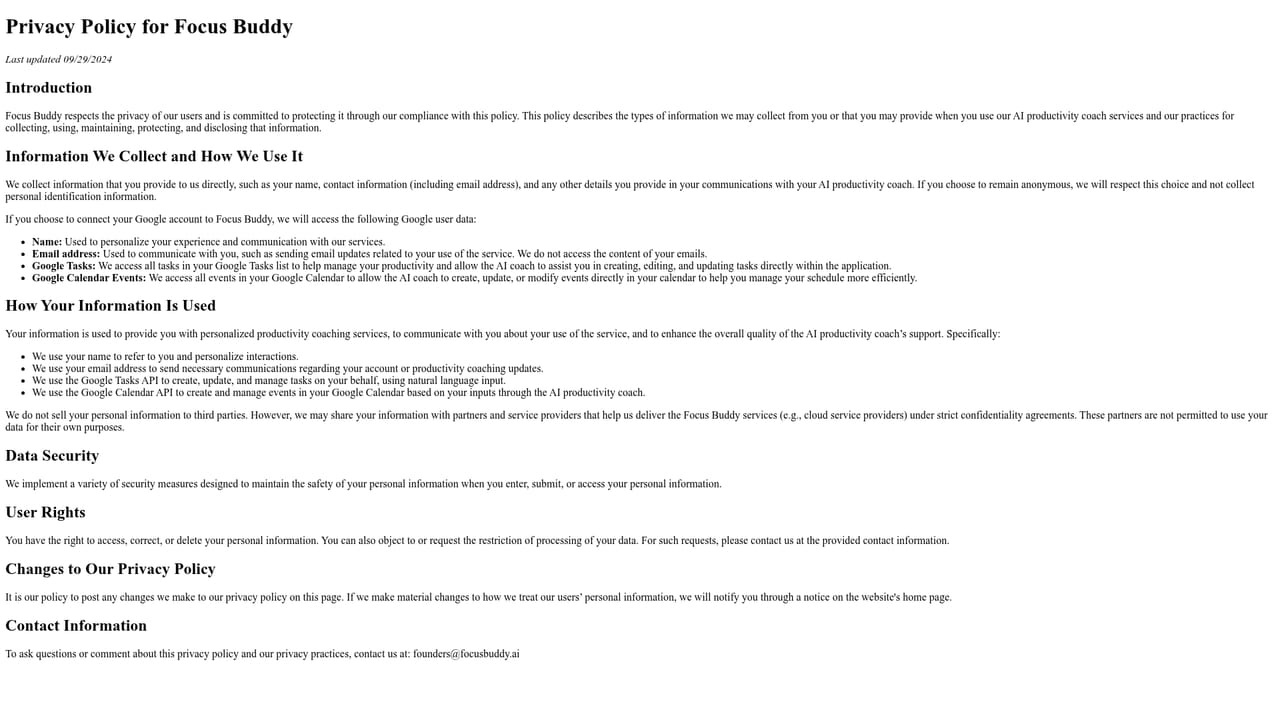
No third party integrations are mentioned on the homepage. The only connection described is signing in with a Google account.
Core features are a self-updating to-do list driven by the co-working conversation, accountability check-ins that address perfectionism and barriers to starting, and a weekly insight report covering burnout patterns, distractions, time estimation errors and peak productivity times. The AI stays on call 24x7 for sessions of any length, and the site says real time coaching on these insights is planned.
 AI Angels400+ customizable AI girlfriends for NSFW chat, voice calls, and roleplay
 Candy AIExperience the future of companionship with AI friends who chat, role-play, and connect with you on a human level.
 ourdream.aiA vast AI roleplay platform with millions of characters for chat, images, video and voiceAI Angels400+ customizable AI girlfriends for NSFW chat, voice calls, and roleplayCandy AIExperience the future of companionship with AI friends who chat, role-play, and connect with you on a human level.ourdream.aiA vast AI roleplay platform with millions of characters for chat, images, video and voice


