Free trial
Sign up is free and requires no credit card, and the site invites visitors to start free today. No separate trial period or length is described.
Learn moreA talking phone companion for walking home alone
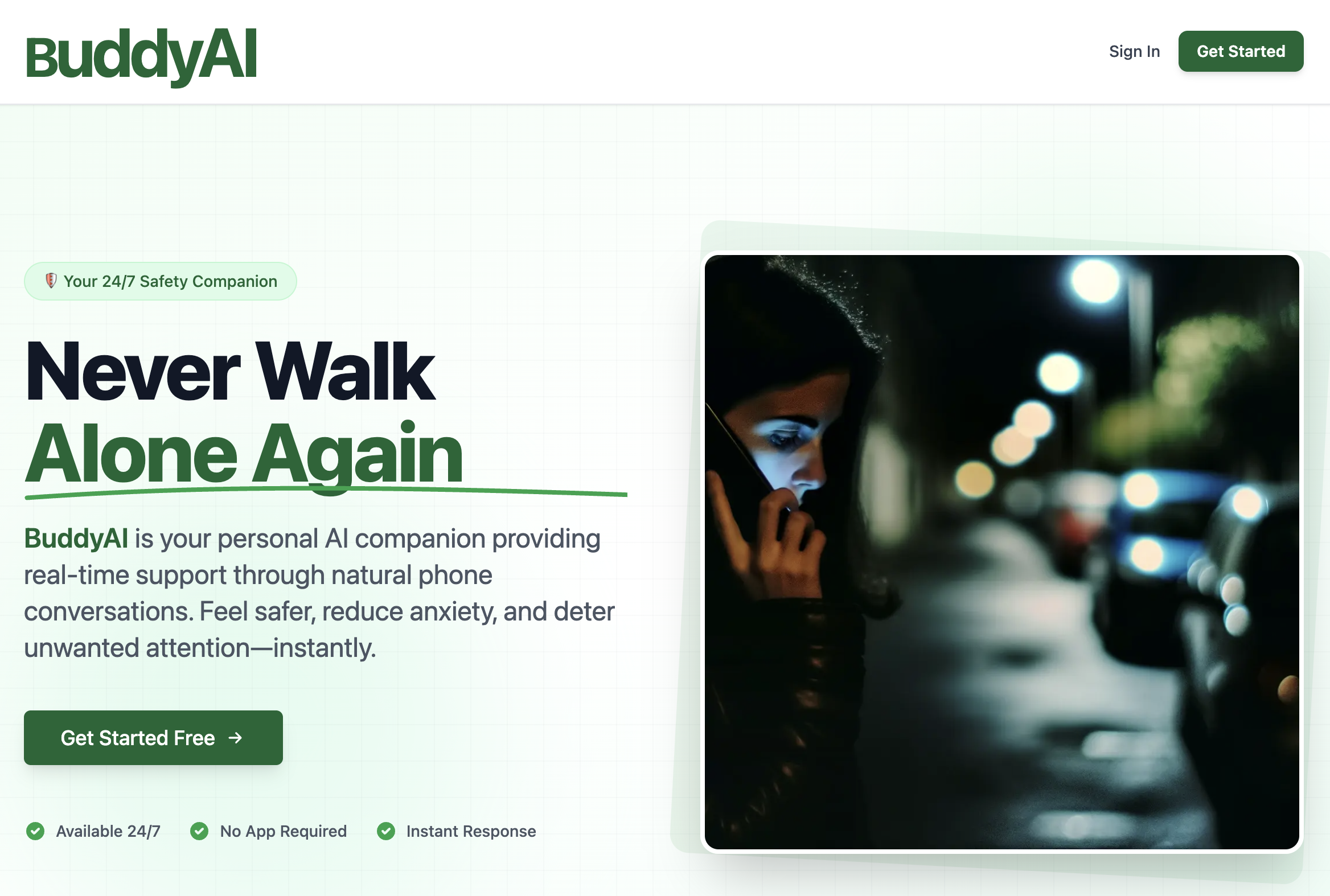
BuddyAI is a safety focused AI companion that holds a natural sounding phone conversation with you while you walk alone, aiming to reduce anxiety and deter unwanted attention, with a dashboard for emergency contacts and call history.
BuddyAI is a safety companion built around an unusual idea: instead of tracking your location or buzzing an alarm, it gives you a human sounding voice on the other end of a phone call. The stated purpose is to keep someone company during vulnerable moments, most obviously a walk home at night, and to make that conversation convincing enough that a stranger nearby believes you are on the line with a real person. The product positions itself as a deterrent as much as a comfort, and the homepage leans on three outcomes: feeling safer, feeling less anxious in unfamiliar places, and discouraging unwanted attention. The experience is designed to stay lightweight. There is no app to install: sign up, and the conversation happens through a standard phone call. The demo voice, named Chloe, is presented as natural rather than robotic, which matters if the point is to sound like an ordinary call to a friend. Beyond the call itself, a dashboard holds emergency contacts, a log of past calls, and settings you can adjust. The emergency signal feature is described as a direct line for flagging that you feel unsafe, with the AI reading urgency and alerting your emergency contacts. The site advertises round the clock availability and an instant response. Practically, this puts BuddyAI closer to a personal safety tool than to a general purpose chatbot. Someone who would benefit is a person commuting late, walking through quiet streets, or waiting alone in a place that feels exposed. It is not a replacement for a phone call to a real friend, a live location share with family, or emergency services, and nothing on the homepage claims it dispatches help on its own beyond notifying your contacts. It also sits apart from journaling companions and roleplay chat apps, since the value here depends on realism under pressure rather than on long term emotional depth. Pricing is not published on the homepage, which only states that you can start free, that no credit card is needed and that you can cancel at any time. That implies a paid tier behind the free entry point, but the cost is unknown until you sign up.
Sign up is free and requires no credit card, and the site invites visitors to start free today. No separate trial period or length is described.
Learn moreThe homepage does not list prices. It states that you can get started free, that no credit card is required and that you can cancel at any time, which suggests a paid tier exists beyond the free entry point, but no amount or plan detail is published.
Learn moreCore features are a natural sounding phone conversation with the Chloe companion, an emergency signal that alerts your emergency contacts, and a dashboard for managing contacts, reviewing call history and customizing settings. Availability is described as 24/7 with instant response and no app required.
 AI Angels400+ customizable AI girlfriends for NSFW chat, voice calls, and roleplay
 Candy AIExperience the future of companionship with AI friends who chat, role-play, and connect with you on a human level.
 ourdream.aiA vast AI roleplay platform with millions of characters for chat, images, video and voiceAI Angels400+ customizable AI girlfriends for NSFW chat, voice calls, and roleplayCandy AIExperience the future of companionship with AI friends who chat, role-play, and connect with you on a human level.ourdream.aiA vast AI roleplay platform with millions of characters for chat, images, video and voice


