Pricing
The homepage describes the symptom checker as free, private and built by doctors, with no subscription or paid tier mentioned.
Learn moreDoctor-built AI that turns a symptom chat into a care plan
Own Buoy Symptom Checker? Verify ownership to get a dofollow link

Buoy Symptom Checker is a free, doctor-built chat tool that asks follow-up questions about your symptoms, suggests possible causes and treatments, and recommends the level of care to seek next.
Buoy Symptom Checker is a conversational triage tool that asks about what you are feeling and returns possible explanations plus a suggested next step. The product is built by physicians and runs on algorithms trained on thousands of research data points, with the stated goal of replacing the anxious search session that 80 percent of adults reportedly start when they feel unwell. It is a web tool, usable in any browser and any region, and it is free to use. The experience follows three phases. You describe a concern in plain language and the chat asks follow-up questions until it has enough detail. Buoy then maps that combination of symptoms against its medical reference material and lists likely causes along with treatment information. Finally it recommends a level of care, whether that means watching at home, booking a visit, or seeking urgent attention. It handles common complaints such as fever, headache, sore throat, nausea, rash, back or neck pain, fatigue, and musculoskeletal injury, and it can be used for a child or another person in your care as well as yourself. The strongest evidence for the approach is a peer-reviewed JAMA paper cited on the site, covering more than 150,000 patient interactions. In that dataset, uncertainty about the appropriate level of care fell from 34 percent to 21 percent after people used the assistant, and intended urgency levels shifted in roughly a quarter of cases. Buoy sits in the same territory as WebMD and Mayo Clinic symptom pages but leans on dialogue rather than static article browsing. It is aimed at individual patients and caregivers who want a private first pass before contacting a clinician, not at people seeking a diagnosis or emergency help. The tool frames its output as preliminary information to discuss with a doctor, so its practical value depends on how well you can describe your symptoms and how willing you are to treat the result as a starting point.
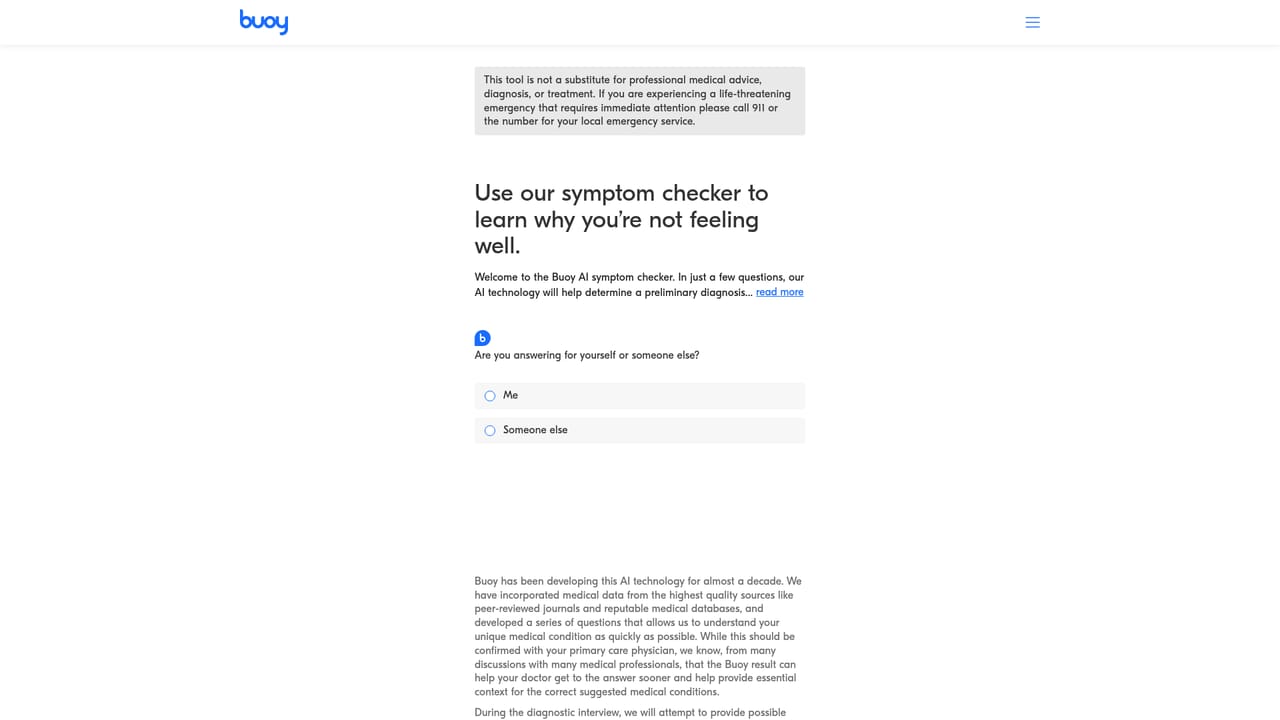
The homepage describes the symptom checker as free, private and built by doctors, with no subscription or paid tier mentioned.
Learn moreConversational symptom intake with adaptive follow-up questions, a list of possible causes and treatment information drawn from medical research, a recommended level of care, support for asking about a child or loved one, and browser access in any region.
 AI Angels400+ customizable AI girlfriends for NSFW chat, voice calls, and roleplay
 Candy AIExperience the future of companionship with AI friends who chat, role-play, and connect with you on a human level.
 ourdream.aiA vast AI roleplay platform with millions of characters for chat, images, video and voiceAI Angels400+ customizable AI girlfriends for NSFW chat, voice calls, and roleplayCandy AIExperience the future of companionship with AI friends who chat, role-play, and connect with you on a human level.ourdream.aiA vast AI roleplay platform with millions of characters for chat, images, video and voice


