Maple

A private personal AI for home life, work and hard questions

Beginner
Screenshot of Maple, A private personal AI for home life, work and hard questions

What is Maple?

Maple is a privacy-first personal AI with two modes: Research, a secure workspace for long conversations and document or image analysis, and Agent, a private beta assistant with long-term memory. Open models run in encrypted enclaves, chats are end to end encrypted, and data is not used for training.

Maple is a personal AI assistant built around a single promise: your conversations stay yours. The product comes in two parts. Maple Research is the live offering, a secure workspace for long conversations plus document and image analysis, reachable through a downloadable app or the web. Maple Agent, currently in private beta, adds persistent memory so the assistant carries context across sessions instead of resetting with every new chat. The differentiation is architectural rather than cosmetic. Open models run inside encrypted enclaves, which Maple describes as Trusted Execution Environments, so processing happens in isolation and the operators of the underlying models do not receive your data. Conversations are end to end encrypted and stay under your control. Maple states that your inputs are not used to train AI and are not shared with advertisers, both framed as design decisions rather than settings you toggle. Because the models are open, they can in principle be inspected rather than taken on faith. In practice, Maple suits people who want a general assistant for sensitive material: medical questions, legal paperwork, financial documents, personal correspondence, work files that should not leave a controlled environment. The Research workspace is the entry point for that, with room for long back and forth conversations and uploads of documents and images for analysis. The Agent, once released, is aimed at continuity, with a companion that accumulates context over time. Against mainstream chatbots, Maple trades breadth of ecosystem for privacy guarantees. Anyone who needs deep third party integrations, plugins or a large model marketplace will find less here. Anyone who has hesitated to paste a real document into a hosted chatbot is the intended audience.

How do you use Maple?

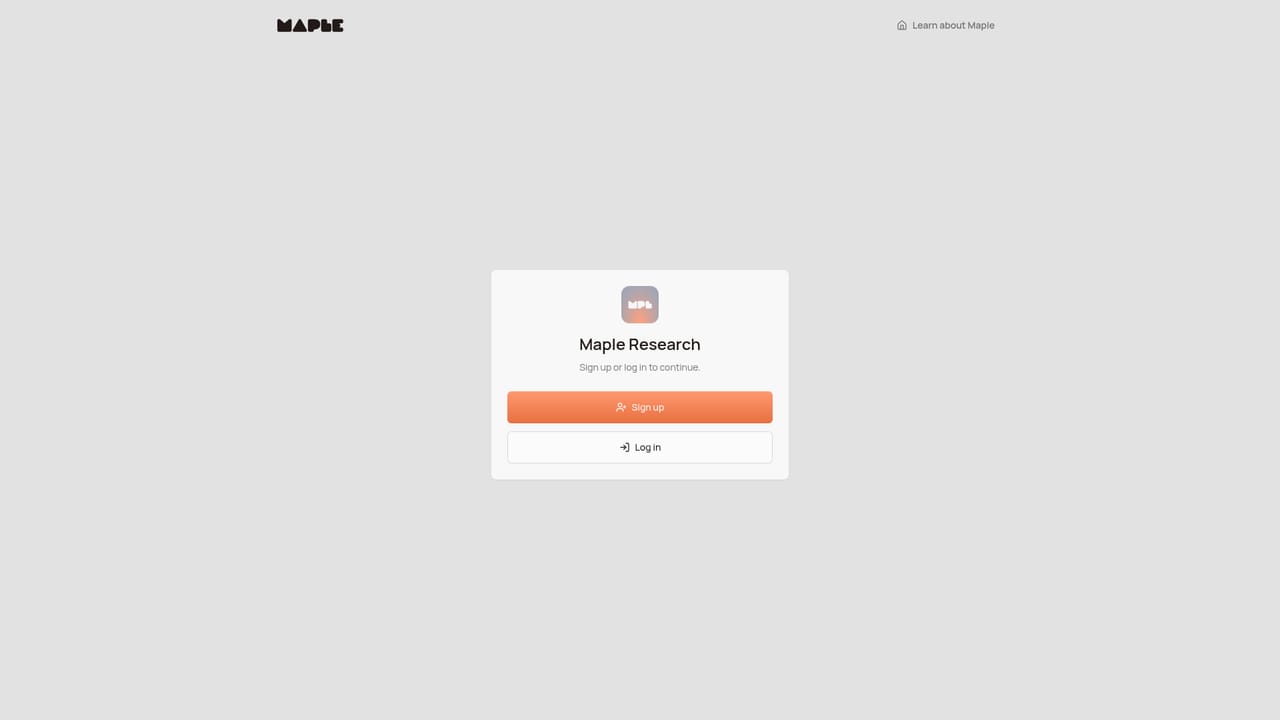
  1. 1Open Maple Research in the browser
    Go to the web app and start a session. Research is the generally available product, so this is where a first conversation happens.
    Maple — Open Maple Research in the browser
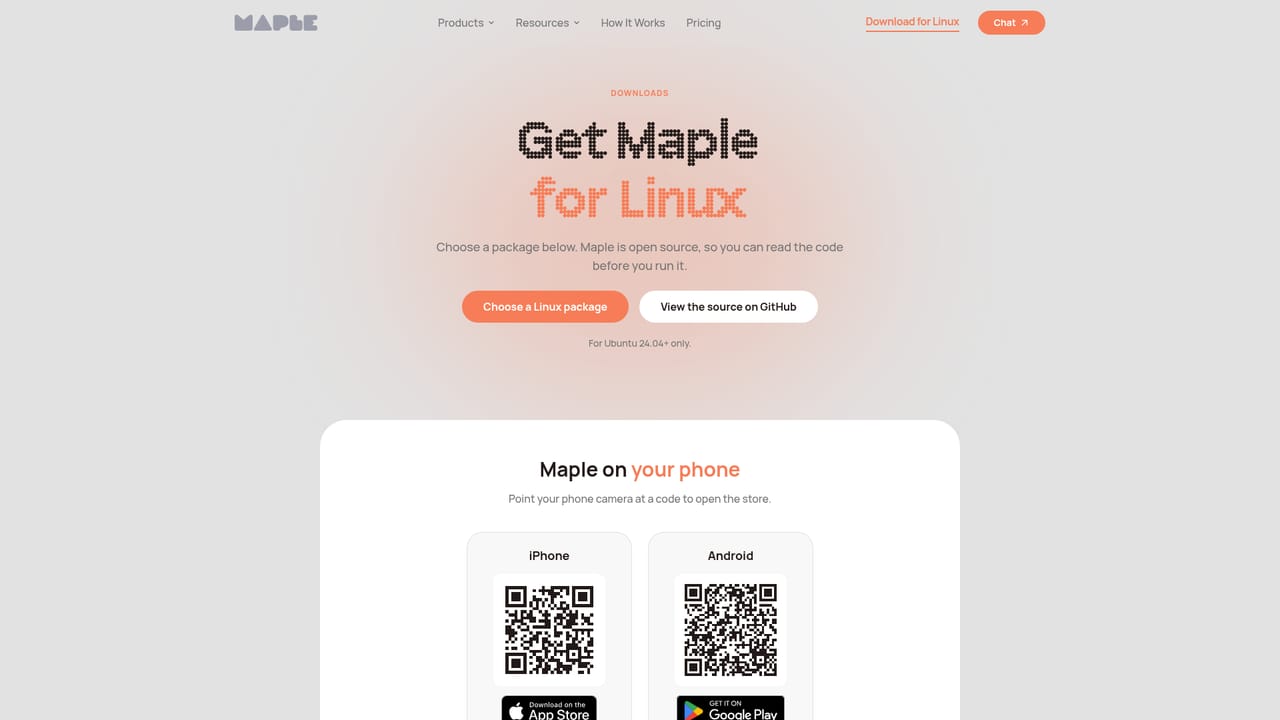
  2. 2Download the desktop or mobile app
    If you prefer a native client over the browser, grab the app from the downloads page and sign in with the same account.
    Maple — Download the desktop or mobile app
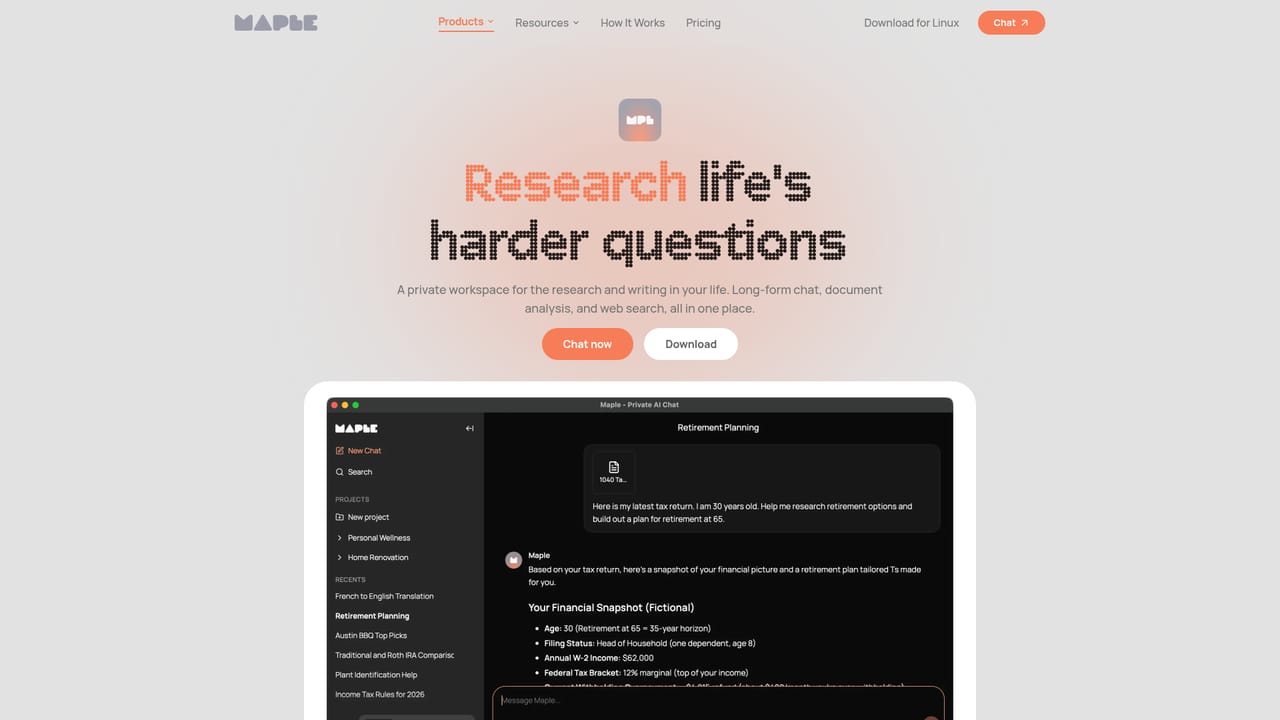
  3. 3Read how the privacy architecture works
    The Research page explains the secure workspace and what it can do with long conversations, documents and images before you upload anything sensitive.
    Maple — Read how the privacy architecture works
  4. 4Upload a document or image to analyse
    Start a new conversation inside the app and attach the file you want examined. Keep the question specific so the long-form context stays useful.
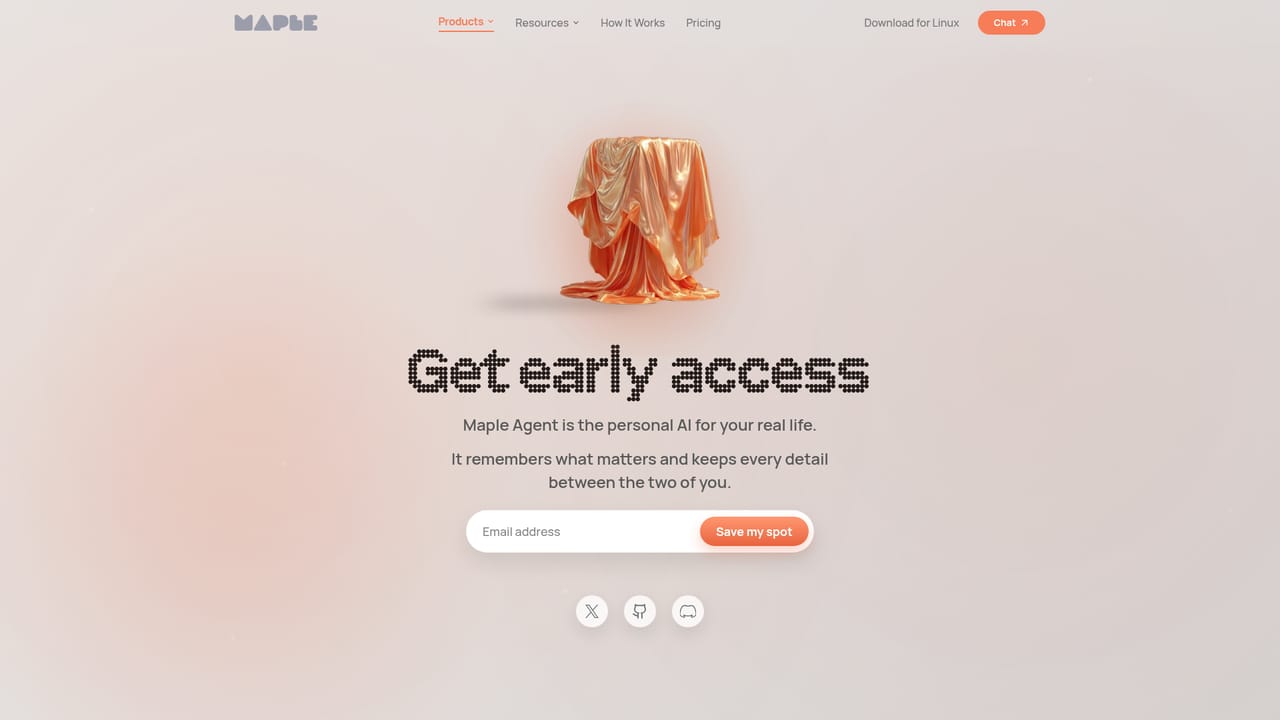
  5. 5Join the Maple Agent waitlist
    The Agent adds long-term memory and is in private beta. The Agent page explains the companion concept and takes waitlist signups.
    Maple — Join the Maple Agent waitlist

Pros and cons

Pros

  • End to end encryption and encrypted enclave processing are core to the architecture, not optional add-onsAI
  • Data is not used to train AI and is not shared with advertisers, stated as a design defaultAI
  • Open, auditable models rather than a closed black boxAI
  • Handles documents and images alongside long conversations for research-style workAI
  • Agent promises persistent memory so context carries between sessionsAI

Cons

  • Agent, the memory feature that makes it a true daily companion, is still a private beta behind a waitlistAI
  • No pricing information is published on the homepage, so budgeting is guesswork until you sign upAI
  • No integrations or third party connectors are described, which limits use inside existing tool stacksAI
  • Little detail on which specific open models power each mode, so quality comparisons are hard to make upfrontAI
  • Privacy guarantees rely on trusting Maple's enclave implementation, which most users cannot verify themselvesAI

How much does Maple cost?

Features

Two products under one account. Research offers long conversations with document and image analysis in a private workspace. Agent, in private beta, adds long-term memory so the assistant builds context over time. Underneath: open models running in encrypted enclaves, end to end encrypted conversations, no training on your data and no sharing with advertisers.

Learn more

Frequently asked questions about Maple

  • How do you use Maple?
    The walkthrough on this page covers 5 steps: 1. Open Maple Research in the browser 2. Download the desktop or mobile app 3. Read how the privacy architecture works 4. Upload a document or image to analyse 5. Join the Maple Agent waitlist.
  • What platforms does Maple support?
    Maple is available on Web App, iOS, Android, MacOS and Windows.
  • What are the limitations of Maple?
    Agent, the memory feature that makes it a true daily companion, is still a private beta behind a waitlist. No pricing information is published on the homepage, so budgeting is guesswork until you sign up. No integrations or third party connectors are described, which limits use inside existing tool stacks.

Status

StatusActive
Views0
Outbound clicks0
Added10/22/2026

Platforms

Web AppiOSAndroidMacOSWindows

Pricing

Freemium