Pricing
No free version exists. A single video costs $9.90, a pack of three is $19.90 ($6.63 each), and a pack of five is $29.90 ($5.98 each). Purchases are one-time, do not auto-renew, and credits do not expire.
Learn moreOne photo turns into a 15-second AI dance clip inside Drake's Burning Bridges party scene.
Own Burning Bridge AI? Verify ownership to get a dofollow link

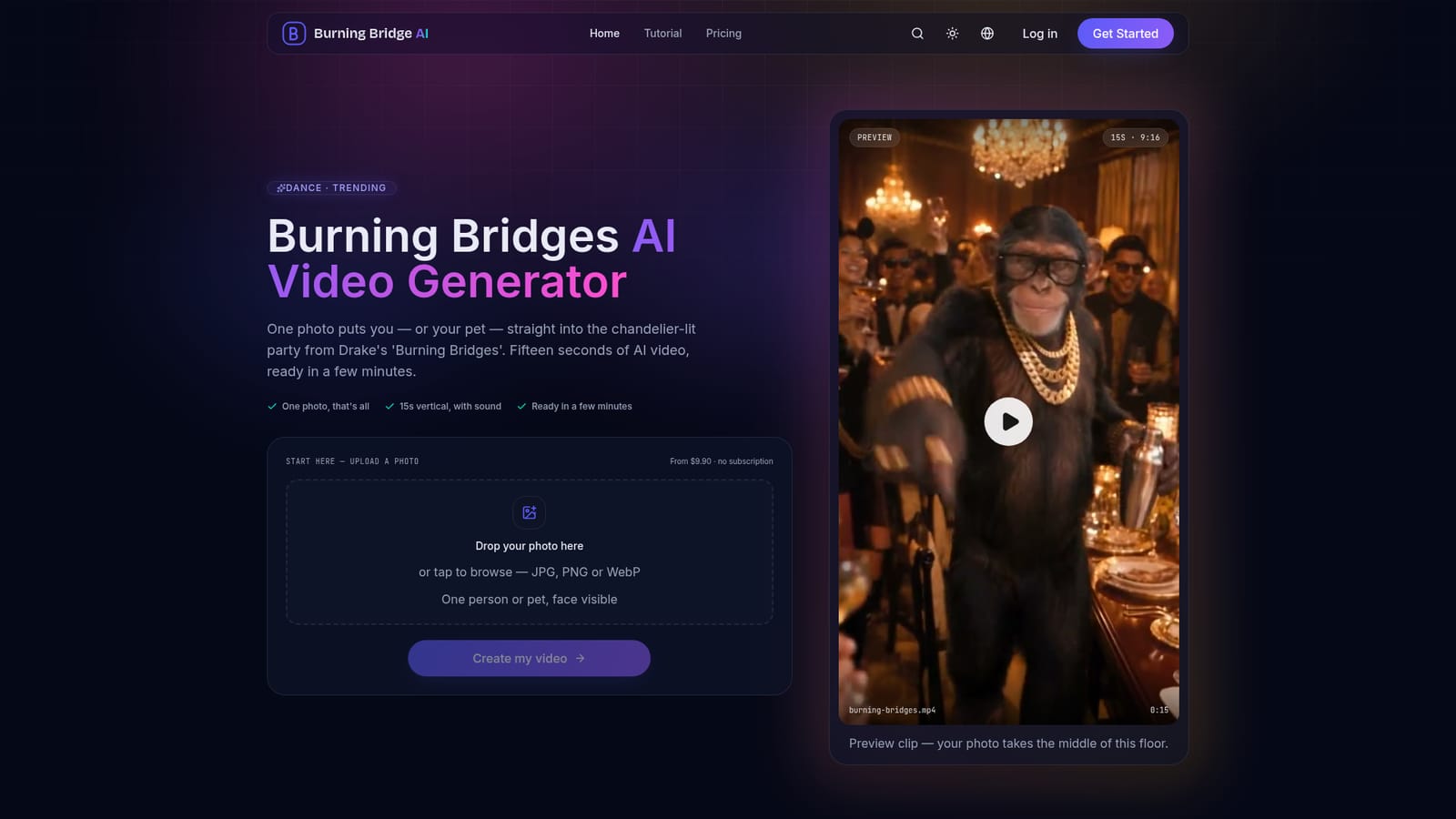
Burning Bridge AI turns a single uploaded photo into a 15-second vertical dance video set inside Drake's 'Burning Bridges' party scene, with sound included and no editing required, sold as one-time paid packs rather than a subscription.
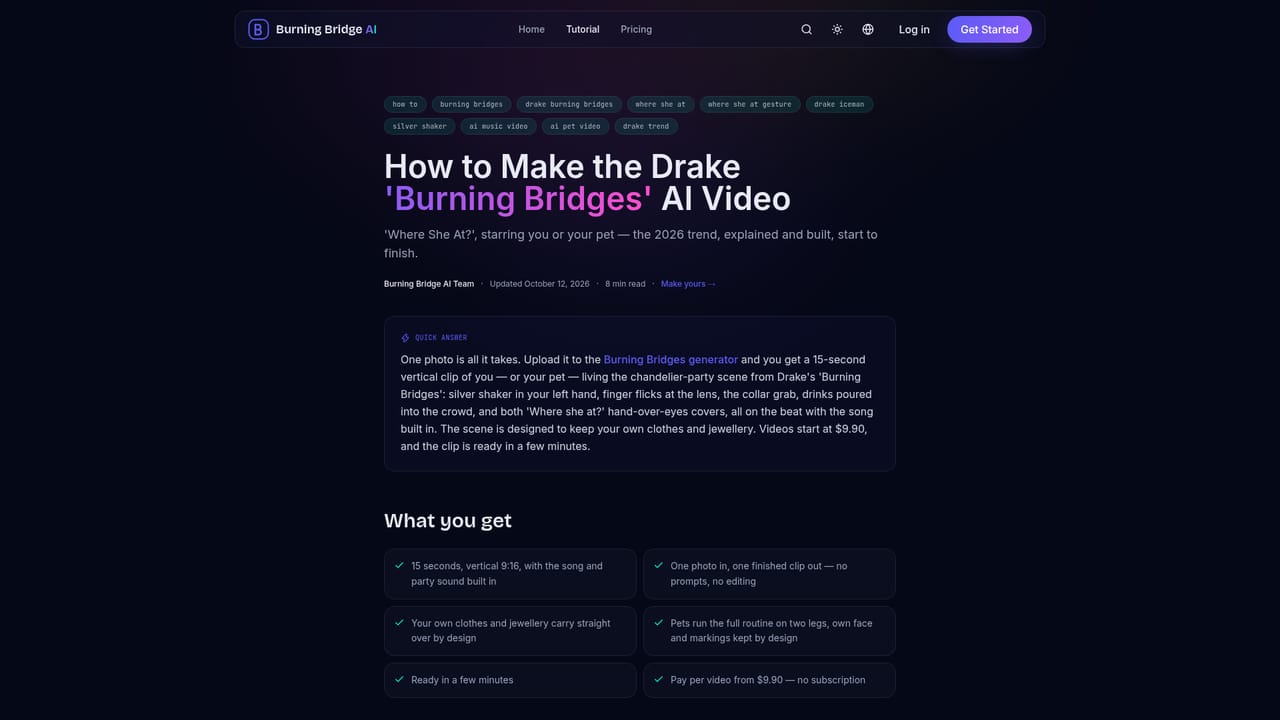
Burning Bridge AI is a single-purpose generative video tool built around one viral moment: the chandelier-lit party scene from Drake's 'Burning Bridges' video. A user uploads one front-facing photo of a person or a pet, and the service returns a 15-second vertical clip with sound that places the uploaded subject into the party, complete with the silver shaker, the collar grab, the crowd on the beat, and the now-memeified hand-over-eyes 'Where she at?' scan. There is no prompt to write, no timeline to edit, and nothing to install; the entire flow runs in a browser tab from upload to download. The tool is aimed at casual creators chasing a trending format for TikTok, Reels, or Shorts rather than at video professionals looking for creative control. Because the scene, choreography, room, and soundtrack are fixed, the only input that matters is photo quality: a clear, forward-facing, well-lit shot of a single subject with no sunglasses or cropped-in friends. The homepage documents that pets work through the same pipeline, with dogs and cats rendered standing and dancing while keeping their own fur markings, and that a subject's existing outfit and jewelry carry over into the generated scene rather than being replaced. In practice, the workflow is upload, wait a few minutes for processing, then download an MP4 ready for posting. Pricing is one-time and credit-based rather than subscription-based, and a failed generation returns the credit automatically. Among alternatives in the broader AI video and face-swap space, Burning Bridge AI trades flexibility for simplicity: it does one trend extremely narrowly rather than offering a general-purpose video generator, which makes it fast to use but limited in scope once a user wants a different scene, pose, or soundtrack outside the handful of additional dances listed as upcoming.
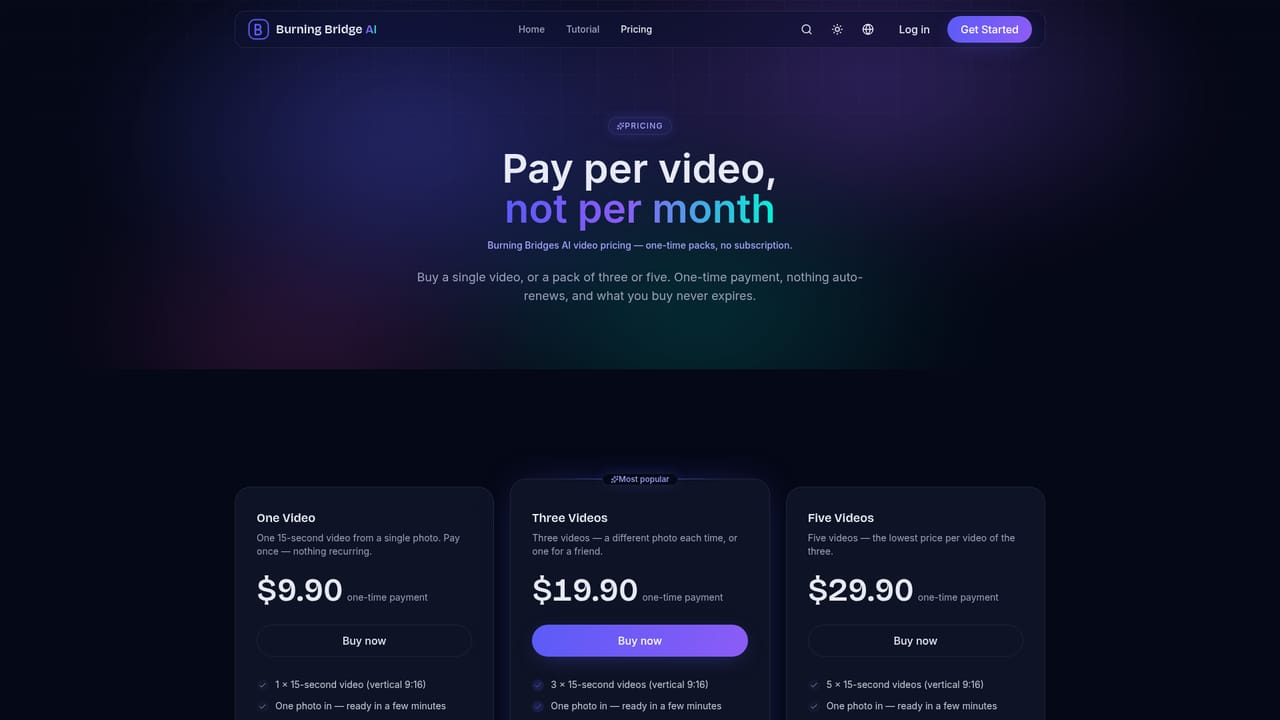
No free version exists. A single video costs $9.90, a pack of three is $19.90 ($6.63 each), and a pack of five is $29.90 ($5.98 each). Purchases are one-time, do not auto-renew, and credits do not expire.
Learn moreSupport is handled through a contact page and a listed support email address for issues such as repeatedly failed video generations.
Learn moreConverts one uploaded photo into a 15-second vertical AI video with sound, placing the subject into a fixed chandelier-lit party scene with pre-built choreography, crowd, and soundtrack. Supports both people and pets and preserves the subject's original outfit and jewelry.
Learn more


