Integrations
An MCP endpoint (https://buzzsearch.ai/api/mcp) allows connection to compatible AI agents and tools. No other integrations are listed on the homepage.
Learn moreMine Reddit and TikTok comments into customer avatars and ad hooks.

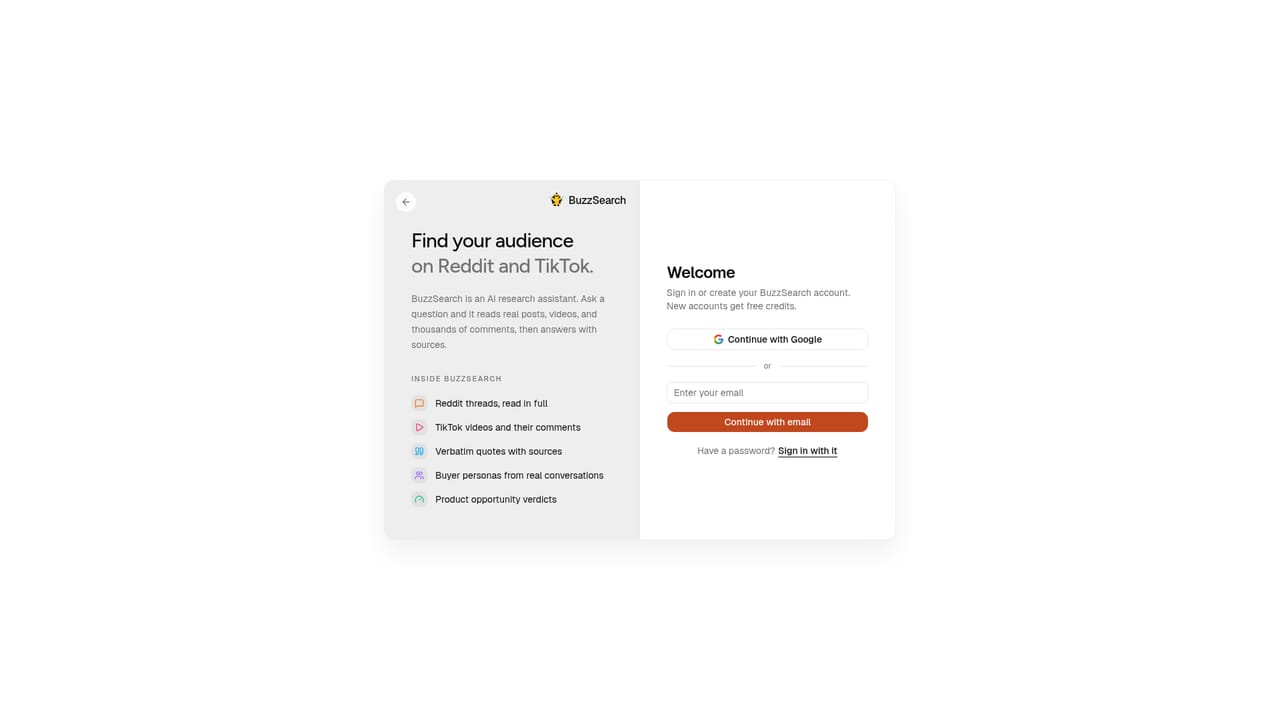
BuzzSearch is a deep search people tool. BuzzSearch mines public Reddit, TikTok and YouTube conversations to build customer avatars, rank pain points, extract niche lingo and draft cited ad hooks. Aimed at ecommerce founders and marketers who want qualitative audience research without manual scrolling.
BuzzSearch is a market research tool that turns public conversations on Reddit, TikTok, YouTube and other platforms into structured audience intelligence for advertisers and product teams. Instead of guessing at customer pain points, it reads hundreds or thousands of comments and surfaces the exact language people use, with every quote linked back to its source. The output is organized around customer avatars: named segments such as women over 40 dealing with hair thinning, or home espresso enthusiasts frustrated by inconsistent shots. In practice, a user gives BuzzSearch a product category or a problem. The tool suggests high potential avatars, then runs a research pass across threads and videos, sometimes reading well over a thousand comments in a couple of minutes. It returns recurring pain points ranked by mention count, the lingo that keeps appearing, and a set of ad hooks drafted from real quotes. Each hook and pain point carries citations, so the user can verify the original post before building creative on it. A separate ad angle view looks at what advertisers are already running, reports a market snapshot with profitability and validation signals, and points to angles that appear underused. The tool is aimed at ecommerce founders, brand operators and performance marketers who need faster qualitative research than manual scrolling allows. It also suits agencies and copywriters who want a defensible trail from customer comment to ad copy. It sits alongside tools like Gummysearch or generic chat assistants, but leans harder on multi platform sourcing (including short video comments) and citation first output rather than open ended conversation. The workflow is browser based. A chat style interface runs avatar research and returns cited reports, and an MCP endpoint lets teams connect the research to their own agents. Users who need deep statistical rigor or private customer data will still need other tools; BuzzSearch is built around public social conversation, not first party analytics.
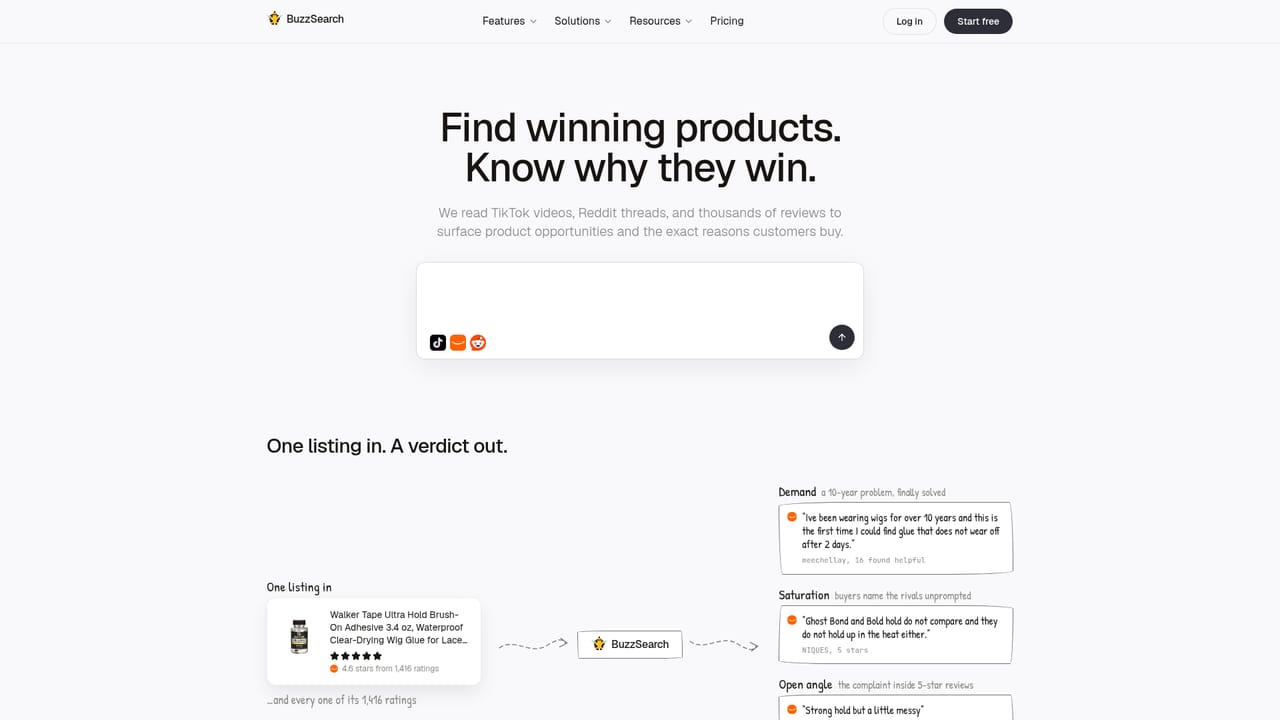
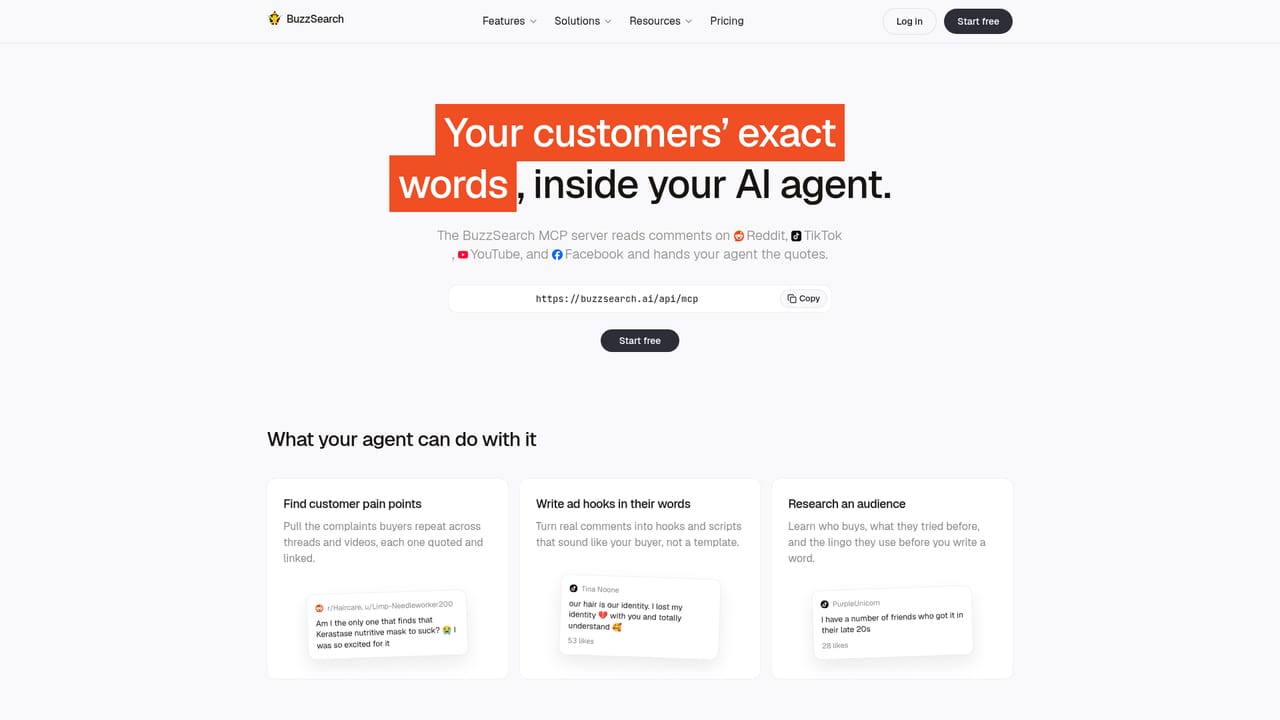
An MCP endpoint (https://buzzsearch.ai/api/mcp) allows connection to compatible AI agents and tools. No other integrations are listed on the homepage.
Learn moreAvatar discovery from a product or problem description; multi platform comment analysis across Reddit, TikTok, YouTube and others; ranked pain points with mention counts; niche lingo extraction; ad hook drafting from real quotes; competitor ad market snapshot with profitability and validation signals; MCP endpoint for agent integration.
Learn more AI Angels400+ customizable AI girlfriends for NSFW chat, voice calls, and roleplay
 Candy AIExperience the future of companionship with AI friends who chat, role-play, and connect with you on a human level.
 ourdream.aiA vast AI roleplay platform with millions of characters for chat, images, video and voiceAI Angels400+ customizable AI girlfriends for NSFW chat, voice calls, and roleplayCandy AIExperience the future of companionship with AI friends who chat, role-play, and connect with you on a human level.ourdream.aiA vast AI roleplay platform with millions of characters for chat, images, video and voice