Free trial
The Standard plan includes a two day free trial. It covers generating unlimited optimized texts, access to 10 templates and the ability to create custom templates.
Learn moreSEO writing assistant that drafts articles, images, and copy.

Sadako is a browser based AI writing and image platform for SEO articles, product descriptions, social copy and rewriting. It offers a 18 feature Standard plan and a 36 feature Premium plan, with a two day free trial and support for 15 languages.
Sadako is a web based content generation platform that bundles an article writer, image generator, rewriting engine and a library of task specific templates into one dashboard. It is aimed at people who publish a lot of written and visual material and want to move from a keyword or a short brief to a usable draft quickly. The homepage positions it for digital agencies, product designers, entrepreneurs, copywriters, digital marketers and developers, which suggests the intended buyer is a small team rather than a single hobbyist. In practice you start by picking a template, for example an article generator, product description, blog conclusion, FAQ builder or social media caption. You then supply a topic or keyword, optionally a list of words to exclude, and work through the result inside the editor. From there the output can be edited, exported or published, and an advanced dashboard tracks the different functions. A separate image generator powered by Dall-E sits alongside the text tools, so a listing page and its hero image can come from the same workspace. The rewriting feature is meant to fix or improve existing copy rather than start from nothing. Feature depth depends on the plan. The Standard tier lists 18 features, while Premium opens 36 and adds image generation and content rewriting. Sadako also advertises a two day free trial, support for 15 languages, unlimited custom templates and the ability to manage support tickets inside the dashboard. Content can be produced from RSS feeds and web page URLs as well, which makes the tool useful for repurposing existing material. Alternatives in this space tend to lean either toward long form SEO articles or toward image generation. Sadako tries to cover both, plus rewriting, voiceover and basic code output. The trade off is that it asks you to bring your own OpenAI and Dall-E API keys, so the tool is closer to a front end over third party models than a fully managed service. Buyers who want a single vendor handling model access and billing should factor that in.
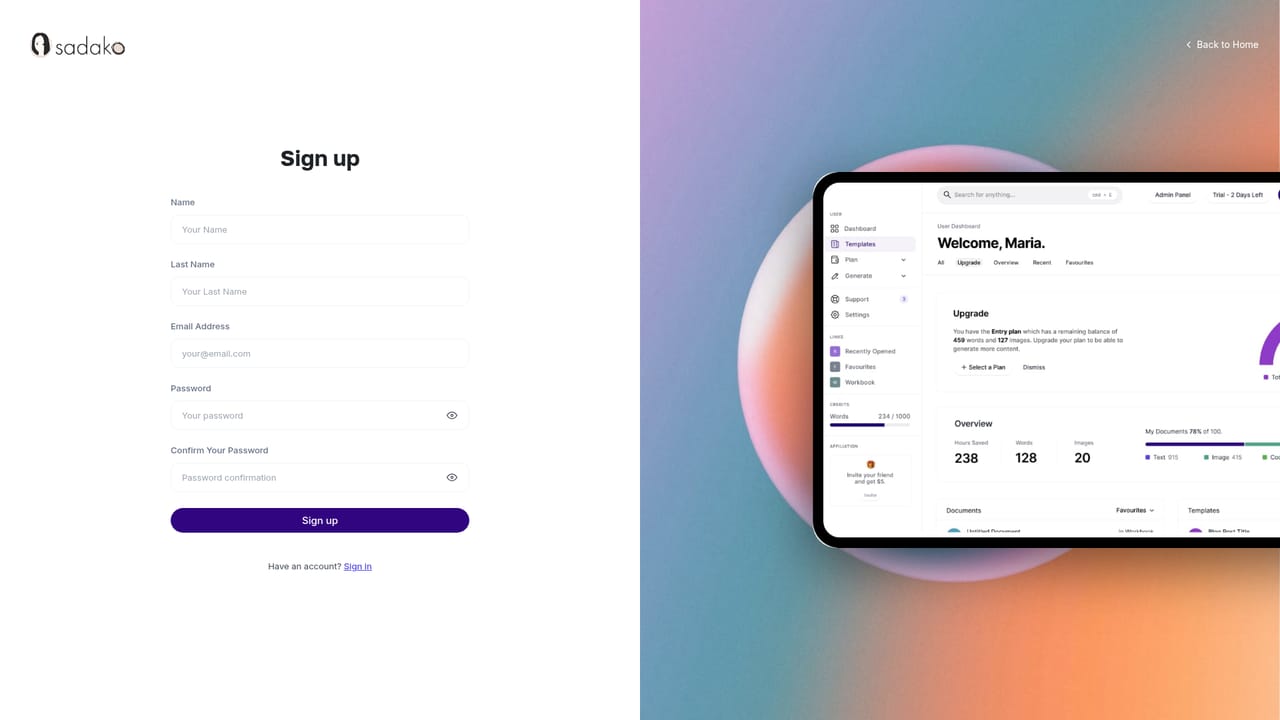
The Standard plan includes a two day free trial. It covers generating unlimited optimized texts, access to 10 templates and the ability to create custom templates.
Learn moreStandard costs $40 per month and lists 18 features. Premium costs $49 per month and lists 36 features, adding image generation and content rewriting on top of the Standard set. Payments are handled by credit card through Stripe. A limited offer advertises a 20 percent bonus discount on checkout.
Learn moreSupport tickets can be raised and managed from the Sadako dashboard. The homepage does not state response times or whether support is included on every plan.
Sadako relies on OpenAI API keys for text and Dall-E API keys for images, plus RSS feeds and web page URLs as content sources. No other third party integrations are listed on the homepage.
Templates span blog writing, ecommerce descriptions, development tasks, ads, social media, email, video, voiceover, RSS and branding. Tooling includes an article wizard, rewriter, plagiarism checker, speech to text, AI vision, web chat, image generation with Dall-E, voice isolator and voiceover cloning. Output can be edited, exported or published from the dashboard, and content can be generated in 15 languages.
 AI Angels400+ customizable AI girlfriends for NSFW chat, voice calls, and roleplay
 Candy AIExperience the future of companionship with AI friends who chat, role-play, and connect with you on a human level.
 ourdream.aiA vast AI roleplay platform with millions of characters for chat, images, video and voiceAI Angels400+ customizable AI girlfriends for NSFW chat, voice calls, and roleplayCandy AIExperience the future of companionship with AI friends who chat, role-play, and connect with you on a human level.ourdream.aiA vast AI roleplay platform with millions of characters for chat, images, video and voice


