Pricing
The homepage labels the cover letter prompt builder Free, and describes the library as 44 guides, 367 occupation examples and 2 free prompt builders. No paid tier, subscription or account pricing is stated.
Learn moreCover letter prompt builder with 367 occupation examples

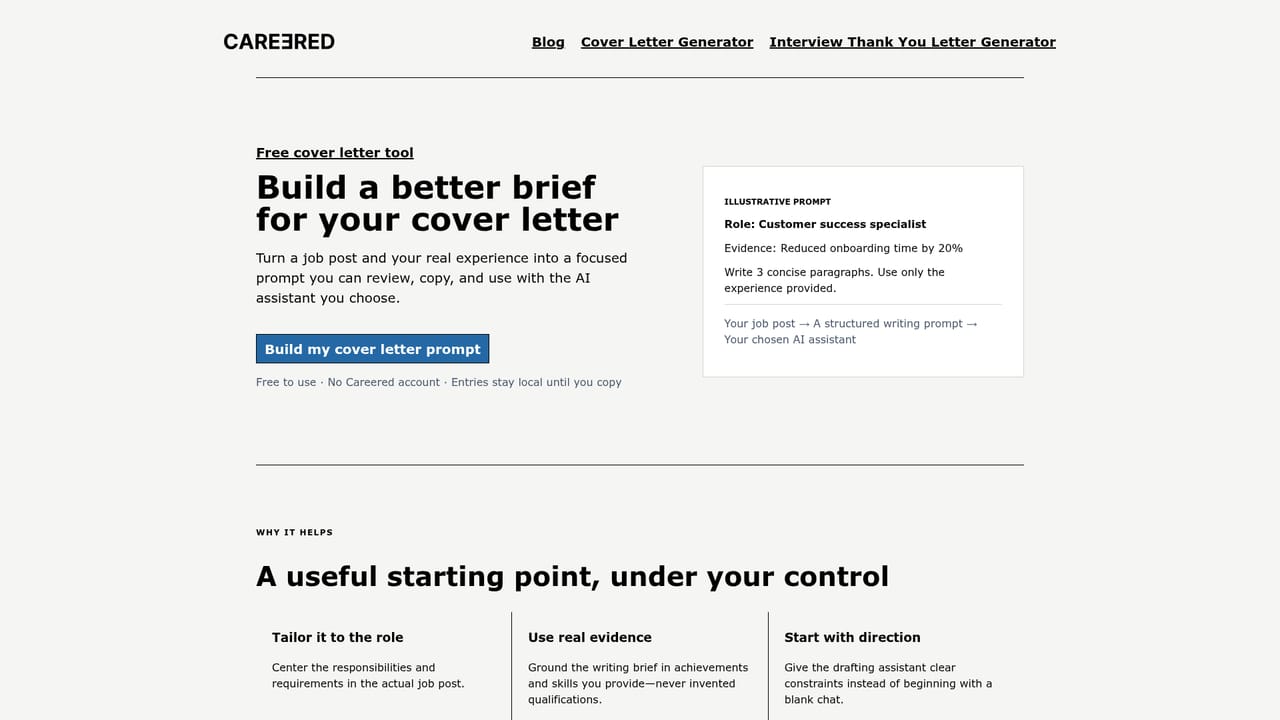
Careered builds a copy-ready cover letter prompt from a job post and your experience, pairs it with 367 occupation examples and 44 guides, then leaves the drafting to ChatGPT. Free, browser-based, no account mentioned.
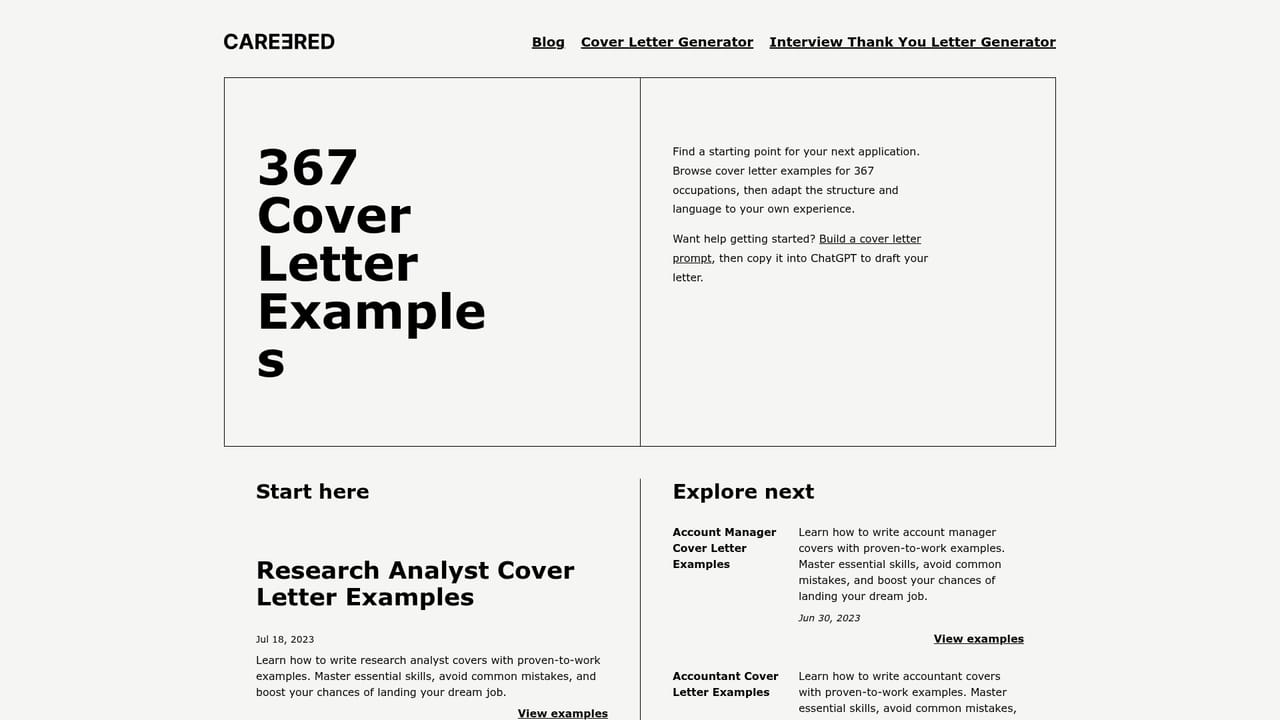
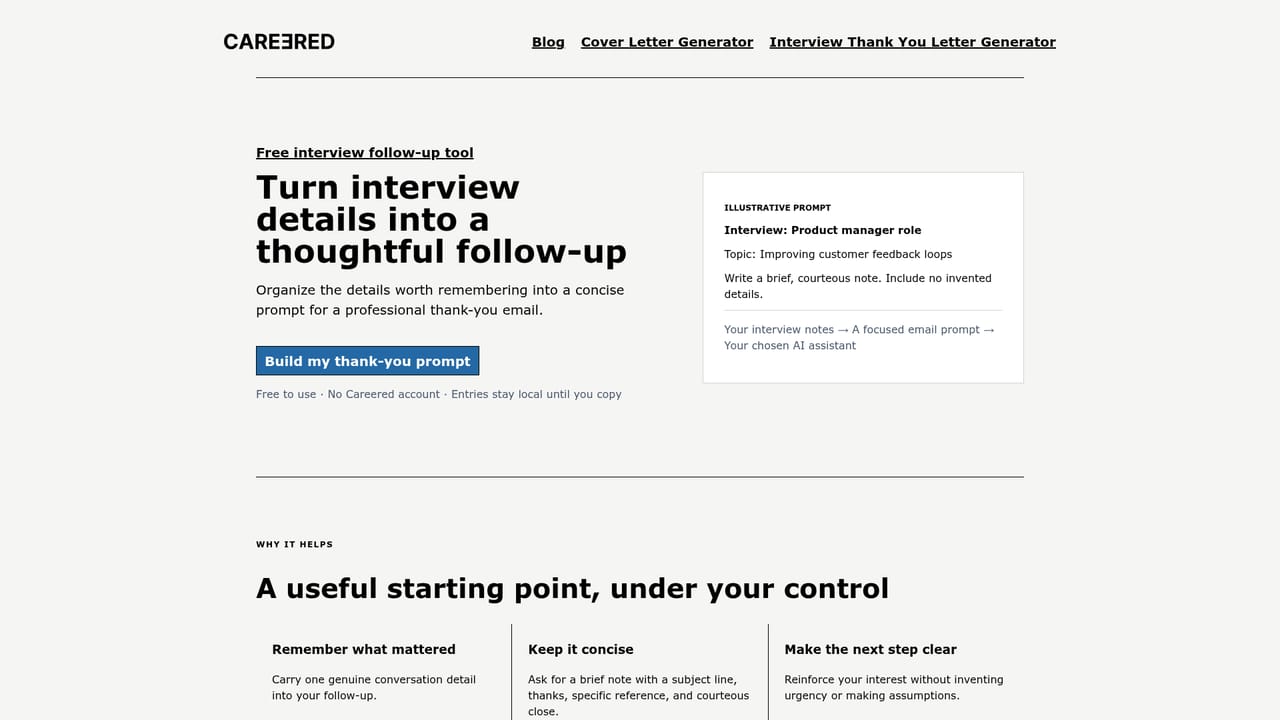
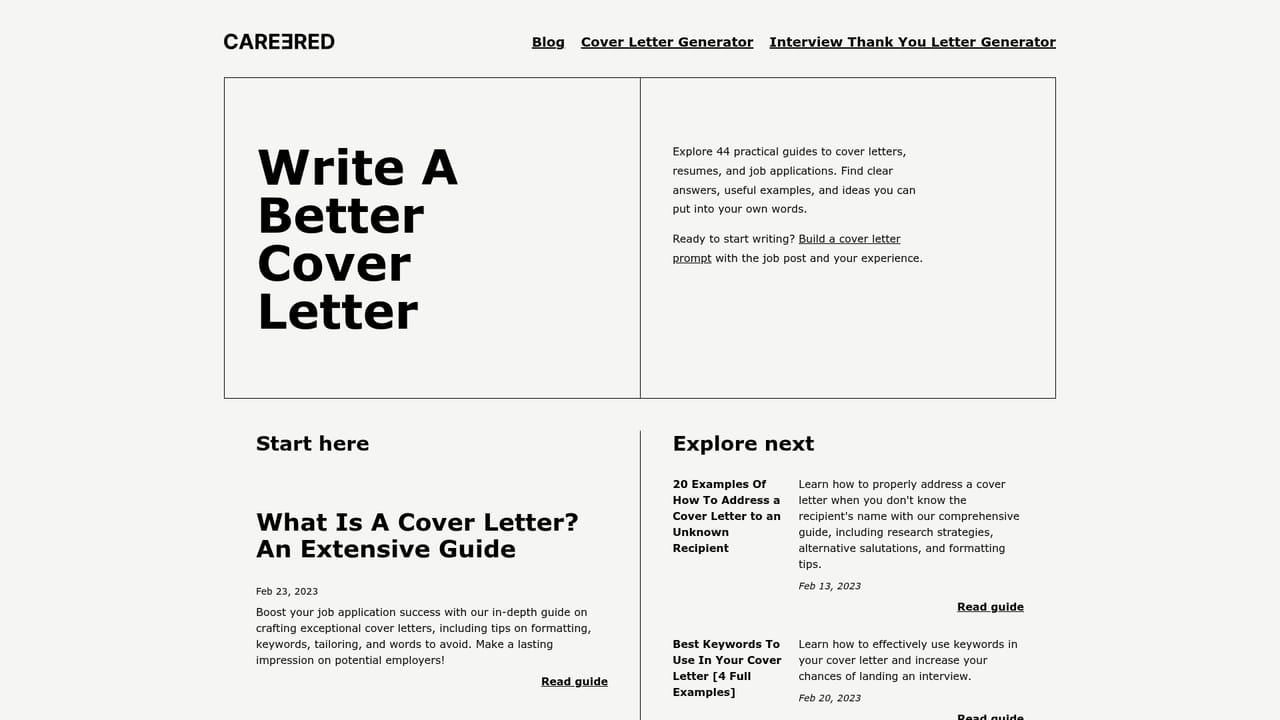
Careered is a job search writing resource built around two free prompt builders and a large reference library. The primary tool asks for the job post and your own experience, then assembles a structured prompt you copy into ChatGPT to draft the letter. The site does not generate the letter itself: the prompt is the product, and the final writing happens in whichever assistant you already use. A second builder handles interview thank-you notes for candidates who have already sat the interview. Around the builders sits a reference library of 44 practical guides and 367 occupation-specific cover letter examples, spanning roles from research analyst and radiologic technologist to site reliability engineer, ramp agent and Salesforce Marketing Cloud developer. Each example is a full sample letter rather than a template skeleton, so a candidate in one of those fields can see how experience is framed before adapting it. Privacy is handled locally: entries remain in the browser until you deliberately copy and share them, which matters when the input includes employer names and personal history. The tool suits job seekers who want a faster first draft without paying for a subscription writing service, and who are comfortable pasting a prompt into a general assistant. It also works for career changers who need vocabulary for an unfamiliar industry, since the occupation library covers roles well beyond office and technology work. Anyone expecting a finished, editorially reviewed letter from the site itself will need to look elsewhere; Careered stops at the prompt and the examples. Users who want a fully guided application writer, or who would rather not run their own AI assistant, should compare it against dedicated resume and cover letter platforms that produce the text in-house.
The homepage labels the cover letter prompt builder Free, and describes the library as 44 guides, 367 occupation examples and 2 free prompt builders. No paid tier, subscription or account pricing is stated.
Learn moreTwo free prompt builders: one for cover letters, taking a job post plus your experience and returning a prompt to paste into ChatGPT, and one for interview thank-you notes. Supporting library of 44 guides and 367 occupation cover letter examples. Inputs stay in the browser until you copy them.
Learn more AI Angels400+ customizable AI girlfriends for NSFW chat, voice calls, and roleplay
 Candy AIExperience the future of companionship with AI friends who chat, role-play, and connect with you on a human level.
 ourdream.aiA vast AI roleplay platform with millions of characters for chat, images, video and voiceAI Angels400+ customizable AI girlfriends for NSFW chat, voice calls, and roleplayCandy AIExperience the future of companionship with AI friends who chat, role-play, and connect with you on a human level.ourdream.aiA vast AI roleplay platform with millions of characters for chat, images, video and voice


