Free trial
No trial period is advertised. The site instead offers a free tier that generates AI resume content and allows TXT downloads, with PDF and DOCX exports requiring a subscription.
Learn moreAI resume builder with ATS templates, PDF and DOCX export
Own Resume-Example? Verify ownership to get a dofollow link

Resume-Example is a career tool. An AI-assisted resume and CV builder with ATS-oriented templates, resume import from PDF, DOCX and image files, cover letter and resignation letter generation, AI headshots, and translation into more than 40 languages. Free tier generates content and exports TXT; PDF and DOCX downloads need a paid subscription.
Resume-Example is an online CV and resume builder built around an AI optimizer. The core workflow is simple: bring an existing document or start from a blank form, let the AI rewrite and sharpen the wording, pick a layout, then export. Imports are accepted from PDF, DOCX and image files, which means most job seekers can move an old CV across in a few minutes rather than retyping it. The editor lets you rearrange sections and change the look of a document at any point, so a single profile can be reshaped for different roles. The template library is the strongest part of the offer. Each design is described as ATS friendly, and the layout can be adjusted later as a career develops. A subscription removes branding and watermarks, adds keyword suggestions and rephrasing for tone, and unlocks DOCX and PDF downloads. Alongside resumes, the same account covers AI cover letters generated from your CV and a job description, resignation letters, and an AI photo studio that turns a selfie into a headshot suited to corporate, startup or creative applications. Translation into more than 40 languages is included for international applications. The audience is broad: first-time applicants, career changers, and professionals applying abroad who need regional formatting and photos. Anyone who only needs a plain text resume can stay on the free tier, which allows AI content generation and a TXT download. Compared with standalone resume editors, Resume-Example bundles the supporting documents and photo work that usually mean paying for separate tools, though buyers should weigh that breadth against the subscription cost. Privacy is handled as one-click deletion with stated zero data sharing, and the FAQ confirms that AI use is acceptable as long as the facts stay accurate. The company is registered in Paris, and payment is taken through recurring billing only.
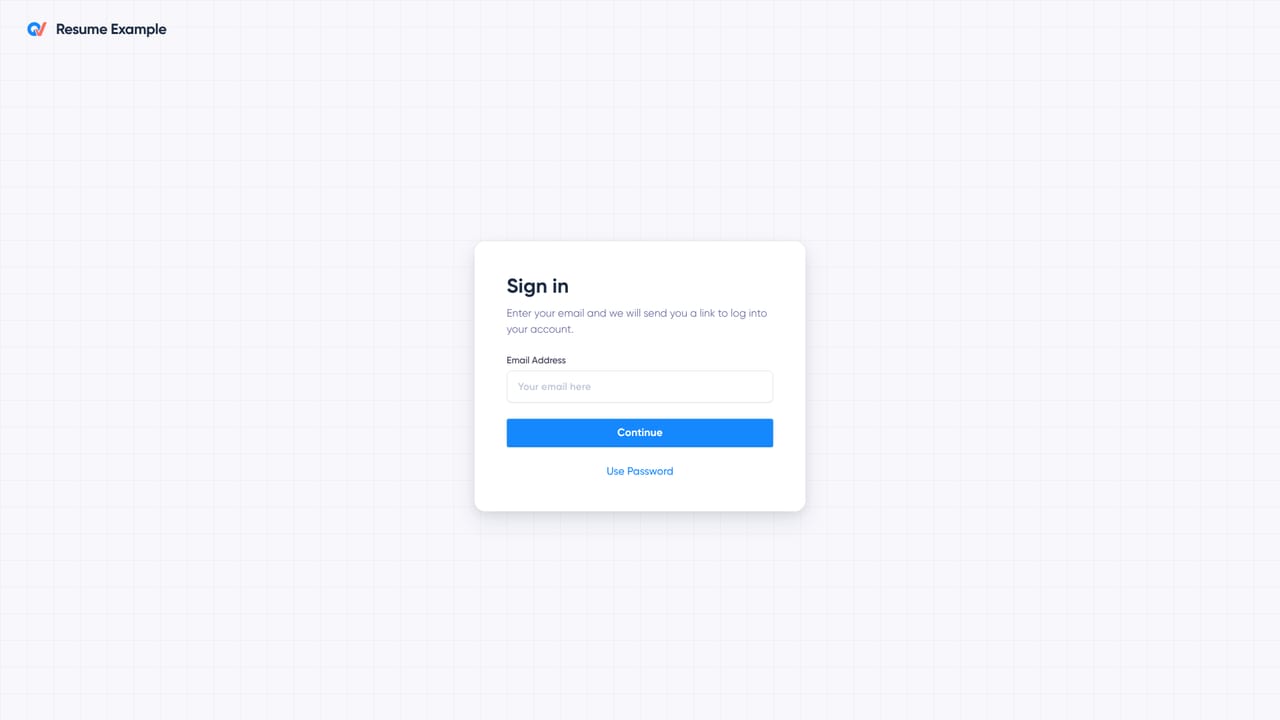
No trial period is advertised. The site instead offers a free tier that generates AI resume content and allows TXT downloads, with PDF and DOCX exports requiring a subscription.
Learn moreThree auto-renewing plans: $29.00 per month, $49.97 per quarter (billed after the first 90 days) and $75.00 per year (billed after the first 365 days). A subscription covers unlimited resume and cover letter downloads in DOCX and PDF plus all templates. TXT export and AI content generation are free.
Learn moreSupport is provided through a contact page on the site, and a public cancel subscription page handles billing changes. Testimonials praise the customer service, but no live chat or phone line is listed.
AI resume writing and keyword optimization, ATS-oriented template library, import from PDF, DOCX and image files, cover letter and resignation letter generators, resume translation into more than 40 languages, AI professional photo studio, watermark-free exports, and one-click data deletion.
 AI Angels400+ customizable AI girlfriends for NSFW chat, voice calls, and roleplay
 Candy AIExperience the future of companionship with AI friends who chat, role-play, and connect with you on a human level.
 ourdream.aiA vast AI roleplay platform with millions of characters for chat, images, video and voiceAI Angels400+ customizable AI girlfriends for NSFW chat, voice calls, and roleplayCandy AIExperience the future of companionship with AI friends who chat, role-play, and connect with you on a human level.ourdream.aiA vast AI roleplay platform with millions of characters for chat, images, video and voice


