Integrations
Works as a selectable camera inside Zoom, Microsoft Teams, Google Meet, Webex, Zoho and OBS Studio, and the vendor states that all common video tools are supported.
Learn moreRestores natural eye contact in any video call, processed locally

Casablanca is an eye contact corrector tool that restores natural eye contact in any video call, processed locally. Casablanca is a real time gaze correction tool that makes you appear to look into the camera during video calls.
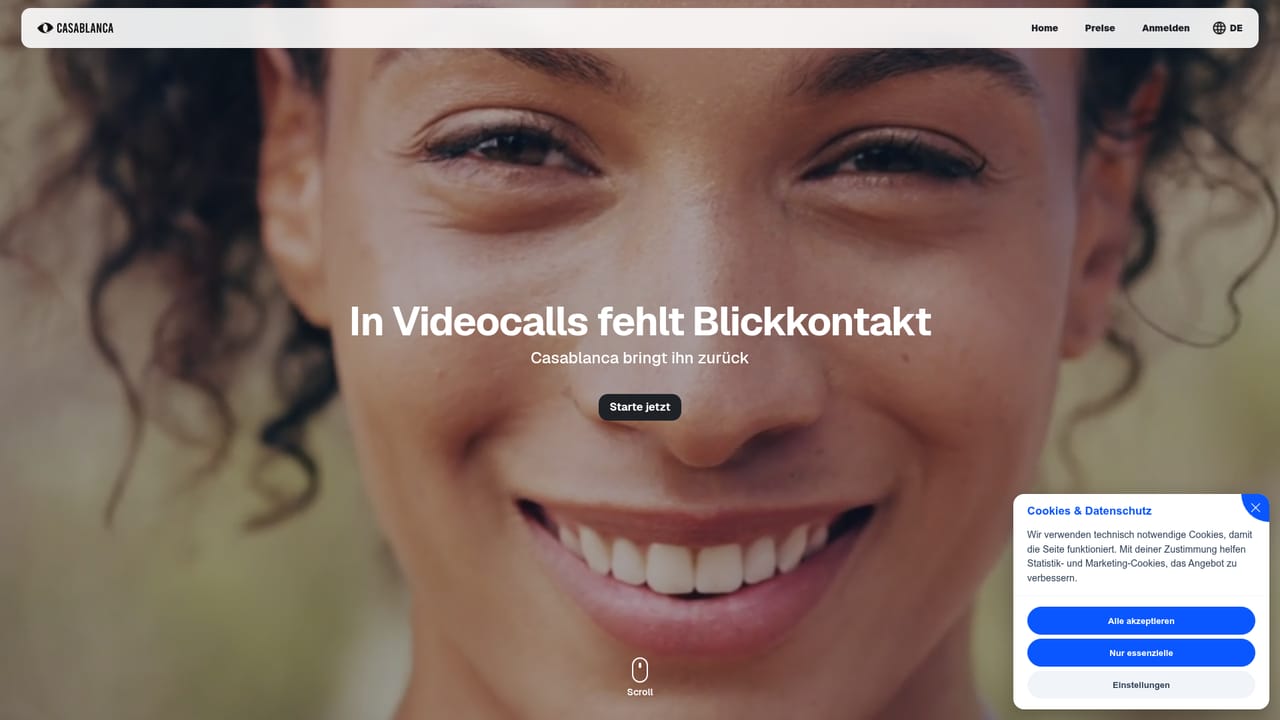
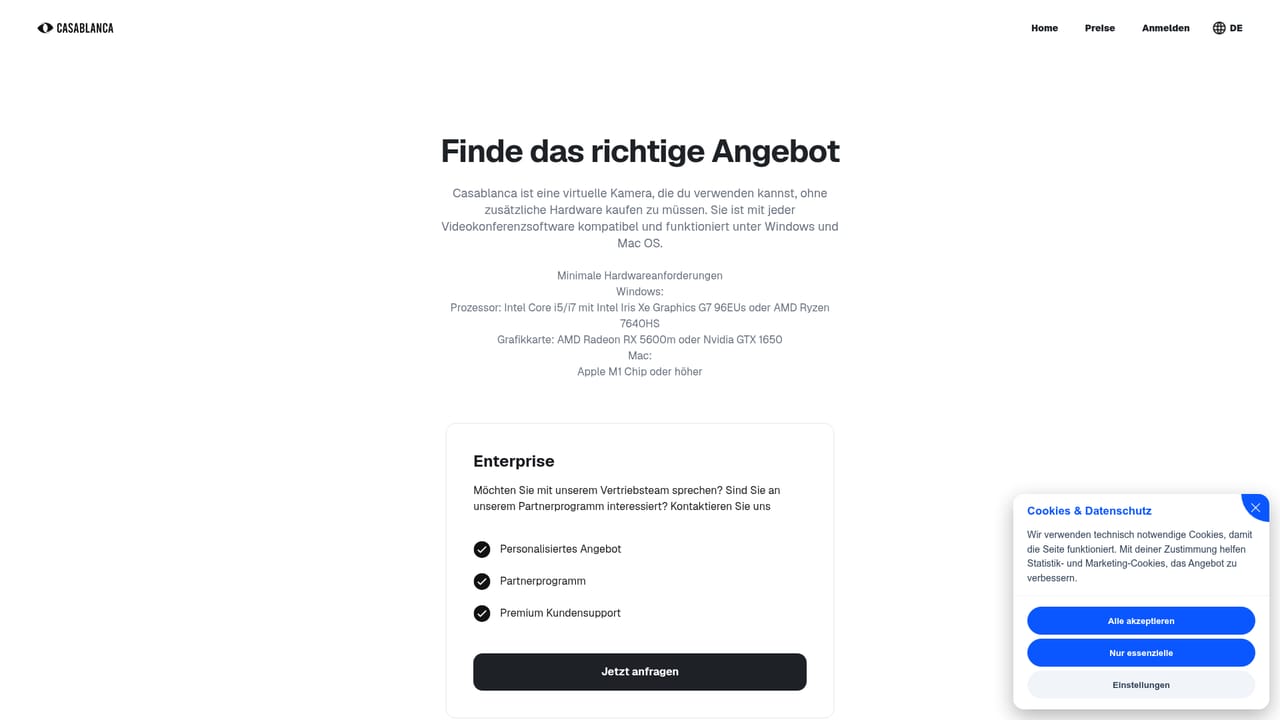
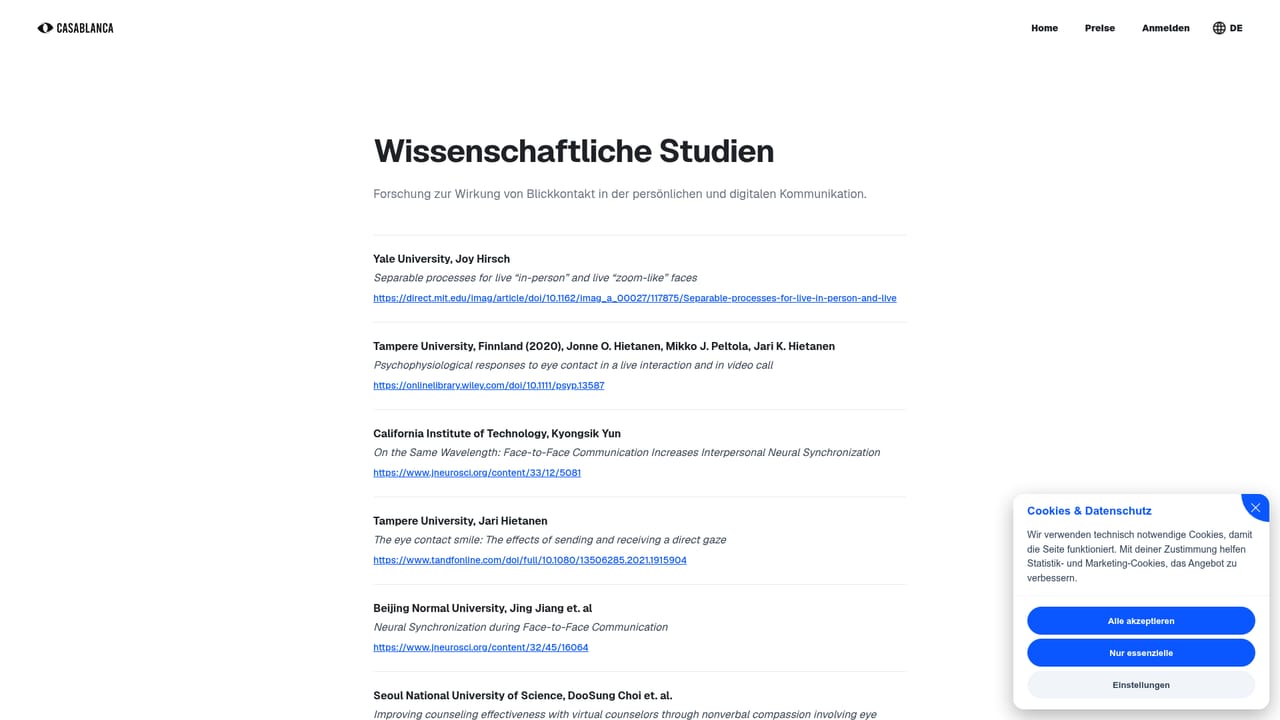
Casablanca is a software layer that restores eye contact in video calls. The problem it addresses is familiar: in a normal call the camera sits above or beside the screen, so looking at the person you are speaking with means looking away from the lens. Viewers read that as distraction or evasiveness. Casablanca shifts the gaze in the outgoing video so it appears the speaker is looking straight into the camera, roughly as if a small lens were mounted in the middle of the display. The processing runs in real time and entirely on the local machine. According to the company, meeting image data never leaves the computer, which matters for anyone handling confidential conversations, recruiting interviews or client calls. Because the output is exposed as a virtual camera, the tool is not tied to a single meeting platform: the homepage names Zoom, Microsoft Teams, Google Meet, Webex, Zoho and OBS Studio, and states that all common video tools work. Installation is described as a one click setup. The audience is broad but leans professional. Sales teams and webinar hosts use it to appear more present, teachers and lecturers to hold attention in online sessions, and recruiters to make candidates feel addressed. Casablanca cites research on gaze and perception, including a study summary claiming users are judged friendlier and more competent in recruiting interviews, and points to a dedicated studies page for the underlying evidence. Among alternatives, most eye contact correction lives inside separate recording or post production suites, where footage is fixed after the fact. Casablanca positions itself as a live layer that sits in front of whatever conferencing tool is already in use, so the value depends on call quality and latency rather than on editing features. Pricing tiers are published on the site; the homepage itself does not list amounts.
Works as a selectable camera inside Zoom, Microsoft Teams, Google Meet, Webex, Zoho and OBS Studio, and the vendor states that all common video tools are supported.
Learn moreFour capabilities are highlighted: natural eye contact that mimics a lens placed mid screen, local processing so meeting images never reach the vendor, real time AI fast enough for live calls without delay, and compatibility with all common video conferencing tools.
Learn more AI Angels400+ customizable AI girlfriends for NSFW chat, voice calls, and roleplay
 Candy AIExperience the future of companionship with AI friends who chat, role-play, and connect with you on a human level.
 ourdream.aiA vast AI roleplay platform with millions of characters for chat, images, video and voiceAI Angels400+ customizable AI girlfriends for NSFW chat, voice calls, and roleplayCandy AIExperience the future of companionship with AI friends who chat, role-play, and connect with you on a human level.ourdream.aiA vast AI roleplay platform with millions of characters for chat, images, video and voice


