What these tools do
An AI furniture finder starts with the room itself. You upload a photo, the tool maps the existing space, and it returns a redesigned version where the pieces shown are real products with real prices rather than generic renders. That is the difference from a mood board: the point is not only to visualize a change but to move from image to checkout with fewer dead ends. It suits renters working around fixed walls, first-time buyers furnishing from scratch, and anyone testing a layout before committing to a large piece. It replaces the slow loop of saving inspiration, hunting for a near match and guessing whether a sofa will fit.
How to choose one
The main question is whether the tool works from your own photo or only from preset styles. A furniture finder that redesigns your actual room gives more useful answers, because dimension and light are already in the input. Check what happens after the render: the strongest options keep a direct line between the visual and the product, so a click leads to a listing rather than an inspiration image. Platform matters too. A web app suits a laptop session with tabs open for comparison; a native app suits photographing a room and editing on the spot. Pricing models split between free tiers with limits and subscriptions that unlock more redesigns, so match the plan to how many rooms you actually intend to work on. Finally, look at how many rooms or styles a free tier allows before you commit.
Notable tools
MeltFlex redesigns any room from a photo and fills the result with furniture you can actually buy. It runs as a web app on a freemium and subscription model.
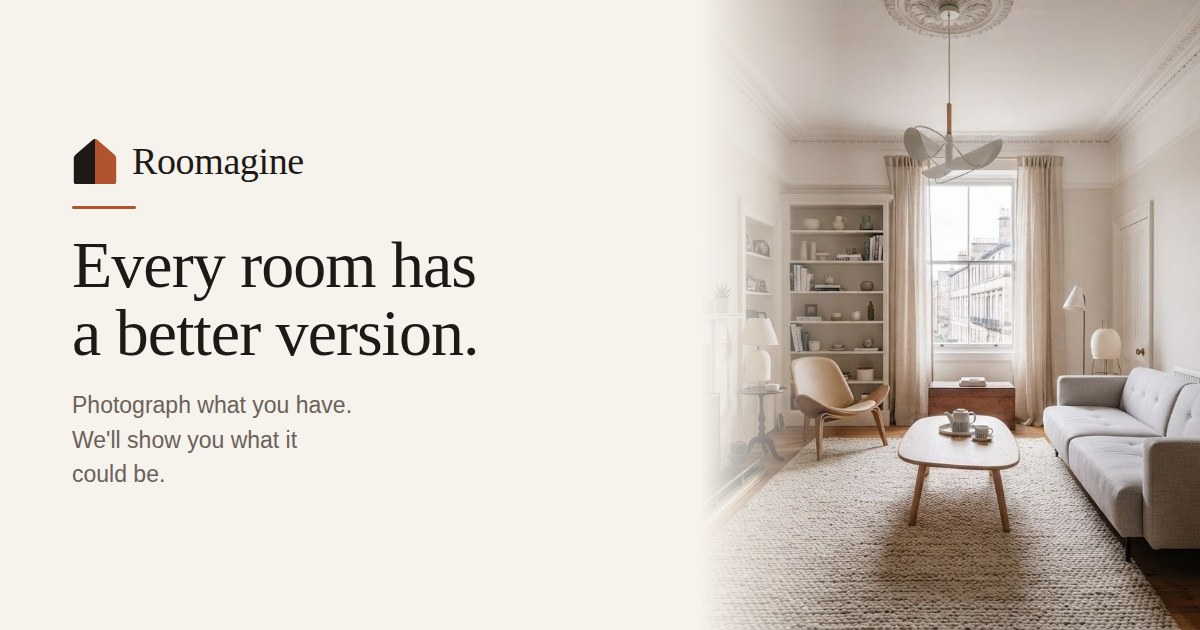
Roomagine takes a single photo of your real room and returns a redesign, then points you toward buying the furniture shown. It is available on iOS, Android and the web, with a free and freemium structure.
ZORY AI focuses on AI interior design and connects its renders to real, shoppable furniture. It is a web app with freemium and subscription tiers.
Common questions
What is an AI furniture finder?
It is a tool that redesigns a room image and links the furniture in the result to products you can purchase. Instead of static inspiration, you get a visual plan tied to listings. The three tools here all follow that model.
Does a furniture finder need a photo of my room?
Roomagine works from one photo of your actual room, which keeps your real dimensions and light in the result. MeltFlex also redesigns from a photo. ZORY AI approaches the same job from interior design renders, so check which input a tool expects before you start.
Can I use one before buying a sofa or a full set?
Yes, that is the practical use case. You photograph the room, see the layout with specific pieces, and decide before spending. It is most useful when a large purchase is at stake and the rest of the room has to work around it.
When to look elsewhere
If the decision is already made and you only need the lowest total, the Price Comparison category covers that ground. If you are hunting broadly across stores and want deals rather than room visuals, AI Deal Finder and Product Finder are the closer fit.