Free trial
The app itself is free and the first design is included without payment. A single design can also be tried in the browser without an account at roomagine.ai/try.
Learn moreRedesign your actual room from one photo, then buy the furniture
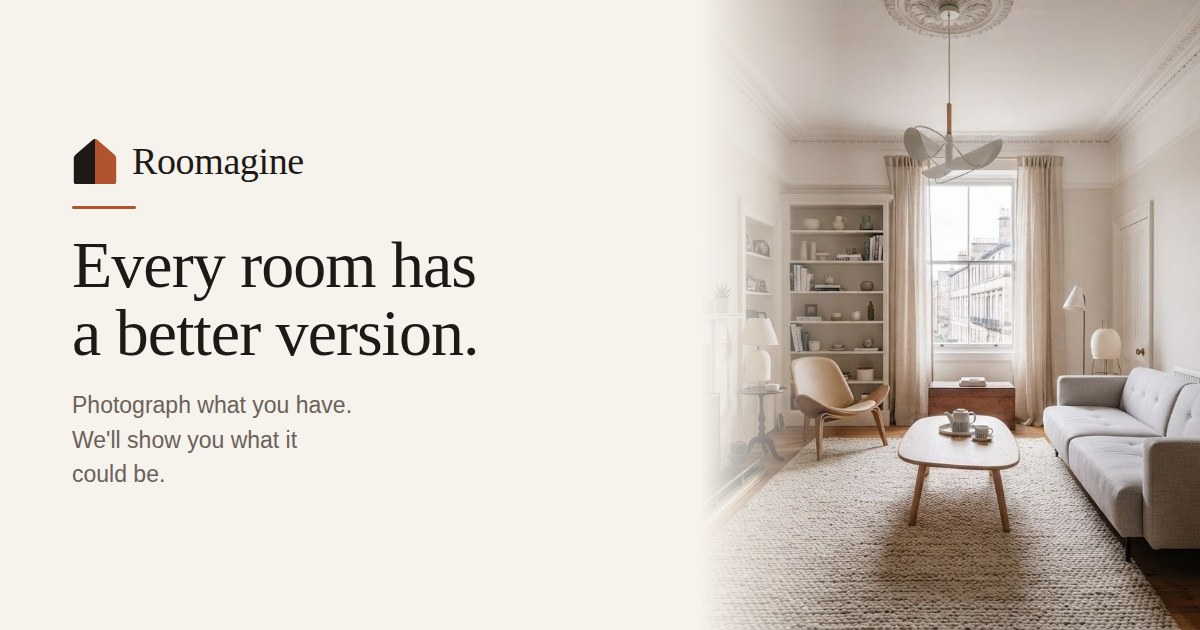
Roomagine is an AI furniture finder tool. Roomagine restyles a photo of your own room into a furnished design in about ten seconds, across 24 styles or a custom prompt, then finds real, buyable furniture that resembles the pieces in the render. iOS and Android app with a credit model and no subscription.
Roomagine is a mobile AI interior design tool that restyles the room you already live in rather than generating a generic stock interior. You photograph a corner of a room, choose from 24 styles (Scandinavian, Art Deco, Mid-Century Modern, Japanese Zen and others) or type a description in plain language, and the app returns a furnished version of that same space in roughly ten seconds. Windows, ceiling height and awkward corners are preserved, which is the point: a pretty room that is not yours tells you nothing about whether the change is worth the money. The workflow extends past the render. A "What we'd change" feature returns written notes specific to your photo, naming which wall, piece or light it would alter and why, and those notes can then be applied to the design. A Modify command re-renders the same room with a single instruction such as changing a sofa colour, keeping the angle and style intact. On any finished design, Find matches detects the chairs, sofas, beds and tables in the image and searches for real products that resemble them, drawn over the render so you tap the piece you want and land on the retailer's own page. Matching is free and does not consume credits. Saved products keep the price they carried on the day you saved them. The tool suits three broad groups. Homeowners can test an expensive kitchen or sofa decision before committing. Renters can plan changes that need no drilling, working around a rug, a lamp or a different chair. Estate agents and stagers can furnish an empty listing in minutes without hiring furniture, and designers can put a visual in front of a client on a first call. Roomagine is deliberately narrower than a full planning suite. It works from eye-level photos, empty rooms and hand sketches, not top-down floor plans, and there is no web version: it runs as an iOS and Android app with a browser trial for a first design. Furniture matching operates in nine countries and stays switched off elsewhere rather than showing shops you cannot order from.
The app itself is free and the first design is included without payment. A single design can also be tried in the browser without an account at roomagine.ai/try.
Learn moreThe app is free to download and the first design is free. Rendering runs on credit packs of 10, 30, 100 and 200, priced by the App Store and Google Play in your local currency. One design or one modification costs one credit, credits never expire, and there is no subscription.
Learn moreA support email (support@roomagine.ai) is listed for questions, and every design carries a feedback button that routes to a person. Account and data deletion is handled inside the app.
Restyles photos of real rooms, empty rooms and hand sketches across 24 styles or a free-text prompt. Designs render in about ten seconds with up to four parallel versions. Written change recommendations, a plain-language Modify command, and free furniture matching that detects pieces in the render and links to real retailer pages. Rooms, designs and versions are organised on the device and can be exported as a before/after collage.
Learn more AI Angels400+ customizable AI girlfriends for NSFW chat, voice calls, and roleplay
 Candy AIExperience the future of companionship with AI friends who chat, role-play, and connect with you on a human level.
 ourdream.aiA vast AI roleplay platform with millions of characters for chat, images, video and voiceAI Angels400+ customizable AI girlfriends for NSFW chat, voice calls, and roleplayCandy AIExperience the future of companionship with AI friends who chat, role-play, and connect with you on a human level.ourdream.aiA vast AI roleplay platform with millions of characters for chat, images, video and voice