What these tools do
Minecraft blueprints is a loose term players use for anything that gets an idea out of your head and into the game without hand-building it block by block. The tools here work at three different layers. One writes code: you describe an item in plain English and it returns a working Fabric mod JAR. One handles appearance: a photo or a text prompt becomes a 64×64 skin with a 3D preview so you can check the proportions before you commit. One handles terrain: a real city becomes a downloadable Minecraft world.
They are for players, server owners and small modding hobbyists who have a clear idea and limited patience for the manual route. What they replace is the slow part, not the creative part. You still decide what the thing should be; the tool does the translation into files the game accepts.
How to choose one
Start with the output format, because that determines everything else. A blueprint generator that produces a mod JAR only helps if you run Fabric and are comfortable dropping a file into a mods folder. If you just want a new look for your character, a skin tool is the right layer and a world generator is not.
Next, check the input you actually have. Some tools want text, some want an image, some want coordinates or a place name. Matching your input to the tool saves the most time.
Then look at the preview. Skins and worlds are visual, so a 3D or in-game preview before download tells you more than any feature list. Finally, weigh the pricing model: a free trial is enough to test a one-off world, while recurring use (new skins every season, new items every update) makes a subscription easier to justify.
Notable tools
MineArcane takes a plain-English item idea and returns a real Fabric mod JAR, which is the closest thing here to a true minecraft blueprint generator: the output is functional code rather than a picture of a build. It is aimed at players who already mod their game and want custom items without writing Java.
Photo to Skin turns a photo or a text prompt into a 64×64 Minecraft skin with a 3D preview, so you can see the result on a body before downloading. Useful when the blueprint you have in mind is a character rather than a structure.
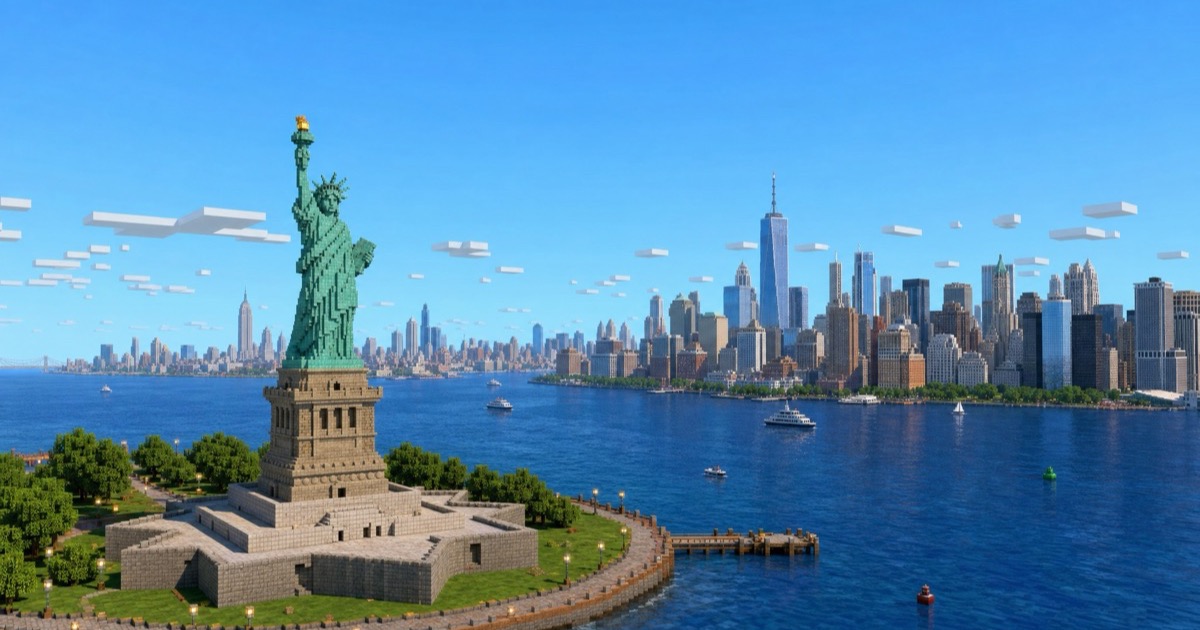
MapMC turns any real city into a downloadable Minecraft world, which covers the terrain side of blueprints: a layout you can walk through and build on instead of a plan you have to measure out yourself.
Common questions
What is a minecraft blueprint generator?
In practice the phrase covers any tool that converts a short description or reference into a usable Minecraft file. That can be a mod, a skin or a world, depending on the tool. None of the options here produce a literal schematic of a house, so pick based on the kind of file you need.
Are minecraft blueprints free to make?
All three tools offer a free or trial entry point, with paid tiers for heavier use. A single skin or a test world is usually possible without paying. Check the limits on the free tier before planning a larger project around it.
Can I use the results on a server?
Skins and worlds transfer cleanly to multiplayer, since other players see the same files. Mod JARs are different: everyone connecting to a Fabric server needs the matching mod installed, so confirm that before building a session around a custom item.
When to look elsewhere
If the goal is a full 3D game environment rather than a Minecraft world, the Roblox Map Maker category covers that platform. If you want an AI helper that talks you through gameplay rather than generating files, see the Gaming AI Assistant category.