What these tools do
Video to SFX tools take footage as the starting point and return usable audio. The common job is matching sound to picture: a clip of rain on a window gets rain, a clip of footsteps gets footsteps, with timing that follows the action rather than sitting on top of it. A second job is generation from a description or a frame, which is useful when no library sample fits. A third is separation, pulling apart a finished track so the existing effects can be reused or the dialogue can be cleaned. This replaces manual foley work, hours spent auditioning library packs, and the habit of muting a clip because nothing matched. It is built for editors, game and short film creators, social video producers and sound designers working to a deadline.
How to choose one
Start with what the footage already contains. If the clip has a mixed track and the goal is to isolate or reuse the effects inside it, separation is the job and a generator will not help. If the clip is silent or the effects need to be invented, generation is the job.
Then check how the tool takes its input. Some tools accept only a text prompt, some accept a still image, and some accept the video itself, which matters if synchronization has to follow cuts and movement. Ask whether output is a single mixed file or separate layers you can rebalance in an edit.
Finally, weigh cost and platform. Free tools suit one-off tests, freemium tools suit projects that grow, and subscription tools suit repeat work. Confirm the tool runs in a browser if you edit on a machine without a dedicated audio install, and check output length limits before planning a long sequence.
Notable tools
Music Remover splits video and audio into voice, music and effects stems, which is the entry point when a clip already has sound you want to keep or subtract. It is free and runs in the browser.
MMAudio generates synchronized sound effects and ambience for silent video clips, so the audio is timed to the picture rather than pasted over it. It is freemium and web based.
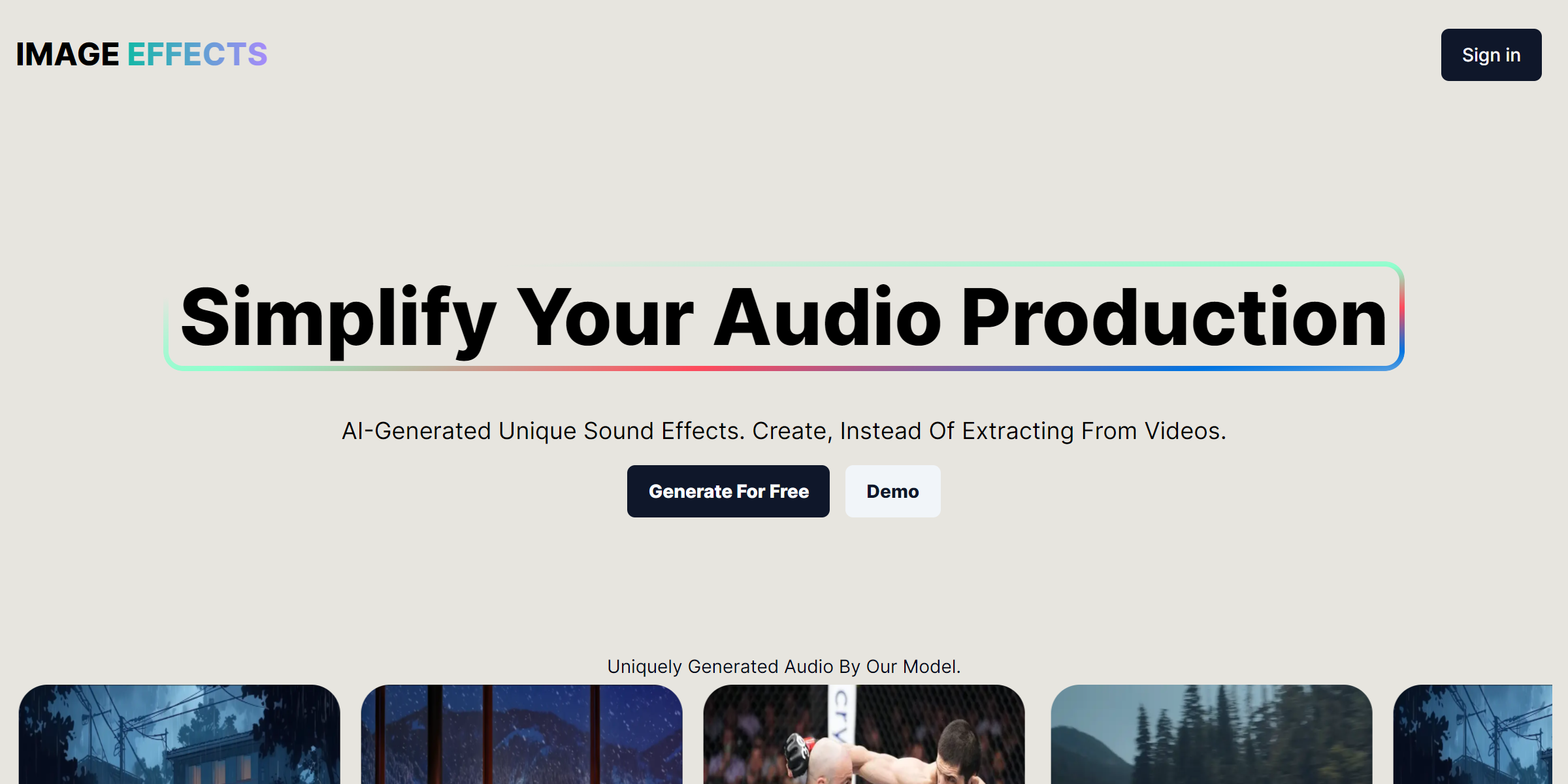
Sound Effects AI generates original sound effects from a text prompt or a still image. It is free with a subscription tier and runs as a web app, which suits creators who need something specific that a library does not hold.
Common questions
What does a video to sound generator actually produce?
It produces audio that is meant to sit under the picture: effects, ambience or both, depending on the tool. Some tools return one mixed track, while others return layers you can adjust. The right output is the one that opens cleanly in your editor without extra conversion.
Can video sfx ai tools work from a silent clip?
Yes, that is the central case for generation tools. A silent clip gives the tool nothing to separate, so the sound has to be created and aligned to the action. Expect to review timing on fast cuts, since synchronization is close but rarely perfect on the first pass.
What is the difference between generation and separation here?
Generation invents new audio from a prompt, an image or the video itself. Separation takes an existing track apart into voice, music and effects. Use generation when the clip is silent, and separation when the clip already carries the sound you want to keep, remove or reuse.
Do I need an account to test these tools?
It depends on the tool: the free and freemium options generally let you try a short clip before committing. Check output length and download limits on the free tier first, since those decide whether a test tells you anything about a real project.
When to look elsewhere
If the problem is not the effects but the dialogue, look at Humanize Audio for smoothing synthetic speech. If you already have a library and only need to identify a specific recording, Sound Identifier is the closer fit.