Free trial
A free plan provides 3 credits per month with a 5 second output limit and no card required. The site does not describe a separate time-limited trial of the paid plans.
Learn moreGenerate original sound effects from a text prompt or a still image
Own Sound Effects AI? Verify ownership to get a dofollow link
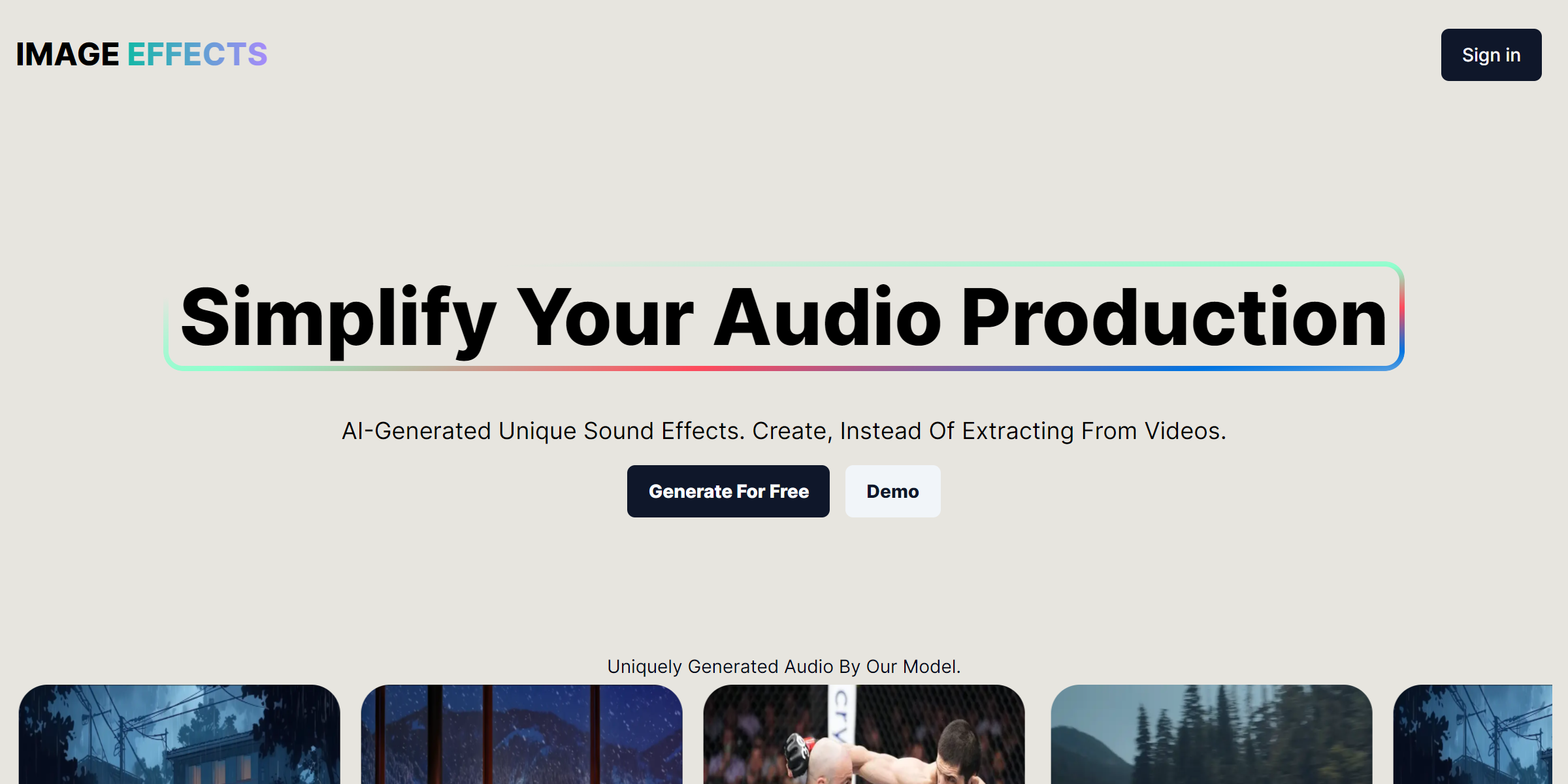
Sound Effects AI is a sound effect finder tool that generates original sound effects from a text prompt or a still image. A web tool that builds original sound effects from a text description or an uploaded image, aimed at video, podcast and game creators who need specific audio rather than stock library near-matches.
Sound Effects AI is a web tool for generating original sound effects rather than hunting through stock libraries or stripping audio from video clips. The premise is stated plainly on the site: create instead of extracting. A creator types a description of the sound they want, or uploads an image as a starting point, and the model returns a fresh audio clip built for that input. The results shown on the homepage lean toward ambience and scene-setting material, including rain outside a house, a fireplace, a car engine and animal sounds such as a kitten, a horse and a robot meow. The workflow is short by design. Input goes in through a description or an image, the generation runs, and the finished clip can be previewed and downloaded for use in the creator's own project. Output length is capped by plan rather than left open, so clips run up to 5 seconds on the free tier, 10 seconds on Starter and 20 seconds on Premium. Image input is listed as high quality across all three tiers. One useful distinction is that generated history is available on the paid plans but not on the free one, which matters if you plan to revisit earlier results. This suits video editors, podcasters, game developers, motion designers and social media producers who need a specific sound that a library search rarely turns up. It is a reasonable fit for anyone who has spent an afternoon scrolling through sample packs looking for a close-enough match. The site reports adoption by more than 900 creators and carries a Product Hunt feature badge. Buyers should note that the homepage says nothing about export formats, integrations with editing software, licensing terms in detail, or what post-generation customisation is possible, even though the FAQ poses those questions. Pricing is quoted in pounds, and the paid tiers are shown at discounted rates against higher list prices, so check current billing before committing.
A free plan provides 3 credits per month with a 5 second output limit and no card required. The site does not describe a separate time-limited trial of the paid plans.
Learn moreFree: 3 credits per month, 5 second output limit, no generated history, no card required. Starter at 7 pounds per month (list 16): 100 generations, 10 second limit, history access. Premium at 15 pounds per month (list 25): 500 generations, 20 second limit, history access. Image input on every tier.
Learn moreThe site offers an email contact address for feedback and a linked suggestion board for feature requests. No help centre or documentation is listed.
Text-to-sound and image-to-sound generation, instant creation of original effects, preview before download, generated history on paid tiers, and output lengths of 5, 10 or 20 seconds by plan. The site markets the results as royalty-free and positions the tool as a time saver compared with searching stock audio.
 AI Angels400+ customizable AI girlfriends for NSFW chat, voice calls, and roleplay
 Candy AIExperience the future of companionship with AI friends who chat, role-play, and connect with you on a human level.
 ourdream.aiA vast AI roleplay platform with millions of characters for chat, images, video and voiceAI Angels400+ customizable AI girlfriends for NSFW chat, voice calls, and roleplayCandy AIExperience the future of companionship with AI friends who chat, role-play, and connect with you on a human level.ourdream.aiA vast AI roleplay platform with millions of characters for chat, images, video and voice


