What these tools do
A YouTube comment generator writes comment text for you, usually from a prompt, a video topic or a pasted transcript. The fake YouTube comment maker framing covers the same job: producing plausible comment lines in bulk for drafts, mockups, testing or community warm up, rather than typing each one from scratch. These tools suit creators, channel managers and social teams who answer a lot of comments, plan engagement around a upload, or need sample comment text before a video goes live. They replace the blank box and the manual copy and paste pass, not the judgment call about what sounds like the channel's voice.
How to choose one
The first question is what you need the comments for. If you want finished lines to post or adapt, pick a tool that writes comments from a short brief. If you want to understand an existing thread, pick one that reads comments and returns a sentiment or topic summary instead. Check where the tool runs: a browser extension keeps you on the video page, while a web app usually means a separate tab and a pasted result. Check whether output arrives in batches or one comment at a time, because a fake YouTube comment maker is only useful if it saves time across many lines. Finally, look at pricing shape. A free extension fits occasional use, while a subscription only makes sense if the output volume or the reporting justifies it.
Notable tools
Comment Generator is a browser extension aimed at Instagram comments that writes engagement text from a short input. It is the option to check first if your comment work spans several platforms and you want one extension in the browser.
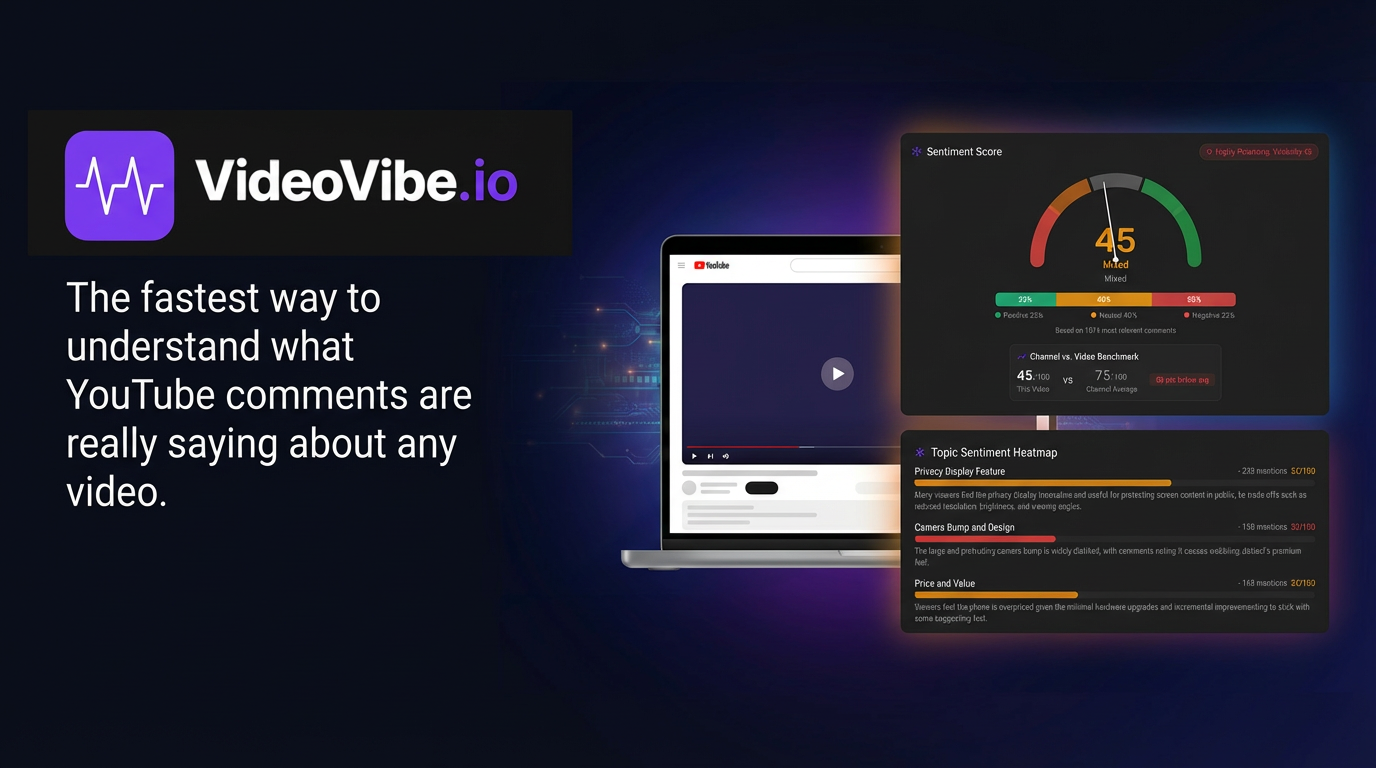
VideoVibe.io takes the opposite angle: it turns a YouTube comment section into a sentiment and topic report. Use it when the goal is reading the audience rather than posting to it, such as judging reaction to a video or summarizing a long thread before planning a follow up.
Social Comments GPT is a free Chrome extension that writes social media comments with ChatGPT behind it. It fits low volume drafting and quick replies where budget matters more than deep reporting.
Common questions
What is a YouTube comment generator?
It is a tool that writes comment text for you, usually from a topic, prompt or pasted context. Output is a draft, so read each line before posting and adjust anything that sounds generic. Tools built for other platforms often work fine as a starting point for YouTube threads.
Is a fake YouTube comment maker the same thing?
The two labels describe the same drafting job, one leaning toward engagement and the other toward sample or mockup text. Either way the output is written text, not real users, so it should never be passed off as a genuine audience reaction. Use it for drafts, testing and planning, then let real commenters carry the thread.
Can these tools analyze comments instead of writing them?
Some can. VideoVibe.io reads an existing comment section and returns sentiment and topic findings, which is useful before a launch or after a spike in replies. Pair that reading with a writing tool when you want both a summary and new replies.
When to look elsewhere
If the real need is finding accounts or people rather than writing comments, the Social Media Finder category covers that search job. For comment text aimed at Instagram posts specifically, see Instagram Comments; it keeps the advice focused on that platform's threads and reply culture.