Pricing
The homepage presents the toolkit as free and does not list paid tiers, subscriptions or usage limits. No pricing details are stated.
Learn moreFree browser toolkit for CSV, Parquet, JSON and GeoJSON files.

ChatDB is a chat diary tool. A free collection of over 50 browser-based tools for converting, viewing, editing and querying CSV, Parquet, JSON, GeoJSON, SQLite and Excel files. Runs locally, includes SQL and natural language query options, and covers data profiling, formatting and geo conversions.
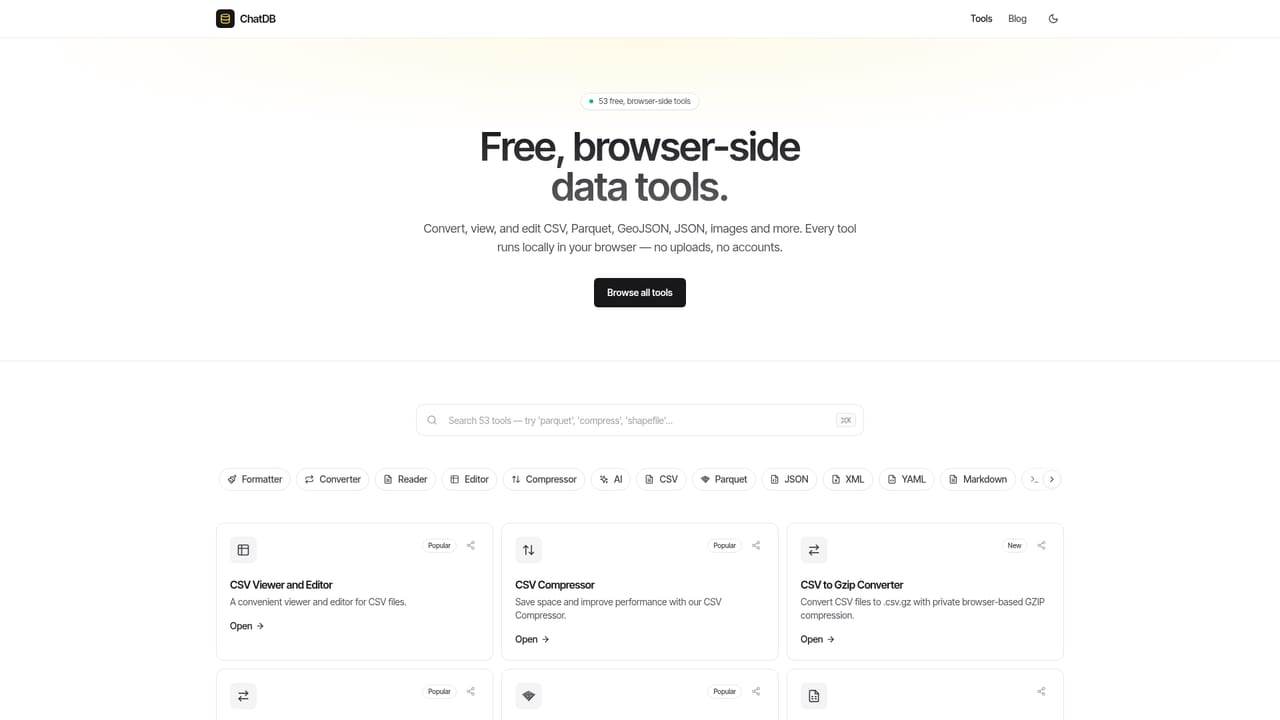
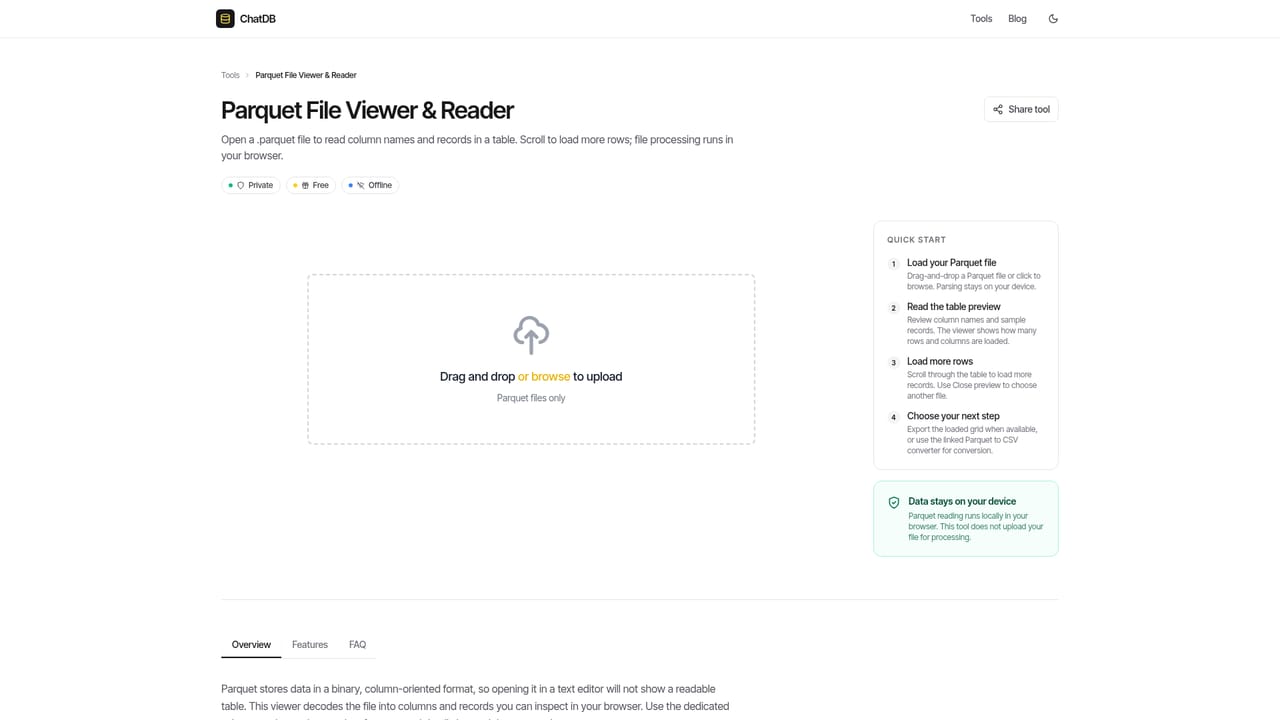
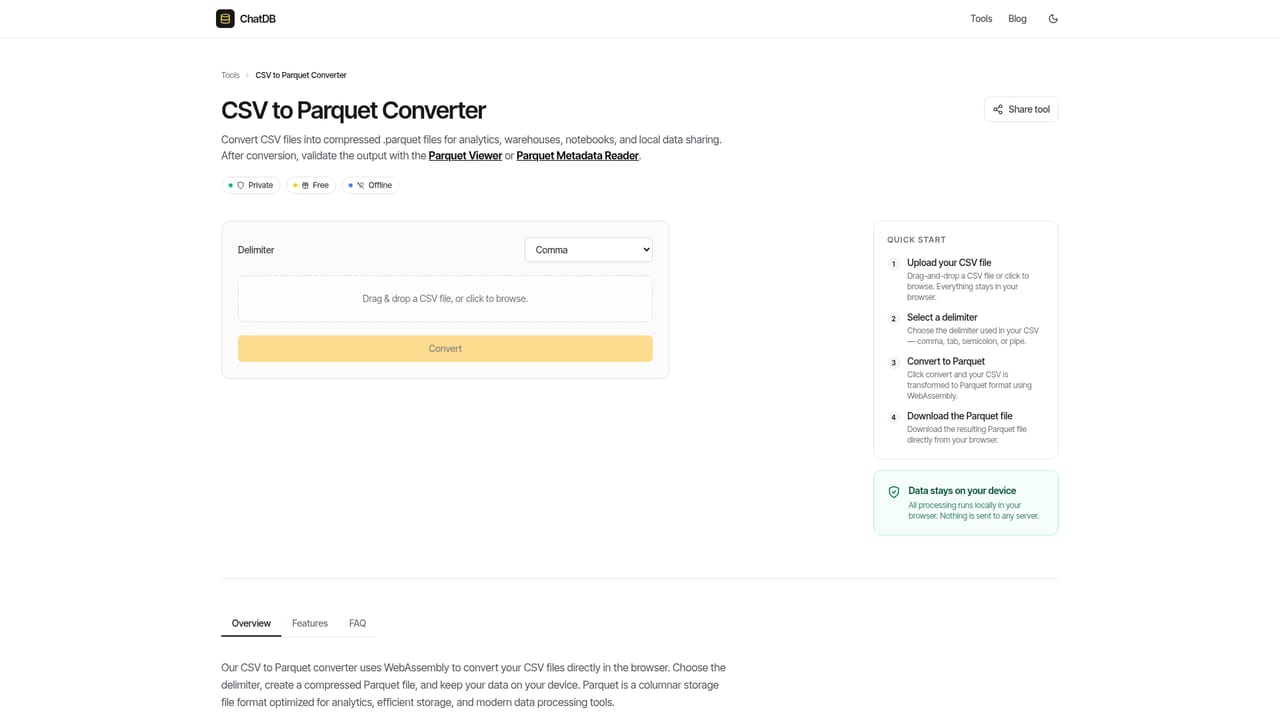
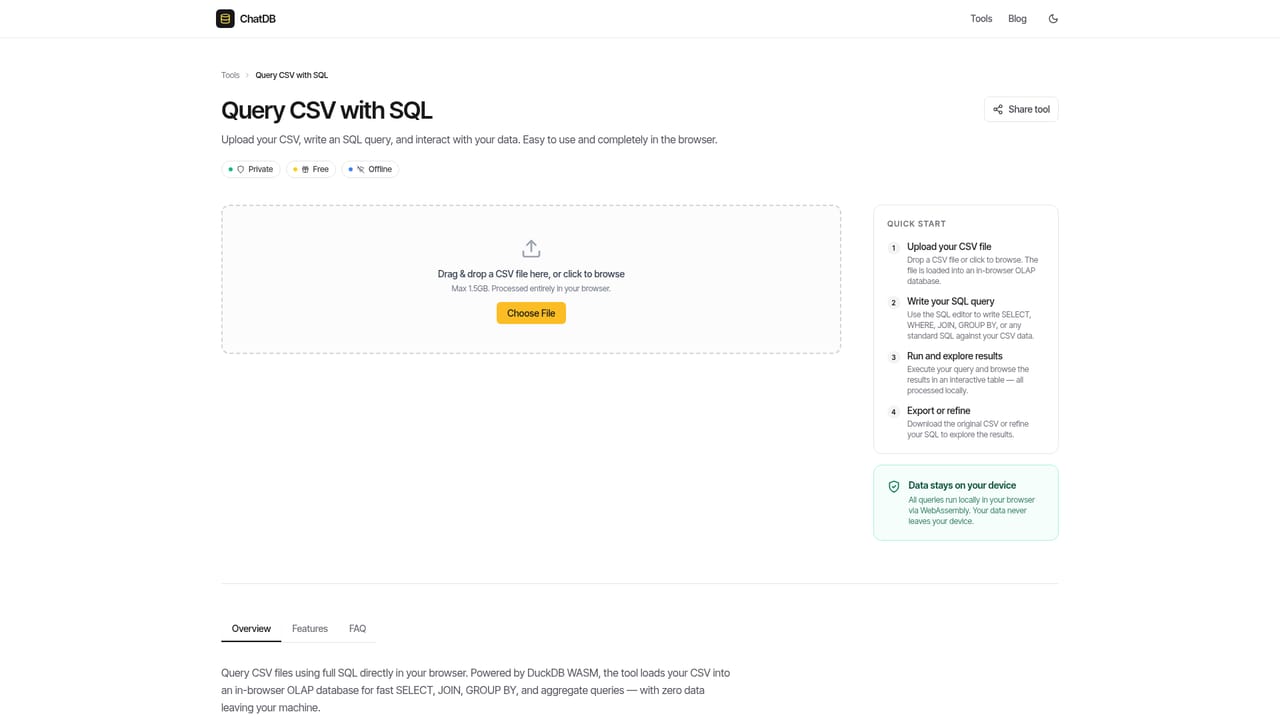
ChatDB is a free, browser-based toolkit for working with data files. It brings together more than 50 utilities that convert, view, edit, compress and query formats such as CSV, Parquet, JSON, GeoJSON, SQLite, Excel and gzip. The core promise is local processing: files are handled in the browser rather than uploaded to a server, which keeps large or sensitive datasets close at hand. A command palette (⌘K) lets you jump between tools without hunting through menus. The toolset covers the practical chores that come up around tabular data. You can turn CSV into Parquet for smaller storage and faster analytics, read a Parquet schema or metadata without a local install, split a giant CSV into chunks, or query a CSV with SQL. Excel workbooks open with multiple sheets and can be edited and saved back as .xlsx, or exported to CSV. JSON and XML formatters help with structure, while a data profiler and column statistics give a quick read on data quality. There are also converters between geo formats (GeoJSON, KML, GPX, shapefile) and a few image utilities, including cropping, compression and color extraction. Natural language layers sit on top of the file tools. CSV AI and Parquet AI let you ask questions about a dataset in plain English rather than write a query. A README generator and a Markdown table converter are aimed at people who publish datasets and need shareable documentation. Because everything runs client-side and the entire suite is free, ChatDB positions itself as a lightweight alternative to desktop viewers and scripting setups for one-off file chores. It is not a database or a full BI platform: the value is in quick, private, in-browser conversions and inspections.
The homepage presents the toolkit as free and does not list paid tiers, subscriptions or usage limits. No pricing details are stated.
Learn moreOver 50 browser tools for data files: converters for CSV, Parquet, JSON, Excel, XML, YAML, gzip and geo formats; viewers and editors for Parquet, CSV, Excel and SQLite; SQL and natural language querying; data profiling, schema and metadata readers; formatters, encoders and a regex tester; plus image and basic audio/video utilities.
Learn more AI Angels400+ customizable AI girlfriends for NSFW chat, voice calls, and roleplay
 Candy AIExperience the future of companionship with AI friends who chat, role-play, and connect with you on a human level.
 ourdream.aiA vast AI roleplay platform with millions of characters for chat, images, video and voiceAI Angels400+ customizable AI girlfriends for NSFW chat, voice calls, and roleplayCandy AIExperience the future of companionship with AI friends who chat, role-play, and connect with you on a human level.ourdream.aiA vast AI roleplay platform with millions of characters for chat, images, video and voice


