Free trial
A free clip generation option is offered through the app registration page; no trial length or usage cap is stated on the homepage.
Learn moreTurns long podcasts and videos into 30+ captioned short clips automatically.

Choppity is a clip finder tool that turns long podcasts and videos into 30+ captioned short clips automatically. AI video editor that scans podcasts and long videos by transcript, then cuts, frames and captions 30+ vertical clips for TikTok, Reels and Shorts, with a built-in editor plus posting and scheduling.
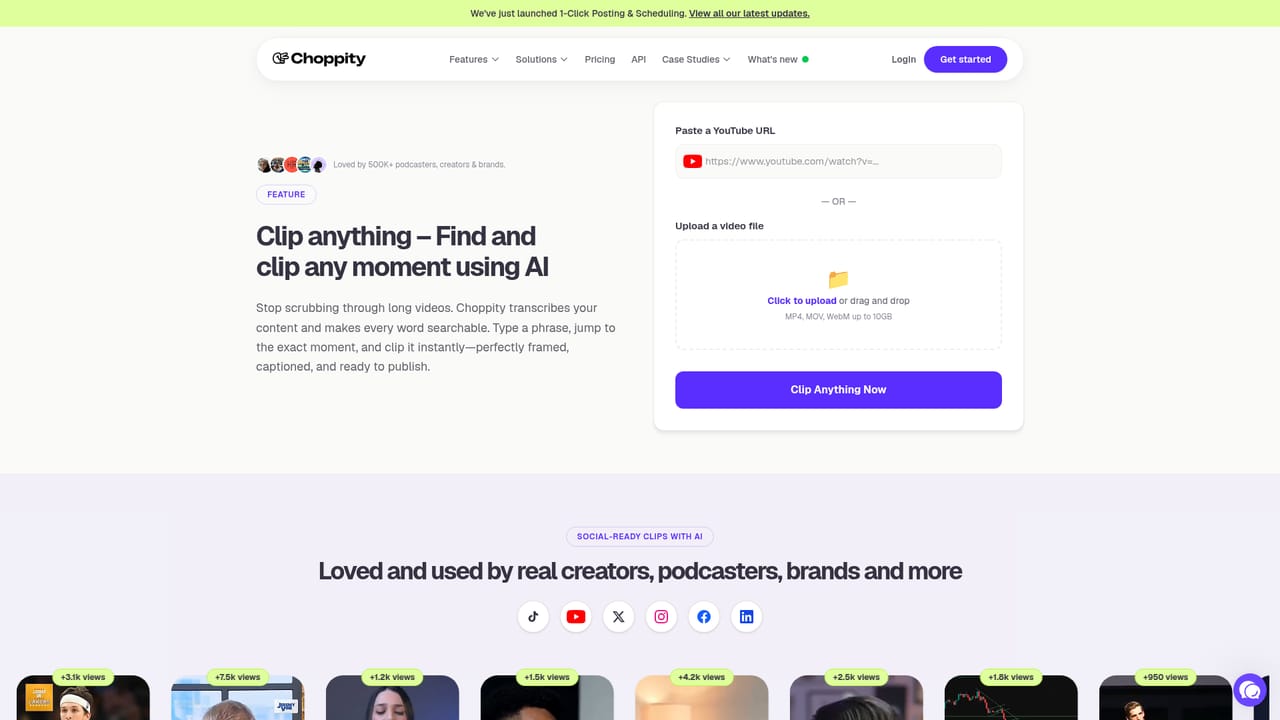
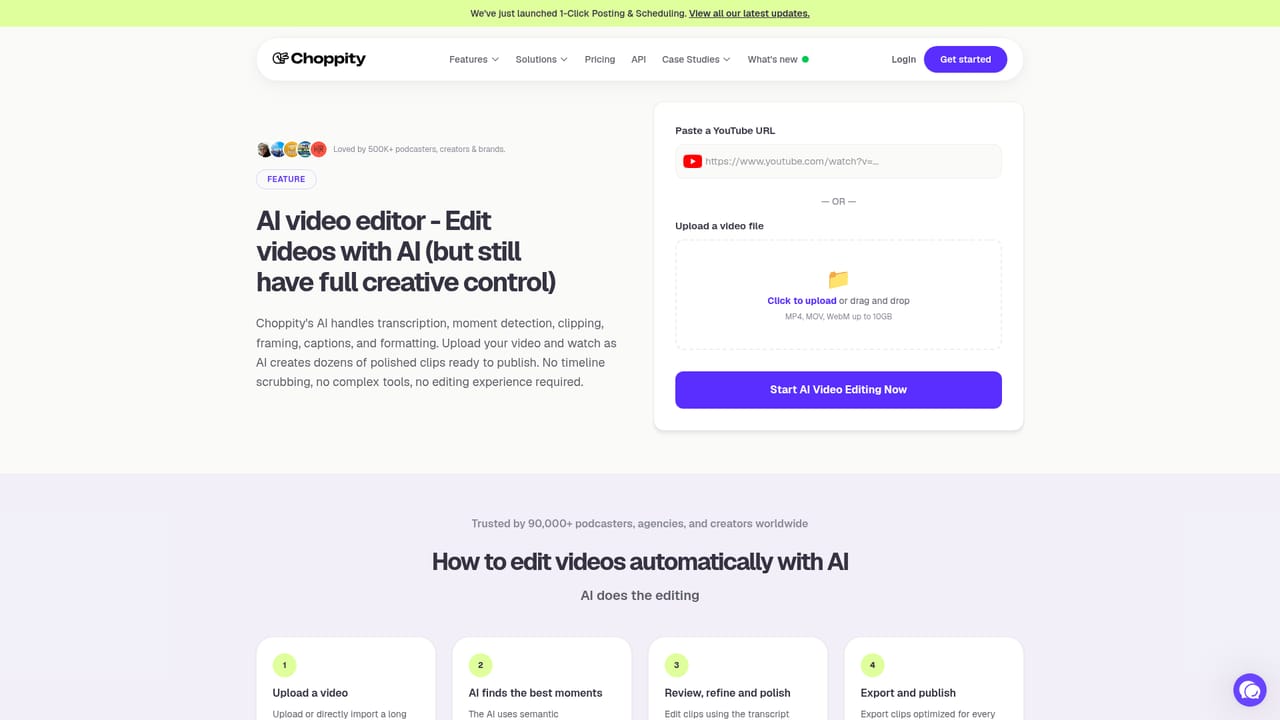
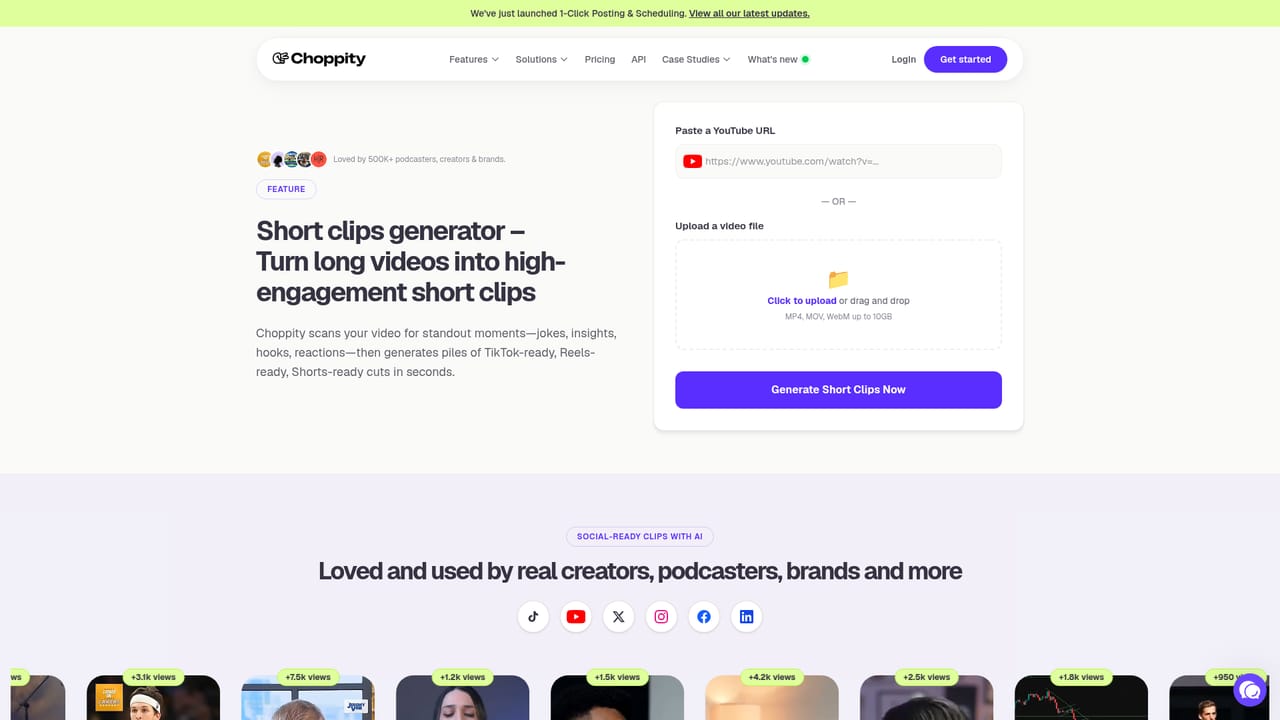
Choppity is an AI video editor built around a single job: taking hour-long podcasts, interviews and YouTube uploads and returning a batch of short vertical clips ready for TikTok, Instagram Reels and YouTube Shorts. The process starts with a paste of any YouTube link or an MP4/MOV upload, after which the tool ingests the footage in minutes and works from the transcript rather than from raw frames alone. That transcript-first approach is what lets it locate the moments worth clipping instead of slicing arbitrarily. The workflow has four moves. You upload, you set a brand template (fonts, logos, colors applied once and reused on every clip), the AI generates the clip batch, and you fine-tune. Choppity is explicit that automation does not replace the editor: a built-in video timeline sits underneath the generated clips so users can recut boundaries, edit the transcript directly to remove words from the video, and adjust framing. Supporting features cover automated captions, automated framing for vertical formats, automated tracking of a moving subject, profanity censoring, and a search tool for finding a specific moment inside a long recording. The audience is fairly clear. Podcasters sitting on a back catalogue, social media managers running short-form output for a brand, and creators who publish long video and need a steady stream of vertical cutdowns. The homepage points to LockedOn Lakers, Jeremy Vine on 5, Shopify, monday.com and AutoTrader among its users, along with churches and smaller shows, which suggests the tool is pitched at anyone with a talking-head feed rather than at narrative filmmakers. Where Choppity competes is on the balance between automation and manual control, plus a recently added one-click posting and scheduling layer that pushes finished clips to social platforms without leaving the tool. Creators who want an opinionated, hands-off clip factory will find it heavier than a pure auto-clipper; those who want to correct the AI's choices will find the editor the deciding factor.
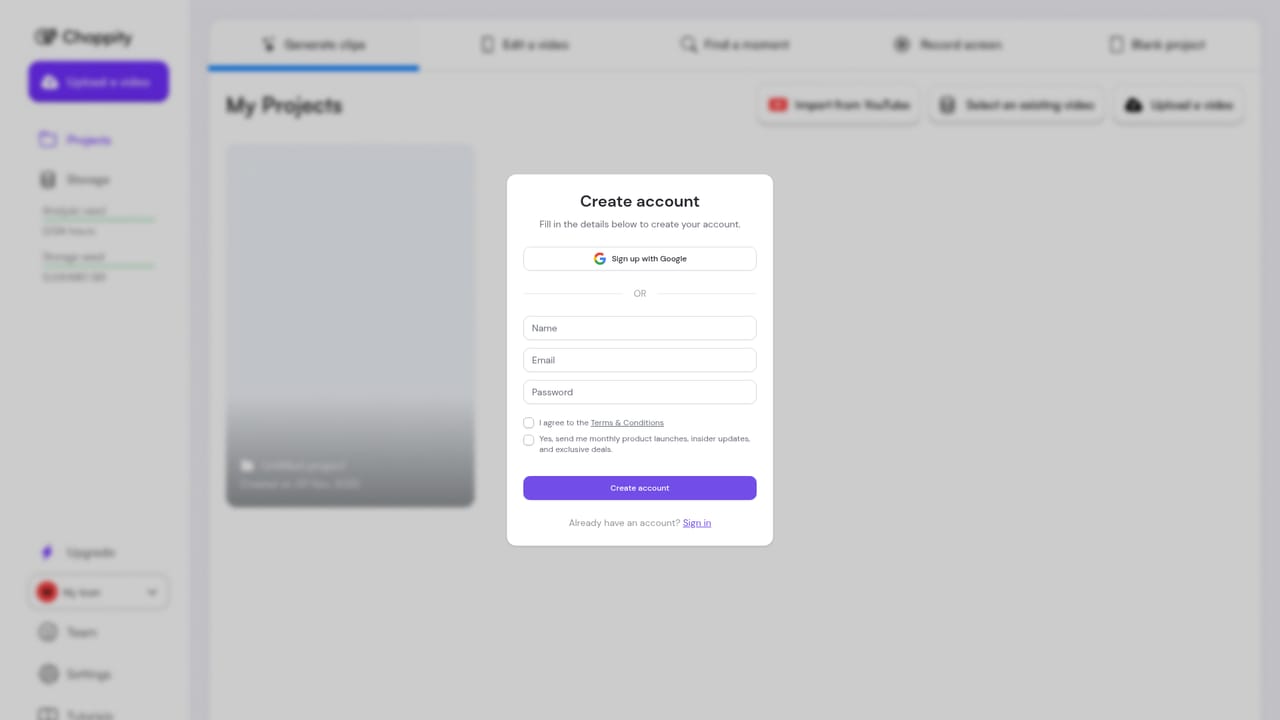
A free clip generation option is offered through the app registration page; no trial length or usage cap is stated on the homepage.
Learn moreDirect posting and scheduling to social platforms is built in; the homepage does not list third party integrations beyond YouTube link ingestion and file upload.
Learn moreShort clip generation from long video, automated captions, automated framing for vertical formats, automated subject tracking, profanity censoring, transcript-based editing, search for specific moments, a built-in video editor for fine-tuning, reusable brand templates, and one-click posting and scheduling.
Learn more AI Angels400+ customizable AI girlfriends for NSFW chat, voice calls, and roleplay
 Candy AIExperience the future of companionship with AI friends who chat, role-play, and connect with you on a human level.
 ourdream.aiA vast AI roleplay platform with millions of characters for chat, images, video and voiceAI Angels400+ customizable AI girlfriends for NSFW chat, voice calls, and roleplayCandy AIExperience the future of companionship with AI friends who chat, role-play, and connect with you on a human level.ourdream.aiA vast AI roleplay platform with millions of characters for chat, images, video and voice