Free trial
A free plan allows creating 1 video with no credit card required, which serves as a trial before upgrading to Klap Pro.
Learn moreTurn long videos into ready-to-post TikToks, Reels and Shorts with AI.
Klap is an AI boobs tool that turns long videos into ready-to-post TikToks, Reels and Shorts with AI. Klap is an AI tool that cuts long videos, podcasts and streams into vertical clips for TikTok, Reels and Shorts, adding auto reframing, animated captions and direct scheduling to social channels.
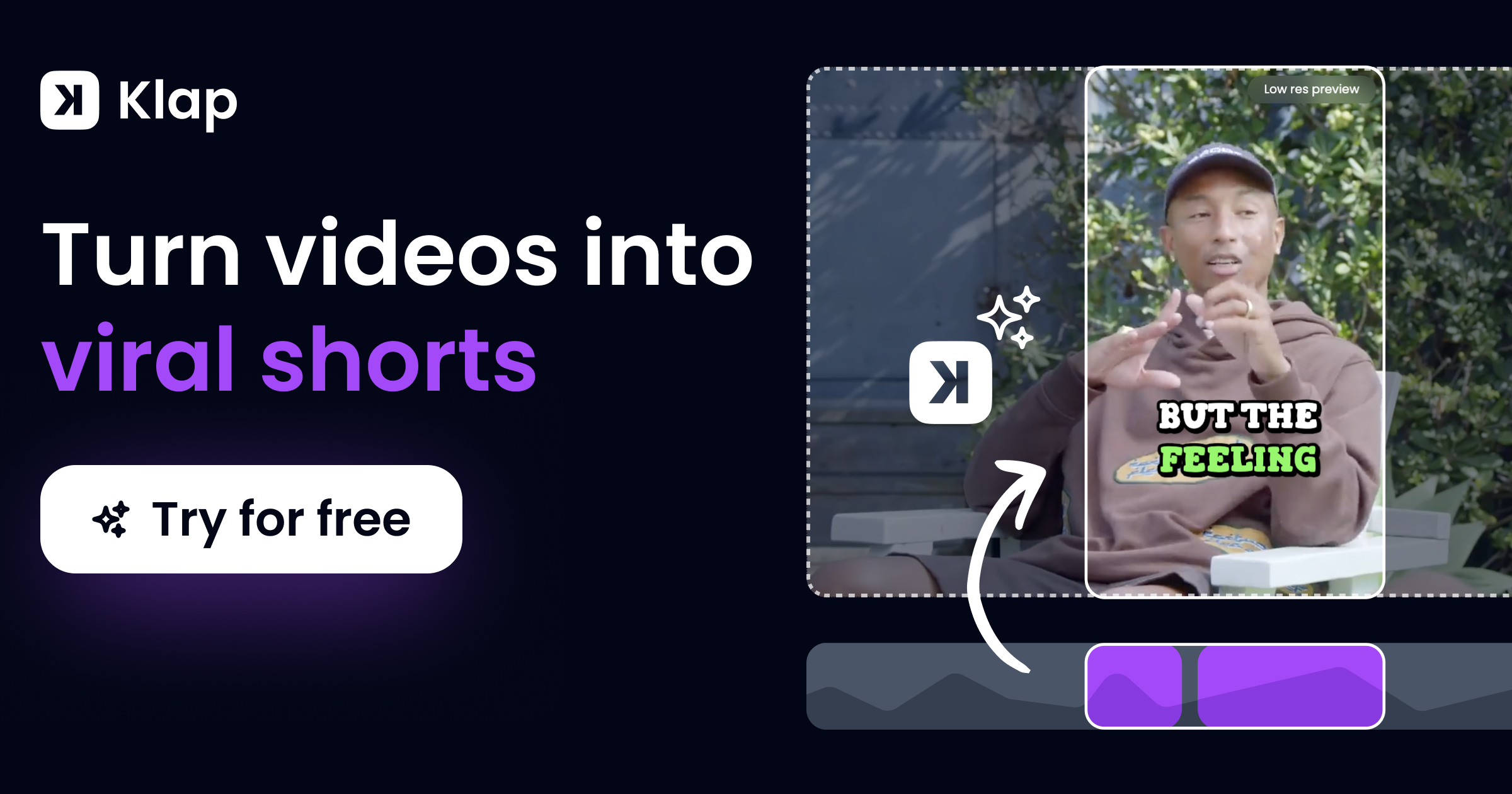
Klap is a web-based AI video repurposing tool that converts long-form footage such as podcasts, interviews, webinars and product reviews into vertical clips formatted for TikTok, Instagram Reels and YouTube Shorts. The process starts by uploading a file or pasting a link to a YouTube video or Twitch stream. The platform's AI scans the spoken content to locate the strongest topics, then cuts those sections into separate clips. According to the company, roughly one minute of source video yields about five clips. Clips arrive as editable drafts, so users can adjust framing, captions and branding before publishing. The core editing jobs are automated. Auto reframing tracks the main speaker so the vertical crop stays centered on the most relevant subject. Captions are generated as styled, animated subtitles, and Klap supplies recommended caption text to accompany each post. AI Reframe 2, the current framing engine, recognizes scene types such as split screen, screencast and gaming, and chooses a layout that suits each one. Because the analysis depends on speech detection, the tool performs best on talking-head and dialogue-driven material; silent or music-only footage is not its focus. Klap is aimed at content creators, podcasters, marketing teams and social media managers who need a steady output of short clips without a dedicated editor. A customization layer allows fonts, colors, logos and framing to match a brand. Publishing is handled inside the product: clips can be shared directly to TikTok, YouTube, Instagram and LinkedIn, and posts can be scheduled ahead of time. Transcription and editing cover 52 languages, which makes the tool usable for non-English creators. Compared with manual editing suites, Klap trades fine-grained control for speed and volume. It positions itself against other clip generators, and the company cites users who have compared it with Opus Clip and Vizard. The free tier covers one video, and Klap Pro is listed at $29 per month, so the evaluation path is short before a subscription decision.
A free plan allows creating 1 video with no credit card required, which serves as a trial before upgrading to Klap Pro.
Learn moreKlap can be tried free with one video. Klap Pro is listed at $29 per month. The homepage does not detail other tiers or usage limits.
Learn moreSupport is available through the Klap Discord server and a live chat on the website.
Klap publishes directly to TikTok, YouTube, Instagram and LinkedIn. The homepage does not mention other third-party integrations or an API.
AI editing extracts topics from long videos and cuts them into short vertical clips. Auto reframing (AI Reframe 2) tracks the main subject and applies layouts for split screen, screencast and gaming scenes. Animated captions and recommended caption text are generated per clip. Brand customization covers fonts, colors, logos and framing. Clips can be published and scheduled to TikTok, YouTube, Instagram and LinkedIn, and transcription supports 52 languages.
 AI Angels400+ customizable AI girlfriends for NSFW chat, voice calls, and roleplay
 Candy AIExperience the future of companionship with AI friends who chat, role-play, and connect with you on a human level.
 ourdream.aiA vast AI roleplay platform with millions of characters for chat, images, video and voiceAI Angels400+ customizable AI girlfriends for NSFW chat, voice calls, and roleplayCandy AIExperience the future of companionship with AI friends who chat, role-play, and connect with you on a human level.ourdream.aiA vast AI roleplay platform with millions of characters for chat, images, video and voice



