chub.ai

Character hub for browsing AI personas and chatting with them

Beginner

What is chub.ai?

chub.ai is an AI character chat tool. Chub AI is a hub for browsing AI characters and chatting with them. Search is open without an account, and sign-in unlocks the full experience. It suits casual users exploring AI companion and roleplay content more than developers who need configuration or API access.

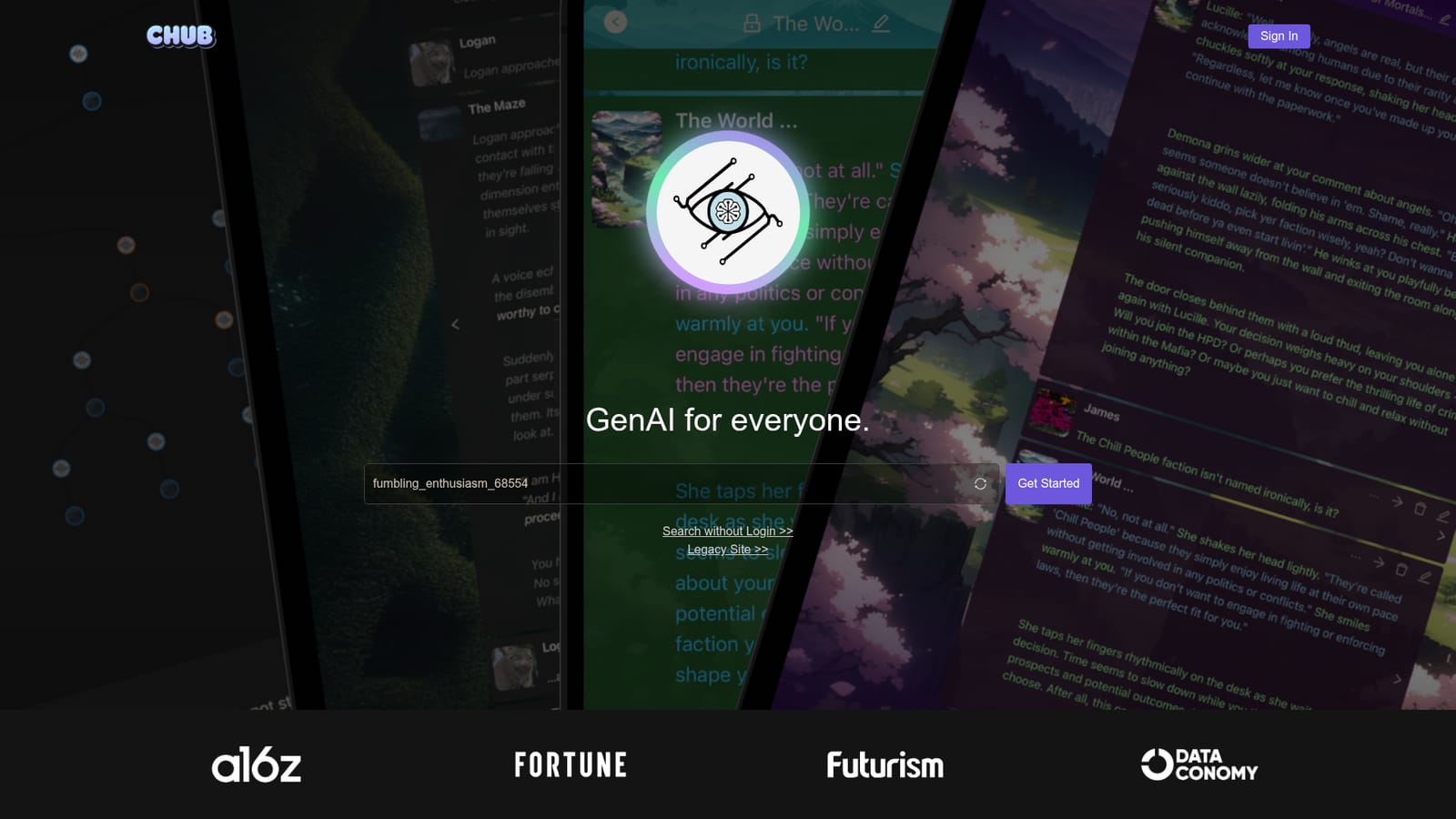
Chub AI describes itself as GenAI for everyone, and the phrase fits its role as a broad hub for AI character interaction. The site presents itself as a searchable collection of AI personas rather than a single chatbot, so the core experience is browsing and then talking. Visitors can start with the search view without creating an account, which lets people see what the catalogue holds before committing to sign up. For anyone exploring the AI companion space, that low barrier matters: it turns evaluation into a few clicks instead of a registration form. The audience is the casual explorer rather than the developer. People looking for an AI girlfriend, a roleplay partner, or simply a character to pass time with are the obvious users, and the search-first flow is built for them. There is no mention of prompt tooling, model configuration, or API access on the homepage, so the product is positioned around conversation and character discovery, not around building custom conversational agents. A separate legacy site is linked, which suggests the platform has gone through at least one major rebuild while keeping older content reachable. In practice the workflow is short: open the site, search or sign in, pick a character, and start chatting. The homepage leans on press logos (a16z, Fortune, Futurism, Dataconomy) for credibility instead of detailed documentation, so the actual chat behaviour is best judged by trying it. That makes Chub feel closer to a directory or community hub for AI personas than to a polished single-app companion product. Buyers comparing options should treat the search view and the sign-in path as the two things to test first, since those are the public entry points the site actually promotes.

How do you use chub.ai?

  1. 1Open the site and look at the two entry points
    Load the homepage and note the two paths: sign in for the full account experience, or search without logging in. Starting with search is the quicker way to judge the catalogue.
  2. 2Browse the catalogue without an account
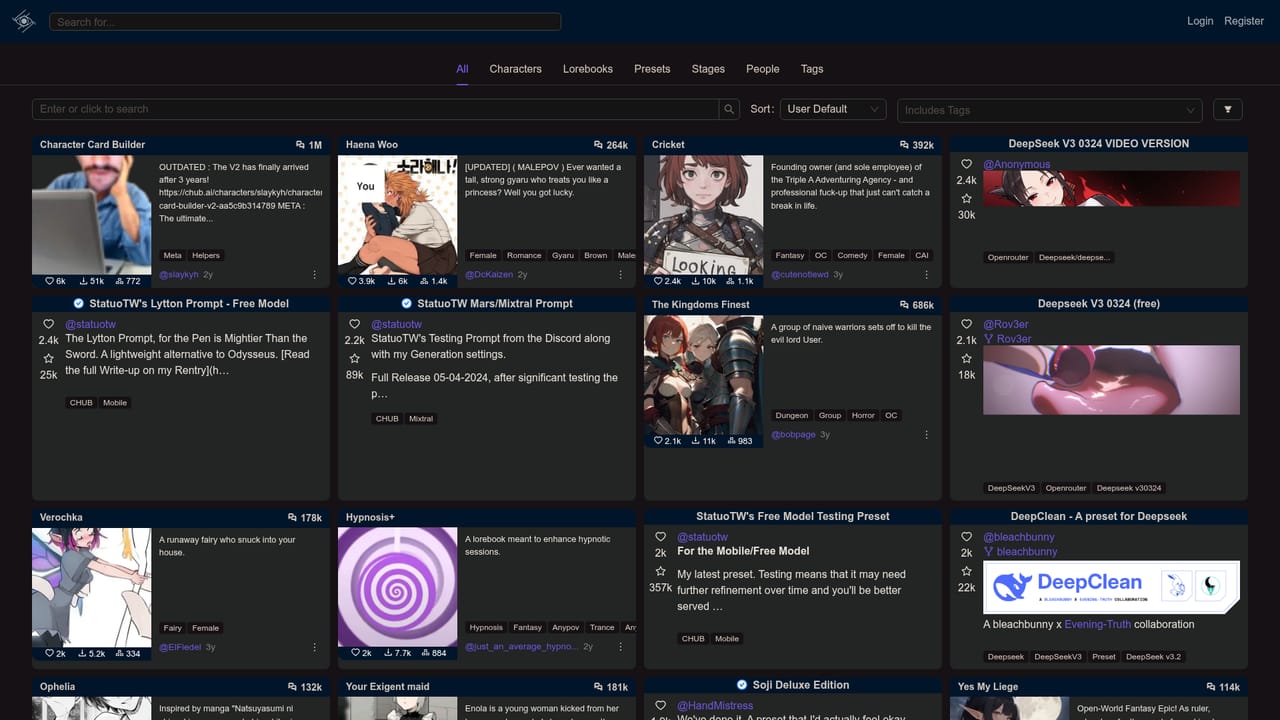
    Use the search view to scan available characters and get a feel for the tone and range on offer. No credentials are needed at this stage.
  3. 3Create an account
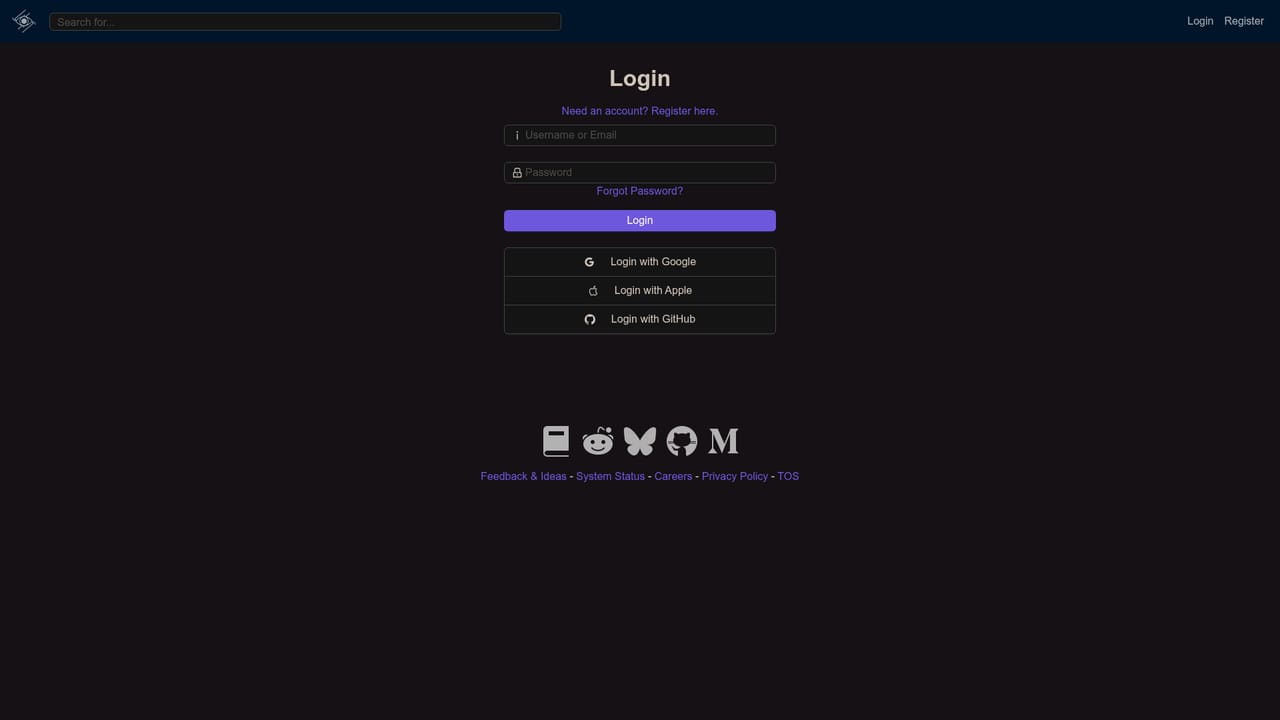
    When a character is worth keeping, move to the sign-in page to register or log in. This is where the public pages end and the signed-in product begins.
  4. 4Start a conversation with a chosen character
    Once signed in, pick a character and begin chatting. Judge response quality and tone here, since the homepage gives no detail on models or limits.
  5. 5Check the legacy site if older content is needed
    If you were a user of the earlier platform, the legacy site link on the homepage may hold content that did not carry over.

Pros and cons

Pros

  • Search view is open without an account, so the catalogue can be sampled before signing upAI
  • Clear positioning as a character hub rather than a single bot, which gives more choiceAI
  • Separate legacy site link keeps older material reachable for returning usersAI
  • Simple two-path entry (sign in or search) means almost no onboarding frictionAI
  • Press coverage from established outlets is surfaced for credibility.AI

Cons

  • Homepage says almost nothing about models, limits, or safety settings, so expectations must be set by trialAI
  • No pricing information or feature detail is published on the landing pageAI
  • No visible documentation, help centre, or support channel for new usersAI
  • Heavy focus on a browse-then-chat loop leaves little room for advanced controlAI
  • Relies on press logos for trust while the product detail stays thin.AI

How much does chub.ai cost?

Features

The public pages advertise a searchable hub of AI characters plus account sign-in. Search can be used without logging in. The homepage does not list specific features, model options, or content controls, so capability beyond browsing and chatting has to be confirmed after registering.

Frequently asked questions about chub.ai

  • How do you use chub.ai?
    The walkthrough on this page covers 5 steps: 1. Open the site and look at the two entry points 2. Browse the catalogue without an account 3. Create an account 4. Start a conversation with a chosen character 5. Check the legacy site if older content is needed.
  • What platforms does chub.ai support?
    chub.ai is available on Web App.
  • What are the limitations of chub.ai?
    Homepage says almost nothing about models, limits, or safety settings, so expectations must be set by trial. No pricing information or feature detail is published on the landing page. No visible documentation, help centre, or support channel for new users.