Free trial
A free trial build is available to download directly from the site, aimed at letting you test selection-based translation and explanation before buying the lifetime license.
Learn moreSelect text in any Mac app, get an instant AI translation or explanation.

Clicknow is an AI search tool. A lightweight macOS app that translates or explains any selected text in any application, with no prompting or API key setup. The AI engine is included, output languages are broad, and a single lifetime license covers two Macs.
Clicknow is a macOS utility that turns selected text into an AI lookup. Highlight a word, a sentence or a whole paragraph in any application, and the app sends that selection to an AI knowledge engine, then returns a translation or a plain-language explanation in the language you have configured. There is no chat window to open, no prompt to type and no API key to arrange, which is the central promise of the product: the selection itself is the input. The app targets people who read and work across languages. Language learners can pull translations with example sentences and copy the result into a notes tool for later review. Developers reading foreign documentation or unfamiliar code snippets get explanations in place. Researchers, students and office workers who keep a calendar open can select a date and get an option to create an event from it. It also handles smaller interpretation jobs, such as checking the spelling of a selected word or pulling details out of a flight reference, so it functions less as a dictionary and more as a general interpreter for whatever text sits under the cursor. In practice the workflow stays inside the current app. Clicknow runs in the background, watches for text selection, and surfaces its answer without forcing a copy and paste detour through a browser chatbot. The vendor ships a PopClip extension for people who already use that selection toolbar, and a two-way translation mode for moving between a pair of languages. Interface and output languages span a long list that includes English, Chinese, French, Italian, German, Arabic, Japanese, Korean, Indonesian, Vietnamese, Spanish, Hindi, Russian, Portuguese and Turkish. Clicknow is a narrow, single-purpose tool rather than a full assistant platform. It competes with the macOS dictionary, with general chatbots and with browser translation extensions, and its case rests on speed and low resource use rather than on breadth of features. It is Mac-only, requires macOS 14 or later, and is sold as a one-time purchase instead of a subscription.


A free trial build is available to download directly from the site, aimed at letting you test selection-based translation and explanation before buying the lifetime license.
Learn moreSold as a lifetime license rather than a subscription. The site states a one-time price under $20, use on two devices, and no recurring fees. Unlimited AI usage is included because an API key is bundled with the purchase. A free trial download is offered separately.
Learn moreHelp documentation lives on the project wiki, and bugs and feature requests are collected in the r/ClicknowAI subreddit. A contact page is offered for content creators seeking audience deals.
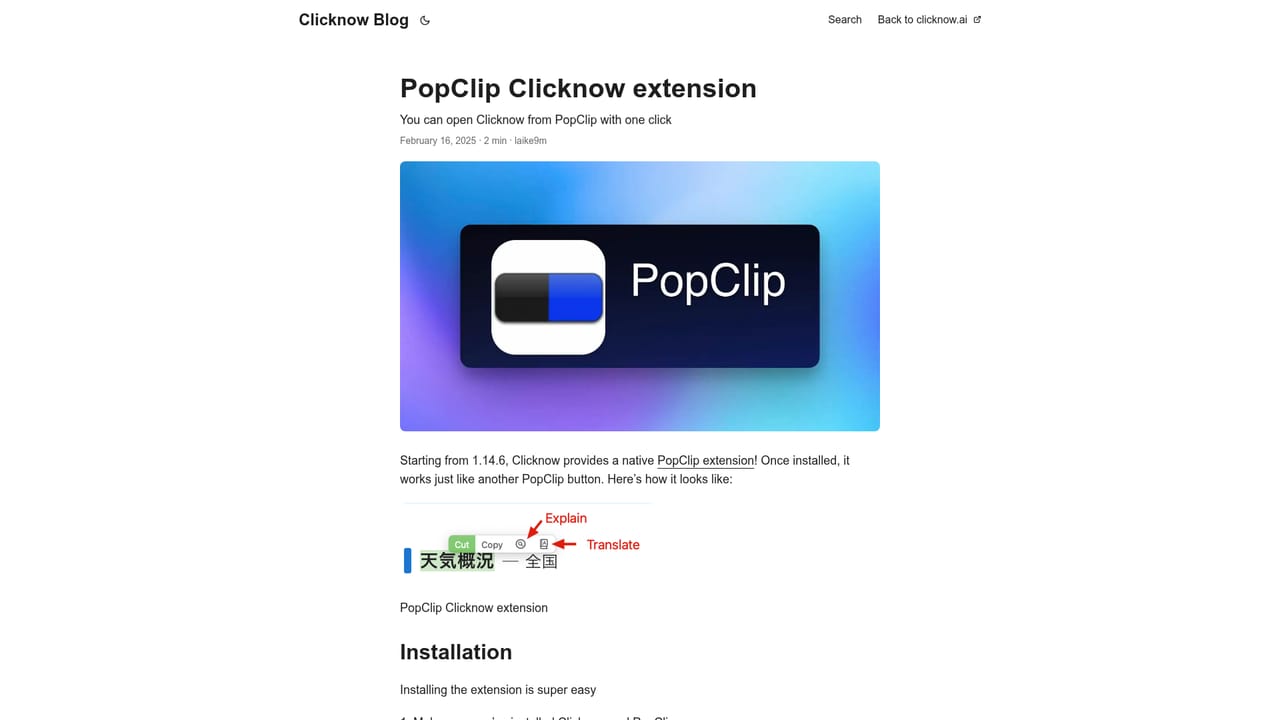
Learn moreA PopClip extension places Clicknow actions in the PopClip selection toolbar. Beyond that, the product works system-wide on text selection rather than through named third-party integrations.
Learn moreTranslate or explain any highlighted text inside any macOS app, with results in your chosen language. Includes a bundled AI engine with no API key or prompt setup, two-way translation, a PopClip extension, selection-aware actions such as creating calendar events from dates, spelling checks and flight tracking, and support for roughly sixteen output languages.
 AI Angels400+ customizable AI girlfriends for NSFW chat, voice calls, and roleplay
 Candy AIExperience the future of companionship with AI friends who chat, role-play, and connect with you on a human level.
 ourdream.aiA vast AI roleplay platform with millions of characters for chat, images, video and voiceAI Angels400+ customizable AI girlfriends for NSFW chat, voice calls, and roleplayCandy AIExperience the future of companionship with AI friends who chat, role-play, and connect with you on a human level.ourdream.aiA vast AI roleplay platform with millions of characters for chat, images, video and voice


