ScienceOS

Free science AI chat answering from 230M papers, with references included.

Beginner
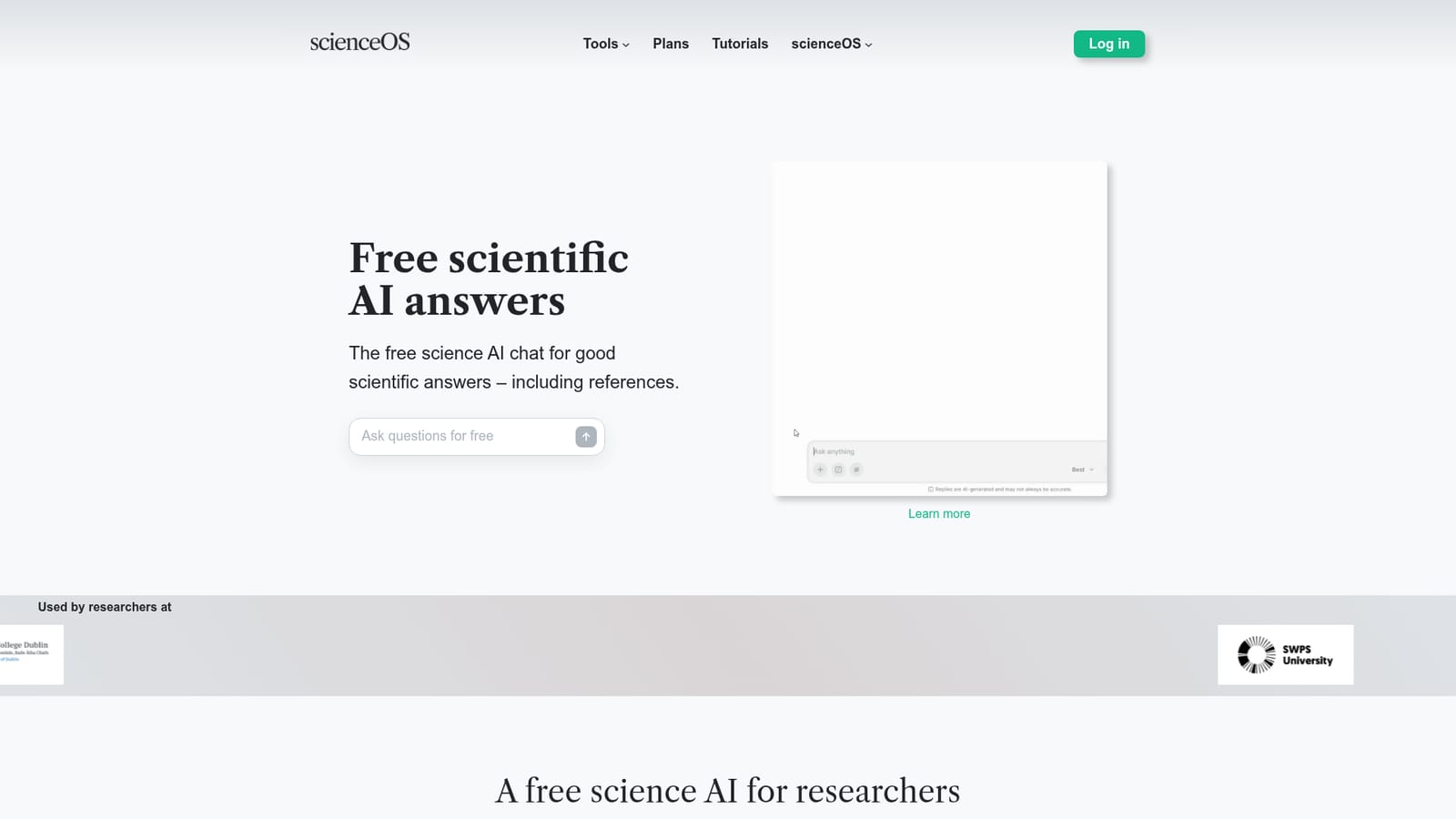
Screenshot of ScienceOS, Free science AI chat answering from 230M papers, with references included

What is ScienceOS?

ScienceOS is a free science AI chat that answers questions using 230 million research papers, adding references, comparison tables, scientific diagrams, and citation networks. It targets researchers, students, and labs that need traceable literature backed answers rather than generic chat output.

ScienceOS is a science focused AI chat tool built for people who need answers they can trace back to the literature. Its core chat draws on a corpus of 230 million research papers and returns responses with references attached, which puts it in a different class from general purpose assistants that often produce plausible sounding claims without a source. Alongside plain answers, the chat can assemble tables, generate scientific diagrams, and draw citation networks to show how a body of work connects. The product is aimed at academic researchers, doctoral candidates, and students who spend their days reading and organizing literature. The homepage lists institutions such as Charité Berlin, ETH Zurich, TU Munich, and Delft University of Technology among its users, which signals the intended audience clearly. A research assistant or lab group can use it to map a new field quickly, check which papers support a claim, or visualize co citation patterns before committing to a review scope. In practice the tool works as a chat interface supplemented by document handling. Users can upload PDFs for question answering, and a dedicated project manager page suggests longer running work is organized around projects rather than single conversations. The chat itself runs in the browser at app.scienceos.ai, so there is nothing to install. Because answers carry references, a typical session ends with a short reading list rather than a block of untraceable text. Among science specific AI assistants, ScienceOS positions itself on coverage and cost. The headline claim is that the whole package, chat with references, tables, diagrams, and citation networks, is free to use. Whether that free tier holds for heavy use depends on the pricing page, which sits outside the material reviewed here. For literature discovery and early stage synthesis it is a credible alternative to general chat models; for deep statistical work or lab data analysis it is not a substitute for specialized tools.

How do you use ScienceOS?

  1. 1See what the chat covers
    Read the product page to understand the scope: a science chat backed by 230 million papers, with references, tables, diagrams, and citation networks. This frames what the tool is good at before signing up.
    ScienceOS — See what the chat covers
  2. 2Open the chat interface
    Launch the web app at app.scienceos.ai/chat. No installation is needed; everything runs in the browser, so the first session can start immediately.
    ScienceOS — Open the chat interface
  3. 3Ask a literature question
    Start with a focused question in your field and check that each answer arrives with references. Follow the citations to verify the papers being drawn on.
  4. 4Upload a PDF for document chat
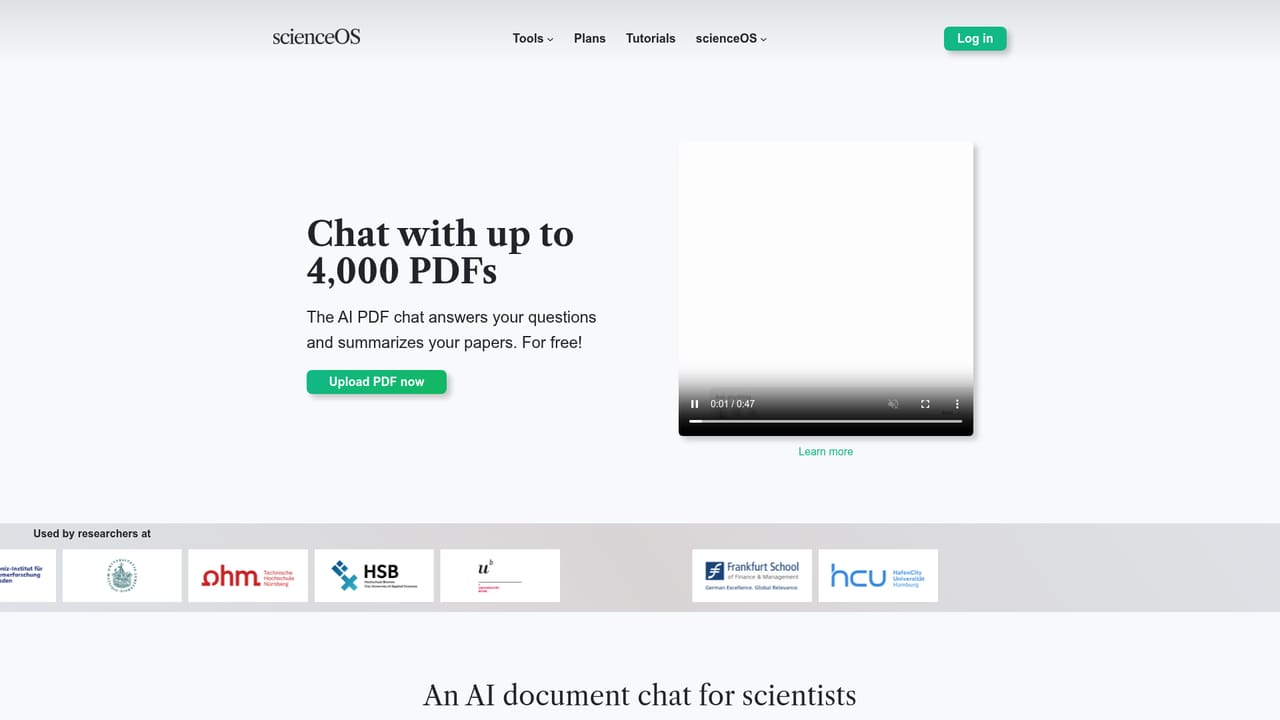
    When you are working through a specific paper, use the PDF chat to ask questions against that document rather than the whole corpus. This narrows answers to the text in front of you.
    ScienceOS — Upload a PDF for document chat
  5. 5Organize ongoing work in projects
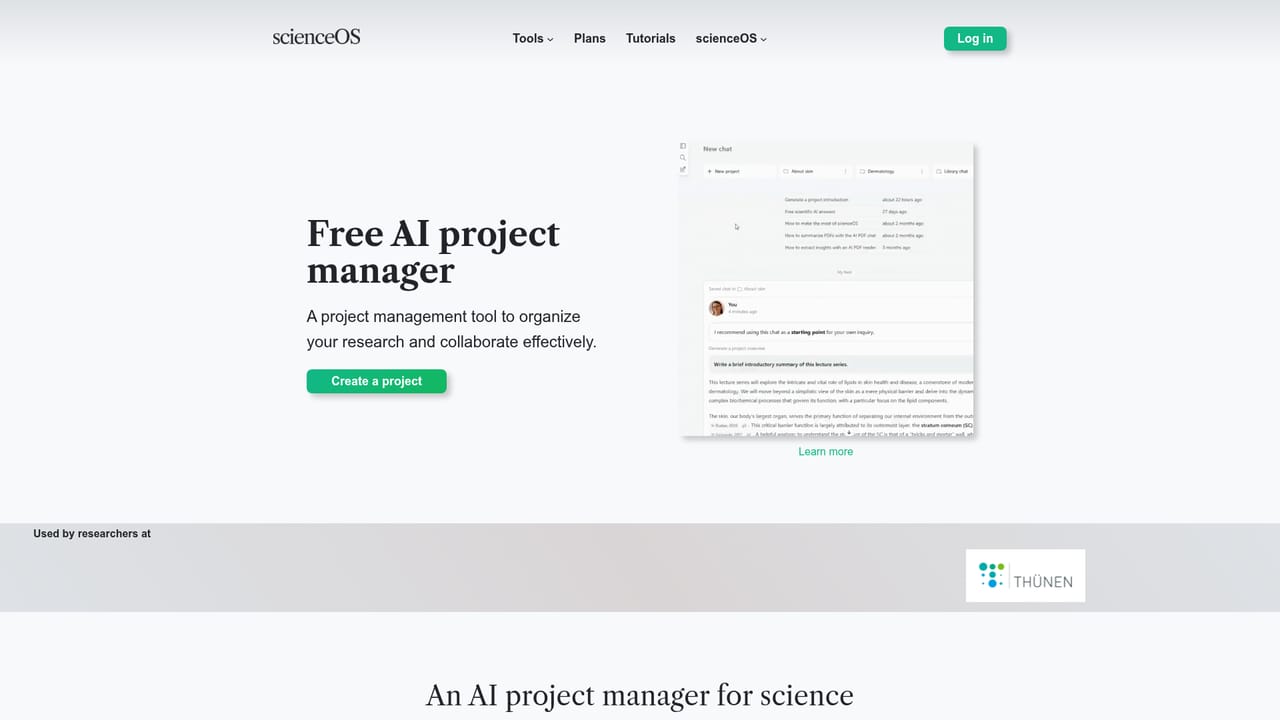
    Move longer research threads into the project manager so questions, documents, and outputs stay together instead of scattering across chat sessions.
    ScienceOS — Organize ongoing work in projects

Pros and cons

Pros

  • Answers come with references, so claims can be checked against the underlying papersAI
  • Literature coverage is stated at 230 million research papers, which is broad for a niche toolAI
  • Citation networks and scientific diagrams give a visual overview that plain chat tools lackAI
  • The headline product is advertised as free, which lowers the barrier for students and early career researchersAI
  • Named institutional users such as ETH Zurich and TU Munich suggest it is tested in real academic settingsAI

Cons

  • Free access is the headline claim, but the practical limits of that tier are not described on the homepageAI
  • No pricing figures appear in the reviewed material, so total cost for heavier use is unclearAI
  • The citation network and diagram features are touted but not shown in detail, so output quality cannot be judged up frontAI
  • It is a literature tool first; it does not claim to handle raw data analysis or statistical modelingAI
  • Browser only, with no desktop or mobile apps listed, which limits offline or field useAI

How much does ScienceOS cost?

Features

Science focused AI chat answering from 230 million research papers, with references included. It also produces tables, creates scientific diagrams, and draws citation networks. Separate pages cover PDF chat for document question answering and a project manager for organizing ongoing work.

Learn more

Frequently asked questions about ScienceOS

  • How do you use ScienceOS?
    The walkthrough on this page covers 5 steps: 1. See what the chat covers 2. Open the chat interface 3. Ask a literature question 4. Upload a PDF for document chat 5. Organize ongoing work in projects.
  • What platforms does ScienceOS support?
    ScienceOS is available on Web App.
  • What are the limitations of ScienceOS?
    Free access is the headline claim, but the practical limits of that tier are not described on the homepage. No pricing figures appear in the reviewed material, so total cost for heavier use is unclear. The citation network and diagram features are touted but not shown in detail, so output quality cannot be judged up front.

Status

StatusActive
Views0
Outbound clicks0
Added10/21/2026

Platforms

Web App

Pricing

FreeFreemium