Support
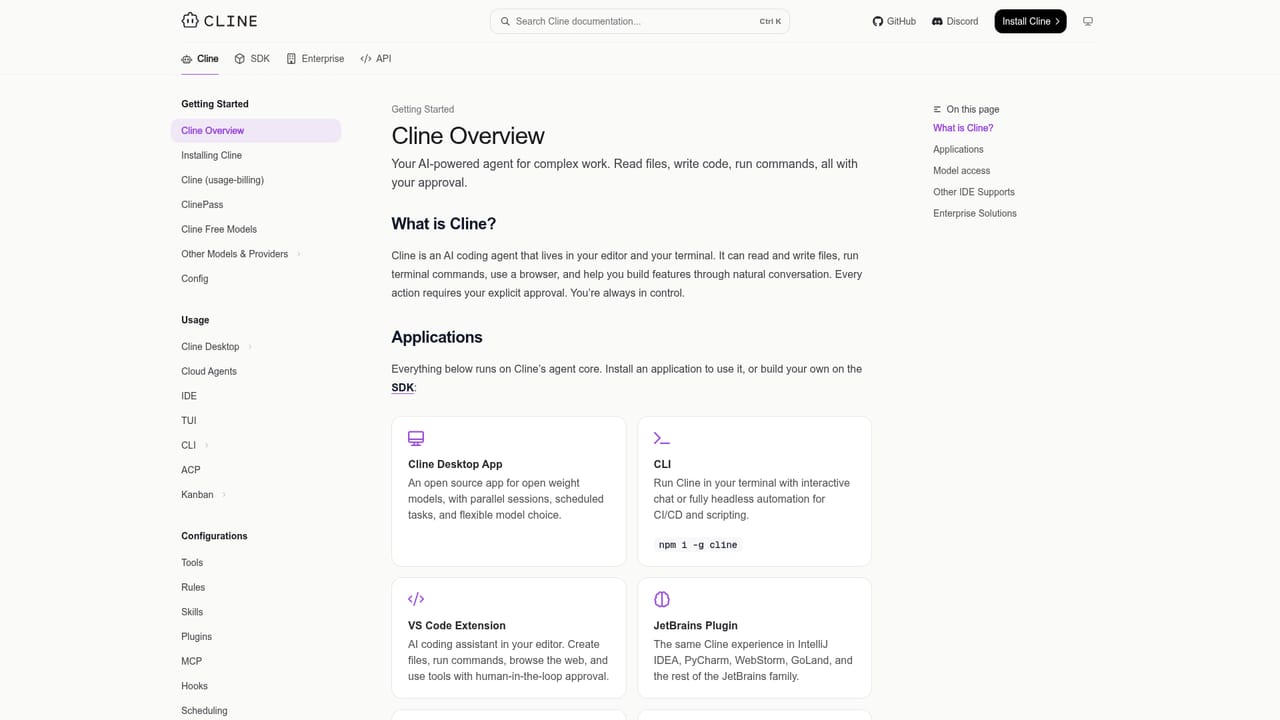
Full documentation is available at docs.cline.bot, covering setup, rules, MCP, and the SDK. The project is open source, so code and releases are public.
Learn moreOpen-source AI coding agent for your editor, terminal, and apps
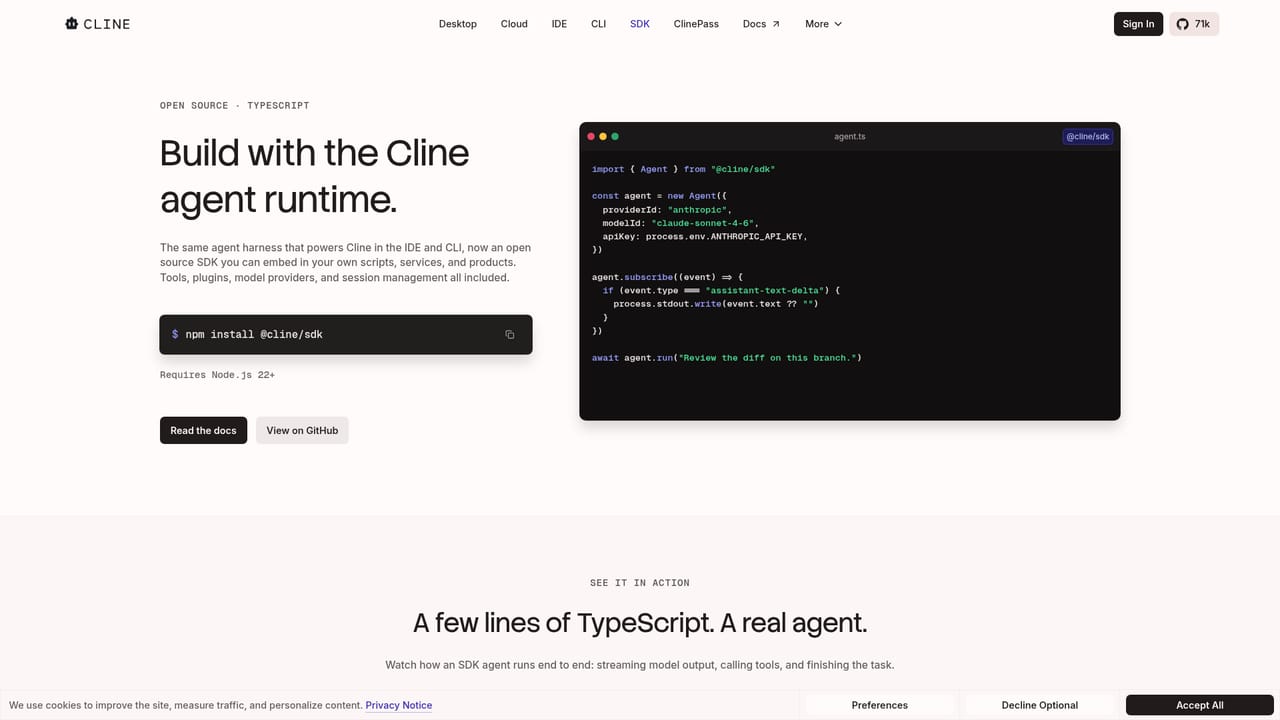
Cline is an open source AI coding agent available as an editor extension, terminal CLI, desktop app, and embeddable SDK. It supports Plan and Act modes, multi-file edits with undo, any major model provider including local weights, and automation through MCP, chat apps, and CI pipelines.
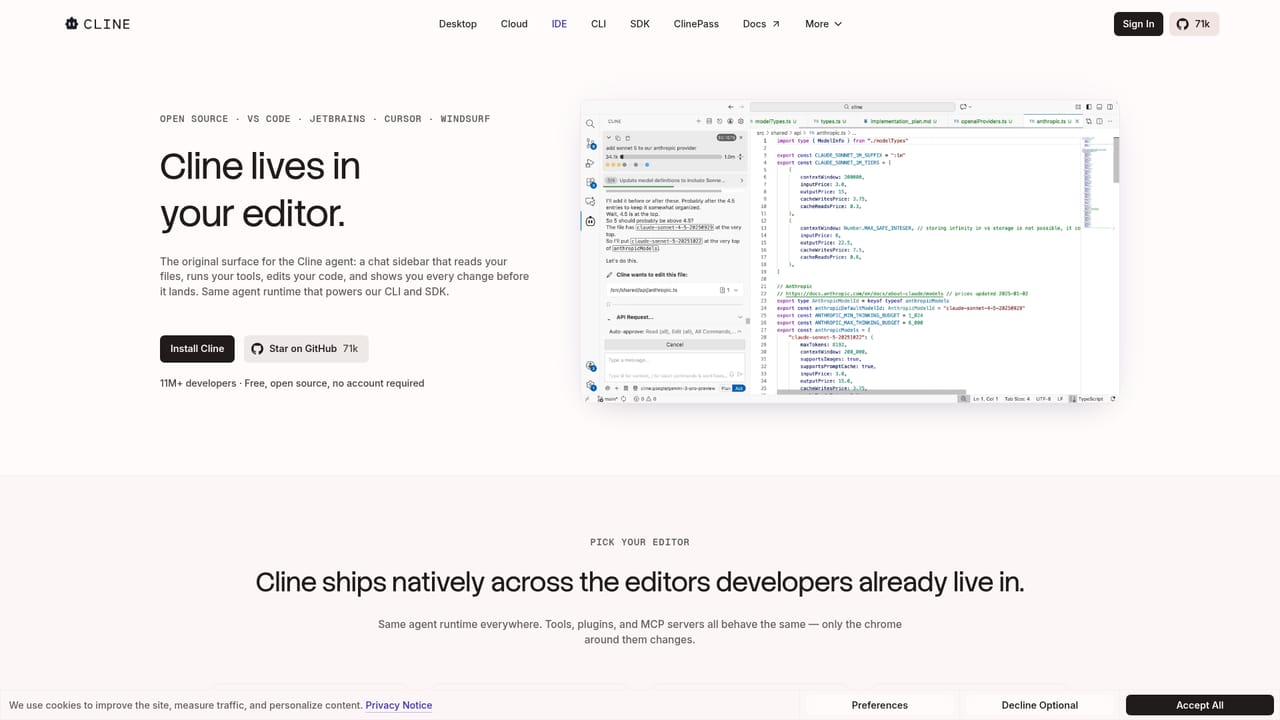
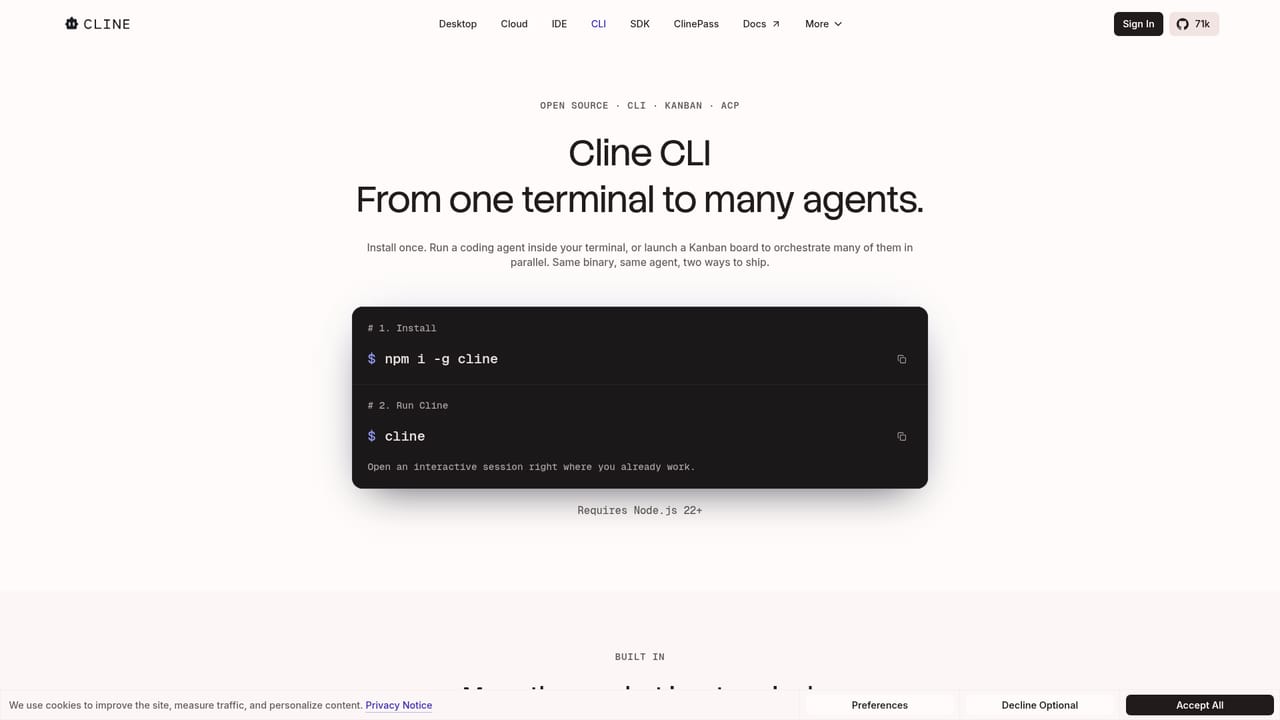
Cline is an open source AI coding agent that runs across three surfaces: an editor extension, a terminal CLI, and a native desktop app. Its core promise is model neutrality. Instead of locking users to one provider, Cline connects to Claude, GPT, Gemini, local Ollama or LM Studio instances, or any OpenAI-compatible endpoint, so teams can bring their own API key or their own weights without changing how the agent behaves. The project reports adoption by more than 11 million developers. The workflow is built around Plan and Act modes. Plan mode is for aligning on a strategy before any files are touched, and Act mode carries out the work. Every step can require explicit approval, or auto-approve can be enabled for unattended runs. Edits span multiple files with linter-aware fixes, diffs, checkpoints, and one-click undo, which matters when an agent is making coordinated changes across a real repository. Cline also runs bash commands and reacts to live output, so long-running test suites, development servers, and deploy scripts can be handled inside the session rather than pasted between tools. Extensibility is where the product separates from simpler editor assistants. A .clinerules file ships with a repository to teach the agent coding standards, architecture, and deployment conventions, while Skills and MCP servers add database, API, and infrastructure access. The SDK exposes the same runtime for embedding in other applications, and coordinator agents can delegate to specialist agents with their own tools and context, including on a cron schedule. Cline can be driven from Slack, Discord, Telegram, or Linear, and run headlessly inside GitHub Actions, GitLab, or other CI pipelines. The audience is broad: individual developers who want a capable agent inside VS Code, Windsurf, Cursor, or JetBrains; teams that standardize coding conventions through repository rules; and platform engineers who need an agent runtime they can embed or automate. Cline competes with closed, single-model coding assistants by trading some setup effort for transparency, provider choice, and self-hosting options.
Full documentation is available at docs.cline.bot, covering setup, rules, MCP, and the SDK. The project is open source, so code and releases are public.
Learn moreConnects to Claude, GPT, Gemini, local Ollama and LM Studio, and any OpenAI-compatible endpoint. Chat integrations cover Slack, Discord, Telegram, and Linear, and headless runs work inside GitHub Actions, GitLab, and other pipelines. MCP servers add databases, APIs, and infrastructure.
Learn morePlan and Act modes with per-step approval or auto-approve; coordinated multi-file edits with linter-aware fixes, diffs, checkpoints, and one-click undo; bash command execution with live output handling; .clinerules and Skills for repository conventions; MCP servers and SDK lifecycle hooks; Slack, Discord, Telegram, and Linear chat access; headless CI runs; coordinator agents with cron schedules.
Learn more AI Angels400+ customizable AI girlfriends for NSFW chat, voice calls, and roleplay
 Candy AIExperience the future of companionship with AI friends who chat, role-play, and connect with you on a human level.
 ourdream.aiA vast AI roleplay platform with millions of characters for chat, images, video and voiceAI Angels400+ customizable AI girlfriends for NSFW chat, voice calls, and roleplayCandy AIExperience the future of companionship with AI friends who chat, role-play, and connect with you on a human level.ourdream.aiA vast AI roleplay platform with millions of characters for chat, images, video and voice