
Free trial
A free tier is advertised on the homepage, allowing users to try the automatic and manual clipping tools at no stated cost. No time limited trial or card requirement is mentioned.
Learn moreAutomatic AI background removal with manual precision tools.
Own Clipping Magic? Verify ownership to get a dofollow link
Clipping Magic is a background tool. Clipping Magic combines an automatic AI background remover with a manual Smart Editor for keep, remove, hair, and scalpel corrections. It targets ecommerce sellers who need consistent product shots and bulk processing with saved defaults, plus anyone who wants more control than one click freeware offers.
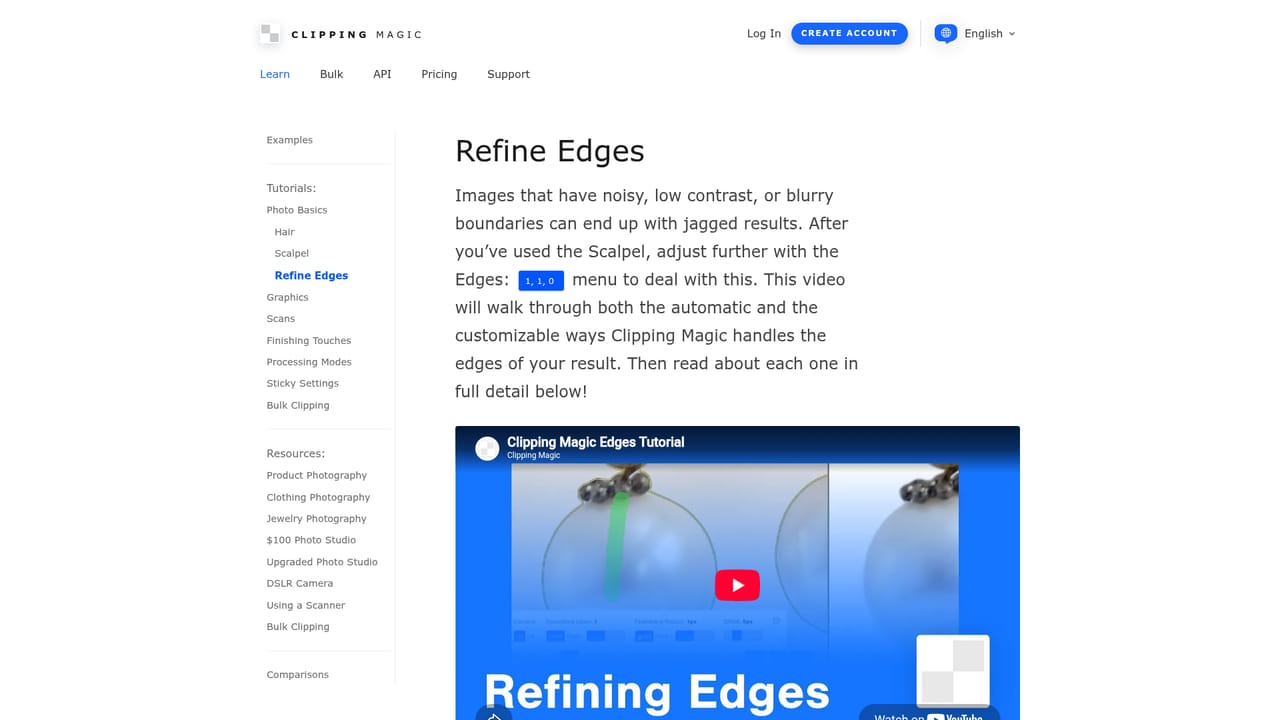
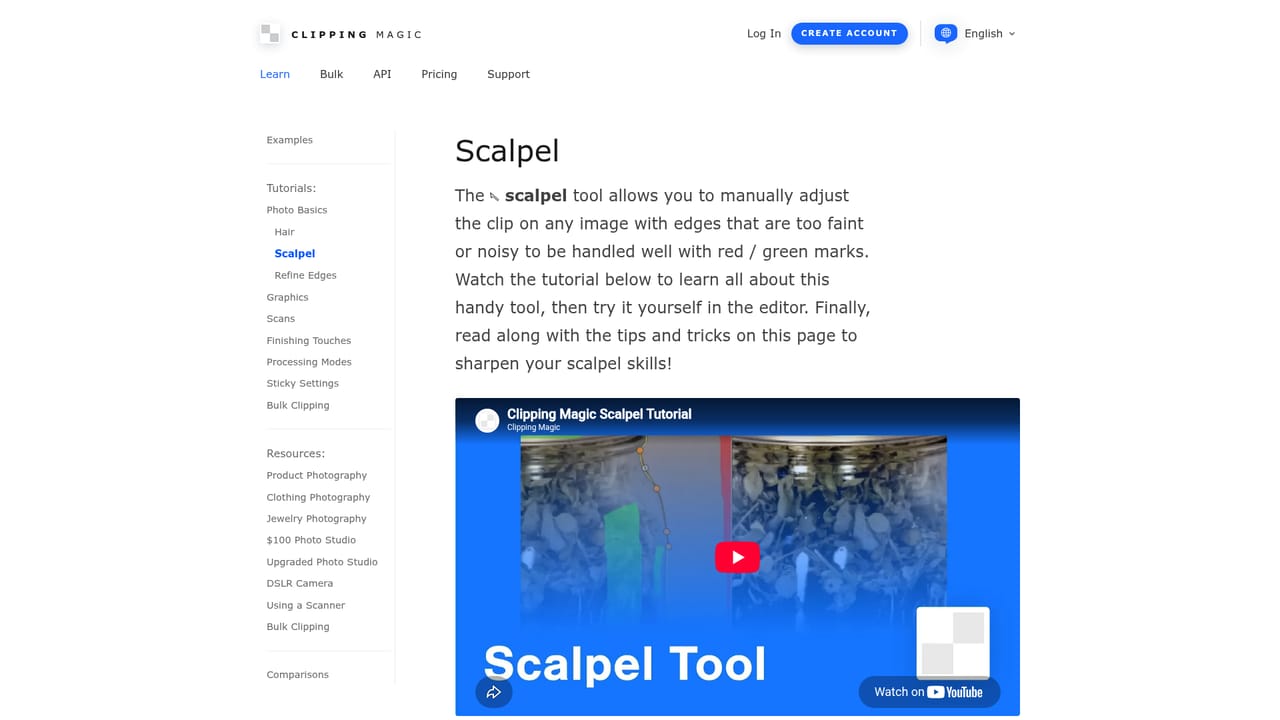
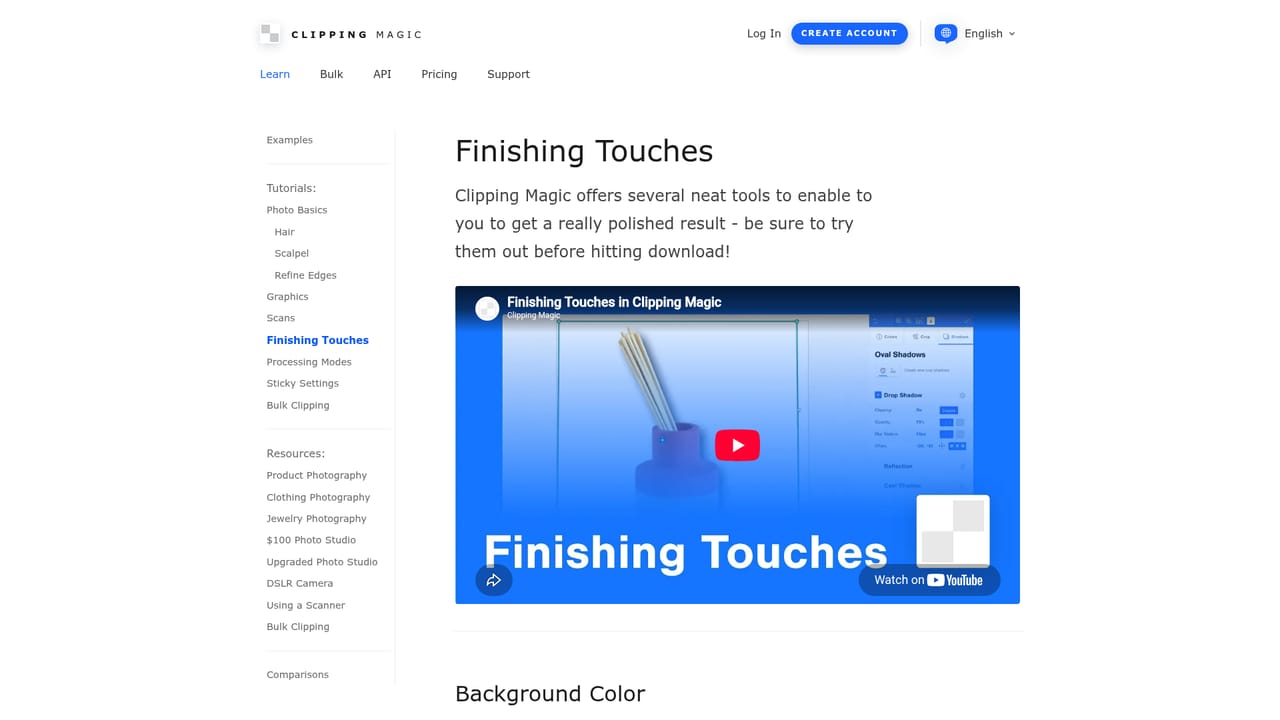
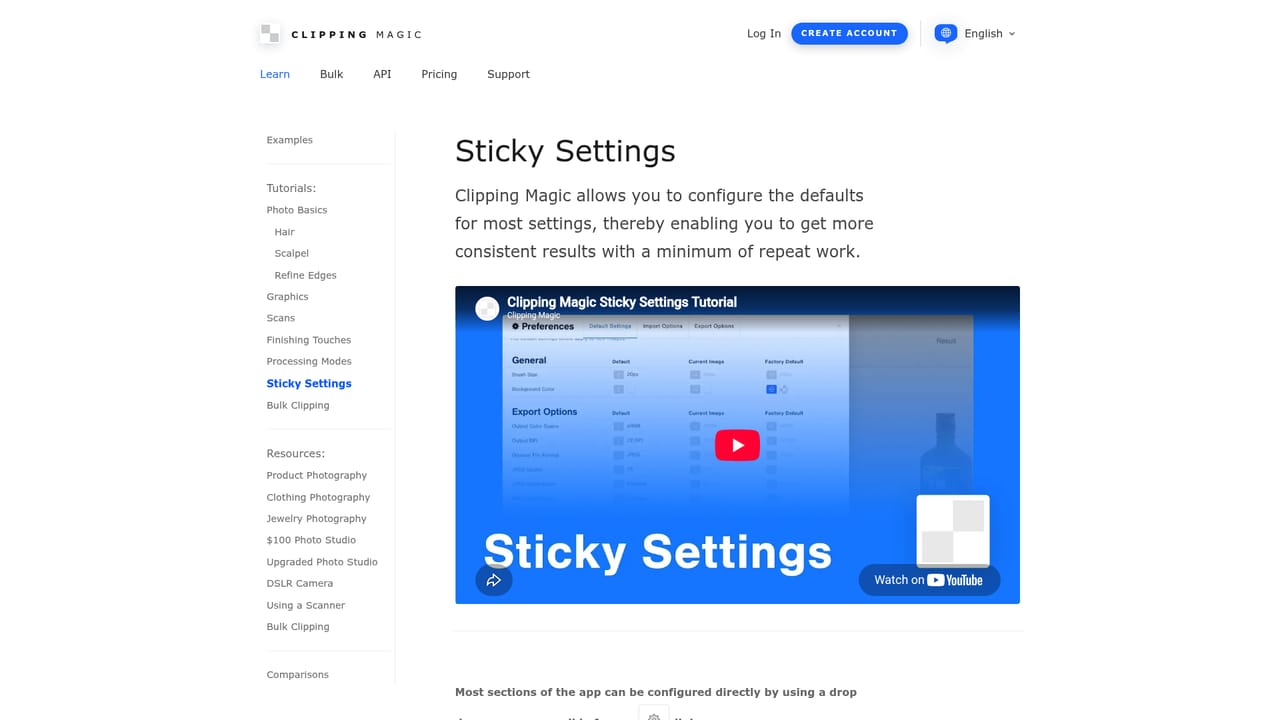
Clipping Magic is a web based background removal service that pairs a fully automatic AI cutout engine with a manual Smart Editor. The AI, called Auto-Clip, is trained on millions of real world photographs rather than staged lab images, which helps it handle the messy edges, shadows, and mixed lighting that show up in everyday product and portrait shots. After the first pass, the Smart Editor adds keep, remove, hair, and scalpel tools so you can correct mistakes or push the clip into low contrast areas the model misses. The product is built for people who need clean cutouts repeatedly, not just once. Ecommerce sellers can drop a crooked or grayish product photo, swap the background color, straighten and crop, and save the result as a template for the next item. The sticky settings feature stores default processing choices so every image in a catalog comes out with the same color correction and framing. For larger jobs, bulk clipping accepts a set of images and applies those saved defaults across the batch, which is the main workflow for shops with dozens or hundreds of SKUs. It fits into the busy middle of the market: more control than one click freeware, less setup than professional masking suites. The editor includes options for hair, gradients, scans, graphics, and low contrast edges, and tutorials cover each case. There is no claim of a plugin ecosystem or an API on the homepage, so the tool is best treated as a standalone web app rather than a piece of a larger automated pipeline. Pricing details are not specified on the homepage beyond the note that the service can be used for free. The combination of auto clip and manual correction means beginners can finish most images in a pass or two, while editors who care about exact edges will spend more time in the scalpel tool.
A free tier is advertised on the homepage, allowing users to try the automatic and manual clipping tools at no stated cost. No time limited trial or card requirement is mentioned.
Learn moreThe homepage states that background removal can be used for free, but specific plan tiers, credit limits, and paid pricing are not listed there. Visitors should check the pricing page for current details.
Learn moreA support page is available on the site. The homepage does not describe support channels, response times, or service level commitments.
Learn moreAuto-Clip AI background removal trained on real world images; Smart Editor with keep, remove, hair, and scalpel tools; crop, rotate, color correction, shadows, and reflections; sticky settings for repeatable defaults; bulk clipping for large catalogs; tutorials for hair, scans, graphics, low contrast edges, and processing modes.
Learn more AI Angels400+ customizable AI girlfriends for NSFW chat, voice calls, and roleplay
 Candy AIExperience the future of companionship with AI friends who chat, role-play, and connect with you on a human level.
 ourdream.aiA vast AI roleplay platform with millions of characters for chat, images, video and voiceAI Angels400+ customizable AI girlfriends for NSFW chat, voice calls, and roleplayCandy AIExperience the future of companionship with AI friends who chat, role-play, and connect with you on a human level.ourdream.aiA vast AI roleplay platform with millions of characters for chat, images, video and voice