Integrations
Integration happens through a standardized REST API documented on the site, which allows the OCR, background removal and image generation services to be called from custom applications. No third party connectors are listed.
Learn moreA browser toolkit for text extraction, background removal and image generation
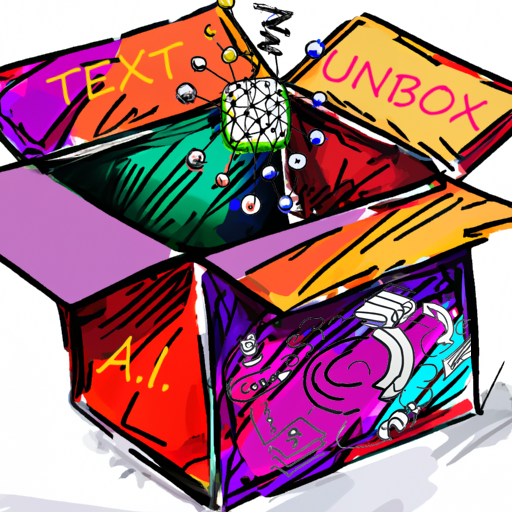
TextUnbox is a background tool. TextUnbox bundles OCR, background removal, text to image and voice to image tools in a responsive browser interface, with a REST API for developers who want the same services inside their own products.
TextUnbox is a compact web toolkit that bundles several image and language utilities into one interface. The product covers four main jobs: pulling text out of a picture with OCR, cutting a background away so only the foreground object remains on a transparent layer, turning a written description into an image, and turning spoken words into an image. A REST API sits underneath the same services, so the browser demos and a developer build draw on identical endpoints. The browser tools need no local installation. A user pastes or uploads an image to the OCR page and gets the text back in the same tab. On the background removal page the result is a transparent PNG style cutout of the main subject. TextDraw takes a typed prompt and returns a generated picture, while VoiceDraw accepts a recording and produces an image from what was said. The voice demo lists German, Bulgarian, Spanish and English, and the wider service set is documented as supporting more than 20 world languages. The interface uses responsive design and is positioned for mobile use, so the same pages work on a phone screen without a separate app. The primary audience is practical rather than experimental. Marketers who need clean product cutouts, researchers and students digitising printed text, and small teams that want image generation without adopting a large creative suite all fit the tool's scope. Developers are a second audience: the REST API is the path for anyone who wants the OCR, background removal or generation calls inside their own product, with the documentation page as the starting point. In a crowded field, TextUnbox reads as a utility belt rather than a specialist. It does not claim fine grained editing controls, model choice or a project workspace. Its value is the combination of four everyday image tasks behind one domain and one API key, with the option to prototype in the browser before writing a line of code. Buyers who need layered editing or brand asset management should look at design platforms. Those who mainly need OCR plus a quick cutout plus a prompt to image call will find the breadth convenient.
Integration happens through a standardized REST API documented on the site, which allows the OCR, background removal and image generation services to be called from custom applications. No third party connectors are listed.
Learn moreOCR that takes pasted or uploaded images and returns text in the browser; transparent background generation that keeps the foreground object; text to image generation from a typed description; voice to image generation from a recording; more than 20 languages listed for the underlying services; a standardized REST API; responsive layout built for mobile browsers.
Learn more AI Angels400+ customizable AI girlfriends for NSFW chat, voice calls, and roleplay
 Candy AIExperience the future of companionship with AI friends who chat, role-play, and connect with you on a human level.
 ourdream.aiA vast AI roleplay platform with millions of characters for chat, images, video and voiceAI Angels400+ customizable AI girlfriends for NSFW chat, voice calls, and roleplayCandy AIExperience the future of companionship with AI friends who chat, role-play, and connect with you on a human level.ourdream.aiA vast AI roleplay platform with millions of characters for chat, images, video and voice