Free trial
The homepage offers a free start button, but no trial length, plan tiers or limits are stated there.
Learn moreDocs, spreadsheets, apps and AI in one collaborative workspace

Coda AI is an AI project builder tool. Coda combines documents, relational tables and lightweight apps in a single workspace, with Coda AI layered on top for chat, drafting, summarization and prompt-driven table columns. Templates cover product, sales, engineering, design, marketing and HR teams, and 600+ integrations connect calendars, chat and issue trackers to the same pages.
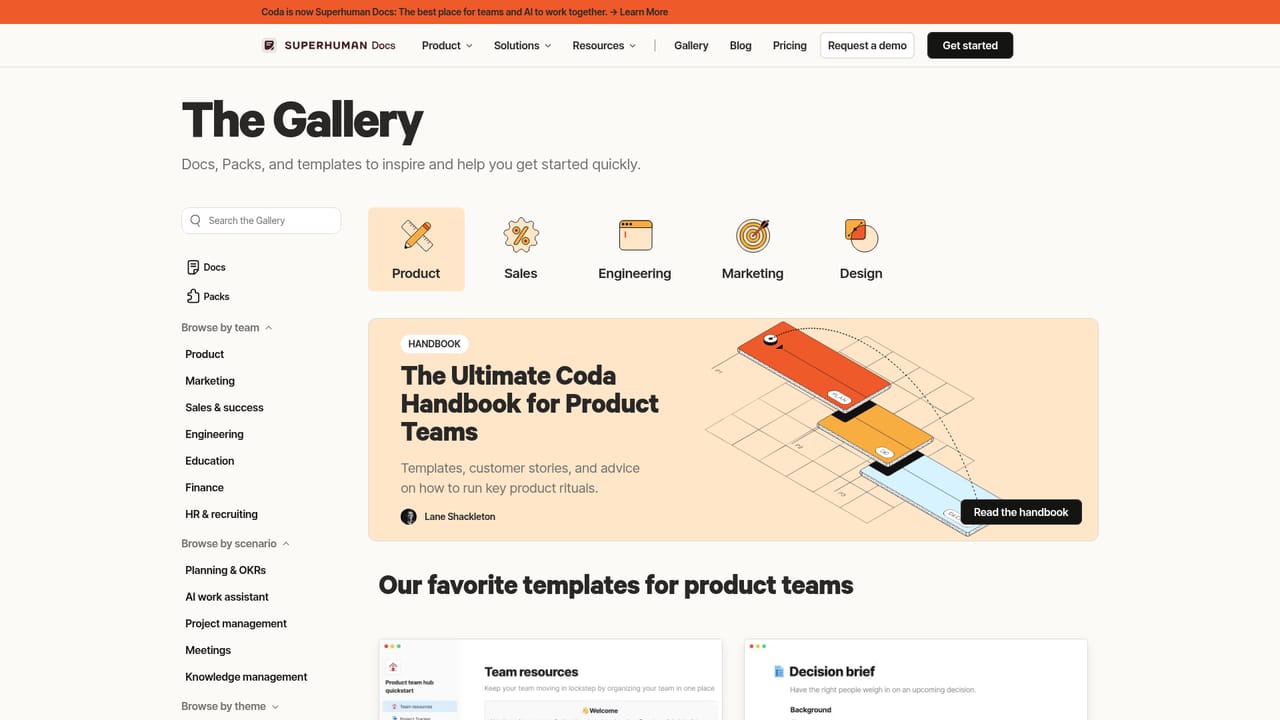
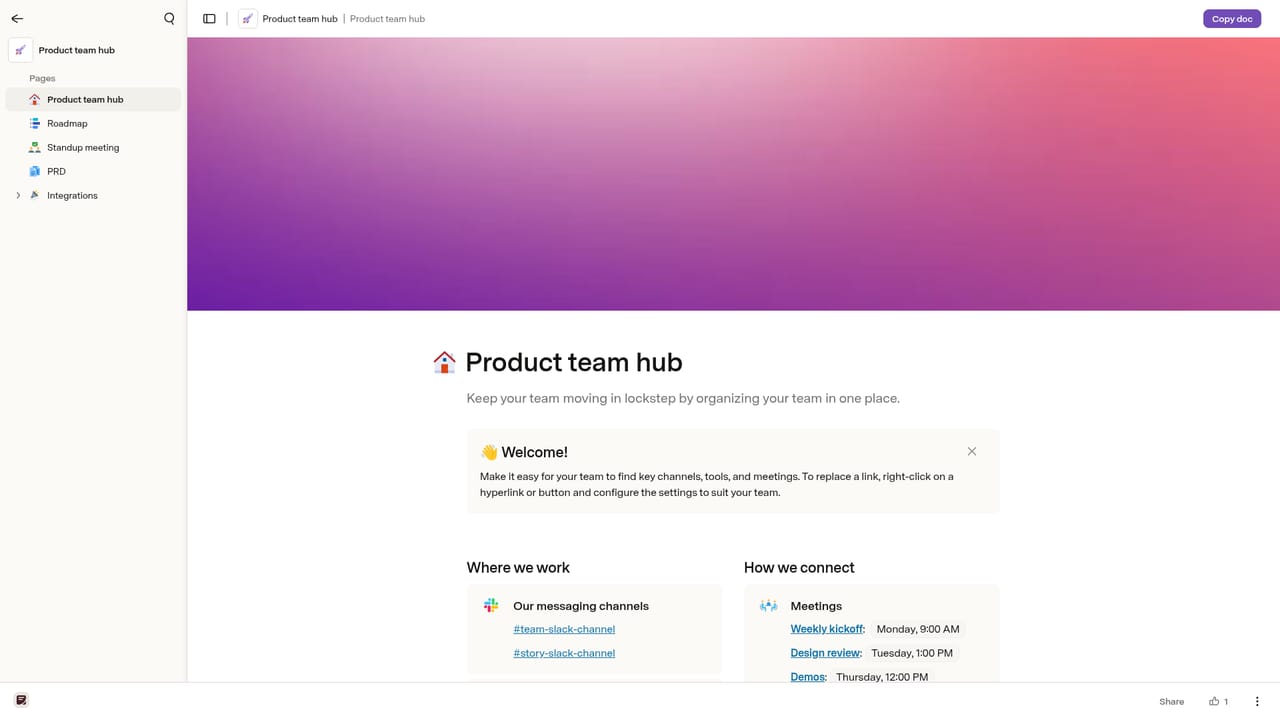
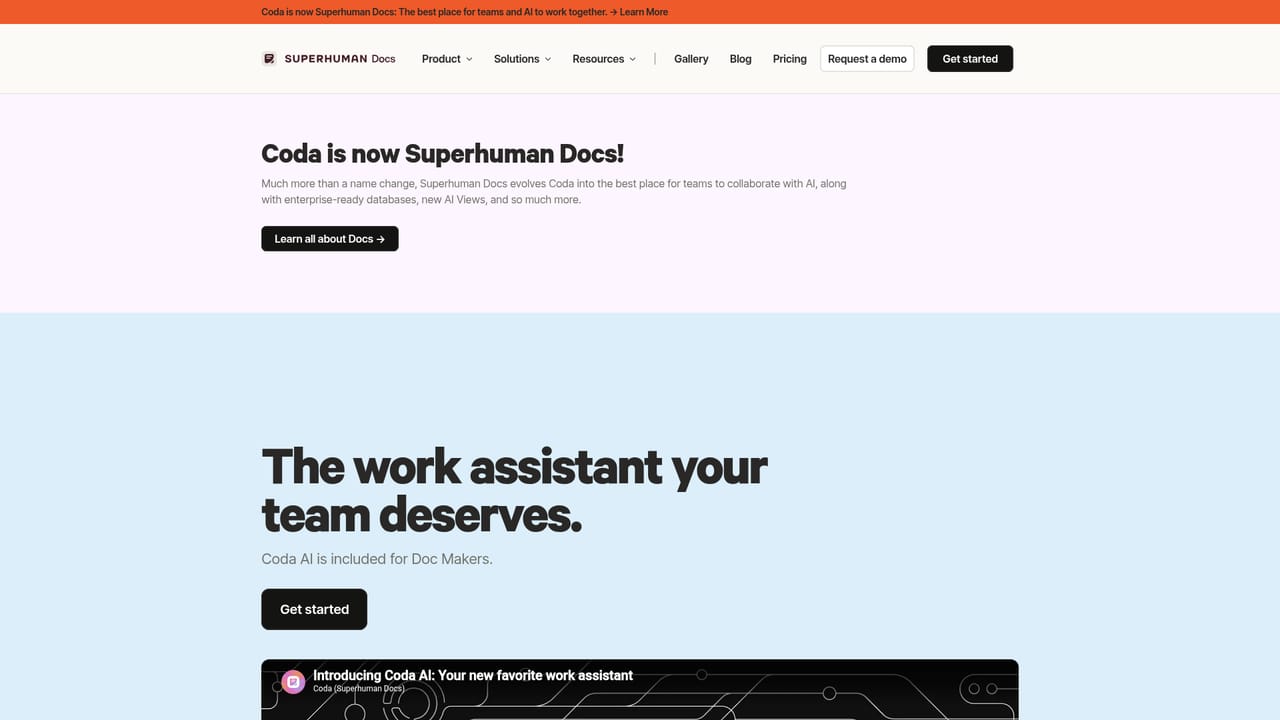
Coda is a collaborative workspace that merges three formats most teams juggle separately: the freeform doc, the structured spreadsheet and the lightweight internal app. Pages behave like a normal document, tables inside them behave like a database with linked records and personalized views, and buttons, formulas and automations turn those tables into working tools. The company reports more than 50,000 teams using it, and the published gallery leans heavily on templates for product, sales, engineering, design, marketing and HR. The AI layer, branded Coda AI, is positioned as a connected work assistant that knows the content of your workspace. Three surfaces are described on the homepage: AI chat for brainstorming, drafting and questions; an assistant that starts documents from scratch, summarizes material or generates tables; and an AI column that applies a prompt across every row of a table, which is how repetitive writing and classification get handled at scale. Because the assistant reads your docs and tables rather than a blank prompt box, its output tends to fit the team's own context. In practice, a team builds a hub page, embeds a table for the underlying records, then layers views, buttons and automations on top so statuses update and messages fire without manual chasing. The homepage frames this as replacing a patchwork of tools: decision logs, meeting notes, roadmap trackers, CRMs and launch calendars all live as templates rather than separate subscriptions. Connections to outside services extend the same pages, with Google Calendar, Slack, Figma and Jira named as examples among 600+ integrations. Alternatives split along two axes. Notion is the closest general competitor for docs plus databases, while Airtable competes on structured tables. Coda argues it is more capable than a plain doc tool and more flexible than either, though the trade is a steeper learning curve once formulas and automations enter the picture. Buyers who mainly want writing and wikis may find the app-building layer more than they need.
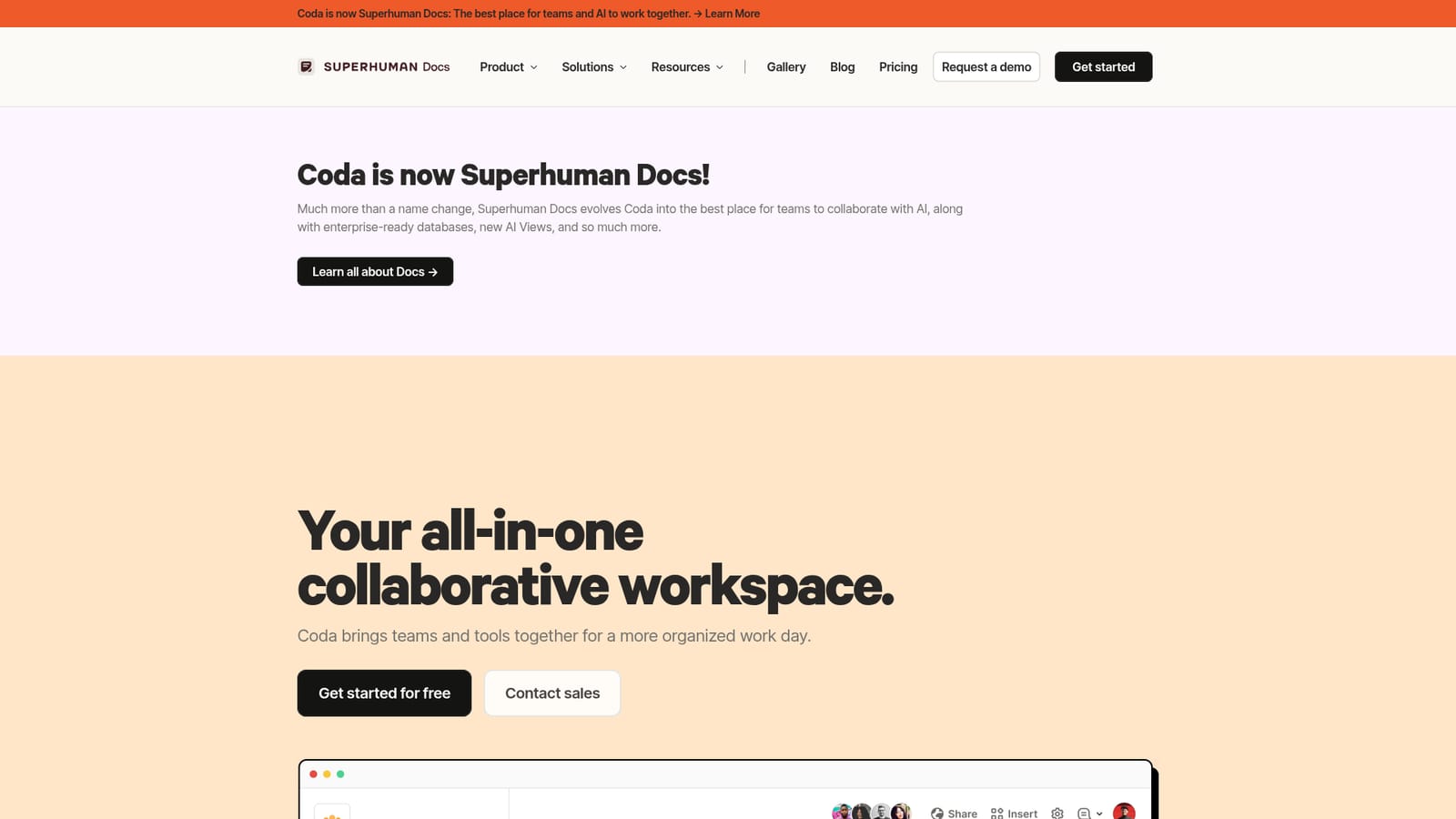
The homepage offers a free start button, but no trial length, plan tiers or limits are stated there.
Learn moreThe homepage cites 600+ integrations, with Google Calendar, Slack, Figma and Jira given as examples of pulling data in, pushing updates out and embedding files.
Learn moreDocuments with embedded relational tables, personalized views, buttons, formulas and automations that turn pages into apps. Coda AI adds workspace-aware chat, drafting and summarization, plus an AI column that runs prompts across table rows. Templates cover product, sales, engineering, design, marketing and HR workflows.
Learn more AI Angels400+ customizable AI girlfriends for NSFW chat, voice calls, and roleplay
 Candy AIExperience the future of companionship with AI friends who chat, role-play, and connect with you on a human level.
 ourdream.aiA vast AI roleplay platform with millions of characters for chat, images, video and voiceAI Angels400+ customizable AI girlfriends for NSFW chat, voice calls, and roleplayCandy AIExperience the future of companionship with AI friends who chat, role-play, and connect with you on a human level.ourdream.aiA vast AI roleplay platform with millions of characters for chat, images, video and voice


