Integrations
The homepage names Telegram, WhatsApp and Line as mini app destinations. No other integrations are documented.
Describe an app in plain language and watch CodeFlying build it

CodeFlying turns plain-language descriptions into websites, mobile apps and mini apps for Telegram, WhatsApp and Line, with built-in marketing copy generation and an AI customer agent. Aimed at non-developers and small operators who want to ship without touching code.
CodeFlying is a prompt-driven build environment for people who have an idea for a product but no working knowledge of a codebase. The premise is stated plainly on the homepage: describe your idea in plain language and the platform produces a working build in minutes. Output spans websites, mobile apps and mini apps, with the mini app targets named as Telegram, WhatsApp and Line. The same workspace also generates posters and marketing copy, and can attach an AI customer service agent to whatever you ship. In practice the product behaves like a chat session with an attached preview. You describe the result you want, the system drafts it, and the gallery of published examples shows the level of specification that produces good results. The sample projects on the site are long, structured briefs for a side-scrolling arcade game and a 2.5D platform adventure, covering physics values, character animation, collision handling, sound behaviour and responsive layout. That material doubles as a useful lesson in how much detail the prompt needs before the generated output feels finished rather than approximate. The audience is broad by design. The homepage courts a creator market rather than a developer one, counting more than a million creators and organising projects into business and services, e-commerce, dashboards and tools, and creative. A shop owner wanting a mini app inside a messaging platform, a freelancer needing a landing page, and a hobbyist prototyping a browser game all fit the same workflow. There is also a conversational entry point branded Coffy for users who arrive without a concept. CodeFlying sits in the vibe coding bracket alongside chat-based builders that turn prompts into deployable front ends. Its distinguishing angle is the combination of small-format mini apps with marketing and support tooling in one place, so a non-technical operator can produce the product and the copy that sells it without switching tools. Buyers should check the pricing page before committing, since the homepage makes no commercial claims.
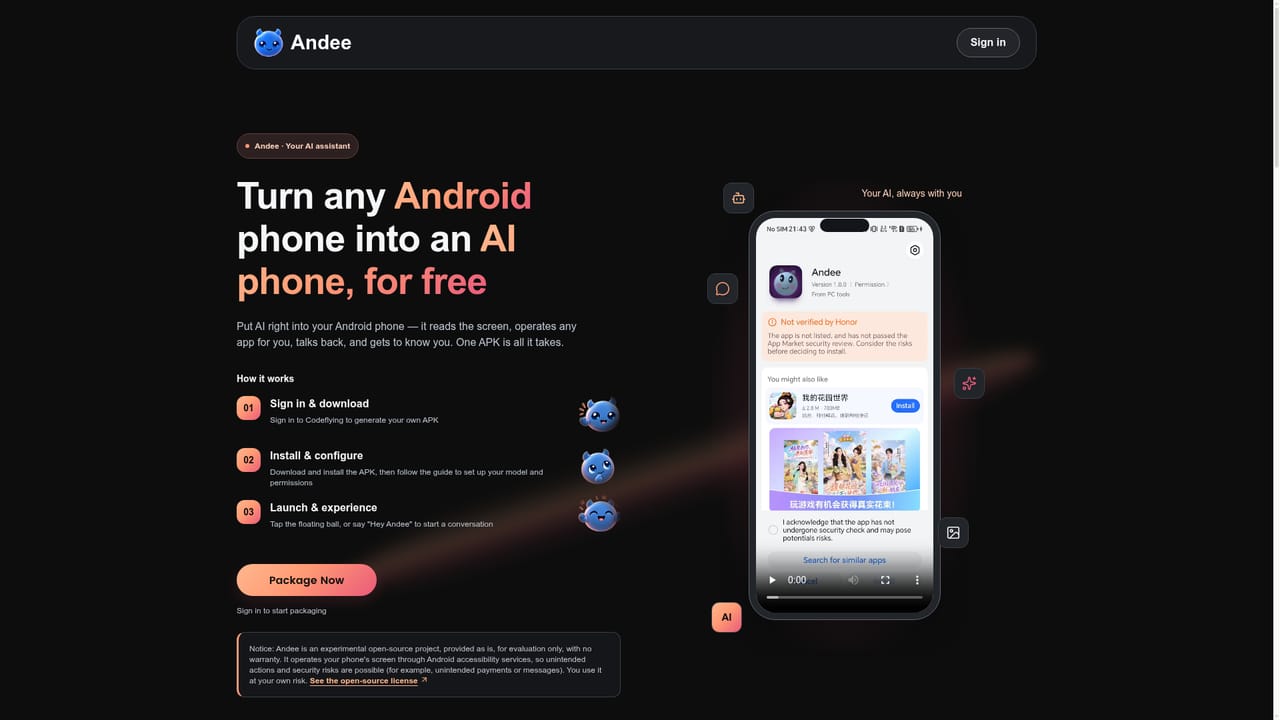
The homepage names Telegram, WhatsApp and Line as mini app destinations. No other integrations are documented.
Plain-language prompt to app generation for websites, mobile apps and mini apps targeting Telegram, WhatsApp and Line. Includes poster and marketing copy generation, a built-in AI customer service agent, a searchable gallery of example projects across business, e-commerce, dashboard and creative categories, and a conversational assistant called Coffy for users without a defined idea.
 AI Angels400+ customizable AI girlfriends for NSFW chat, voice calls, and roleplay
 Candy AIExperience the future of companionship with AI friends who chat, role-play, and connect with you on a human level.
 ourdream.aiA vast AI roleplay platform with millions of characters for chat, images, video and voiceAI Angels400+ customizable AI girlfriends for NSFW chat, voice calls, and roleplayCandy AIExperience the future of companionship with AI friends who chat, role-play, and connect with you on a human level.ourdream.aiA vast AI roleplay platform with millions of characters for chat, images, video and voice


