Free trial
The site promotes a free start and a free authoring tool, but does not state a trial length, usage cap or which features the free tier includes.
Learn moreAI authoring that turns a prompt or a slide deck into a SCORM course

CogniSpark is a content tool. CogniSpark bundles an AI course authoring tool, media studio, AI Tutor and converters for text to speech, translation and video, letting training teams go from a prompt or an imported deck to a SCORM package an LMS can track.
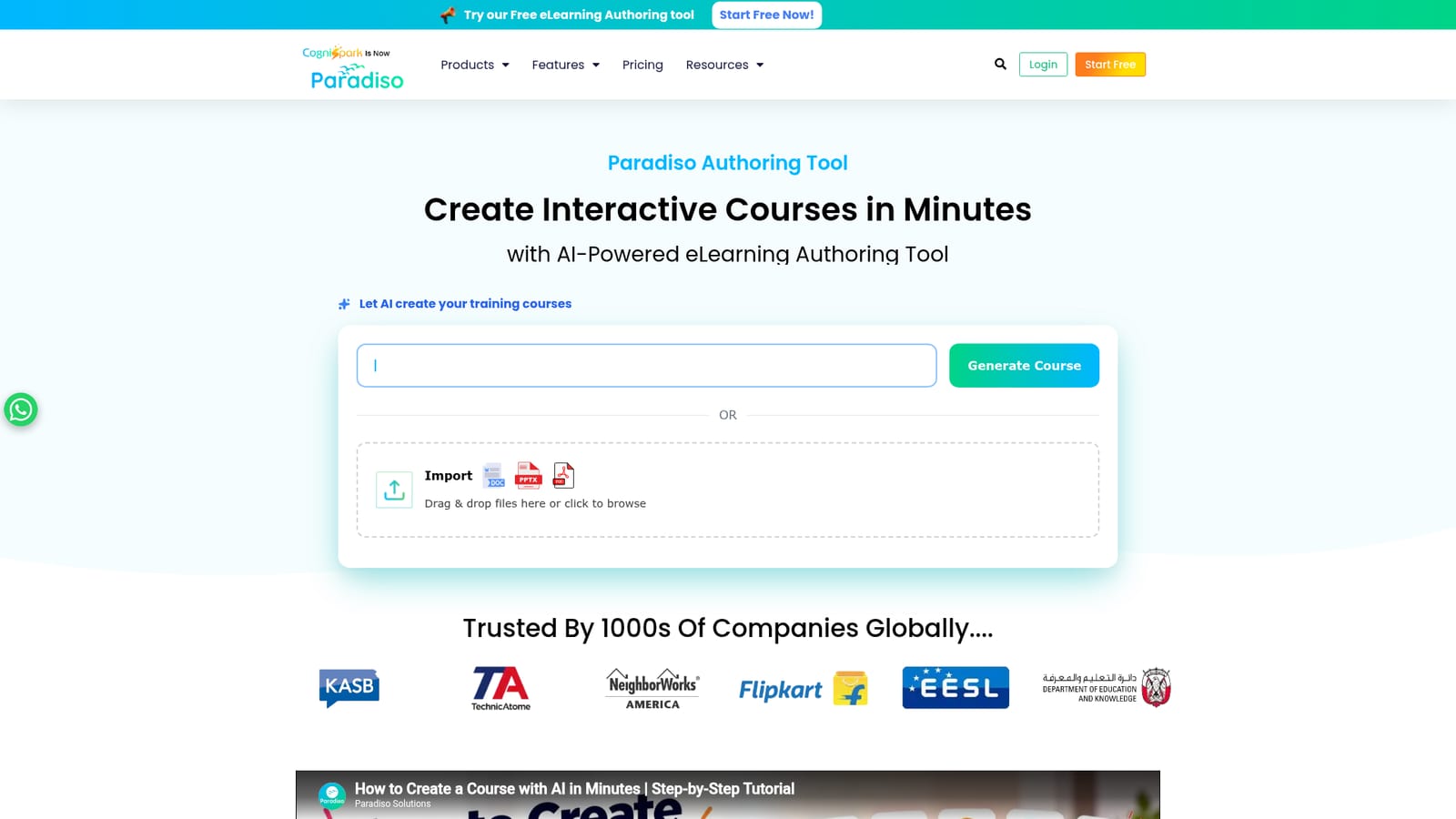
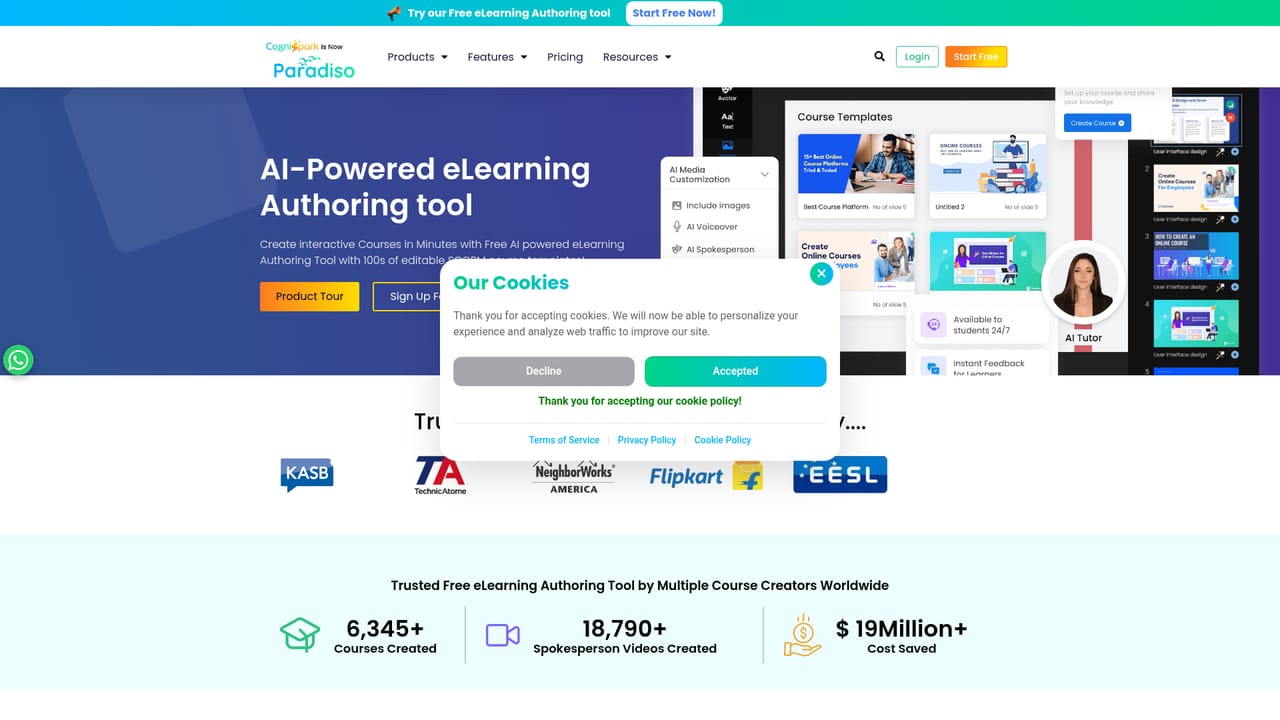
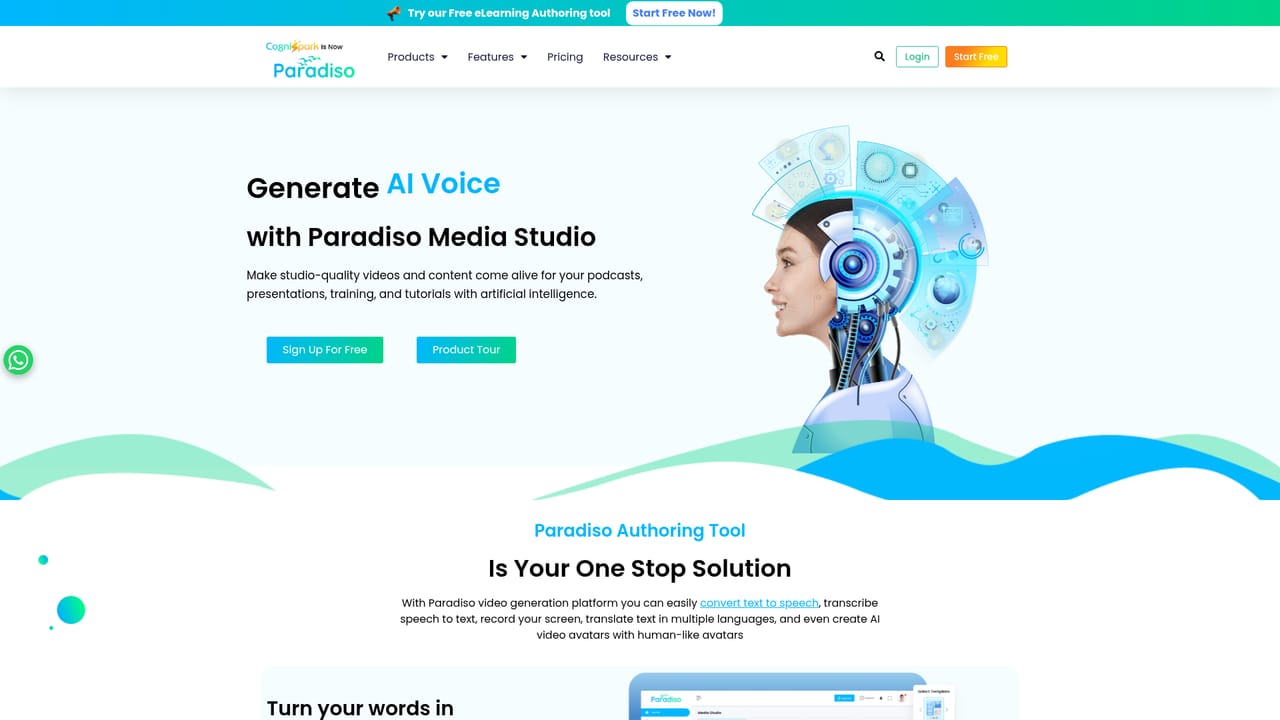
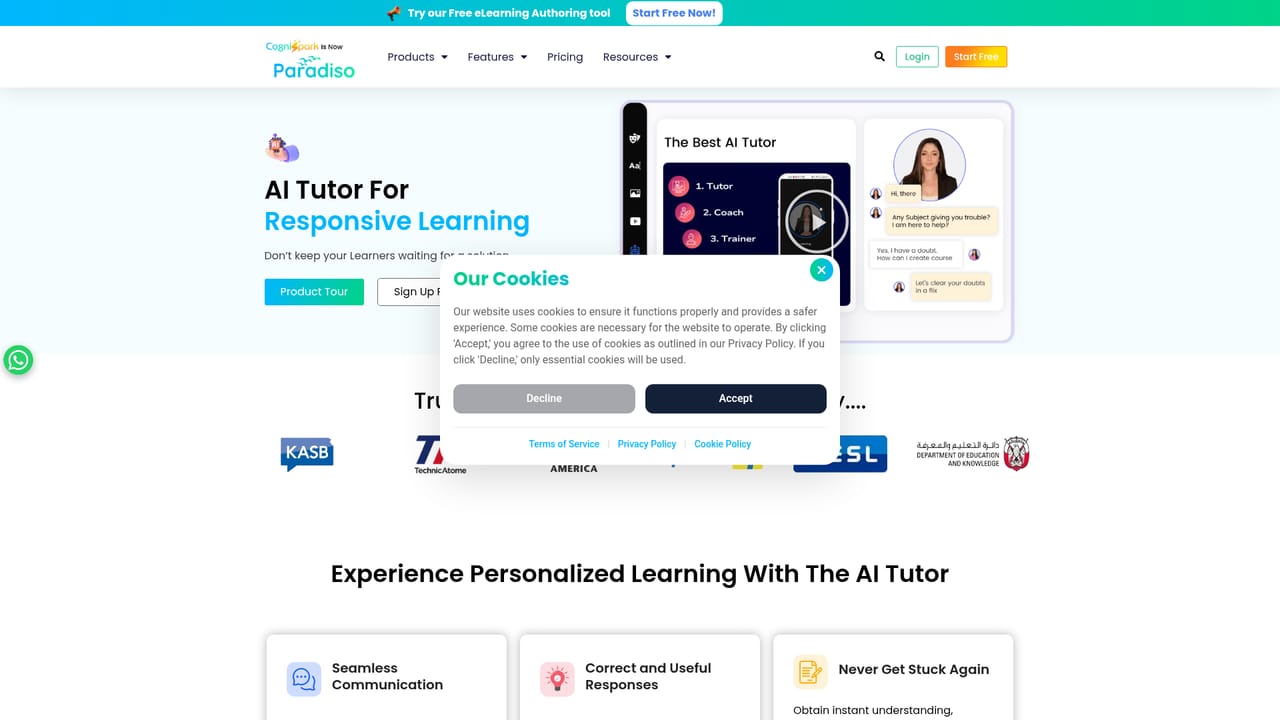
CogniSpark is an AI-powered eLearning authoring platform aimed at corporate training teams, educators and instructional designers. The core promise is speed: instead of spending months assembling slides, narration and quizzes across several programs, a team starts from a topic prompt or imports an existing PowerPoint, Word document or PDF and lets the platform draft the course structure, content, assessments and voiceover. Finished material can be exported as SCORM so a standard LMS can track it. The product is really a bundle of connected tools rather than a single editor. An authoring tool handles drag and drop course building and AI content generation. eLearning Media Studio covers interactive video, modules and lessons. Separate converters handle text to speech, speech to text and translation, and there is an AI video generator for spokesperson style clips. An AI Tutor sits alongside the published course to answer learner questions and give feedback, which the vendor positions as round the clock learner support. In practice the workflow suits L&D teams that already have source material and want to convert it quickly, as well as subject experts with no design background who need a first draft. The vendor reports more than 25,000 courses created, over 18,000 spokesperson videos and a client roster spanning government, banking and enterprise training. A catalog of 100+ editable SCORM-compatible courses offers a shortcut when building from scratch is unnecessary. Compared with established authoring suites such as Articulate or Adobe Captivate, CogniSpark leads with automation and breadth of bundled AI tools rather than a mature template ecosystem or deep interactivity libraries. Buyers who need fine control over branching logic and custom animation may still pair it with a conventional authoring tool, but for teams prioritizing production speed and built-in tutoring, it is a credible option.
The site promotes a free start and a free authoring tool, but does not state a trial length, usage cap or which features the free tier includes.
Learn moreThe homepage cites 24/7 support for learners through the AI Tutor and links a contact page and WhatsApp chat, but gives no detail on support tiers or response times for account holders.
Learn moreSCORM export and LMS compatibility are stated. No named LMS integrations, API or third party connectors are listed on the homepage.
Core pieces: an AI authoring tool with drag and drop editing, an eLearning Media Studio for interactive video and lessons, an AI Tutor for learner support, PowerPoint to SCORM conversion, text to speech and speech to text converters, a translator, an AI video generator, simulation training and a catalog of 100+ editable SCORM courses.
Learn more AI Angels400+ customizable AI girlfriends for NSFW chat, voice calls, and roleplay
 Candy AIExperience the future of companionship with AI friends who chat, role-play, and connect with you on a human level.
 ourdream.aiA vast AI roleplay platform with millions of characters for chat, images, video and voiceAI Angels400+ customizable AI girlfriends for NSFW chat, voice calls, and roleplayCandy AIExperience the future of companionship with AI friends who chat, role-play, and connect with you on a human level.ourdream.aiA vast AI roleplay platform with millions of characters for chat, images, video and voice


