Free trial
No time-limited trial is described. A free account includes a one-time package of limited credits so the platform can be tested before any subscription or credit purchase.
Learn moreTemplate-driven AI content, art and speech in one workspace for marketers

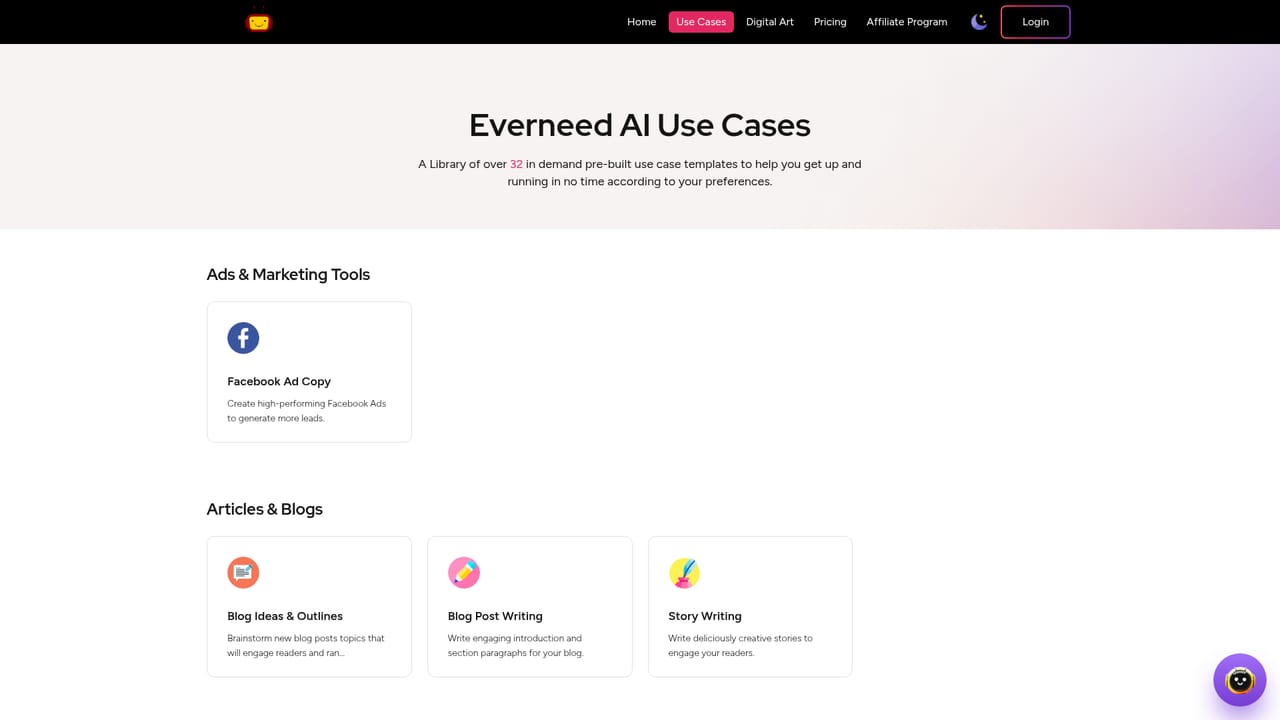
Everneed AI is a content tool. Everneed AI bundles text generation, text-to-speech, speech to text, coding help and text-to-image art into one subscription, organised around 32 use case templates for blogs, ads, emails, scripts and social posts. Plans are priced by word, image and minute allowances.
Everneed AI is a browser-based content platform aimed at entrepreneurs, marketers and small teams who need to produce writing and visuals without adding headcount. It combines a text generator, an image generator and text-to-speech conversion behind one login, so a landing page draft, a set of social captions and a blog header image can all come out of the same workspace. The positioning on the homepage is deliberately broad: the pitch is that one subscription covers tasks that would otherwise be scattered across three or four separate tools. The core mechanic is the use case library. Everneed AI ships 32 templates covering article writing, landing page copy, blog and email drafts, video scripts, social media marketing, business strategies and a content improver, with a code writer and speech to text also listed on the plan tables. The workflow is short by design: pick a template, supply keywords or instructions, then edit what comes back. Character limits are listed as unlimited across the plans, while word, image and minute allowances scale with the tier. The image generator turns text prompts into digital art at various resolutions, with royalty-free commercial use and no watermark. The minute allowances point to the speech features, which cover conversion in both directions. Practical fit is strongest for solo operators and lean marketing teams that want a predictable allowance model rather than per-seat licensing. Anyone needing deep editorial control, brand voice training or long-form research workflows will likely find the template approach thin compared with dedicated writing suites. Language coverage is mixed: the FAQ states some tools work in multiple languages while others are English only. There is no refund on subscriptions or credits, so the free account is the real evaluation window. Payment runs through Stripe and PayPal, and an affiliate program pays 50 percent recurring commission.
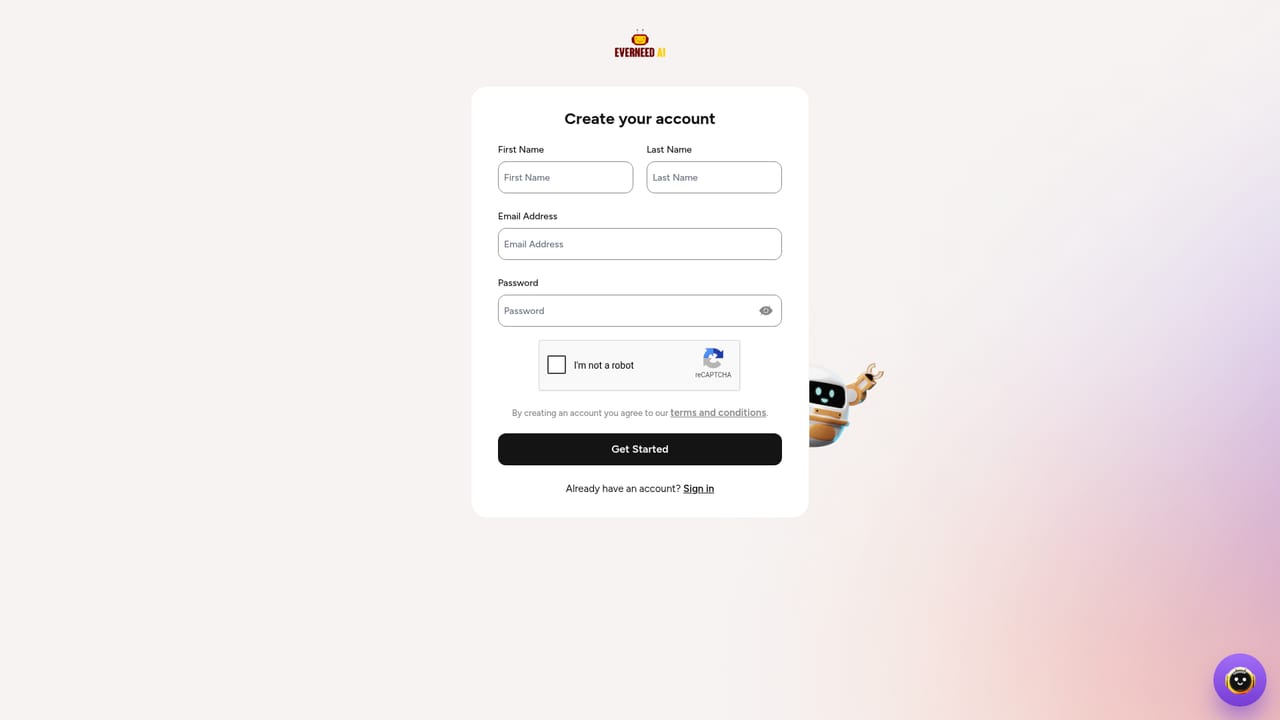
No time-limited trial is described. A free account includes a one-time package of limited credits so the platform can be tested before any subscription or credit purchase.
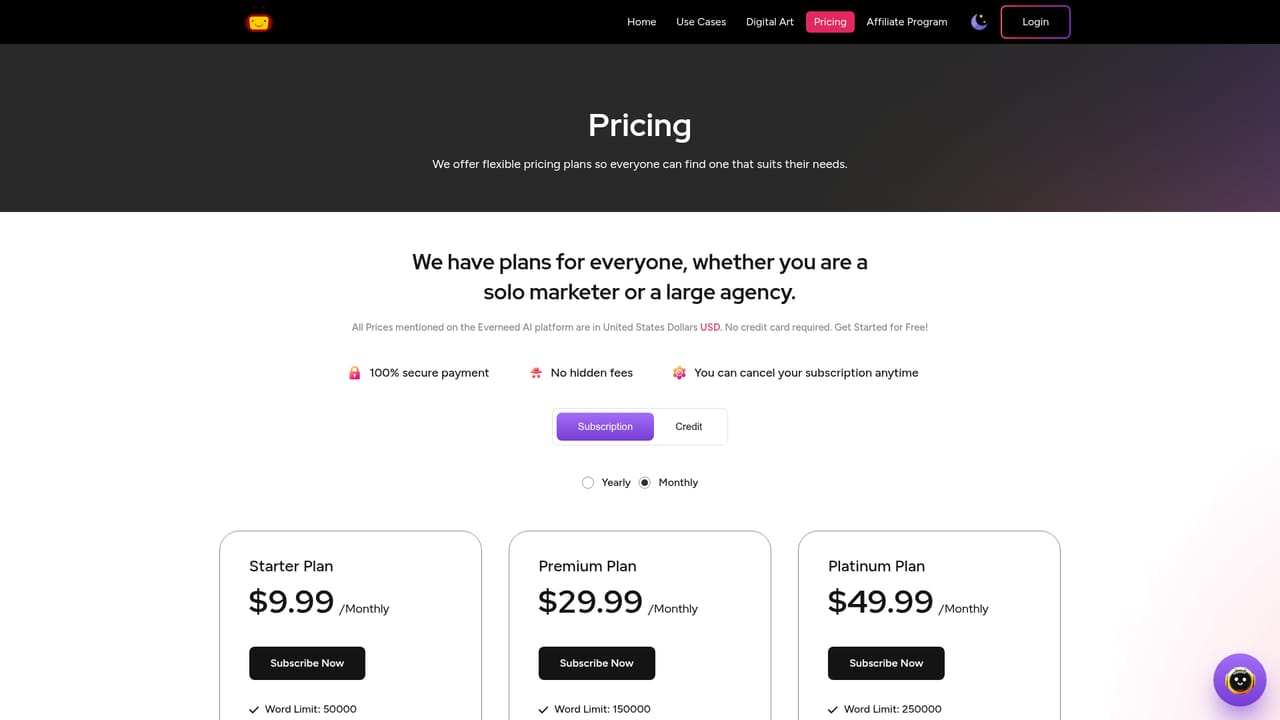
Learn moreMonthly plans run from $9.99 (50,000 words, 30 images, 100 minutes) through $29.99, $49.99 and $99.99. Yearly plans run from $109.99 to $1,099.99 with allowances up to 6,000,000 words, 3,600 images and 12,000 minutes. One-time credit packs are also offered at $9.99, $29.99 and $49.99. Character limits are unlimited on every tier.
Learn moreSupport runs through a frequently asked questions section on the homepage, which addresses originality, language availability, refunds, cancellation and payment methods. No dedicated help centre or contact channel is listed.
32 use case templates for articles, code, landing page copy, blogs, email, social media marketing, video scripts and business strategies. Also includes a text-to-image generator with various resolutions, royalty-free commercial use and no watermark, plus text-to-speech, speech to text and a chatbot. Character limits are unlimited on all plans.
Learn more AI Angels400+ customizable AI girlfriends for NSFW chat, voice calls, and roleplay
 Candy AIExperience the future of companionship with AI friends who chat, role-play, and connect with you on a human level.
 ourdream.aiA vast AI roleplay platform with millions of characters for chat, images, video and voiceAI Angels400+ customizable AI girlfriends for NSFW chat, voice calls, and roleplayCandy AIExperience the future of companionship with AI friends who chat, role-play, and connect with you on a human level.ourdream.aiA vast AI roleplay platform with millions of characters for chat, images, video and voice


