Free trial
The site presents itself as a free AI coloring page generator with a Create Free Coloring Page button, but the exact free allowance is not stated on the homepage.
Learn moreTurn photos or text prompts into printable coloring pages

ColorMe.ai is an art tool that turns photos or text prompts into printable coloring pages. ColorMe.ai converts uploaded photos or text prompts into clean, printable coloring pages in PNG or PDF. It offers batch upload, aspect ratio options, background removal, upscaling and a brush-based Remix editor, aimed at parents, teachers and coloring book creators.
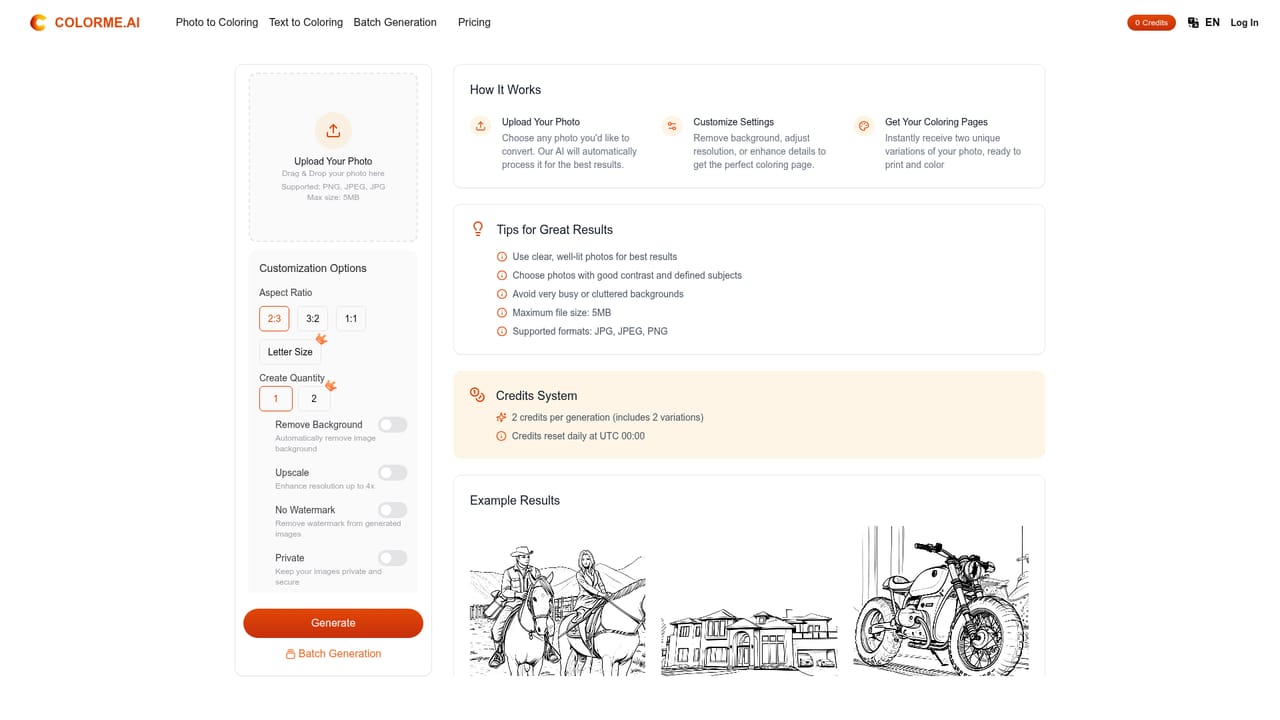
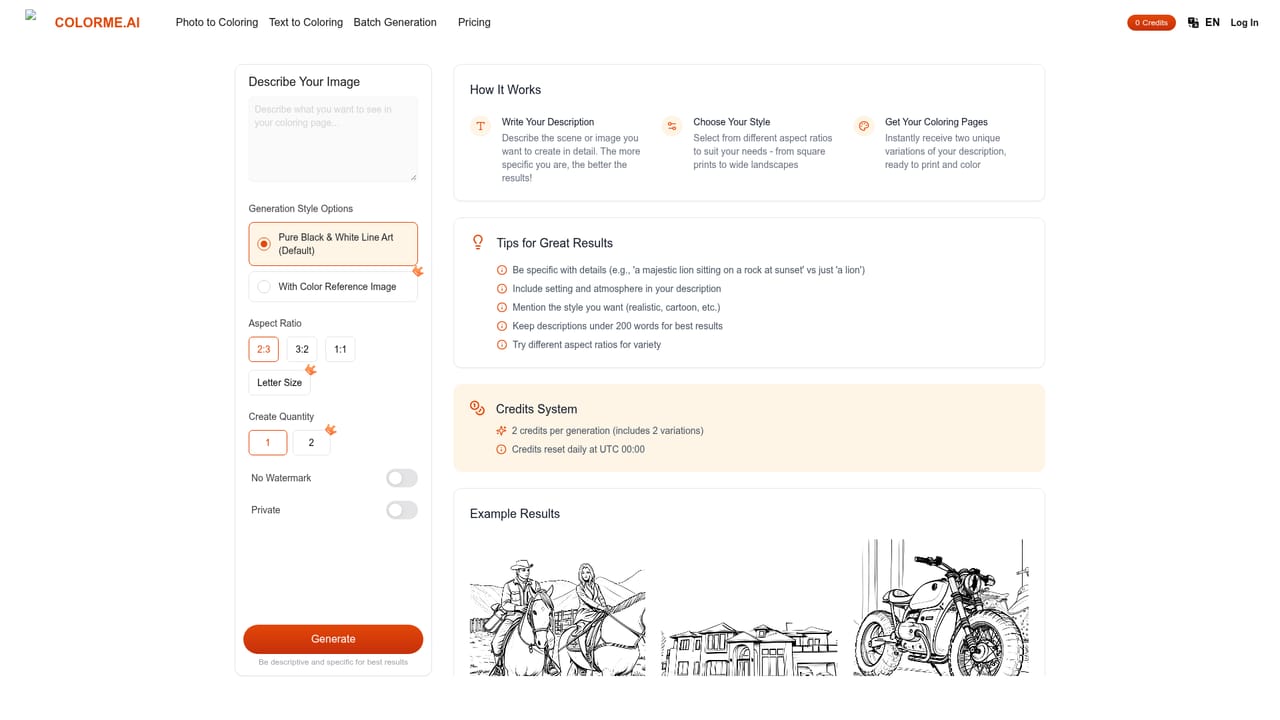
ColorMe.ai is a browser-based generator that produces black-and-white line art meant for coloring. It accepts two kinds of input: an uploaded photo, which is converted into clean outlines, or a short written prompt, which the AI draws from scratch. Results are delivered as print-ready PNG or PDF files, so there is no extra conversion step before sending a page to a printer. The audience is mostly parents, teachers and hobbyists, with a secondary pull for people assembling coloring books. A family portrait or a pet photo can become a personalized page, while a prompt such as a cartoon mermaid swimming with dolphins yields an original design without needing any source image. The site also promotes trend-driven themes, including meme-style pages built from snapshots, which suits quick classroom or party activities. In practice the workflow is short. A user uploads a JPG or PNG, or types a description, and the system analyzes edges, simplifies detail and removes backgrounds where requested. Generation takes a few minutes per page. Controls include several aspect ratios, the number of pages to produce in one run, background removal and upscaling. A batch upload option lets someone send multiple photos at once and convert them in a single pass, which matters for anyone producing a set of pages rather than one. A Remix tool allows targeted edits: a brush marks the region to change, a short text note describes the change, and the AI redraws only that area, useful for swapping a hairstyle or adding a prop. Privacy is addressed through secure handling of uploaded images, and subscribers can download watermark-free files for personal or commercial use. The homepage does not spell out plan prices, credit limits or the exact free allowance. Among alternatives, ColorMe.ai is narrower than general image generators that can be prompted for line art. Its value is a purpose-built flow with print formats, batch conversion and region-level editing already in place, rather than prompt engineering in a general-purpose tool.
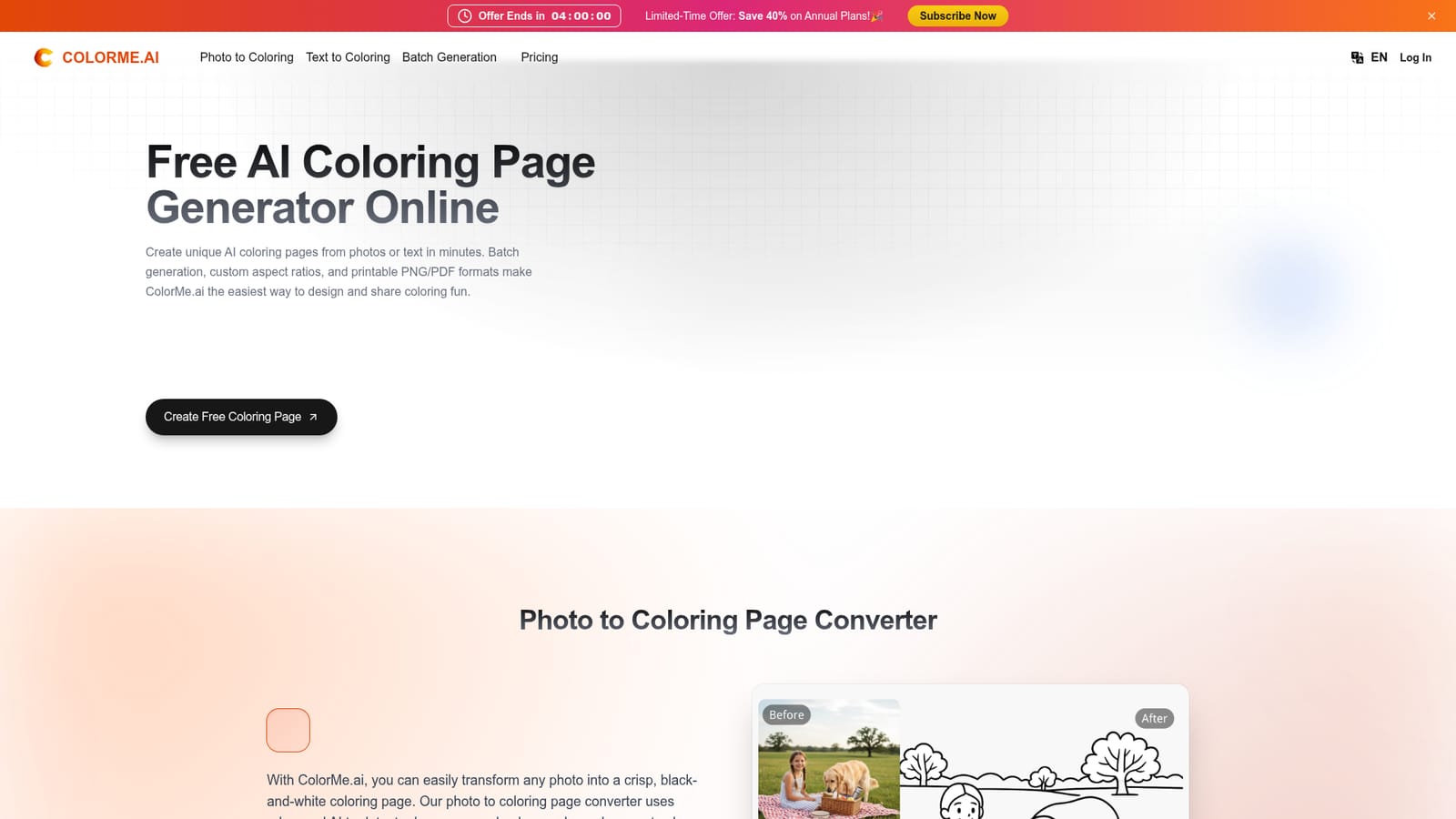
The site presents itself as a free AI coloring page generator with a Create Free Coloring Page button, but the exact free allowance is not stated on the homepage.
Learn moreThe homepage mentions free online use and subscriber-only watermark-free downloads, but it does not list plan names, prices or usage limits.
Learn morePhoto to coloring page conversion, text to coloring page generation, batch upload, multiple aspect ratios, page count control, background removal, upscaling, brush-based Remix editing, and PNG or PDF export with watermark-free downloads for subscribers.


