Pricing
Credits are purchased before generating sketches, and the homepage describes credit packages. No prices or package sizes are listed on the homepage.
Learn morePhoto-to-pencil-sketch generator with guides and a print planner

PencilArt turns uploaded photos into AI pencil sketches in styles like Classic Graphite and Cross-Hatched, with a credit-based studio, a saved gallery, free tutorials and a print planner for portraits, pets and gifts.
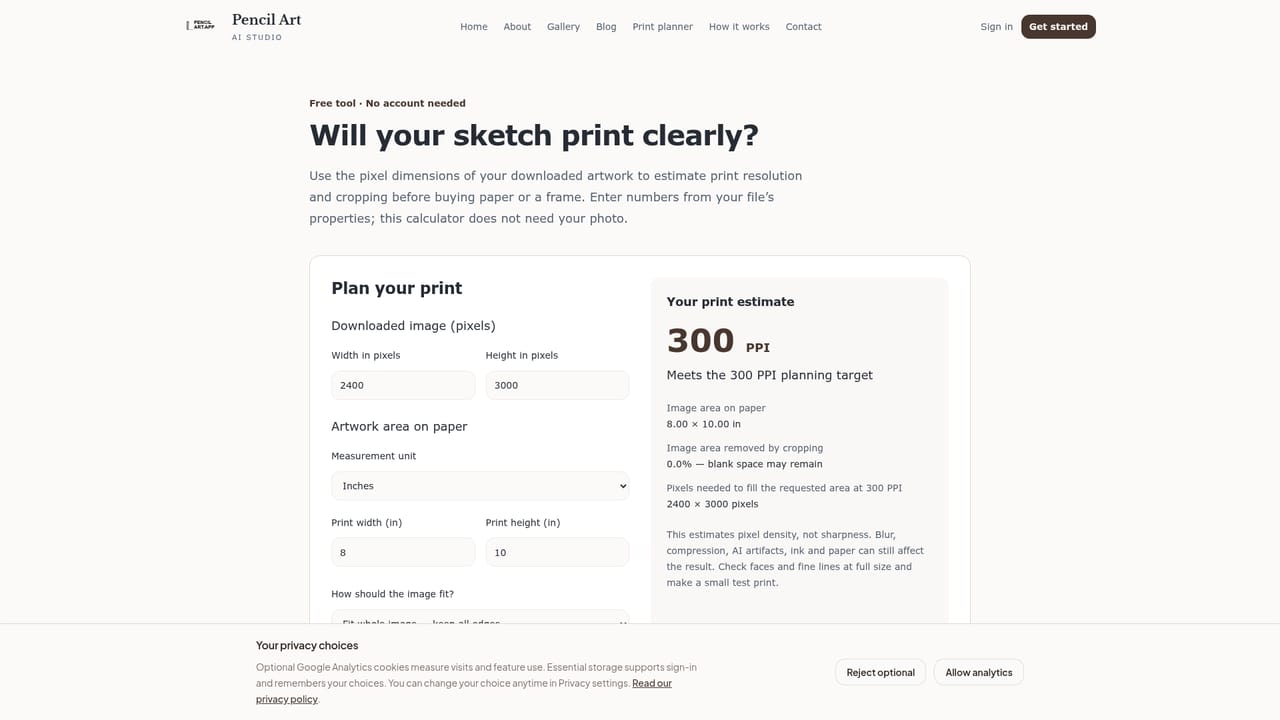
PencilArt is a web-based studio that converts uploaded photos into pencil-style drawings. A user signs up, buys credits, uploads an image, picks a pencil style, and receives an AI interpretation of the photo. Finished drawings are saved to a personal gallery and can be previewed full-screen before download. The service is aimed at people making portraits, pet keepsakes, anniversary and wedding gifts, family collections, memorial pieces and decorative wall art. The studio offers four starting styles: Classic Graphite, Realistic Pencil, Soft Shading and Cross-Hatched. Advanced settings cover intensity, fine-detail preservation and additional pencil techniques. The site suggests well-lit JPEG or PNG photos under 10MB, with clearly visible faces, and recommends a realistic style at medium intensity as a first attempt. What sets the site apart is how openly it treats the limits of the technology. The homepage includes a drag-to-compare slider and a written inspection of a bridge photo, noting where the sketch dropped a bright sun, simplified clothing and even added a small vehicle that was not in the source. The advice that follows is practical: check likeness, separate dark areas, and plan the crop before spending a credit. Results vary with the source image and settings, and the page itself says conversions should be proofed before anything is printed or given to family. Alongside the generator sits a library of public tutorials covering portrait lighting, pet photos, restoring old family pictures, home printing on matte paper, wall art sets, gift ideas and common mistakes. A print planner helps estimate resolution and crop loss from a downloaded file's dimensions. Users keep ownership of their photos and generated sketches, according to the site's privacy terms. Among alternatives, PencilArt is a narrow, single-purpose tool rather than a general image editor or a broad style-transfer suite. It suits buyers who want one specific look and the educational material to get a good print, and less so those needing many art styles or an editing workflow.
Credits are purchased before generating sketches, and the homepage describes credit packages. No prices or package sizes are listed on the homepage.
Learn moreSupport is offered by email through a Contact Support link on the homepage. Free public guides cover photo preparation, printing and troubleshooting common quality problems.
Learn morePhoto-to-pencil conversion with Classic Graphite, Realistic Pencil, Soft Shading and Cross-Hatched styles, intensity and fine-detail settings, full-screen preview, a saved gallery, a before/after slider, a print planner and free tutorials.


