Pricing
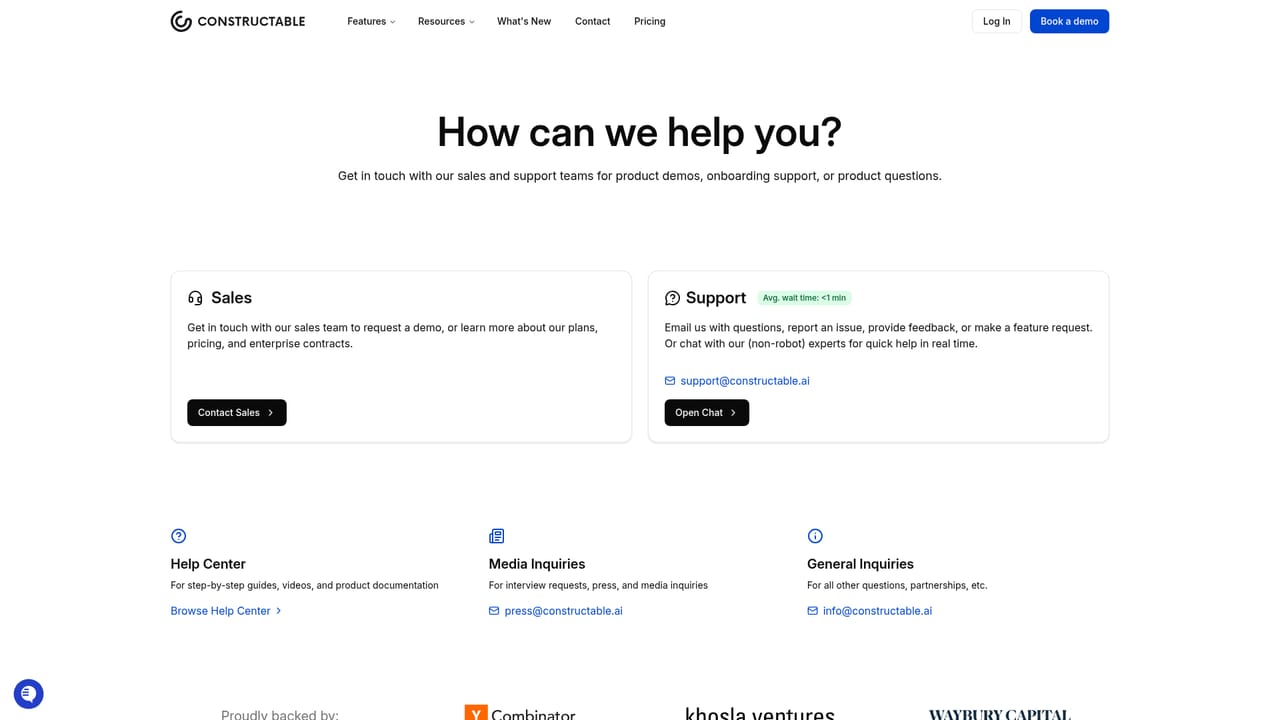
Flat monthly pricing is advertised, with free data migration included. Specific plan amounts are not published on the homepage; the pricing page and a demo are the routes to actual numbers.
Learn moreAI-powered construction management from bidding to closeout.
Own Constructable? Verify ownership to get a dofollow link

Constructable is an AI-native construction management platform covering bidding, field tools, financials, and closeout. It adds automated drawing reviews, invoice import, submittal spec checks, and an AI agent, plus read/write integrations with ChatGPT and Claude and two-way accounting ERP sync.
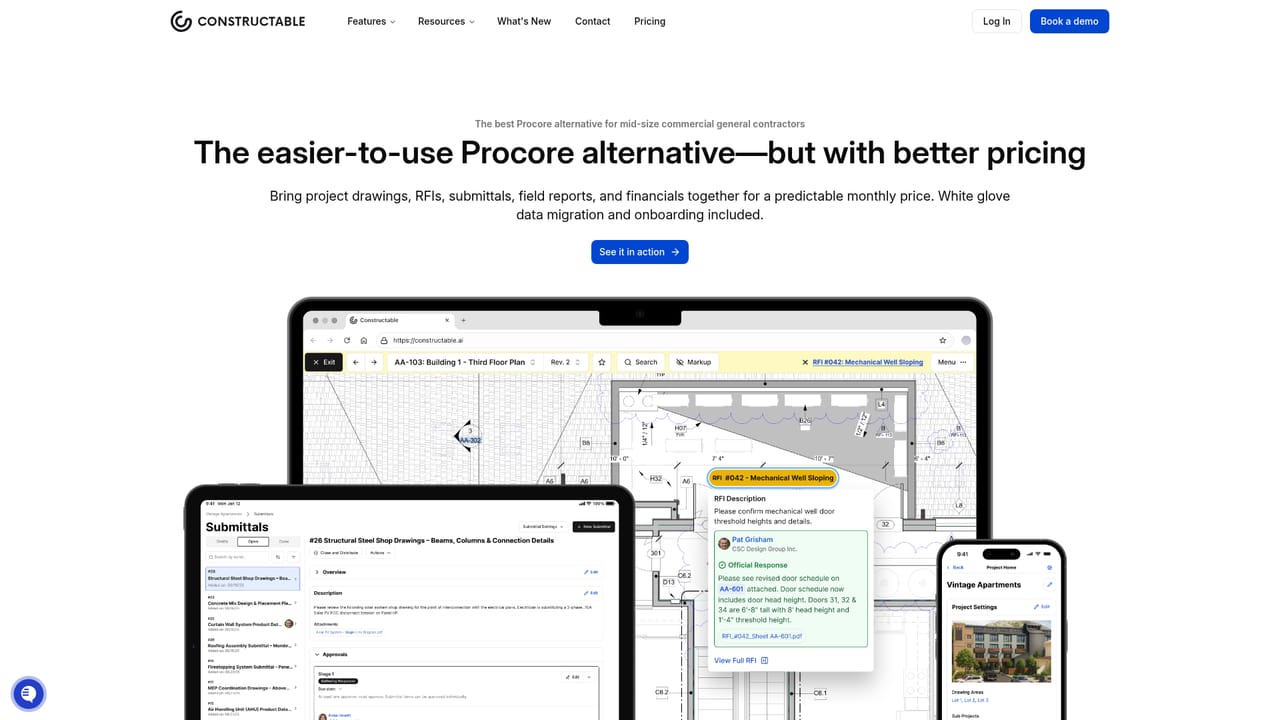
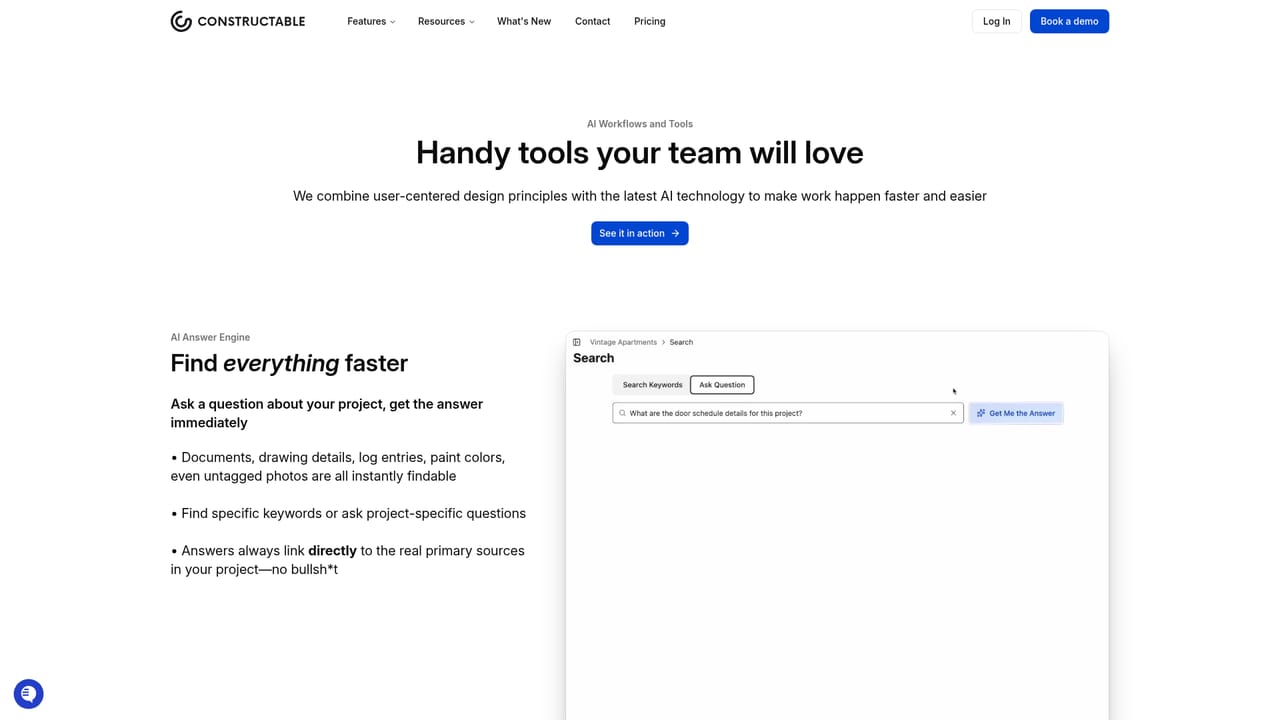
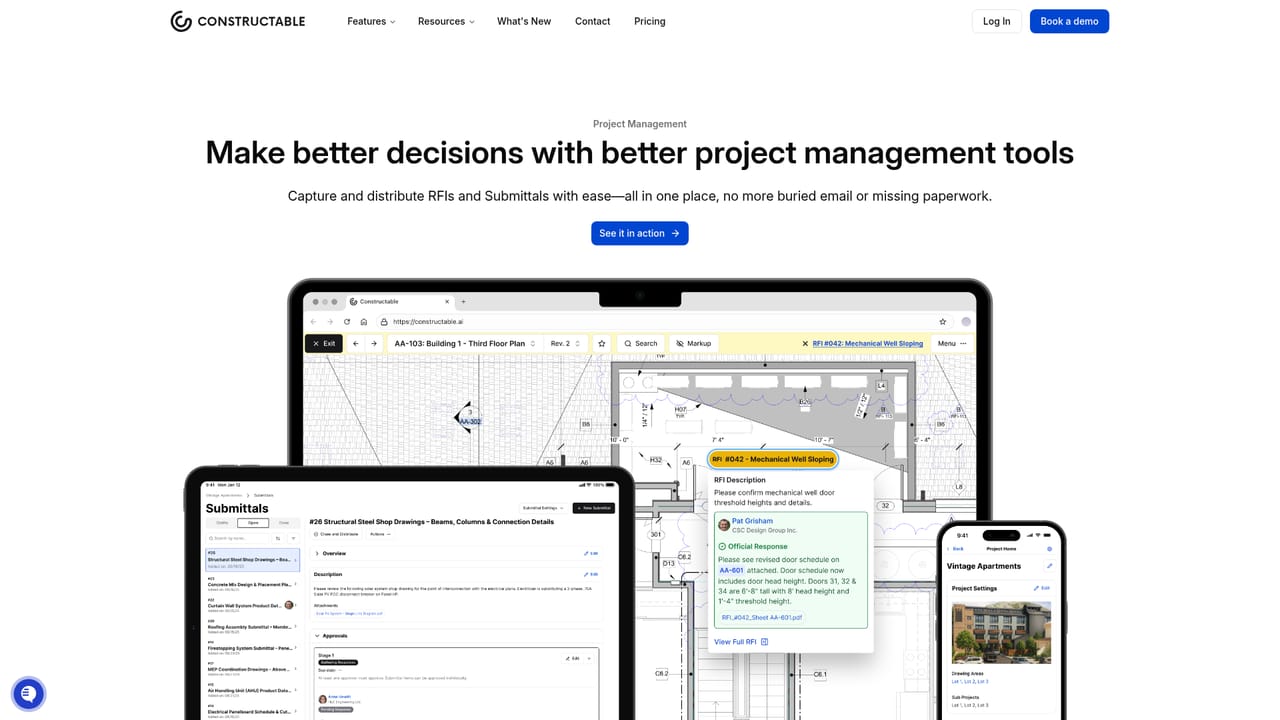
Constructable is a construction management platform built around AI workflows, covering the full project lifecycle from bidding through closeout. It bundles field management, financial management, and project management into one system, with an agent layer that handles document review, invoice import, and submittal checking. The product is aimed at general contractors, subcontractors, architects, and operations teams who currently run projects on older platforms and want fewer manual steps. In daily use, the drawing viewer supports split view so reviewers can compare revisions side by side. Automated drawing reviews flag what changed between versions, including changes that were not clouded, and submittals are auto-checked against specs to cut rejections. On the financial side, teams can import a stack of invoices at once to avoid double entry, and the AI agent can take an emailed subcontractor bid and break out scope, inclusions, exclusions, and pricing clarifications. An internal agent searches drawings and specs to answer questions in real time. Integrations reach beyond the app. Full read and write connections with ChatGPT and Claude let teams query project data conversationally, and two-way syncing with accounting ERPs including QuickBooks, Sage, Deltek ComputerEase, and Acumatica keeps financial records aligned. Data migration is included and positioned as taking days rather than months. The tool fits contractors evaluating alternatives to Procore, particularly teams that value predictable flat monthly pricing and a short learning curve. It is less suited to firms that need deep custom configuration or that rely on an accounting system outside the supported list.
Flat monthly pricing is advertised, with free data migration included. Specific plan amounts are not published on the homepage; the pricing page and a demo are the routes to actual numbers.
Learn moreHelp resources are available at the help page, and the team can be reached through the contact page. Customer stories and a wall of happiness show active user feedback and feature requests.
Learn moreTwo-way syncing with QuickBooks, Sage, Deltek ComputerEase, and Acumatica. ChatGPT plugin and Claude connector for read and write access. Other ERPs can be discussed through contact.
Learn moreField management with a split-view drawing viewer, financial management with batch invoice import and change order billing, project management with automated drawing reviews and submittal spec checks, and AI workflows including an internal agent and bid import. Read and write integrations with ChatGPT and Claude are included.
Learn more AI Angels400+ customizable AI girlfriends for NSFW chat, voice calls, and roleplay
 Candy AIExperience the future of companionship with AI friends who chat, role-play, and connect with you on a human level.
 ourdream.aiA vast AI roleplay platform with millions of characters for chat, images, video and voiceAI Angels400+ customizable AI girlfriends for NSFW chat, voice calls, and roleplayCandy AIExperience the future of companionship with AI friends who chat, role-play, and connect with you on a human level.ourdream.aiA vast AI roleplay platform with millions of characters for chat, images, video and voice


