Free trial
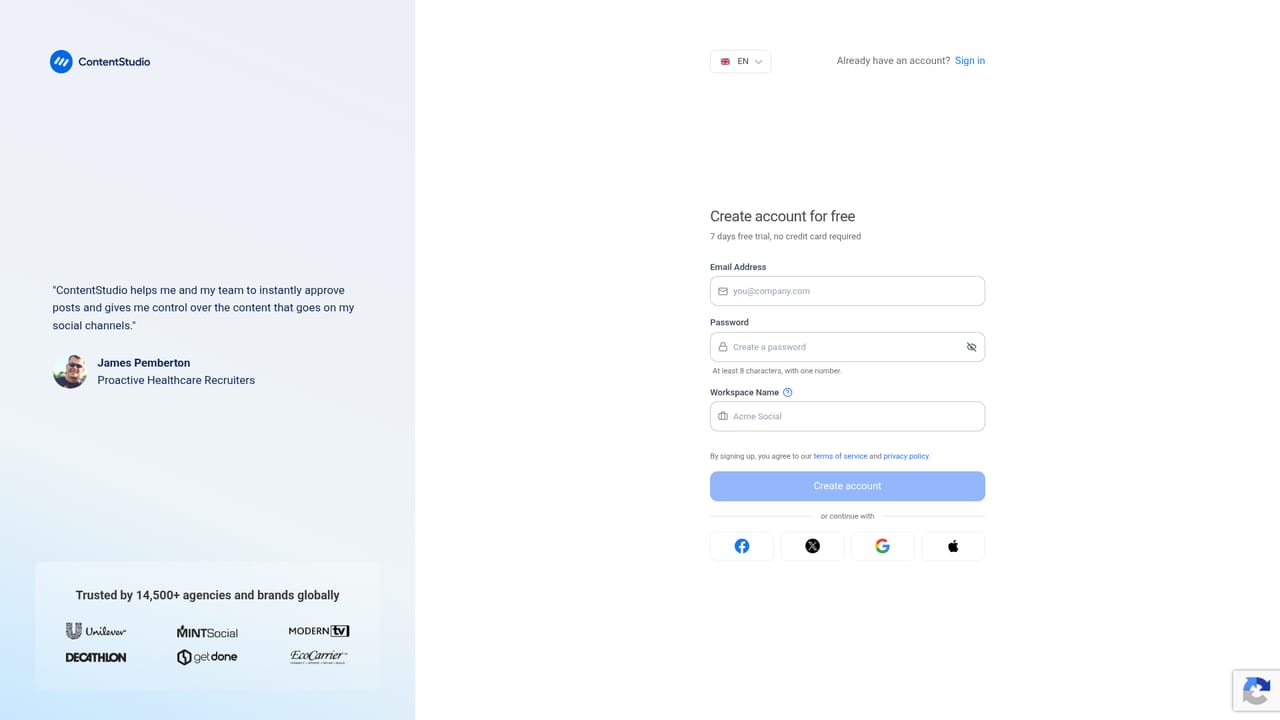
7-day free trial, no credit card required. The trial starts from the signup page and gives access to the platform before any plan is chosen.
Learn moreSocial media scheduling, AI content creation and analytics under one roof
Own ContentStudio? Verify ownership to get a dofollow link

ContentStudio is a content tool. An all-in-one social media manager with an AI studio for captions, hashtags and images, a multi-channel calendar with client approvals, analytics, a unified inbox and an RSS discovery feed.
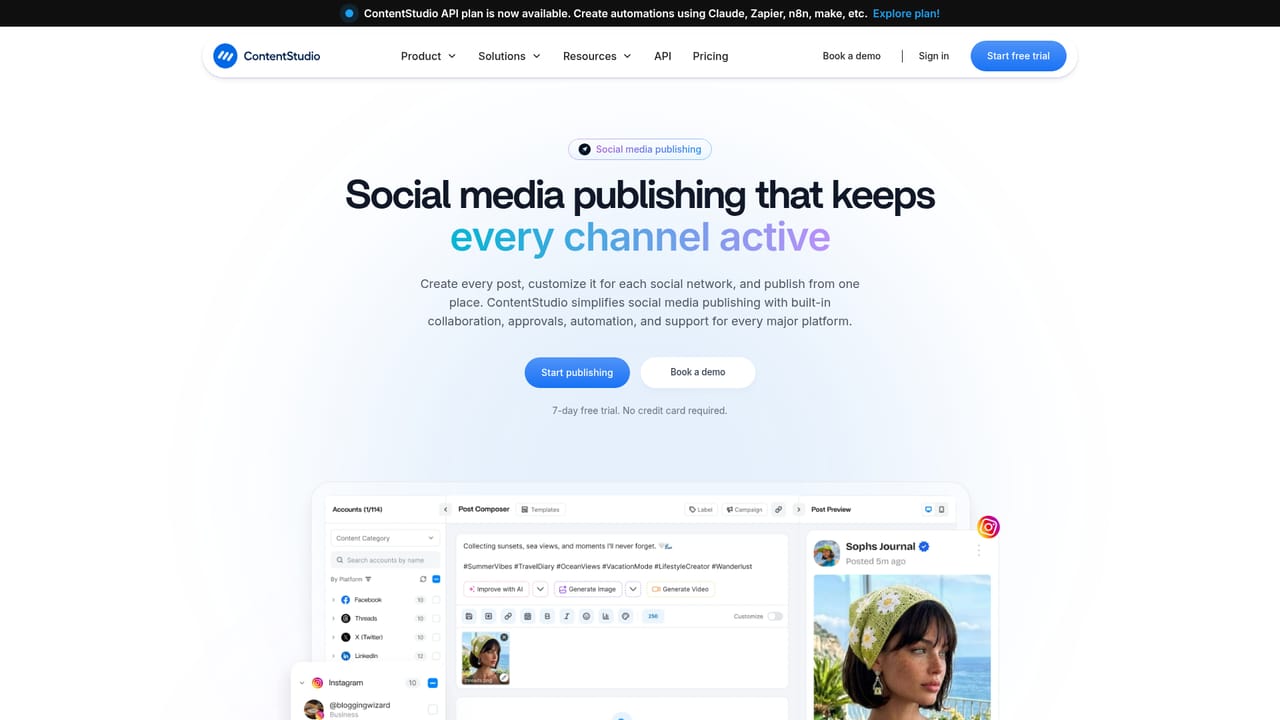
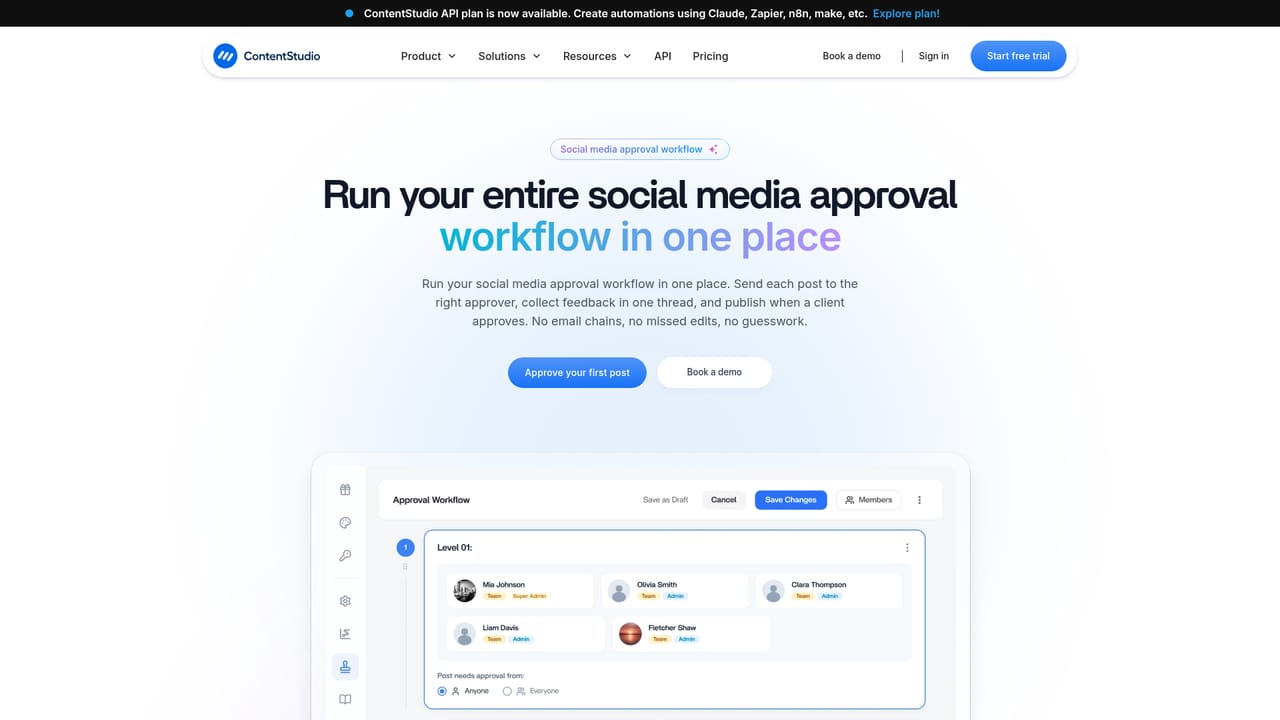
ContentStudio is a social media management platform that combines an AI content studio with scheduling, publishing, analytics, an engagement inbox and a content discovery feed. The pitch is a single workspace for the whole social workflow: an agent that learns your brand and audience, drafts captions and images, queues posts across connected channels, and then reads the results to inform what gets made next. Reviewers can approve each item before it goes live, or hand the process to the AI on autopilot. The core of the product is the publishing calendar, which shows planned posts in list, feed and grid views so teams can see a month of activity at a glance. A shared asset library holds creative files, and calendars can be shared with external collaborators and approvers, a setup aimed at agencies that need client sign-off before publishing. The AI Studio generates captions and hashtags from a short prompt and creates images for posts, including generating copy from an uploaded image. That puts copywriting and basic visual production inside the same tool as the scheduler. Analytics covers campaign and label performance, competitor tracking for Facebook and Instagram, and automated reports meant to be shown to a team or client. The social inbox pulls comments, direct messages and mentions from every connected account into one view, with shared team notes for consistent replies. A Discover feed brings RSS sources, blogs and newsletters into a reading and sharing queue, with OPML bulk import for moving subscriptions in. It suits marketing teams, agencies managing several client accounts, and solo operators who want publishing and light analytics without stitching tools together. The free trial is 7 days with no card. The site claims 16,500+ brands and lists integrations with Facebook, Instagram, YouTube, LinkedIn, Pinterest, TikTok, Threads, Telegram, Bluesky and Google Business, plus AI model connectors and an API plan for automation builders.
7-day free trial, no credit card required. The trial starts from the signup page and gives access to the platform before any plan is chosen.
Learn morePublishes to Facebook, Instagram, YouTube, LinkedIn, Pinterest, TikTok, Threads, Telegram, Bluesky and Google Business. AI connectors include OpenAI, Claude, Flux, Qwen, Seedance, Kling, OpenClaw and Hermes. An API plan supports automation through Claude, Zapier, n8n and Make.
Learn moreAI Studio for captions, hashtags and images generated from prompts or uploaded images; a unified content calendar with list, feed and grid views; an asset library; external sharing and approval workflows; campaign and label analytics with AI insights; Facebook and Instagram competitor tracking; automated reports; a unified inbox for comments, DMs and mentions; an RSS discovery feed with OPML import; multi-channel publishing.
Learn more AI Angels400+ customizable AI girlfriends for NSFW chat, voice calls, and roleplay
 Candy AIExperience the future of companionship with AI friends who chat, role-play, and connect with you on a human level.
 ourdream.aiA vast AI roleplay platform with millions of characters for chat, images, video and voiceAI Angels400+ customizable AI girlfriends for NSFW chat, voice calls, and roleplayCandy AIExperience the future of companionship with AI friends who chat, role-play, and connect with you on a human level.ourdream.aiA vast AI roleplay platform with millions of characters for chat, images, video and voice


