Free trial
A free trial is offered through the registration page, letting new users test the cover letter workflow before choosing a plan. No trial length is stated.
Learn moreDraft tailored cover letters in minutes with AI assistance.
Own Cover Letter AI? Verify ownership to get a dofollow link

Cover Letter AI generates personalized cover letters from your CV and job details using large language models, in any language. You iterate on drafts and edit the final text yourself.
Cover Letter AI is a web application built to remove the blank-page problem from job applications. It uses modern large language models to turn a CV and a few details about a role into a professional, personalized cover letter, and it can do this in any language. The tool is aimed at job seekers at any career stage, from graduates writing a first application to experienced professionals who apply often and want a faster starting point. In practice the workflow is straightforward. You upload your CV as text or paste it in and convert it, then fill in fields such as the company name, the job description, the writing style you want and the skills to emphasize. The tool then generates a draft cover letter. From there you iterate: adjust the creativity parameter, produce several versions, compare outputs and edit the one that fits best. The result is not a finished letter but a foundation that you refine in your own voice. Privacy is part of the pitch. The company states that the details you enter, including job descriptions and company names, are not stored on its servers. The homepage also points to a free starting point through a free trial button and a separate pricing page for paid use, though the specific plan tiers are not listed on the homepage itself. Where it fits: it sits between generic writing assistants such as ChatGPT and dedicated career tools. Compared with a general chatbot, it adds a structured form for CV and job context, which reduces prompt fiddling. Compared with resume builders, the focus is narrower: cover letters only, with no resume layout or application tracking features stated on the homepage. That focus is a strength for a quick, repeatable letter workflow and a limitation for anyone wanting an end-to-end job application suite.
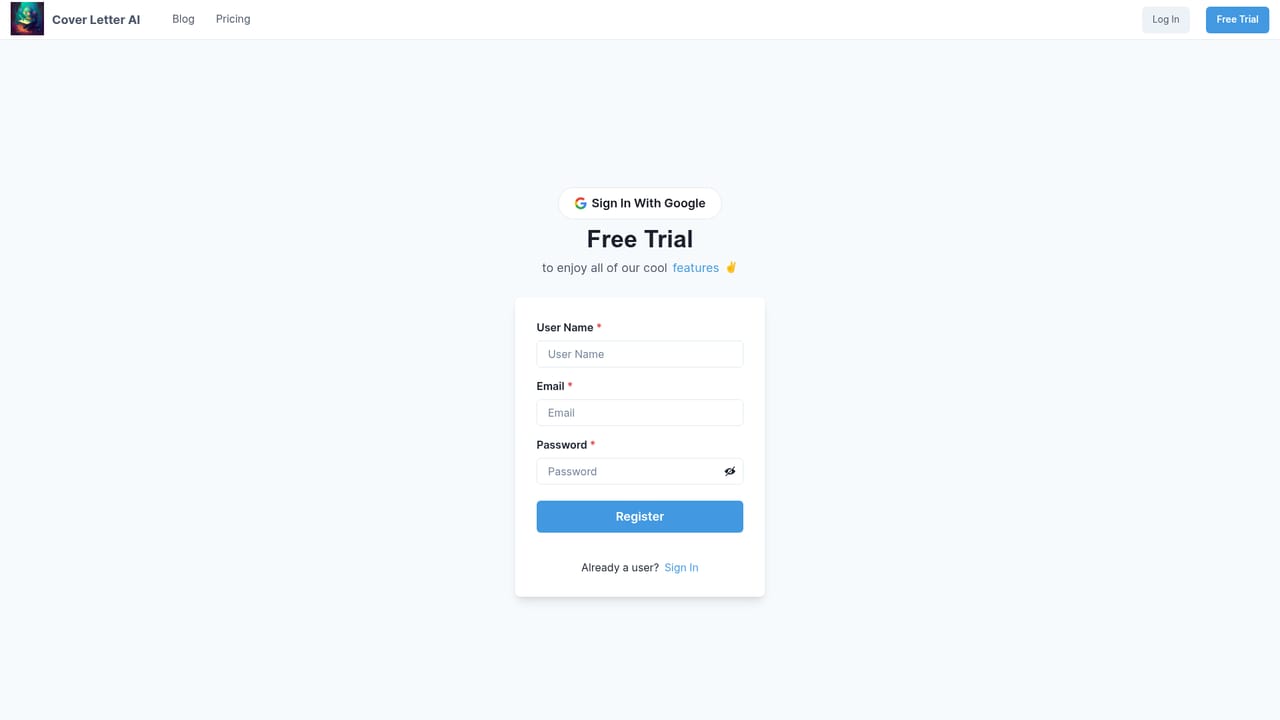
A free trial is offered through the registration page, letting new users test the cover letter workflow before choosing a plan. No trial length is stated.
Learn moreThe homepage links to a pricing page but does not list plan tiers, prices or usage limits. A paid option exists alongside a free starting point.
Learn moreCore features include CV upload or paste with text conversion, form fields for company name, job description, writing style and skills to emphasize, multi-language output, a creativity parameter for generating multiple versions, and a stated policy that job and company details are not stored on its servers.
 AI Angels400+ customizable AI girlfriends for NSFW chat, voice calls, and roleplay
 Candy AIExperience the future of companionship with AI friends who chat, role-play, and connect with you on a human level.
 ourdream.aiA vast AI roleplay platform with millions of characters for chat, images, video and voiceAI Angels400+ customizable AI girlfriends for NSFW chat, voice calls, and roleplayCandy AIExperience the future of companionship with AI friends who chat, role-play, and connect with you on a human level.ourdream.aiA vast AI roleplay platform with millions of characters for chat, images, video and voice


