Support
A contact page and an FAQ page are published, and the site advertises optional recruiter support for refining cover letters, resumes and LinkedIn profiles.
Learn moreTailored cover letters from a job post and your resume in under a minute

Coverler generates tailored cover letters by combining a pasted job description with an uploaded resume or LinkedIn profile, then formats the result in ATS friendly templates with one click tone and length edits and unlimited PDF downloads.
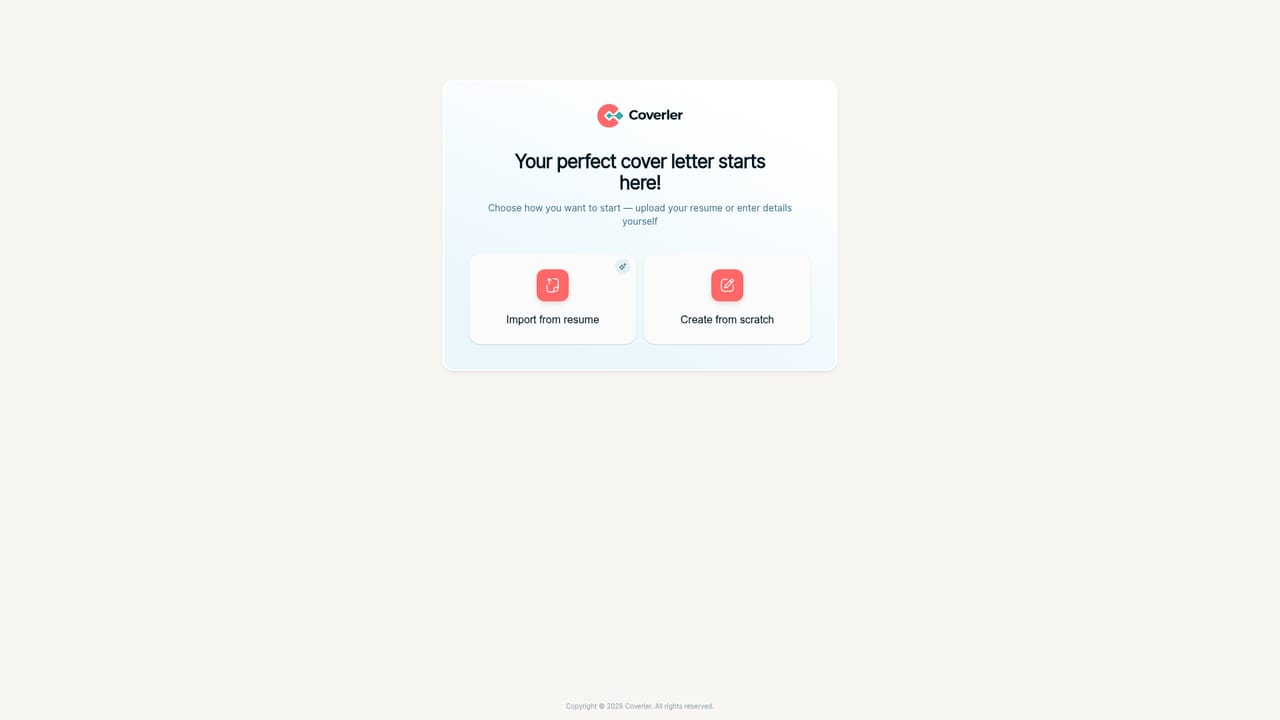
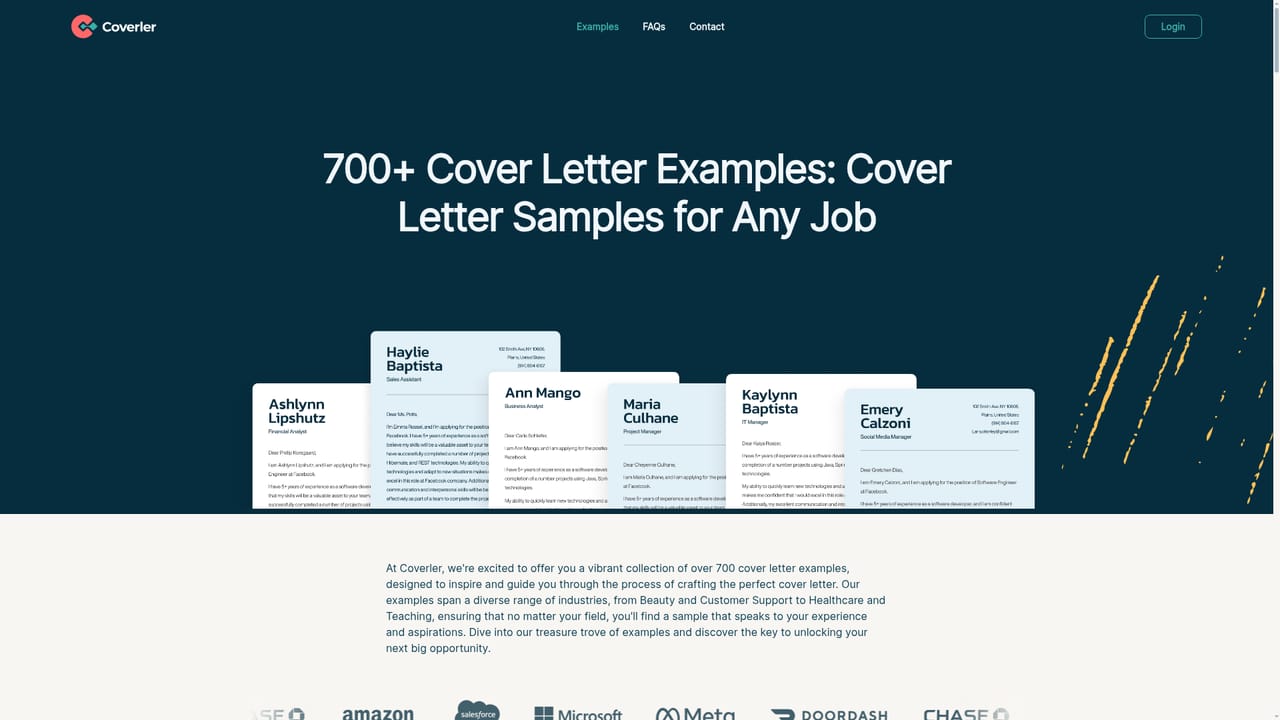
Coverler is a web tool built around one narrow job: turning a job posting plus a candidate's background into a finished cover letter. The workflow is deliberately short. A user pastes the job description into the form, then supplies experience either by uploading a resume or by pointing the tool at a LinkedIn profile. From those two inputs the system drafts a letter aimed at the specific role, emphasizing the skills that match what the employer asked for. The company pitches the whole cycle as taking under a minute, and repeats that a new letter for a different opening can be produced just as quickly. Output is not a single block of text. Coverler ships around a dozen visual templates, several of them marked as ATS friendly or recruiter approved and tagged with usage counts, which matters because applicant tracking systems can mishandle unusual layouts. Templates range from plain single column designs to dual column, gradient, and dark themed variants. Once a draft exists, editing is kept to broad strokes: a single click adjusts length or tone rather than requiring line by line rewriting. Letters can be downloaded as PDF files, and the site states there is no cap on downloads or on how many letters an account generates. Beyond the generator, Coverler sells human help. Recruiters on the team will refine a cover letter, and the same service extends to strengthening a resume and LinkedIn profile. There is a library of example letters for roles such as administrative assistant, project manager, nurse practitioner and graphic designer, useful for judging tone before signing up. Coverler suits active job seekers sending many applications, especially people who dislike writing about themselves or who are changing fields and need help framing transferable skills. It is not a general writing assistant: there are no long form documents, no interview prep, and no broader career platform. Against generic chatbots, the appeal is structure, templates and ATS aware formatting; against full career services, it is speed and price. The site cites 40,000 users and roughly 7,653 letters created in a single week as its traction figures.
A contact page and an FAQ page are published, and the site advertises optional recruiter support for refining cover letters, resumes and LinkedIn profiles.
Learn moreAI drafting driven by the pasted job description and your resume or LinkedIn profile, with matching skills highlighted. Around a dozen templates, several marked ATS friendly or recruiter approved. One click tone and length editing, unlimited letter generation and unlimited PDF downloads. Optional recruiter review of the cover letter, resume and LinkedIn profile.
 AI Angels400+ customizable AI girlfriends for NSFW chat, voice calls, and roleplay
 Candy AIExperience the future of companionship with AI friends who chat, role-play, and connect with you on a human level.
 ourdream.aiA vast AI roleplay platform with millions of characters for chat, images, video and voiceAI Angels400+ customizable AI girlfriends for NSFW chat, voice calls, and roleplayCandy AIExperience the future of companionship with AI friends who chat, role-play, and connect with you on a human level.ourdream.aiA vast AI roleplay platform with millions of characters for chat, images, video and voice


