Free trial
New users get 3 free credits, which is enough to generate and refine a small number of letters before choosing a paid plan.
Learn moreTailored cover letters drafted from your CV and the job description in seconds
Own CoverLetterGPT? Verify ownership to get a dofollow link

CoverLetterGPT is a career tool. An open source web app that turns an uploaded PDF CV and a pasted job description into a tailored cover letter draft, with a creativity slider and an inline editor for making selected passages more concise, detailed, professional or informal.
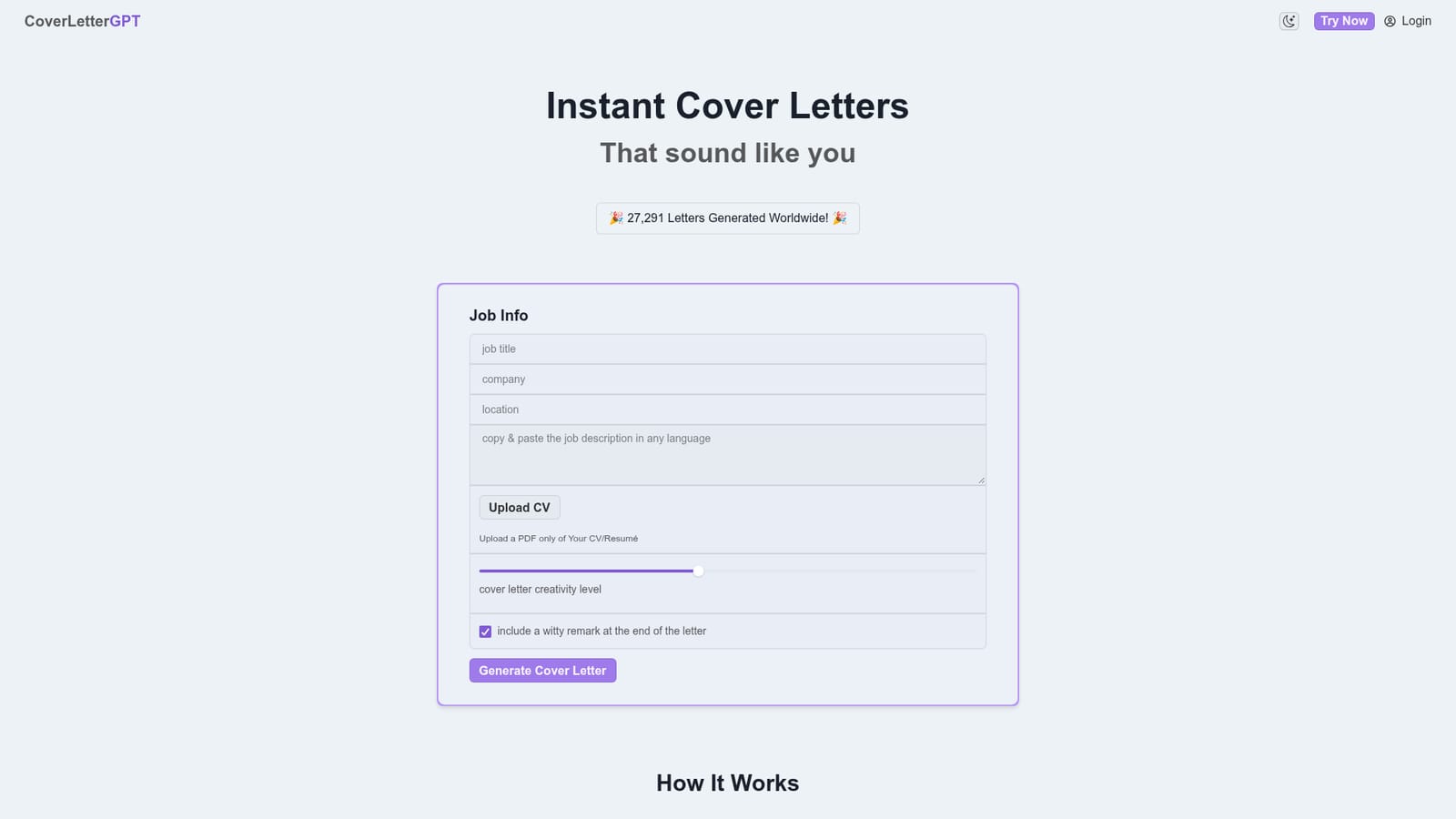
CoverLetterGPT is a focused web tool for producing cover letter drafts. The workflow is built around two inputs: a CV uploaded as a PDF and the text of a job description pasted into the form. The model treats the CV as the factual base, so the draft reflects the experience already listed there rather than generic filler, and it writes the letter against the specific role being targeted. The site reports more than 27,000 letters generated, which gives a rough sense of how widely the tool has been used. Tone control is the main differentiator. A creativity slider adjusts how adventurous the generated language is, letting a candidate push toward a distinctive voice or pull back toward plain, conventional phrasing. Once a draft exists, an inline editor works on selected passages: highlight a sentence or paragraph and ask for it to be made concise, more detailed, more professional or more informal. There is also an optional toggle that appends a light closing remark for candidates who want the letter to end on a less formal note. It suits active job seekers who apply in volume and want a credible first draft rather than a blank page, especially people who find the opening paragraph the hardest part. Recruiters and career coaches working with several candidates could also use it to produce quick starting points. The output is a draft by design; the tool's own framing is that refinement is part of the process, so anyone expecting a finished, send-ready letter without editing will be disappointed. Among cover letter tools, CoverLetterGPT is deliberately narrow. It does not attempt resume reformatting, interview preparation or application tracking, and there are no third party integrations to sync with job boards or an applicant tracking system. The product is open source and built on Wasp, which gives technically minded users a transparent view of how it works. The trade-off for that simplicity is that the surrounding job search workflow stays outside the tool.
New users get 3 free credits, which is enough to generate and refine a small number of letters before choosing a paid plan.
Learn moreFree to try with 3 credits. An unlimited monthly plan is advertised from $6.95. Full plan tiers and billing details are not laid out on the homepage.
Learn moreNo help centre or email support is listed. The site links a social media profile and its terms of service and privacy policy pages.
PDF CV upload, job description input, a creativity slider for tone, AI draft generation, an inline editor for making selected text concise, detailed, professional or informal, and an optional witty closing remark.
 AI Angels400+ customizable AI girlfriends for NSFW chat, voice calls, and roleplay
 Candy AIExperience the future of companionship with AI friends who chat, role-play, and connect with you on a human level.
 ourdream.aiA vast AI roleplay platform with millions of characters for chat, images, video and voiceAI Angels400+ customizable AI girlfriends for NSFW chat, voice calls, and roleplayCandy AIExperience the future of companionship with AI friends who chat, role-play, and connect with you on a human level.ourdream.aiA vast AI roleplay platform with millions of characters for chat, images, video and voice


