Free trial
No time-limited trial is described. New users start on a free plan with free credits to test the music and lyrics workflow, capped at one generation per month.
Learn morePrompt to finished song, with lyrics, mastering and stems in one workspace
Own CraftMusic AI? Verify ownership to get a dofollow link

CraftMusic AI is an audio editing tool. A prompt and lyric driven song generator with instrumental mode, plus built-in tools for lyrics, stem splitting, mastering, audio to MIDI conversion and MIDI editing, all in the browser.
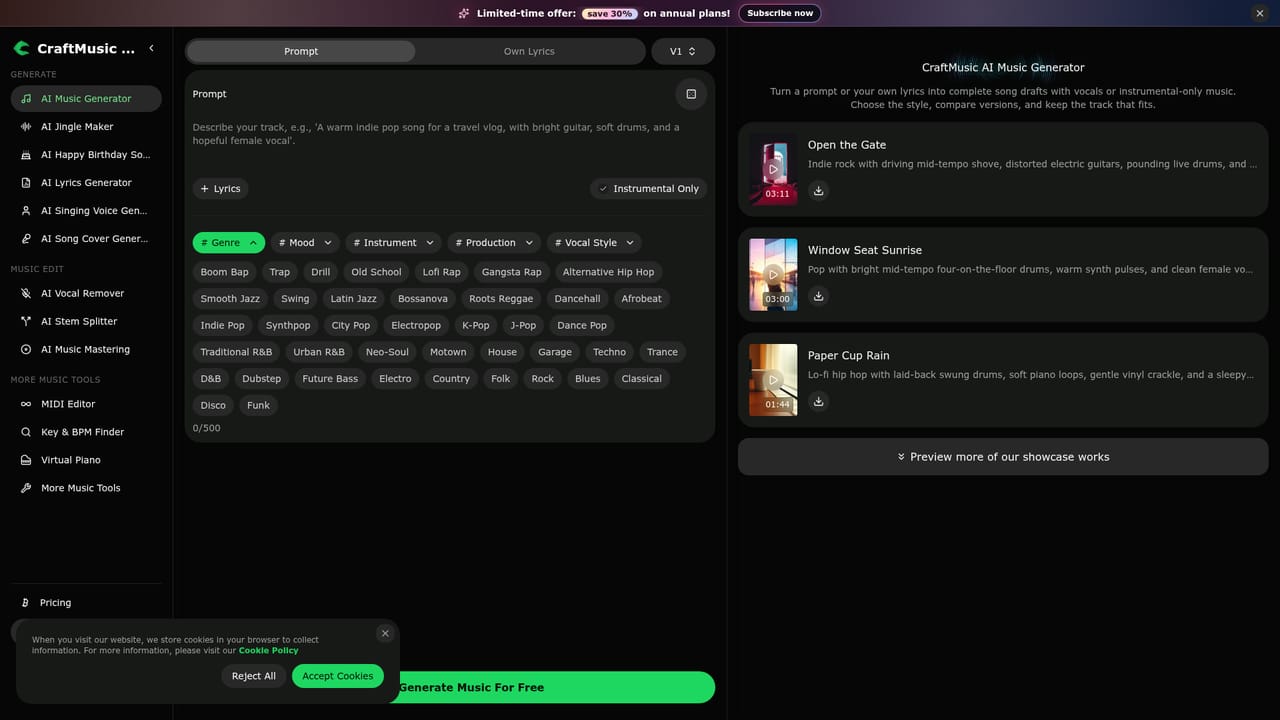
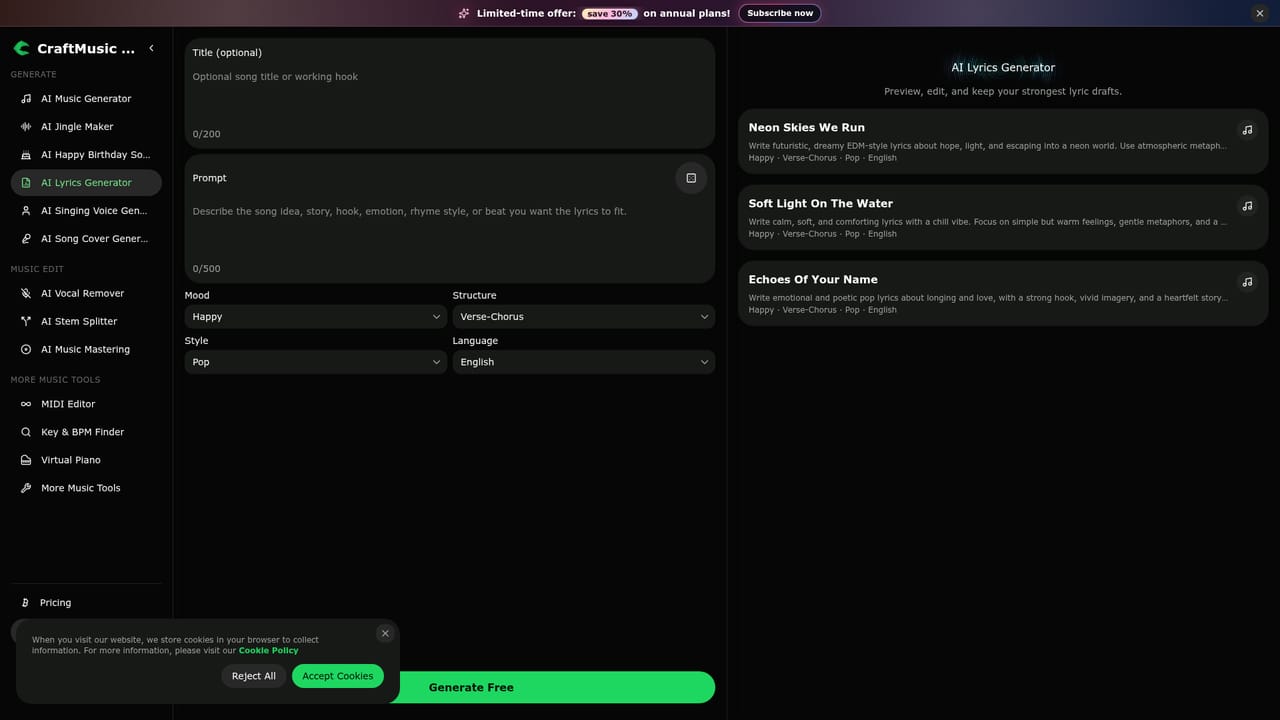
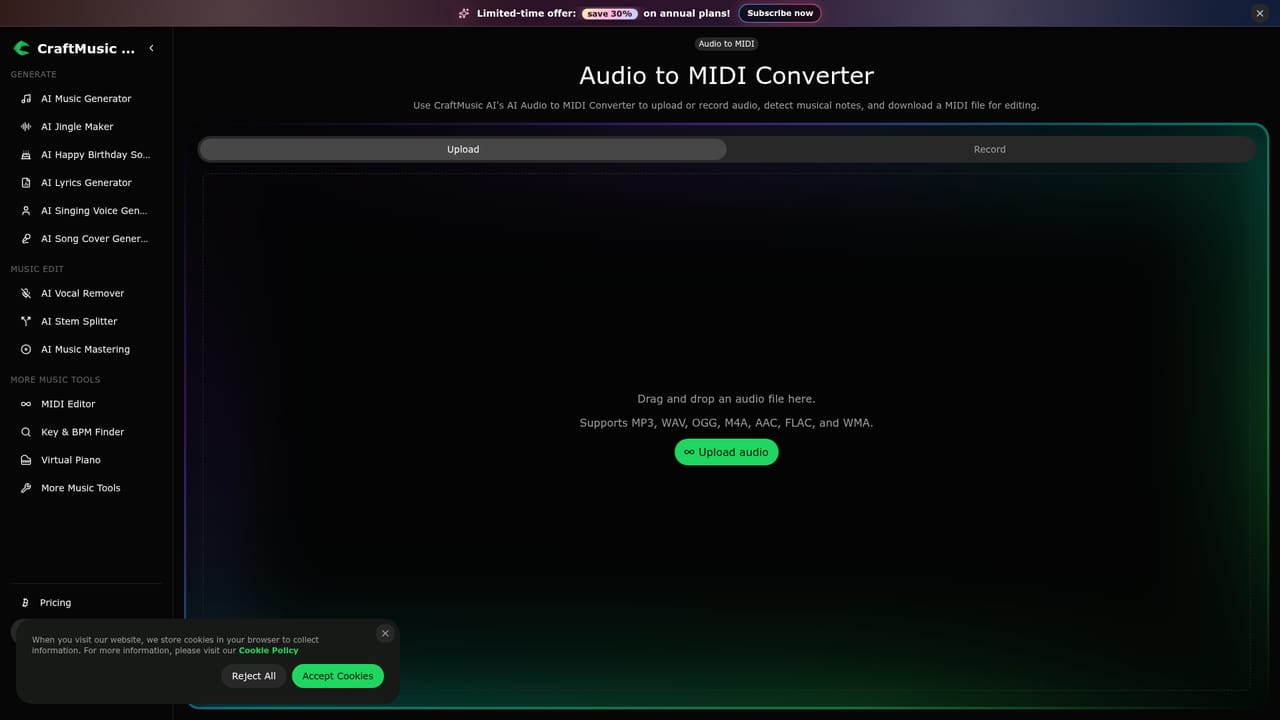
CraftMusic AI is a browser-based music generation service that turns written direction into complete songs or instrumentals. A prompt field accepts up to 500 characters of free text, and the generator offers structured controls for genre, mood, instrument, production and vocal style. The genre list is unusually broad for a tool of this kind, spanning boom bap, drill, bossa nova, dancehall, city pop, neo-soul, trance, dubstep and classical, which means the output range stretches well past generic pop loops. There are two ways to feed it. The prompt route suits people who want the AI to invent everything from a short brief. The own lyrics route suits songwriters who already have words and want a full arrangement built around them, down to a chorus, a hook or a single unfinished verse. An instrumental mode drops vocals entirely, which is the practical choice for background beds in videos, podcasts or games. Reference tracks on the site show what the engine produces: full three-minute arrangements with described arrangements, vocal layering and mix character rather than short clips. CraftMusic is not only a generator. The same workspace includes an AI lyrics writer that expands a theme or title into structured verses and choruses, a stem splitter, a mastering step, an audio to MIDI converter that handles MP3, WAV, vocals and instrument recordings, and a browser MIDI editor for cleaning up the result. That combination puts it closer to a lightweight production suite than to a one-click toy, and it is aimed at creators who intend to finish and release tracks rather than just audition ideas. Who it suits: independent artists sketching demos, video and podcast producers who need cleared background music, game and ad teams working to briefs, and songwriters who want arrangement help. Absolute beginners can work in plain language with no production background. Anyone needing DAW-grade mixing, or guaranteed commercial rights on the free tier, should read the licensing and plan terms first.
No time-limited trial is described. New users start on a free plan with free credits to test the music and lyrics workflow, capped at one generation per month.
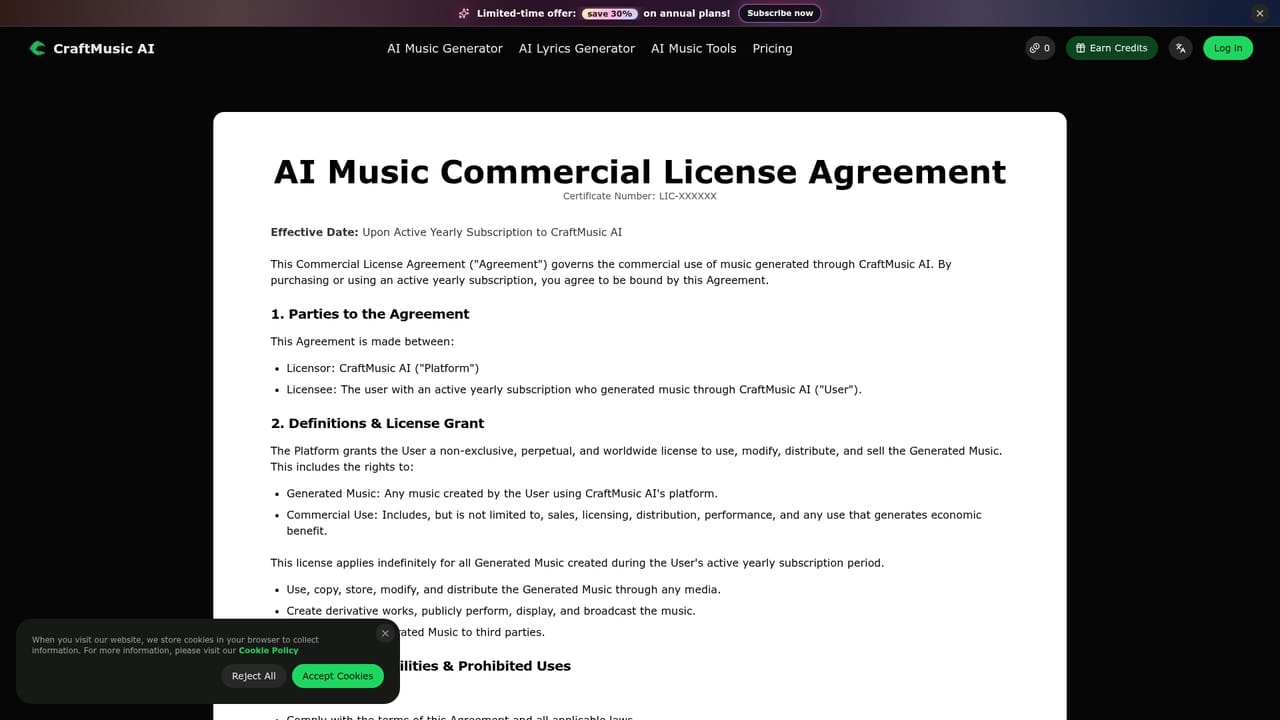
Learn moreFour tiers. Free costs $0 with 20 credits, 1 generation per month and personal use only. Basic is $10.49/month ($125.92 yearly) for 2000 credits, 100 generations and a commercial licence. Standard is $20.99/month ($251.92 yearly) for 5000 credits and 250 generations. Premium is $34.99/month ($419.92 yearly) for 12000 credits and 600 generations. Annual billing is advertised at 30% off.
Learn moreEmail support appears from the Basic plan upward, with 24/7 email support on Standard and Premium. The free plan is listed as having no email support.
Learn morePrompt to music and lyrics to music generation with vocal or instrumental output, structured genre, mood, instrument, production and vocal style controls, an AI lyrics generator, stem separation, audio mastering, audio to MIDI conversion, a browser MIDI editor, a music analyser, voice and cover creation tools on paid plans, and audio downloads.
Learn more AI Angels400+ customizable AI girlfriends for NSFW chat, voice calls, and roleplay
 Candy AIExperience the future of companionship with AI friends who chat, role-play, and connect with you on a human level.
 ourdream.aiA vast AI roleplay platform with millions of characters for chat, images, video and voiceAI Angels400+ customizable AI girlfriends for NSFW chat, voice calls, and roleplayCandy AIExperience the future of companionship with AI friends who chat, role-play, and connect with you on a human level.ourdream.aiA vast AI roleplay platform with millions of characters for chat, images, video and voice




