Free trial
A 7-day free trial is advertised with no credit card required. A free preview of MCP functionality is also mentioned, with full MCP access included on paid plans.
Learn moreSearch Console data and a site crawl turned into a weekly SEO to-do list

CrawlRaven is a website audit tool that searches Console data and a site crawl turned into a weekly SEO to-do list. CrawlRaven joins Search Console, GA4, imported keyword lists and its own 200-point site crawl into one ranked SEO action plan, with content priorities and technical findings kept in separate views.
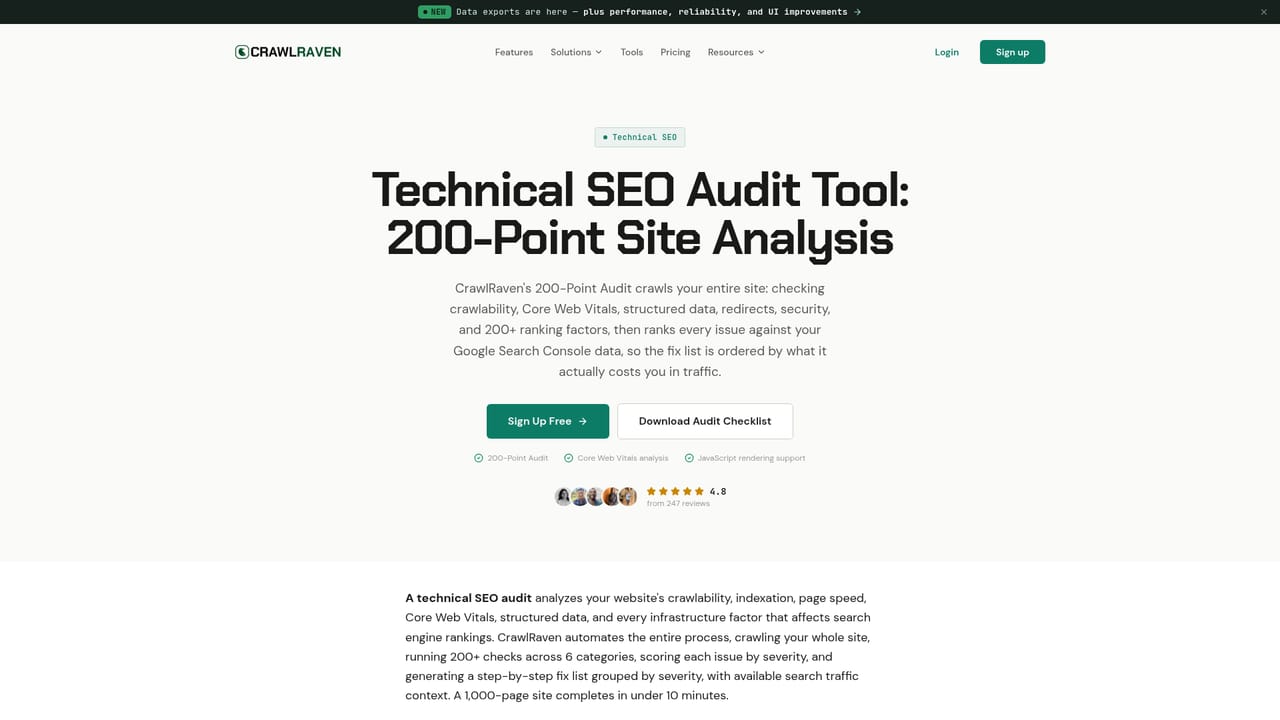
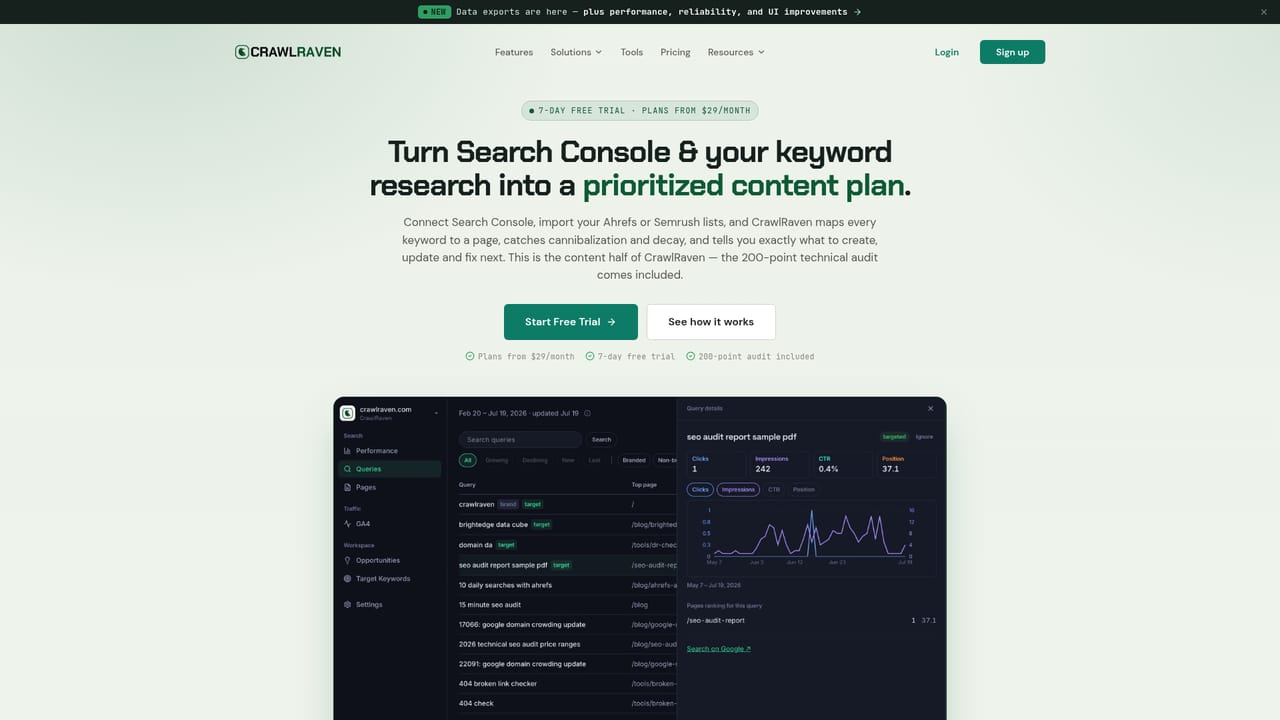
CrawlRaven is an SEO workspace built around a single idea: most teams do not need another dashboard, they need a short ranked list of what to work on next. It pulls Google Search Console data through one-click OAuth and syncs it daily, links Google Analytics 4 for traffic and engagement context, accepts CSV keyword exports from Ahrefs, Semrush or any other research tool, and runs its own crawl of the site. Those four sources are joined in one place and turned into content priorities plus a separate technical audit. The content side produces a keyword to page map, flags cannibalization when two URLs compete for the same query, surfaces runner-up keywords sitting just off page one, identifies content gaps from impressions the site already earns, and tracks decay across pages, queries and clusters. Every item carries a recommendation and can be marked done or dismissed. The technical side is a 200-point audit covering Core Web Vitals, schema, redirects and broken links, with findings grouped by severity and sortable by search clicks where Search Console data exists, so a broken canonical on a high-traffic page outranks a missing alt tag on a dead one. The tool is aimed at in-house SEOs, consultants and small agencies who already own keyword research and just need the triage layer on top. A remote MCP server lets Claude, ChatGPT, Codex or Cursor query the plan over OAuth, which suits teams that want an agent to draft the weekly update or a writer brief from live evidence. It is not a keyword research or rank tracking product, and it does not replace a full enterprise suite. White-label reporting covers client work, and paid plans include MCP access.
A 7-day free trial is advertised with no credit card required. A free preview of MCP functionality is also mentioned, with full MCP access included on paid plans.
Learn morePlans start at $29 per month, with monthly and lifetime options listed on the pricing page. Homepage reviewers mention a free plan plus lifetime deals at $49 and $99, but the current plan structure and what each tier includes should be confirmed on the pricing page.
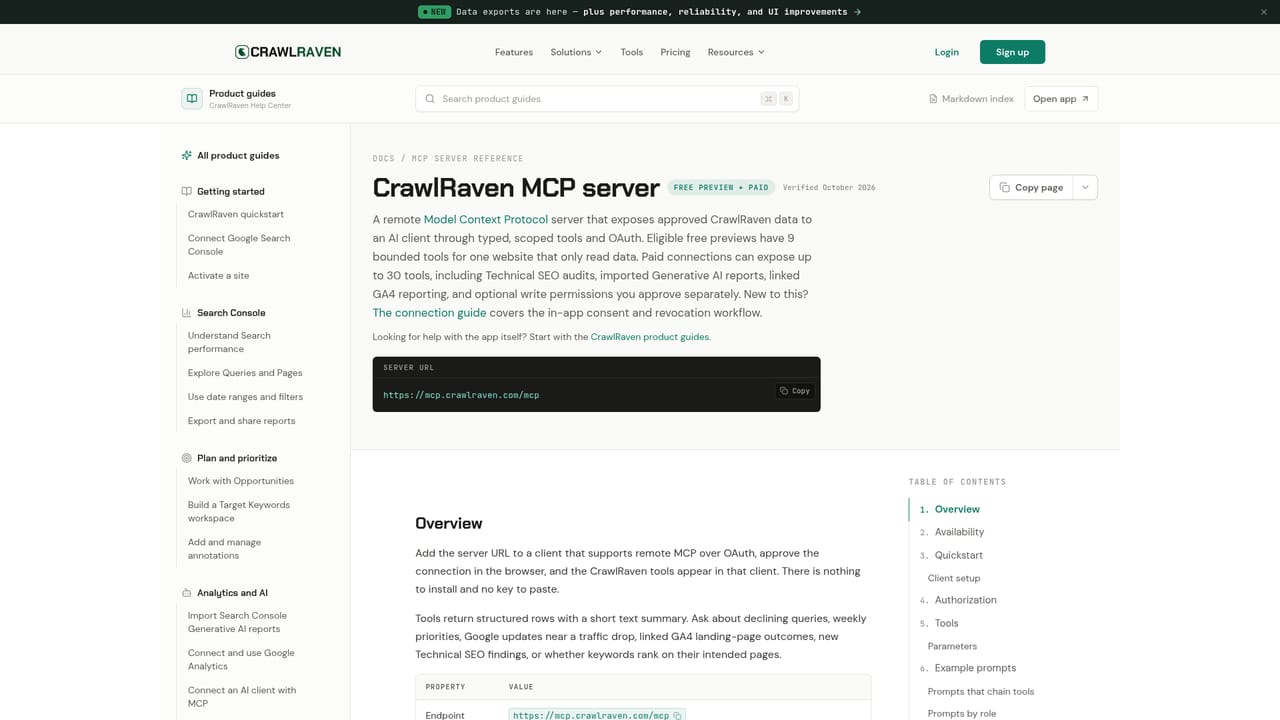
Learn moreDirect connections to Google Search Console and GA4 via OAuth, CSV keyword imports from Ahrefs, Semrush or other tools, and a remote MCP server (mcp.crawlraven.com/mcp) for OAuth-capable AI clients such as Claude, ChatGPT, Codex and Cursor.
Learn moreSearch Console performance with daily sync, GA4 traffic and engagement context, CSV keyword imports merged into a keyword to page map, and a built-in 200-point technical crawl. Content views cover cannibalization clusters, runner-up keywords, content gaps, decay tracking and internal link suggestions, while audit findings are grouped by severity and exportable to CSV.
Learn more AI Angels400+ customizable AI girlfriends for NSFW chat, voice calls, and roleplay
 Candy AIExperience the future of companionship with AI friends who chat, role-play, and connect with you on a human level.
 ourdream.aiA vast AI roleplay platform with millions of characters for chat, images, video and voiceAI Angels400+ customizable AI girlfriends for NSFW chat, voice calls, and roleplayCandy AIExperience the future of companionship with AI friends who chat, role-play, and connect with you on a human level.ourdream.aiA vast AI roleplay platform with millions of characters for chat, images, video and voice


