Free trial
The homepage advertises that you can start generating music for free, with paid plans unlocking commercial rights and, for annual subscribers, license certificates.
Learn moreText to royalty-free songs, lyrics, covers and music videos
Own Create Music AI? Verify ownership to get a dofollow link

Create Music AI is an AI song covers tool. A web app that turns text prompts or lyrics into royalty-free songs, then extends the same workspace with lyrics writing, song covers, vocal removal, stem splitting, mastering, music video creation and MIDI tools.
Create Music AI is a browser-based music production suite built around a text-to-song generator. You describe a sound or paste lyrics, pick a mood or genre, and the platform returns a finished track with vocals or as an instrumental. The site advertises generation and preview in roughly 30 seconds and tracks that can run up to 8 minutes. Sample outputs on the homepage range from electropop and Afro-pop to alternative rock and ambient, each tagged with a short prompt-style description of its style, mood and instrumentation. Around the generator sits a wider toolkit. An AI lyrics generator drafts verses, choruses, hooks and bridges from a theme or story. A song cover tool re-sings an existing track in a different vocal style. A music video generator turns a finished song into visuals for YouTube, TikTok and Reels. On the audio side there is a vocal remover, a stem splitter, an audio-to-MIDI converter, a MIDI editor, a mastering tool, plus key and BPM analysis and pitch identification. Genre-specific entry points cover pop, rap, rock, EDM, R&B, country, metal, trap, drill, K-pop, amapiano, phonk, lo-fi and chiptune, among others. In practice the workflow is prompt first. A podcaster can draft an intro bed, a video editor can produce a track cut to the pacing of a short-form edit, a game team can sketch loopable chiptune themes, and a producer can generate a beat starter, split stems and run a quick master before sending a demo for feedback. Everything lives in one account, so the same track can move from generation through cleanup and mastering without export gymnastics. It is aimed at creators who need usable music quickly and with clean rights rather than at people who want a full digital audio workstation. Documentation, mixing depth and plugin ecosystems are not the pitch here. Compared with stock music libraries, the appeal is original output and edit-friendly variations; compared with a professional DAW, the trade is speed and convenience for fine-grained control. Free generation exists as a trial, while commercial rights and license certificates are tied to paid plans.
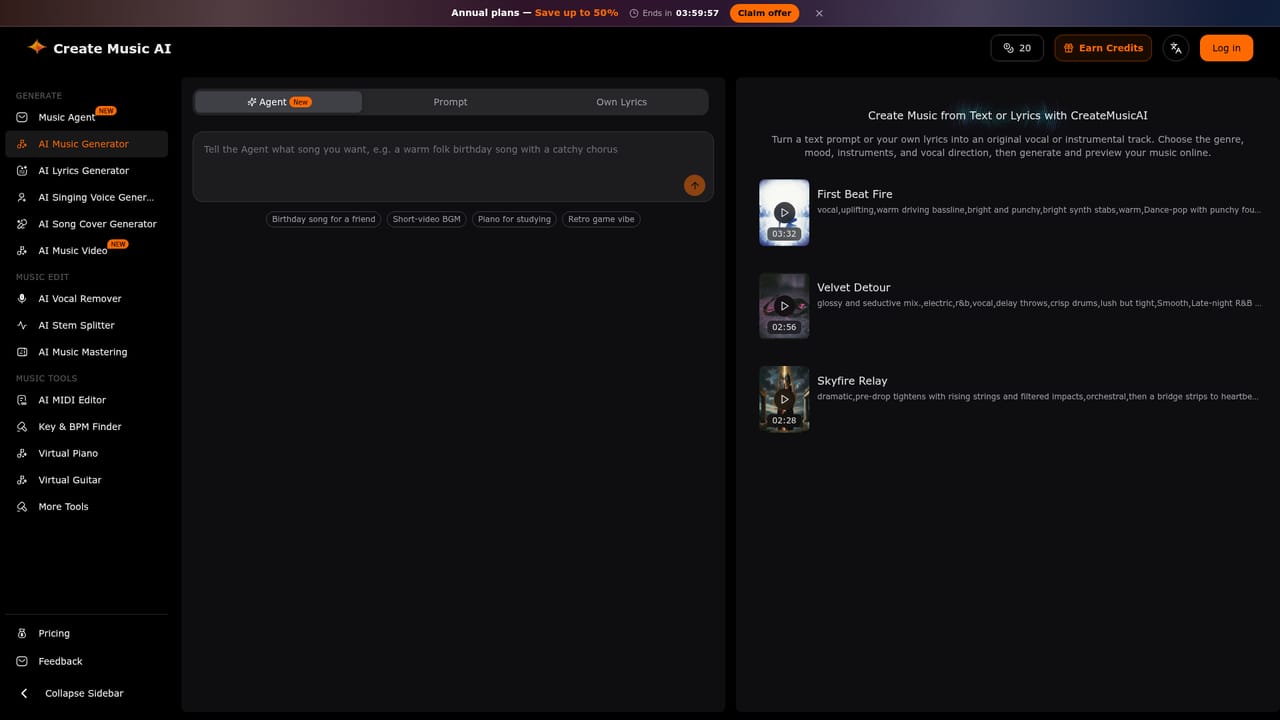
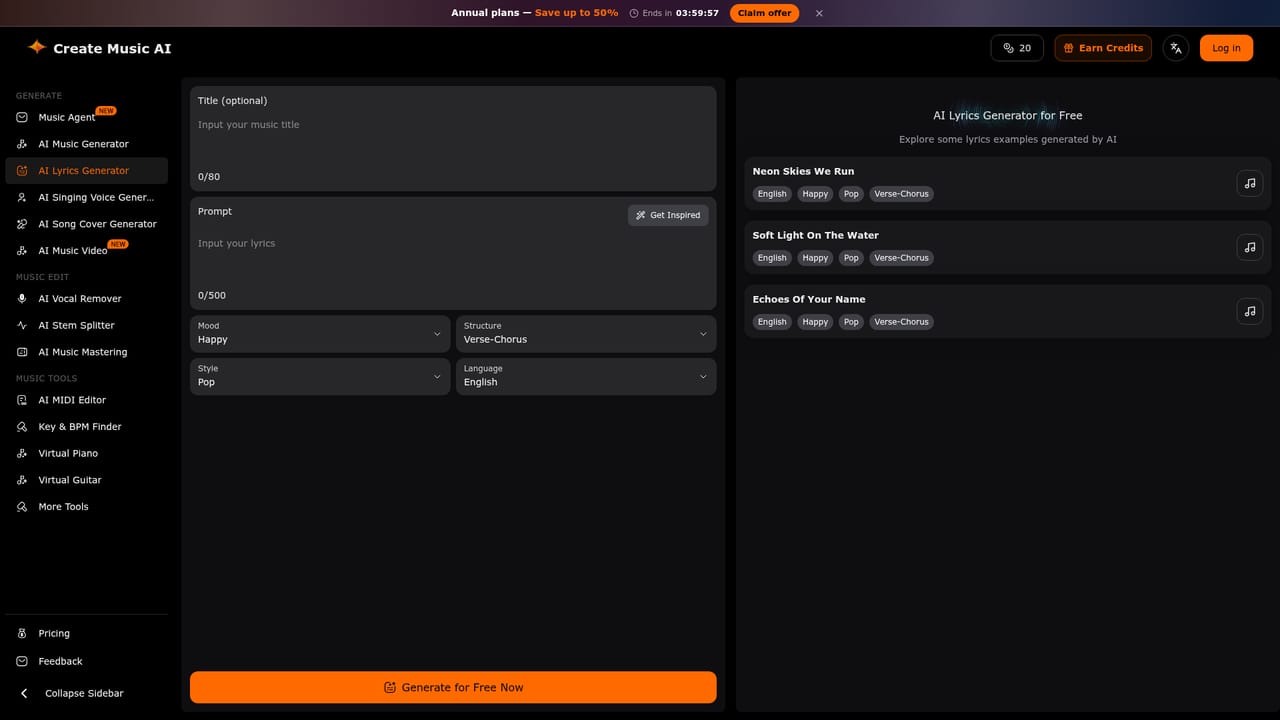
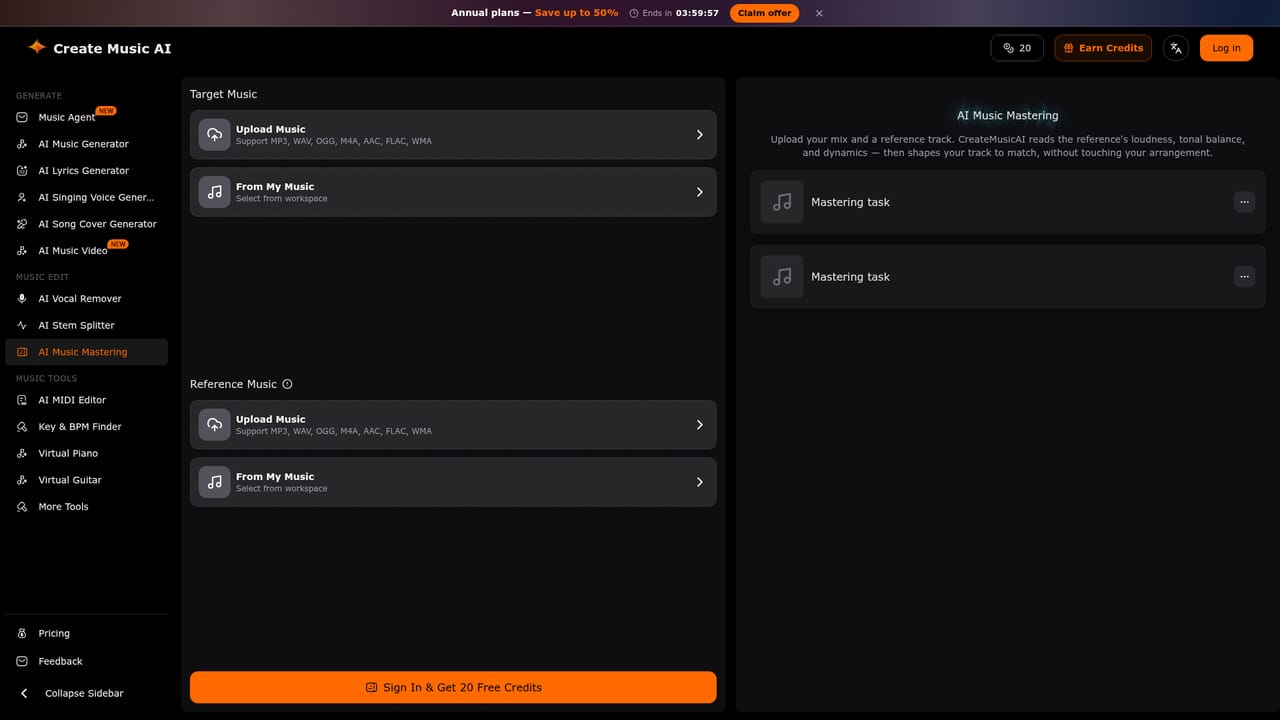
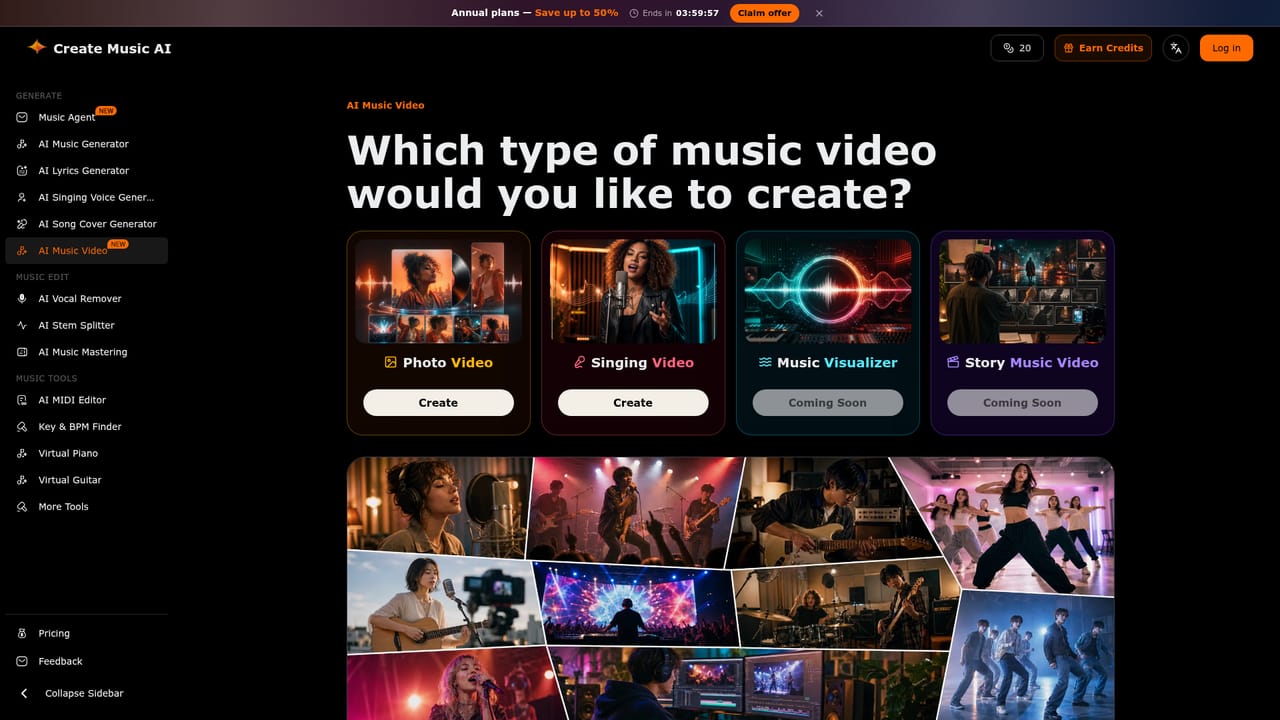
The homepage advertises that you can start generating music for free, with paid plans unlocking commercial rights and, for annual subscribers, license certificates.
Learn moreAnnual plans are promoted on the homepage with savings of up to 50 percent and a countdown offer. Free generation is available as a starting point. Tracks made on a paid plan carry a commercial license, and annual subscribers can download a license certificate for eligible tracks. Specific plan prices are not listed on the homepage.
Learn moreText-to-music and lyrics-to-song generation with vocals or instrumentals, plus an AI lyrics writer, song cover maker, music video generator, vocal remover, stem splitter, audio-to-MIDI conversion, MIDI editing, mastering, key and BPM finding and pitch identification. Genre pages cover pop, rap, rock, EDM, R&B, country, punk, metal, trap, drill, dubstep, blues, folk, jazz, funk, K-pop, amapiano, phonk, lo-fi, chillwave, piano, 8-bit and background music.
Learn more AI Angels400+ customizable AI girlfriends for NSFW chat, voice calls, and roleplay
 Candy AIExperience the future of companionship with AI friends who chat, role-play, and connect with you on a human level.
 ourdream.aiA vast AI roleplay platform with millions of characters for chat, images, video and voiceAI Angels400+ customizable AI girlfriends for NSFW chat, voice calls, and roleplayCandy AIExperience the future of companionship with AI friends who chat, role-play, and connect with you on a human level.ourdream.aiA vast AI roleplay platform with millions of characters for chat, images, video and voice