Support
The homepage shows a Feedback control for sending comments to the team. No help centre or documentation is listed.
Community gallery and generator for AI images and video with few content limits
Own CreatorFrames? Verify ownership to get a dofollow link
CreatorFrames is a web-based AI image and video generator with a public community gallery, creator profiles and tag filters. It promotes open creative freedom with no restrictions, and suits hobbyists, artists and social creators.
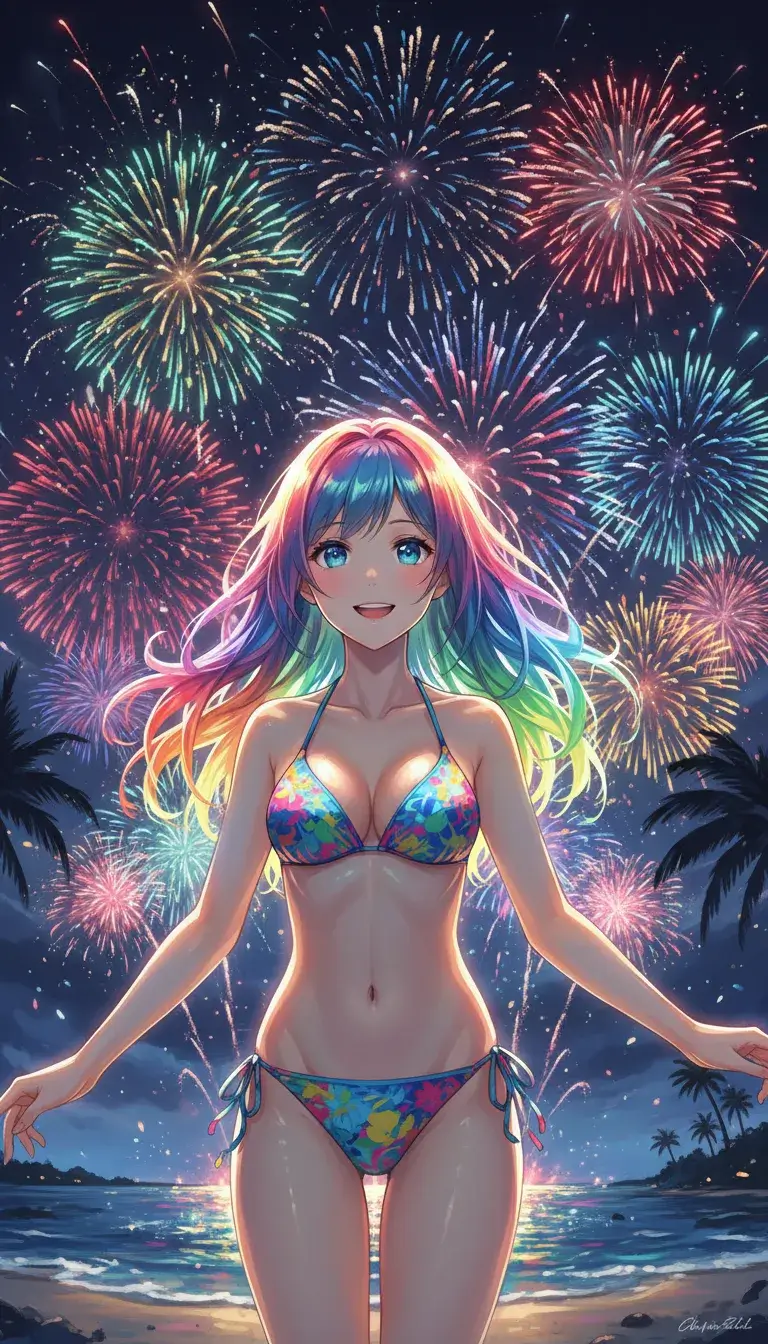
CreatorFrames is a web-based generator for AI images and video, built around a public gallery of creator work. The site positions itself as a place to turn ideas, from fantasy scenes to personal memories, into finished visuals, and it states that it applies no restrictions and no judgments to what people make. That stance sets it apart from mainstream generators that filter prompts heavily. The homepage is organized as a browsable feed of user-made media. Each tile shows the creator's name, a view-style count and a second small counter that looks like a like or comment tally, and a "View Full" link opens a dedicated page for the piece. Creators have public profile pages, so a visitor can follow one person's output as a series. A long row of tag filters sits above the feed, covering subjects such as anime, cartoon, sci-fi, fantasy, dragons, robots, cars, architecture, landscapes, food, photography and photorealistic styles. There are also tags for clothing and costume themes, and separate "Censored" and "Uncensored" tags that let people sort content by how explicit it is. In practice, the gallery works as both inspiration and a reference library: browsing a tag shows what the tool produces for that kind of subject before any work is done. The homepage text does not describe the generation interface, model options, resolution limits or pricing, so those details need to be confirmed inside the product itself. A feedback control is present on the page, which suggests the service is still being shaped by user input. Within the wider field, CreatorFrames sits closer to community-driven image sharing sites than to polished professional suites. It suits hobbyists, character and concept artists, fan-art makers and social content creators who value open subject matter and a social browsing layer. Teams that need brand-safe output, documented licensing terms or editing workflows will likely find more structure in established design and video platforms. Because uncensored material is openly tagged, the site is best treated as an adult-oriented creative community rather than a general workplace tool.
The homepage shows a Feedback control for sending comments to the team. No help centre or documentation is listed.
Image and video generation, a public gallery of user creations, creator profile pages, individual media pages, a broad tag filter system (anime, sci-fi, fantasy, photorealistic, architecture and more), censored and uncensored content tags, and an on-page feedback option.
 AI Angels400+ customizable AI girlfriends for NSFW chat, voice calls, and roleplay
 Candy AIExperience the future of companionship with AI friends who chat, role-play, and connect with you on a human level.
 ourdream.aiA vast AI roleplay platform with millions of characters for chat, images, video and voiceAI Angels400+ customizable AI girlfriends for NSFW chat, voice calls, and roleplayCandy AIExperience the future of companionship with AI friends who chat, role-play, and connect with you on a human level.ourdream.aiA vast AI roleplay platform with millions of characters for chat, images, video and voice