Free trial
Free to try without login or credit card, with no watermark and up to 4K quality according to the homepage. Limits on free usage are not specified.
Learn moreBrowser-based anime art generator with prompt library and no login
AnimeAI is a browser-based anime image generator offering waifu, chibi, Pony Diffusion and Animagine XL styles, a prompt library and photo-to-anime conversion. Free to try without login, with image-to-video still on a beta waitlist.
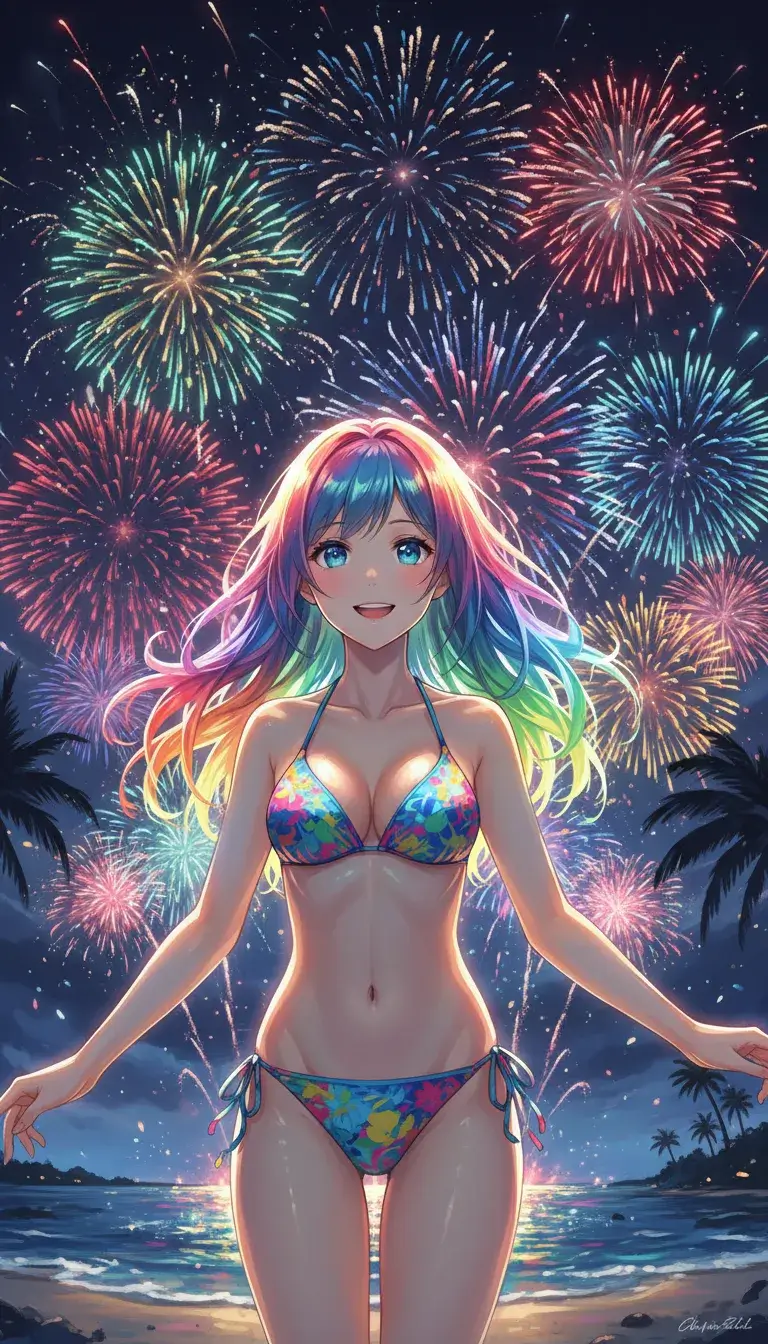
AnimeAI, published at genanime.art, is a web-based image generator focused on a single genre: anime. Users type a description, pick a model or style, and receive an illustration in seconds. The homepage lists style families such as waifu, chibi, Pony Diffusion, Animagine XL and Niji-style output, along with themed starting points for portraits, cyberpunk scenes, action shots, couples, idols, school settings, fantasy mages, stickers and emoticons. A photo-to-anime mode converts an uploaded picture, and an image-to-prompt entry point reverse-engineers a description from an existing image. The product is aimed at hobbyists, character designers, wallpaper collectors, sticker and avatar makers, and indie developers who want sprite sheets or game assets without commissioning an illustrator. The site states that trying it is free, that no login is needed to start, that outputs carry no watermark and that resolution reaches 4K. It also says creators keep full ownership for commercial projects, though buyers should read the actual terms before relying on that for client work. In practice the workflow has three steps: write a prompt (or let the built-in assistant draft one), choose a model, then generate and refine by upscaling, varying or downloading the result. Each sample on the homepage ships with a ready prompt that can be loaded into the generator and customized, which lowers the barrier for people who do not know prompt vocabulary. A separate prompt library collects longer prompts tagged by theme and is said to update daily. The interface is described as optimized for phones and tablets as well as desktops. Among alternatives, AnimeAI sits between general-purpose image generators, which need heavy prompting to hold an anime look, and character-chat platforms that bolt on images. Its narrow focus on community anime checkpoints is the main differentiator. An image-to-video workflow is announced but currently limited to a beta waitlist in selected regions, so the tool today is essentially a still-image product.
Free to try without login or credit card, with no watermark and up to 4K quality according to the homepage. Limits on free usage are not specified.
Learn moreThe homepage advertises free trying with no credit card required and no watermark, but does not list paid plans, prices or usage limits.
Learn moreAnime image generation with waifu, chibi, Pony Diffusion V6, Animagine XL and Niji-style looks; photo-to-anime; image-to-prompt; upscaling and variations; prompt library; mobile-optimized interface; commercial rights; image-to-video beta waitlist.
 AI Angels400+ customizable AI girlfriends for NSFW chat, voice calls, and roleplay
 Candy AIExperience the future of companionship with AI friends who chat, role-play, and connect with you on a human level.
 ourdream.aiA vast AI roleplay platform with millions of characters for chat, images, video and voiceAI Angels400+ customizable AI girlfriends for NSFW chat, voice calls, and roleplayCandy AIExperience the future of companionship with AI friends who chat, role-play, and connect with you on a human level.ourdream.aiA vast AI roleplay platform with millions of characters for chat, images, video and voice