Credal

Governed MCP servers that give AI agents the right context at the right cost

Advanced API
Screenshot of Credal, Governed MCP servers that give AI agents the right context at the right cost

What is Credal?

Credal is an AI project builder tool. Enterprise platform for building and governing MCP servers that connect company systems to AI agents in Claude, ChatGPT, Cursor and Slack, with inherited permissions, enforced instructions, a shared agent registry and per-workflow cost attribution.

Credal is an enterprise platform for building and governing MCP servers: curated bundles of tools, data and instructions that AI agents call on. Rather than letting every team wire up their own connectors and prompts, Credal turns each system a company already runs (Google Drive, Slack, Confluence, Salesforce, Snowflake, SharePoint and more) into a governed server that domain experts can scope. The result is queried from Claude, ChatGPT, Cursor, Slack or a company's own applications, with permissions inherited from the original source rather than redefined. The core idea is that over-provisioned agents are both expensive and inaccurate for the same reason: too much context. Credal lets a RevOps lead expose four tools out of eighty-seven, enforce parameters such as region or row limits, and attach standing instructions like how revenue is defined. A single audit log attributes every dollar of AI spend to the team, workflow and model that generated it, and the platform recommends cheaper models where accuracy holds before a switch is enforced. It suits platform, IT and AI engineering teams at larger organizations, plus the domain experts in sales, support and finance who know how a workflow should behave. Deployment is flexible: Credal's cloud, your own VPC, or embedded into internal apps through a typed API. Security controls include role-based access, human-in-the-loop approvals for sensitive actions, and SOC 2, GDPR and CCPA alignment. Among alternatives, Credal sits closer to an enterprise AI gateway or MCP control plane than to a consumer chatbot builder. Competitors tend to focus on prompt libraries or single-surface assistants; Credal's differentiators are central governance, cross-surface consistency (the same rules apply whether a query arrives from Cursor or Slack) and cost attribution at the workflow level. Teams wanting a quick personal AI assistant will find it heavy; organizations standardizing agent infrastructure across departments are the intended audience.

How do you use Credal?

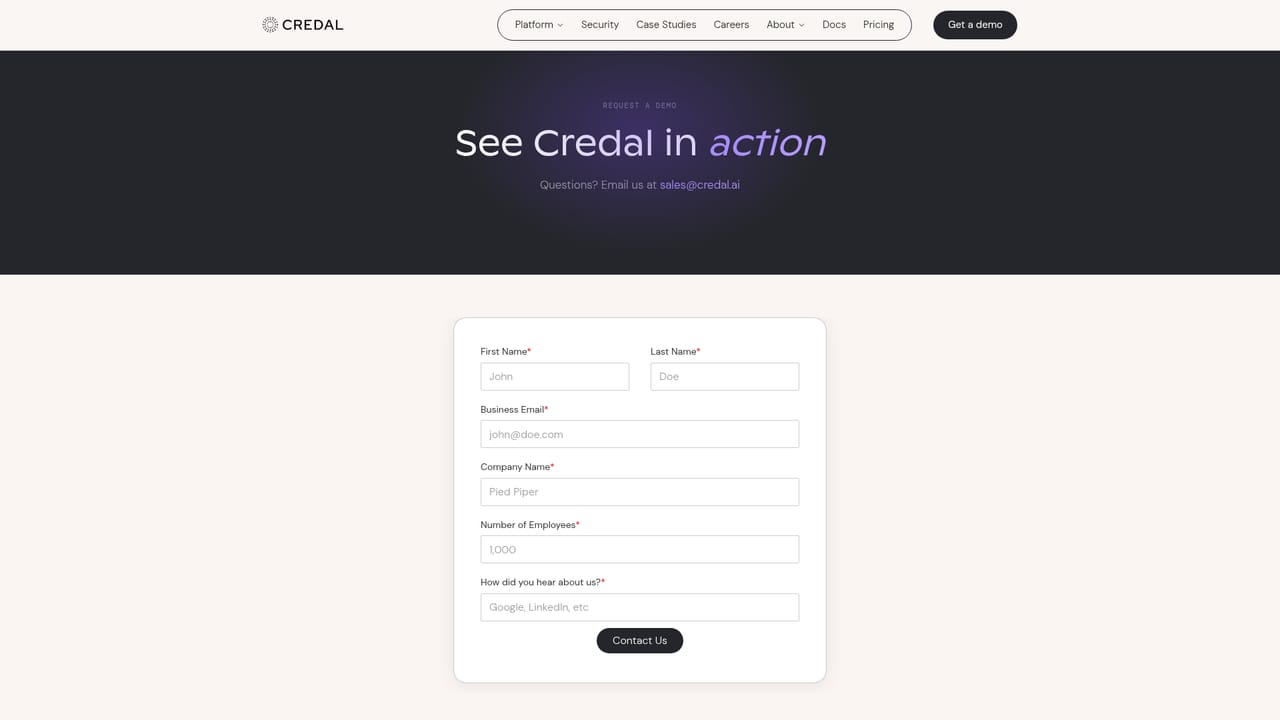
  1. 1Book a demo and scope your first use case
    Start on the get-started page to request a demo. Bring one concrete workflow, such as revenue reporting or support triage, so the setup conversation stays focused.
    Credal — Book a demo and scope your first use case
  2. 2Connect your source systems
    Link the tools your team already uses, such as Salesforce, Snowflake, Slack or Confluence. Permissions from each source are inherited and synced automatically.
  3. 3Build a scoped MCP server
    Choose only the tools the agent needs and leave the rest out of context. Attach enforced instructions and parameters to constrain what data it can read or act on.
  4. 4Share it with the right teams via RBAC
    Publish the server to the registry and grant access by role. The same rules then apply whether the agent is called from Claude, ChatGPT, Cursor or Slack.
  5. 5Review spend and optimize models
    Use the consolidated audit log to see which workflow and model drive cost, then route each workflow to the cheapest model that holds accuracy.

Pros and cons

Pros

  • Permissions are inherited and synced from each source, so agents never over-share dataAI
  • Scoped servers cut context per query sharply, and Credal cites large token and cost savingsAI
  • One governance layer applies across Claude, ChatGPT, Cursor, Slack and custom apps with no model lock-inAI
  • Consolidated audit log attributes AI spend to team, workflow and model, with optimization suggestionsAI
  • Registry with version control, rollback and human-in-the-loop approvals for sensitive actionsAI

Cons

  • Pricing is not published on the homepage; buyers must book a demo to get numbersAI
  • Enterprise framing and governance setup mean meaningful configuration before value appearsAI
  • Best suited to organizations with many systems to connect; small teams gain little from the registryAI
  • Claimed savings figures are vendor-reported examples and depend heavily on how well tools are scopedAI

How much does Credal cost?

Integrations

Over 1,000 connectors including Google Drive, Slack, Confluence, Salesforce, Snowflake, SharePoint, Jira and Zendesk, with permissions inherited at the source. Governed servers can be published into Claude, ChatGPT, Cursor, Slack or your own apps.

Features

Governed MCP server builder with scoped tool selection, enforced instructions and parameters, RBAC sharing, a versioned agent and MCP registry with rollback, a consolidated audit log with per-workflow cost attribution and model optimization recommendations, human-in-the-loop approvals, and deployment in Credal's cloud or your own VPC.

Frequently asked questions about Credal

  • Does Credal have an API?
    Yes, Credal offers an API.
  • How do you use Credal?
    The walkthrough on this page covers 5 steps: 1. Book a demo and scope your first use case 2. Connect your source systems 3. Build a scoped MCP server 4. Share it with the right teams via RBAC 5. Review spend and optimize models.
  • What platforms does Credal support?
    Credal is available on Web App.
  • What does Credal integrate with?
    Over 1,000 connectors including Google Drive, Slack, Confluence, Salesforce, Snowflake, SharePoint, Jira and Zendesk, with permissions inherited at the source. Governed servers can be published into Claude, ChatGPT, Cursor, Slack or your own apps.
  • What are the limitations of Credal?
    Pricing is not published on the homepage; buyers must book a demo to get numbers. Enterprise framing and governance setup mean meaningful configuration before value appears. Best suited to organizations with many systems to connect; small teams gain little from the registry.

Status

StatusActive
Views0
Outbound clicks0
Added10/21/2026

Platforms

Web App

Pricing

Paid