Free trial
Signup is advertised as free with no credit card required, which allows building and testing agents before choosing a paid subscription.
Learn moreNo-code AI agents and teams trained on your own documents, videos and website

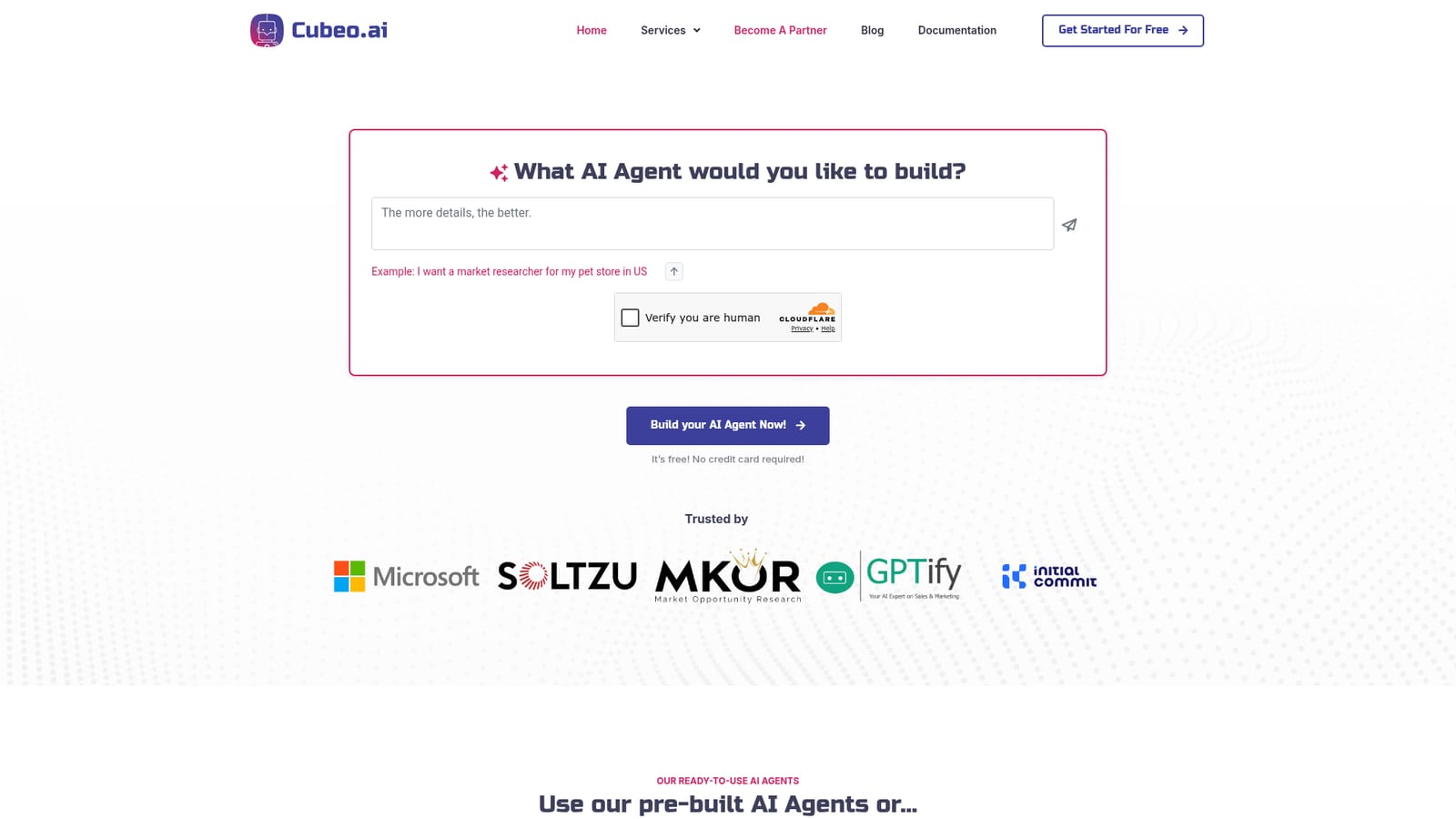
Cubeo is a no-code builder for AI agents and multi-agent teams. Agents are trained on PDFs, documents, audio, video, YouTube and website content, connected to outside tools and APIs, and can send messages triggered by visitor behaviour on a site.
Cubeo is a no-code platform for assembling AI agents and linking them into working teams. Instead of a single general purpose chatbot, the product is organised around specialists: a Researcher that gathers and formats information on a topic, a Blog Writer that drafts structured and SEO aware articles, and an HR Manager that searches and qualifies candidates while flagging potential concerns. Those pre-built agents can be used as shipped, or replaced with assistants built from scratch. Training is the core mechanic. Each agent gets its own knowledge base stocked with PDFs, Word documents, MP3 audio, video and YouTube content, plus custom question and answer pairs or pages pulled from a website. That material determines how the assistant answers, so a sales agent can be grounded in product documentation while a support agent works from help articles. Assistants can then be connected to external systems, either through a library of ready integrations or through custom APIs, which lets them search the web, research companies, update a CRM or pull records while completing a task. The team layer is where Cubeo separates itself from single-agent builders. Several assistants can be chained together so that each contributes its specialty to one mission, which suits multi-step work such as research feeding into drafting and then editing. Proactive messaging adds another angle: messages can be triggered by visitor actions on a website, which supports targeted outreach and personalised engagement without manual sending. Cubeo suits small teams and solo operators who want automation without engineering time, and it also targets departments such as sales, marketing, HR and customer service that each need a different configured assistant. Buyers comparing it with general chat subscriptions should note that the value depends on how well the knowledge bases and integrations are set up. Buyers comparing it with developer frameworks should note the trade-off in the other direction: less control, but far less setup. The company states ISO 20000 and ISO 27001 certification for its security and service management.

Signup is advertised as free with no credit card required, which allows building and testing agents before choosing a paid subscription.
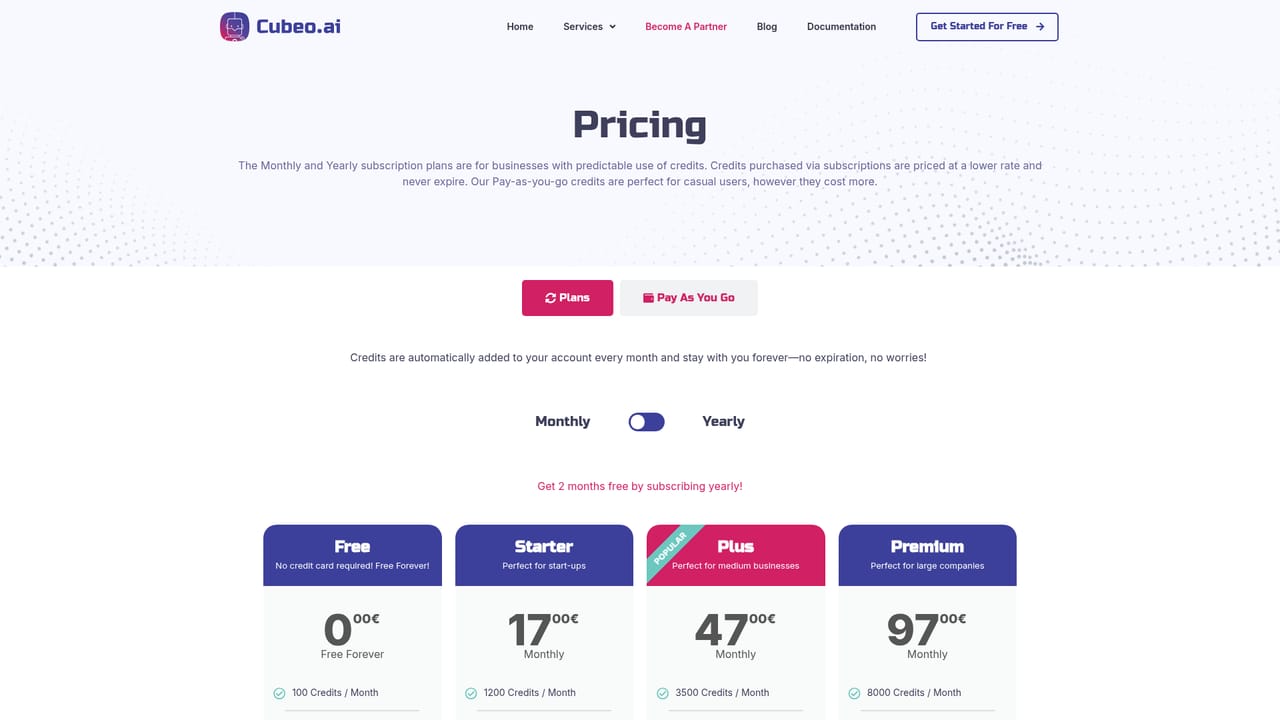
Learn morePricing uses a flexible credit system tied to a subscription, so spending follows actual usage and scales with the business. Exact plan tiers and credit rates are not listed on the homepage; the pricing page carries the figures.
Learn moreA contact page is provided for reaching the company. No dedicated help centre or documentation portal is linked from the homepage.
Learn moreA library of ready integrations is offered, with support for connecting your own APIs or other external tools. Zapier and web browser access are named on the site; the full integration list is not published on the homepage.
Agents are trained on PDFs, Docx, MP3, video and YouTube content, plus custom Q and A pairs and website pages. Multiple agents link into teams. Each can use integrations or custom APIs to search the web, research prospects and reach CRM data. Proactive messages fire on visitor actions, and pre-built Researcher, Blog Writer and HR Manager agents are included.
 AI Angels400+ customizable AI girlfriends for NSFW chat, voice calls, and roleplay
 Candy AIExperience the future of companionship with AI friends who chat, role-play, and connect with you on a human level.
 ourdream.aiA vast AI roleplay platform with millions of characters for chat, images, video and voiceAI Angels400+ customizable AI girlfriends for NSFW chat, voice calls, and roleplayCandy AIExperience the future of companionship with AI friends who chat, role-play, and connect with you on a human level.ourdream.aiA vast AI roleplay platform with millions of characters for chat, images, video and voice


