Free trial
14 day free trial with no credit card required. The company states it will not charge automatically when the trial ends.
Learn moreAI data analyst that explains why store metrics moved and what to try next.

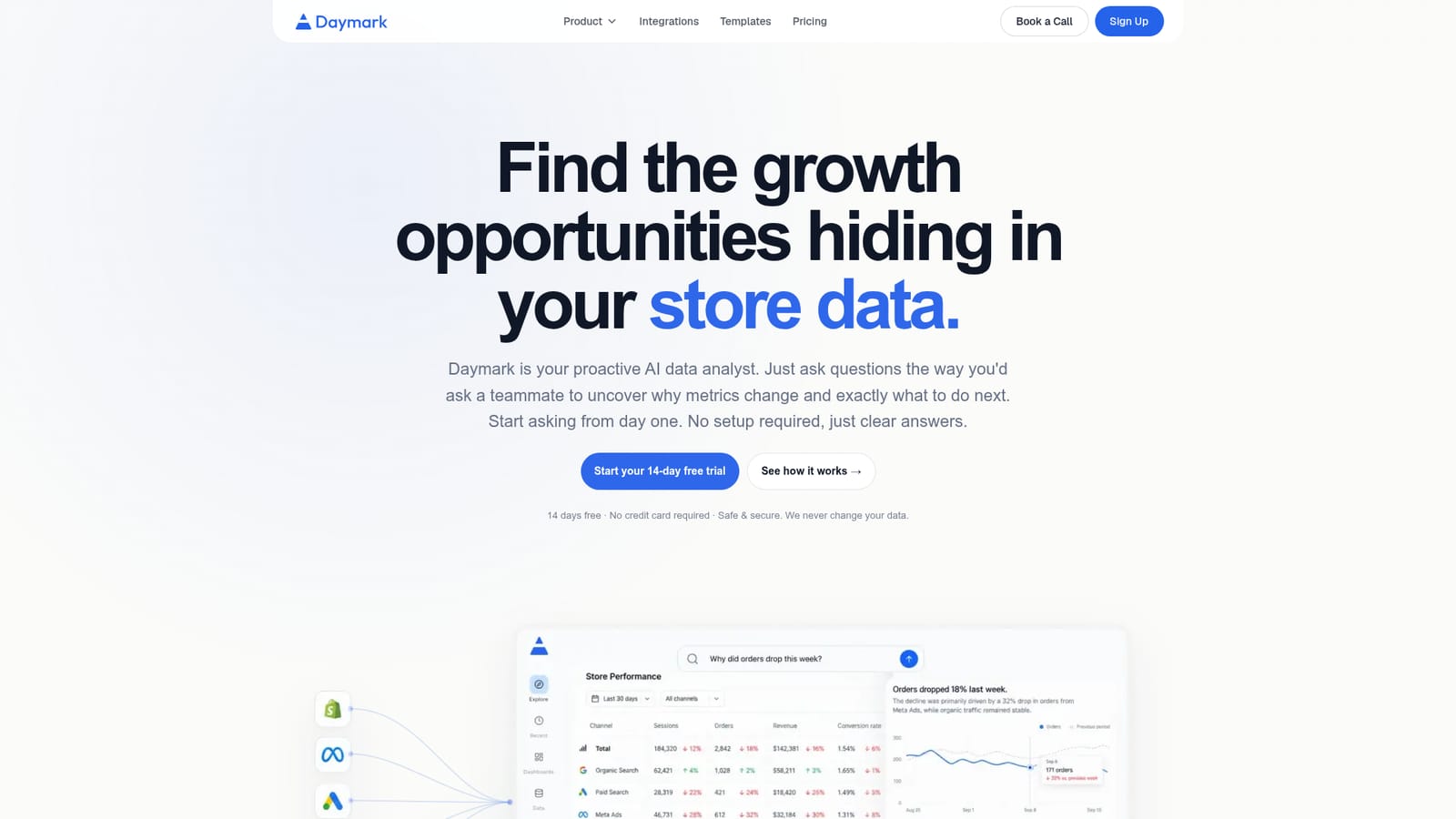
Daymark is a conversational AI analyst for Shopify brands. It connects to store, ads and analytics sources, answers open-ended questions about why metrics changed, and returns recommended experiments tied to goals such as repeat rate, AOV or CAC.
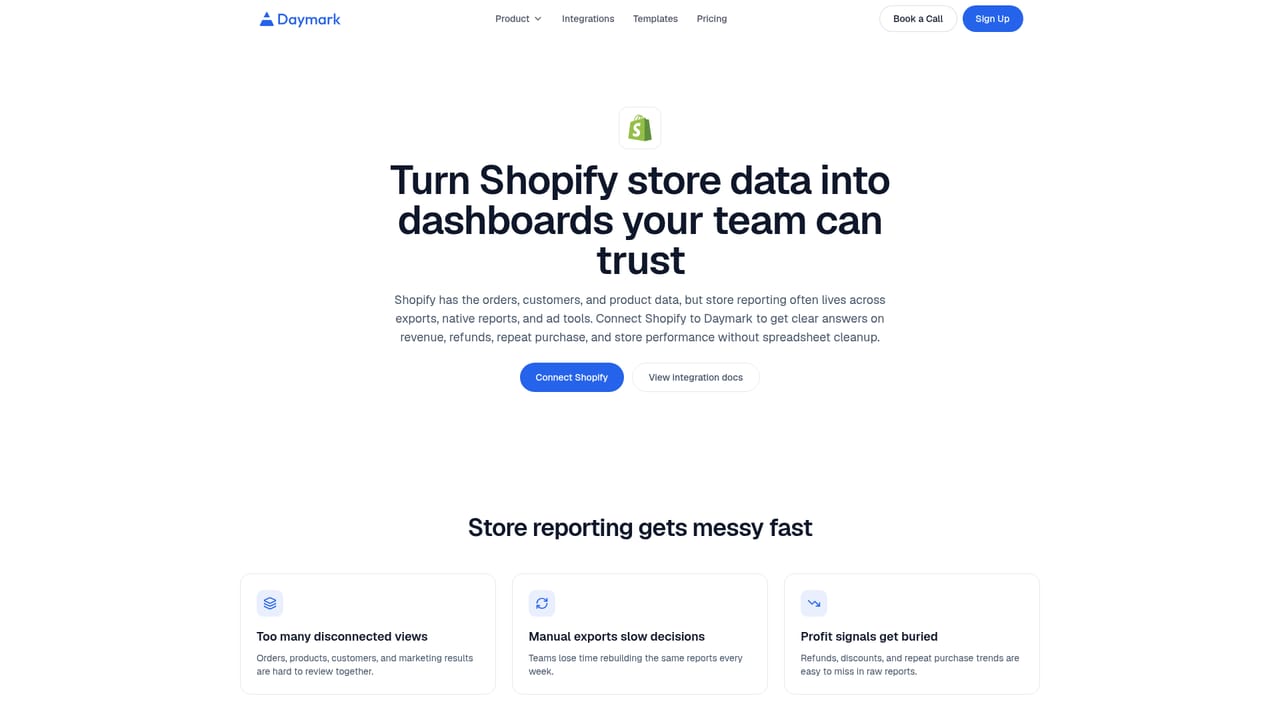
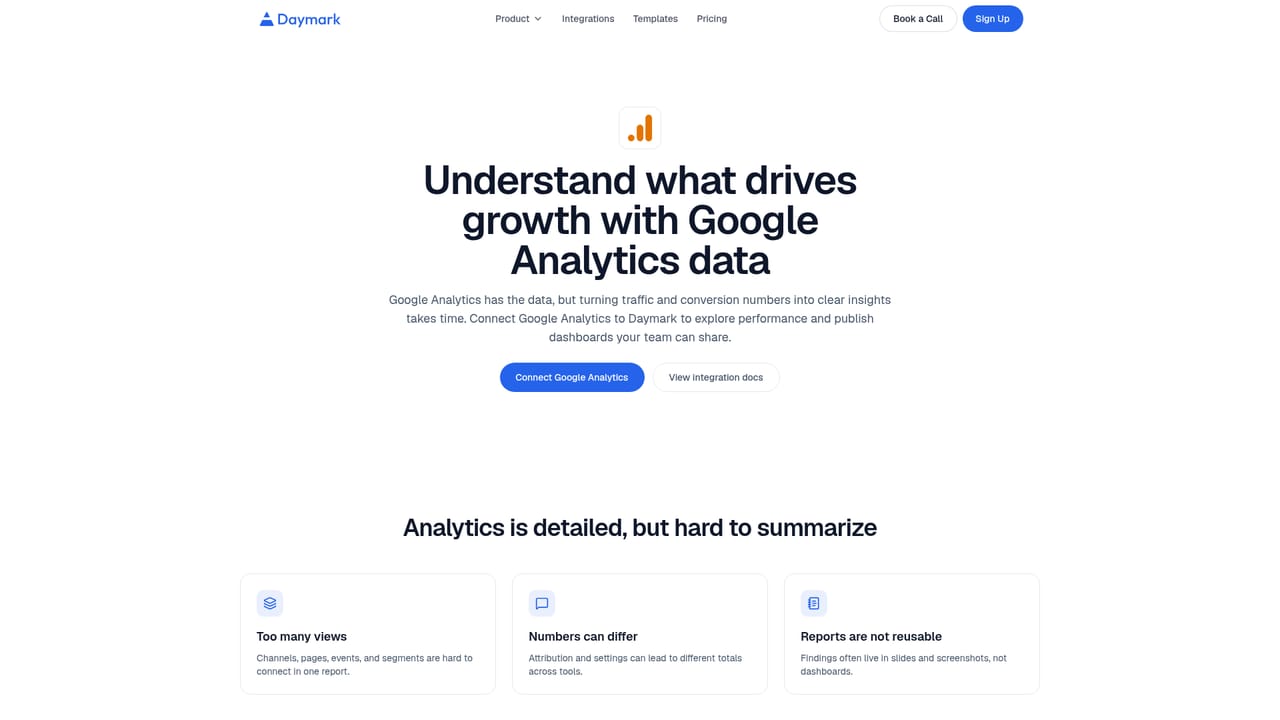
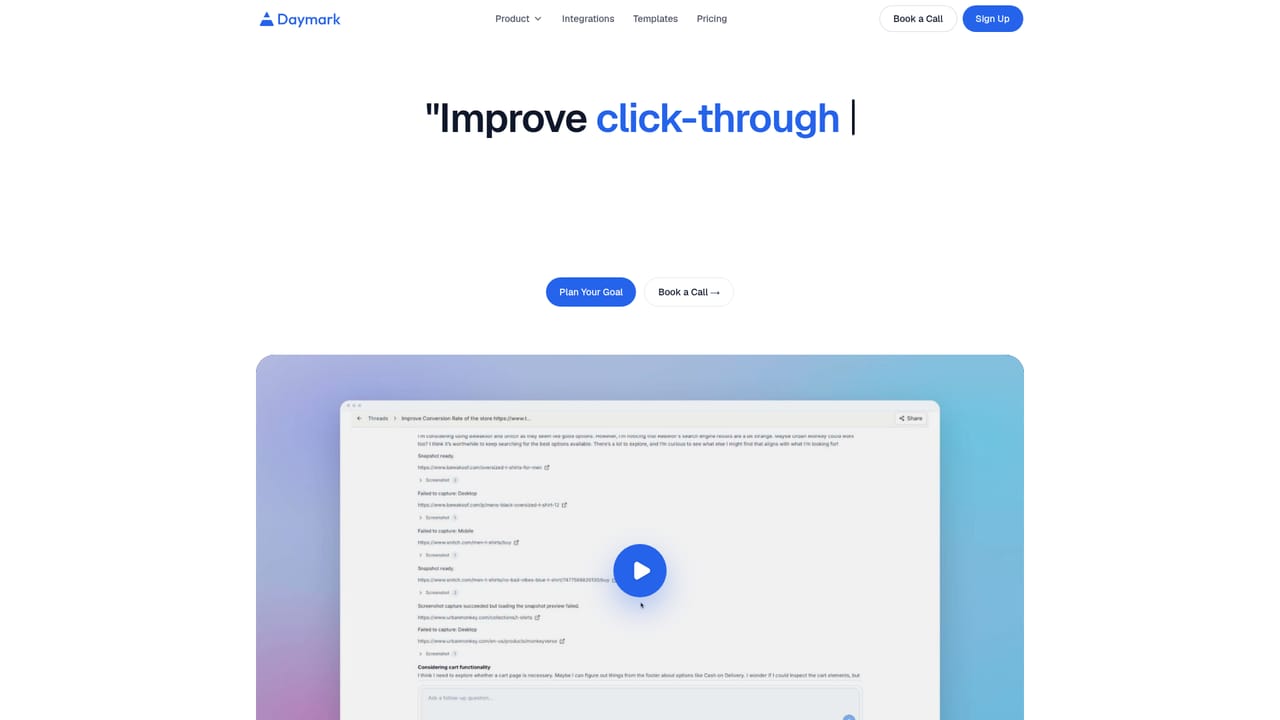
Daymark is an AI data analyst built for direct-to-consumer brands, with Shopify stores as its primary audience. Instead of assembling dashboards, users type questions in plain language, such as why orders fell last week or which acquisition channel brings customers who buy again. The product interprets the question, works out the query logic across connected sources, runs it against live data and explains both the result and the reasoning behind it. Setup is described as a matter of minutes with no engineering work and no data migration. In practice the tool sits on top of the stack a growing store already runs: Shopify, Meta Ads, Google Ads, Google Analytics and Google Search Console, with HubSpot, PostgreSQL, Google Sheets and CSV uploads also listed as connectors. Because questions can span several sources at once, a single prompt can connect ad spend to actual revenue rather than platform-reported numbers. Read-only connectors mean Daymark reads from existing systems without copying or changing the underlying data, and answers can be traced back to the query that produced them. Beyond ad hoc questions, Daymark runs two structured workflows. Goal tracking lets a brand pick a target such as repeat rate, average order value or customer acquisition cost, after which the tool analyzes the data, surfaces an opportunity and returns ranked experiments with what to change and how to measure it. Weekly reports cover what moved, why it matters and where attention is needed, which suits founders and growth leads who do not have a dedicated data team. Use cases are organized around retention, ad ROI, customer value and change analysis. The positioning is deliberately different from attribution dashboards such as Triple Whale or Polar, which answer a fixed set of pre-built questions well. Daymark is aimed at the open-ended questions that fall outside those templates. It is also distinct from pasting exports into a general chatbot: the value comes from live schema-aware connections and inspectable queries. Teams that mostly need standard channel attribution reporting may find a dashboard sufficient, while operators who keep asking follow-up questions are the intended fit.
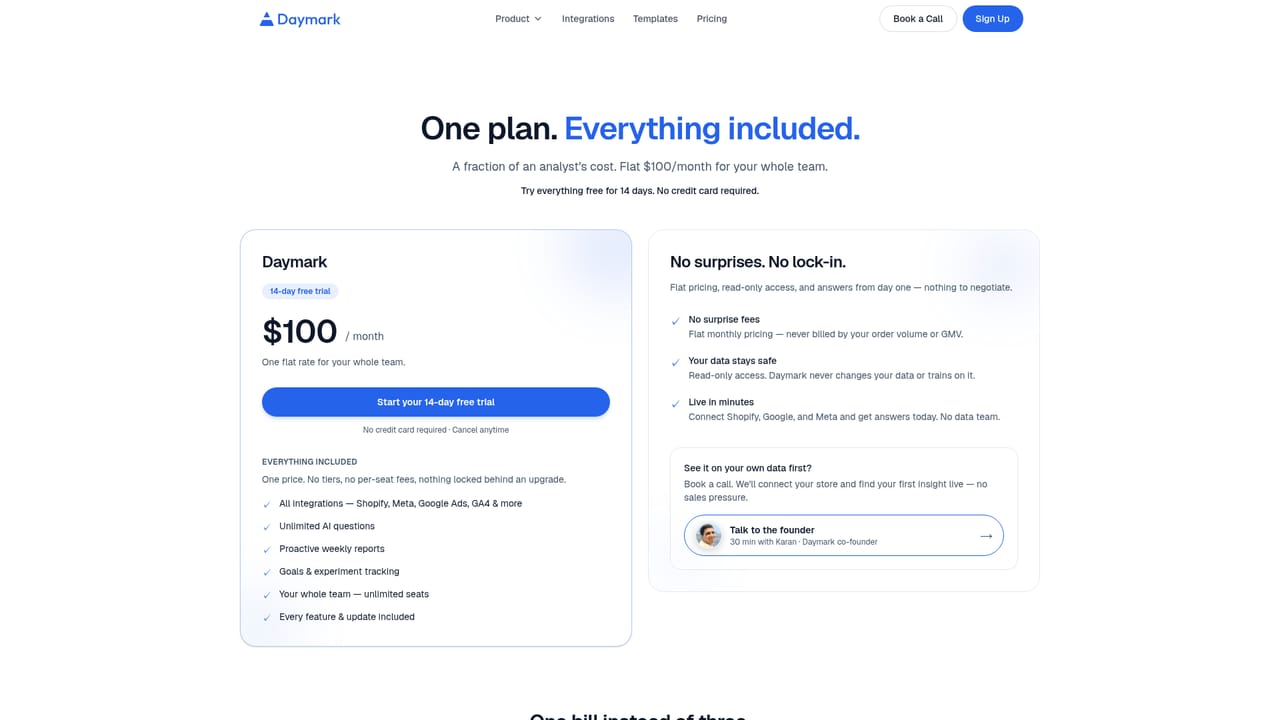
14 day free trial with no credit card required. The company states it will not charge automatically when the trial ends.
Learn moreA 30 minute call with co-founder Karan can be booked from the homepage. No other support channels are detailed on the site.
Shopify, Meta Ads, Google Ads, Google Analytics and Google Search Console, plus HubSpot, PostgreSQL, Google Sheets and CSV uploads. Questions can span multiple sources at once.
Learn morePlain language questions answered across connected sources, with the query logic shown. Goal setting turns targets like repeat rate, AOV or CAC into ranked experiments with measurement guidance. Weekly reports summarize what changed and why. Use cases cover retention by channel, ad ROI analysis, customer value by segment and week-over-week change tracing.
Learn more AI Angels400+ customizable AI girlfriends for NSFW chat, voice calls, and roleplay
 Candy AIExperience the future of companionship with AI friends who chat, role-play, and connect with you on a human level.
 ourdream.aiA vast AI roleplay platform with millions of characters for chat, images, video and voiceAI Angels400+ customizable AI girlfriends for NSFW chat, voice calls, and roleplayCandy AIExperience the future of companionship with AI friends who chat, role-play, and connect with you on a human level.ourdream.aiA vast AI roleplay platform with millions of characters for chat, images, video and voice


